
















































Power Tool Care and Maintenance 101
This article suggests guidelines for power tool care and maintenance. It also describes information tools available at eReplacementParts.com.
what causes the scroll saw to vibrate uncontrollable when I am trying to use my saw. Spped works fine. But cannot control the blade because of the vibration.
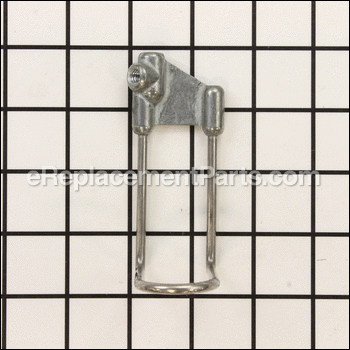
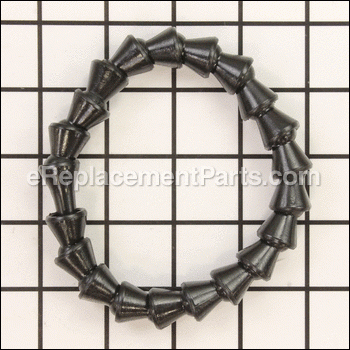
I purchased a replaement air nozzle for my DeWalt scroll saw, but it appears that another part is needed to attach it. There is a ball socket-like piece on the saw and the replacement nozzle is too small to fit over it.
The speed control for my dewalt scrollsaw has a mind of its own it seems. The control knob does not seem to control the speed, and the saw goes at different speeds by itself, Anybody know what the problem is?
DeWalt Scroll Saw DW788 Type 1, About 10 yrs old
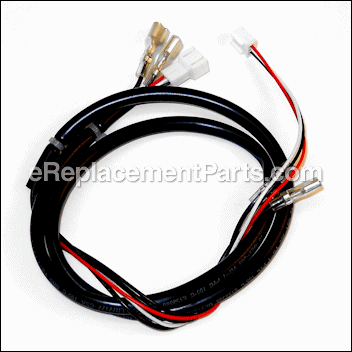
Someone has messed up the wiring. Need help with the following:
Motor rotation when viewed at BACK end=commutator end of motor?
Motor WHITE wire goes to which terminal on circuit board?
Motor BLACK wire goes to which terminal on circuit board?
Line cord WHITE wire goes where?
Line cord BLACK wire goes where?
Two black wires connected to ON-OFF switch: where do they go?
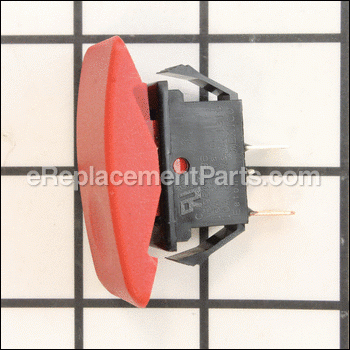
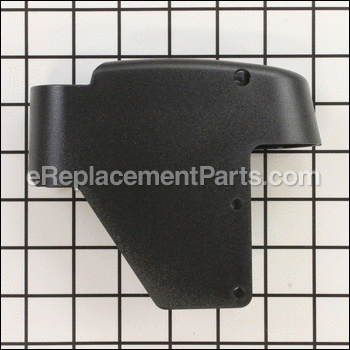
I need to replace the housing part # 286313. How do I remove the speed knob and power switch, without breaking them, to then be able to remove the damaged housing?
Hi Dan, Sounds like a good one!
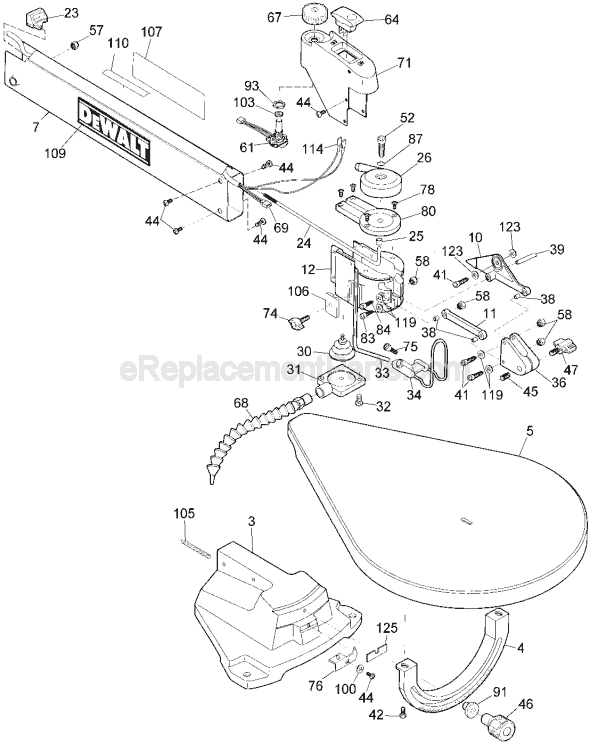
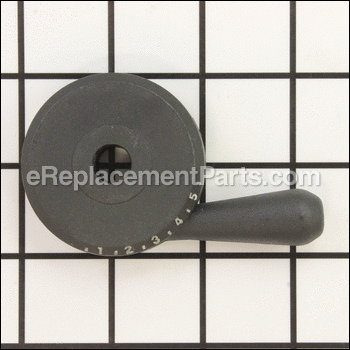
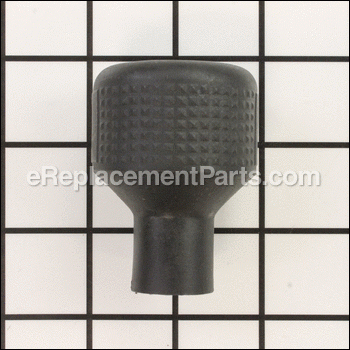
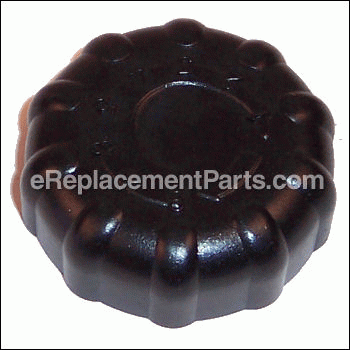
I can walk you through this fix.. First you must remove the speed knob part#67 by slipping a flat blade screw drive under the knob and prying up slow.
The knob should slip off its shaft.. next remove the 4 screws part#44
On the housing.
Your housing should lift up and off as you should have enough slack in the power wires to turn the housing over to get access to the locks holding the power switch.
Next remove the nut and washer holding the part #61 to the housing.
Thats it Dan, Happy to Help and Happy Scroll Sawing! Mark.
My saw wouldn't start last night. I checked the fuse and brushes and all seemed ok. I left the saw for a few minutes and when I came back into my shop it was running! I have turned it on/off a number of times without further problems.
I do a lot of fretwork and am continuously turning the unit on and off to thread the blade through my work.. Occasionally, the saw will hesitate before starting but it is only momentary (not more than a second or two).
Does this sound like a the switch is failing?
The saw started making a lot of noise and skipping. It also goes into high speed without me touching it. Is there some adjustment I can make, or do I have to replace something?
George
Say reg, are your replacement fuses a #3 AG fast acting 1 1/4 long x 1/4'' diameter fuse? That's what the type 2 dewalt scroll saw calls for!
I'm not sure on the type for the type 1 scroll saw.
But you might need check that you're using the right replacement fuses.
If for some reason your saw is drawing more then 3 amps it will blow the overload protection fuse.
Next you could check the brushes in the motor and see if you don't have one causing it to over load the motor. If it's blowing the fuse while running!
If it's blowing the fuse before the power is turned on you might have a power wire that's bare, causing it to short out. Or a loose connection causing it to pull more then 3 amps.
I was doing demonstrations for the boy scouts at our fairgrounds this weekend for the 100th anniversary of the boy scouts, when for no reason my saw quit working...I changed out the fuse with another saw we were using still nothing...tried different outlets, I cannot get it to turn on and run no matter what I tried...
Hi David, Thanks for helping the Boy Scout's out! I enjoy helping them out also!
Let's see if I can help you get your saw going! Are you getting power up to the on/off switch with it plugged in? (when you tried the new fuse)
Start at the power cord with a multimeter. on page A you'll see part # 86 check to see if your getting power through the power cord here. if so move on to part #61
cb & pot. next check to see if your getting power to the fuse box. If it isn't the cb & pot could be bad. If you're getting power up to on/off switch with it plugged in then it could be the v/speed switch or a brush in motor or the motor. I hope this help's you get back to helping scouting! I enjoy making pinewood derby car's with the kid's in Cub Scouting myself lot's of fun! good luck with the fix!
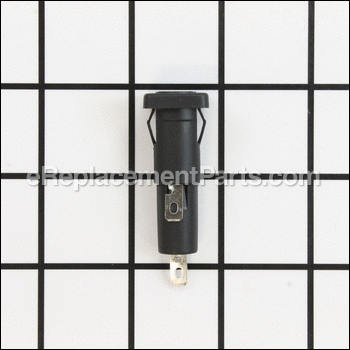
I've been trying to get the fuse out of this saw and can't seem to do it. I've pushed and pulled on it and the whole assembly wants to come out, but not the cap to give me access to the fuse.
Is there some secret to this? I don't want to break the fuse assembly.
Hi Paul, when you purchased your saw new, there was a tool Dewalt sends to remove the cover for the fuse. Try this fix first. Use a thin blade, flat screwdriver to open it. In the cover you will see two notches. Do not use the notch in very top, use the one that is out front. Find a flat blade screwdriver that will just fit the notch. Push it in, you should hear a snap sound. The fingers on the cover should let go and now all that is left to do is pull back on the screwdriver. Lets hope the cover will open for you! Happy Scroll Sawing!
Reply: Fuse
Hans
I had the same problem. You just push in and up and the inside of the fuse assembly will just come out.
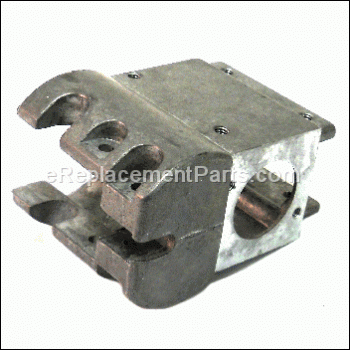
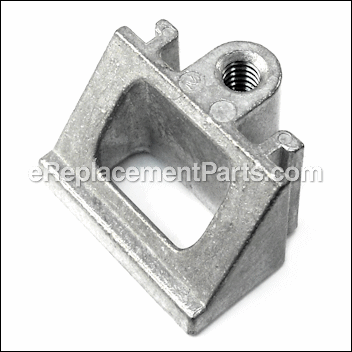
I had to replace the upper aluminum blade assembly not long after I bought the 788. Threads were stripped. Went to local repair facility and they sold me a new one. Not being used to the DeWalt, I asked why the difference on the assembly as the stripped one had something located in the left side hole across from the blade holder screw tightener. The person at the repair facility said it was a new type. Good thing I took the old one with me as I found out when I replaced the assembly with the new one that there was a set screw in the left side and would have lost it if he had thrown it away at the repair shop. I reset the set screw and the assembly works fine and I do not need any additional force on the blade holder screw and do not strip out the soft aluminum blade screw any more.
My blade tension is tight and the bolts holding the blade are tight, but I am losing tension on the blades. Is there something else that can happen to lose tension?
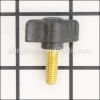
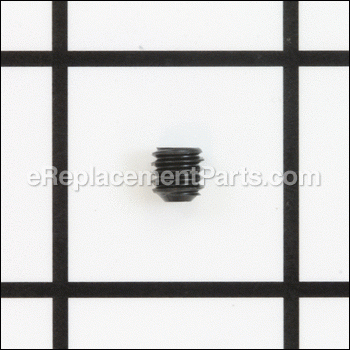
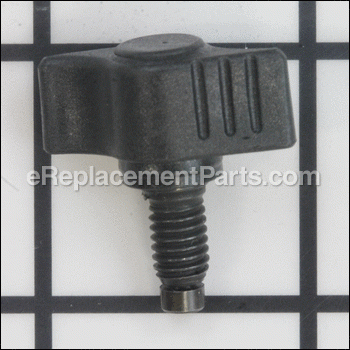
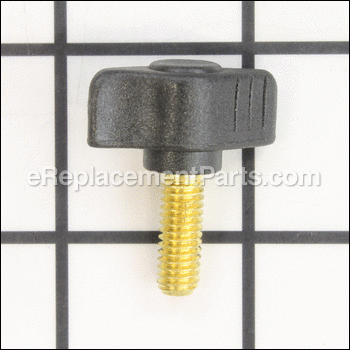
After lots of use the aluminum blade chuck seems to loosen up and the threads are not as fitting. The set screw may have backed out and leaving the blade not in full contact with the set screw. Or, the thumb screw gets polished smooth and needs to be filed to leave some gripping surface on the end of the contact surface.
Good luck. The blade chuck needs to be steel, to take the repeated torque to tighten the blade, and have larger screws making contact with the blade for more resistance. My saws can only saw for a few minutes and the blades are loose again.
Reply: Tension
Carol
I am having the same problem. It is sawing and makes like a rattling or grinding sound and then the blade starts to wobble and I have to stop and tighten it up again. I can't find anyone who can answer this either. If it is only a part I need I would get it and fix it myself but I don't know what is wrong.
Reply: Tension
mark
Hi Gayla, this very thing happened to me also! You need to check the set screws in the blade holders to make sure they are flat. If they are rounded over some what the blade can slip in the chuck as the saw is running. To fix this problem you can try using sand paper or a file to make them flat. If you find yourself with the same problems after you try this fix, you need to replace the set screws and thumb screws. I hope this is the fix! Happy scroll sawing!
Reply: Tension
mark
Hi Carol,
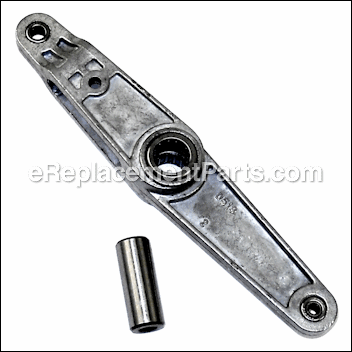
It sounds to me like your saw has more problems. First you also need to check your set screws in the blade chuck. Replace them if they are not flat. When new there is a small point on the tip. Through use the point wears off. If worn or rounded over the set screws are you problem. Replace them or make them flat using sandpaper or a file. Next, the rattling or grinding sound worries me. The rattling sound could be the rod draw in your saw rattling and the grinding sound could be you have some worn out sleeves. To see the parts I'm talking about, look on page B of the parts diagram just above. Look for part #24. To fix it you'll need open your saw up and turn the rod clockwise one to two turns to stop the ratting rod. Now for the grinding. It could be a number of things but you said your blade wobbles also. Look for parts #38 & #39 on page B. These could be what are making the grinding sounds.
You really need to take your saw in to a repair shop and have it looked at! This (would) be you're best bet! Happy to help! But let's get you back up and running! Happy Scroll Sawing Carol. Mark
Reply: Tension
mark
Sometimes it can be the set screw and thumb screw. But not in every case.
In my experience, through use, and tightening the thumb screw too tight, you can strip the threads in the blade chuck part # 36. Also over time and use from tightening all the blades in the chuck you can spread the chuck open, causing the set screws not to line up right.
So if you find yourself trying to tighten the blade into the chuck and the blade keeps popping out, that may be the problem. You can try replacing all three of these parts and see if that helps.
Hi Yolanda,
Yes there is! Scroll up to the top of the page. Click on the arrow to the right to open it to page B. Is part #68 what your looking for? Part #286312-00, the Nozzle Air. You'll need the whole part. I don't know if anyone sells just the tip if this is the part you need for your fix. Glad to help! Happy Scroll sawing! Sometimes we just have to cut up.. to cut out and find that fix!
Reply: Air Nozzle
woodcarver
This is the 2nd time that the air hose broke where it mounts to the saw. Instead of purchasing another air hose every time it breaks and taking it to a Dewalt repair shop, is there a better method of attaching the air hose to the saw?
Checked to make sure power was coming past the fuse into the motor. Checked the brushes - didn't appear to be in bad shape. Then tapped on the motor and then it started working. Could it be the brushes?
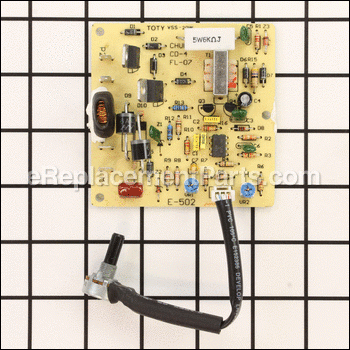
I would open the saw up and check the wiring for a loose connection. There is a circuit board inside as well that could be causing the problem. Make sure that the brushes slide easily in the brush holders. If not very lightly sand them with some fine sandpaper.
Good luck with your repair!
-Mark
Reply: Saw Stopped Working
Mark
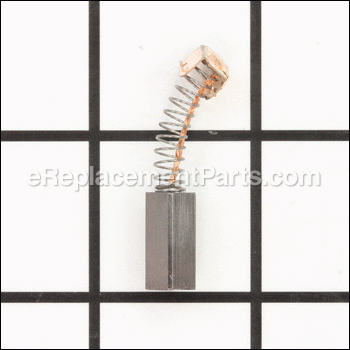
if the brush is worn down to 3/8'', it must be replaced.
Use only identical DeWalt brushes as new brush assemblies are available. Always replace a used brush in the same orientation in the holder as it was prior to its removal. And keep them clean and sliding freely in their guides. As you must do maintenance to keep your saw running in top shape.
Canned air will help you clean out any carbon dust in the motor or guides.
Happy to help & Happy Scroll sawing
Just got a new 788 scroll saw. I'm having a problem returning the table to zero after tilting either left or right. The table bevels in those directions easily, but it binds trying to to return it to level/zero position. Anyone having this problem? Is there a fix for this?
One of our customers, Jamie Hurr, built a bird house clock and was kind enough to share a picture and some information regarding her project with us.
The clock is 18 – 20 inches tall with a 12-inch base, and the sides are set at 30 degree angles. It is made mostly out of pecan, with a walnut base, maple middle support and support braces, and oak behind the face of the clock to show the carved numbers.
Ms. Hurr used a DeWalt DW788 scroll saw for this project and it took her 50 hours to complete.
That's a beauty of a birdhouse, but don't it drive you crazy when you have to drill all of those little holes. It does me beautifull work. Keep on making dust.
I have had the DW788 in a middle school work environment for at least 5 years now. My first one was a bit further back. I like them for the quick blade change aspect because I go through up to 400 blades a year. They are also quieter than others I have had and the blade guard is easy for young children to manage. The issues for me are that the thumb screws changed at a certain point in time and the new design twisted the smaller diameter blades, causing them to fall out of their pinch point. Also, periodically they would just stop running. I discovered the problem to be dust in the switch. After I cleaned it out it work fine. Because of the number of operating hours on these machines with novice use and their overall lack of major mechanical issues I give them a good rating.
We bought two of these for a nonprofit in Nicaragua for an income generation project. After replacing the switch (common problem) on the newer one, tested and realized that the motor was out. We thought that we were purchasing a quality product that could be depended on for more than one year. Given the price of a new motor we will be looking for a more reliable machine from another manufacturer.