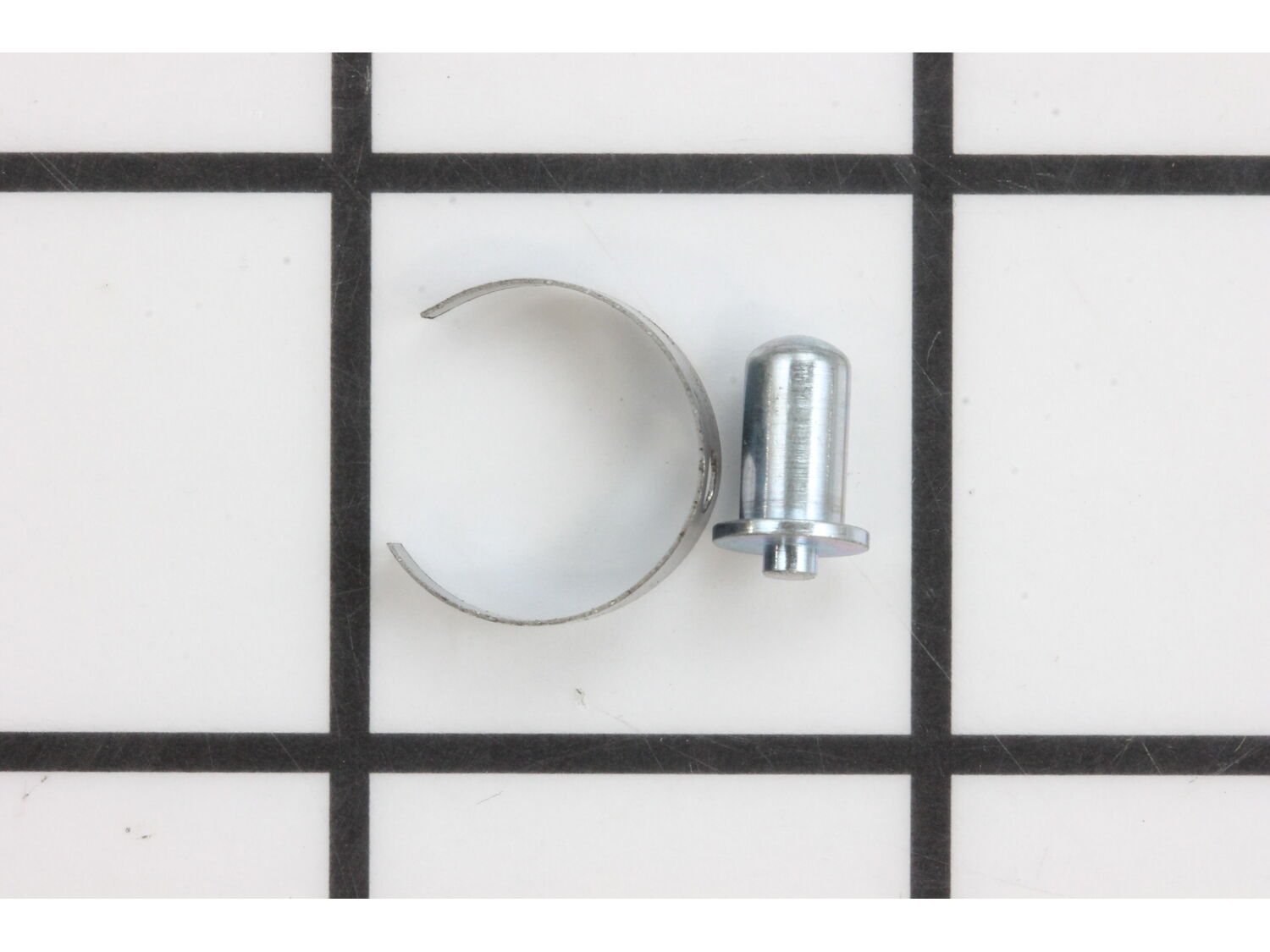
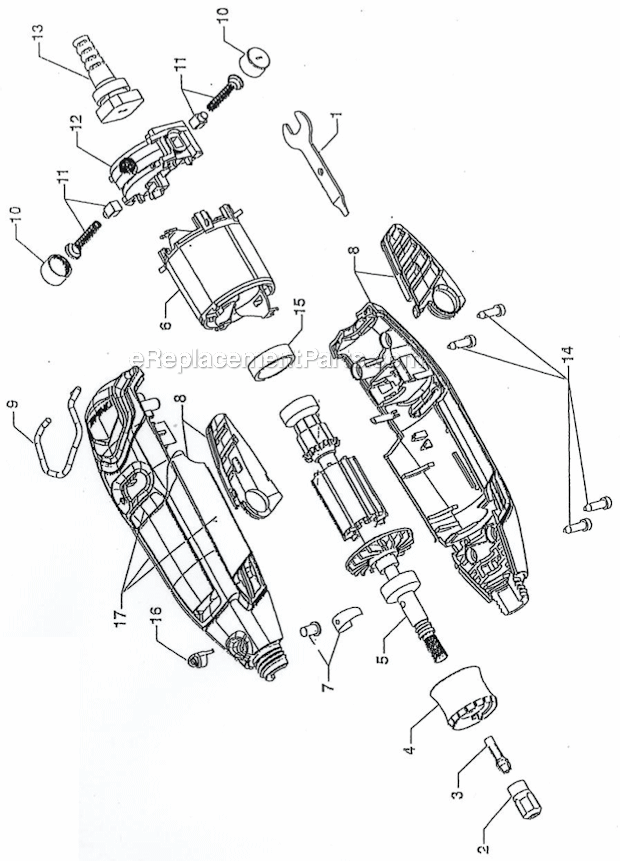
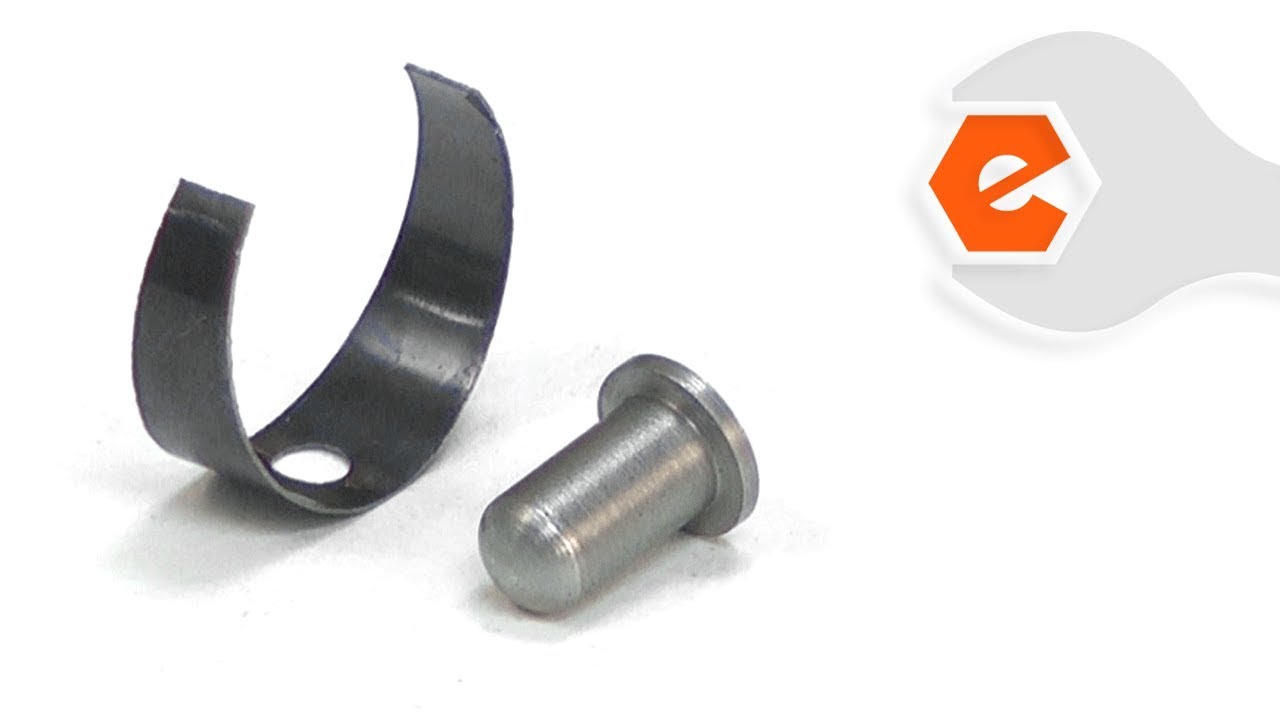
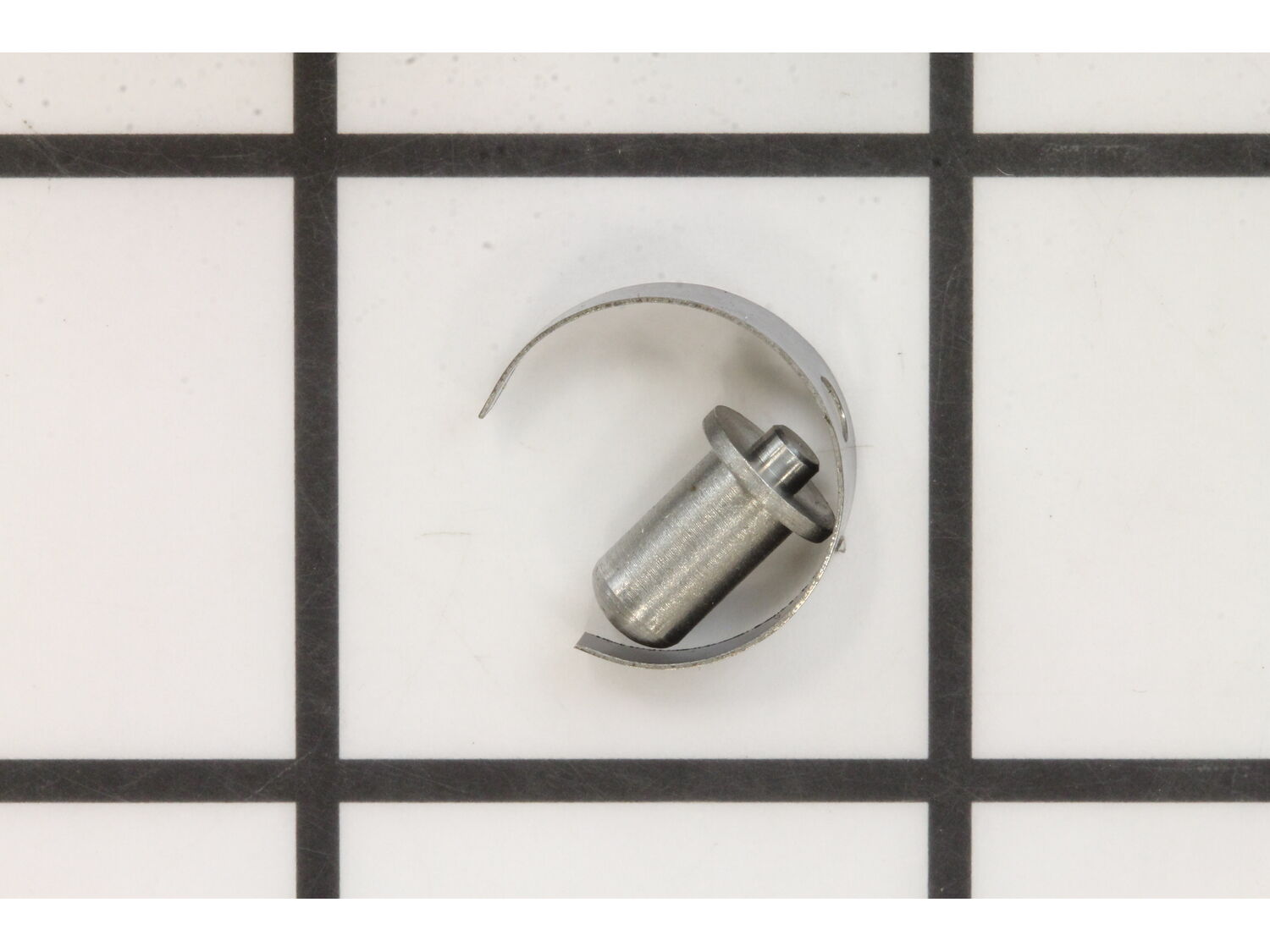
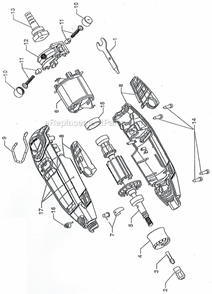
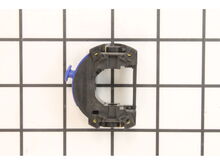
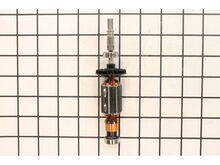
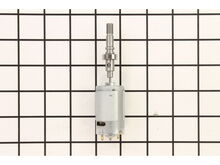
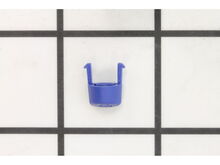
This is a Genuine replacement part designed for Dremel Rotary Tool. It helps to lock the the Spindle Shaft. It is Made out of Metal and it is Sold Individually. This Assembly includes a Collar and a Pin. To complete the repair you would need a Hex Key/Allen Wrench.
Sorry, we couldn't find any existing reviews that matched. Try using some different or simpler keywords.
★★★★★
★★★★★
Fit perfect
It was an exact replacement
Guest - June 29, 2019
Verified Purchase
★★★★★
★★★★★
Worked perfectly
Brand new ,fast shipment , Dremel works great again
Guest - July 2, 2019
Verified Purchase
★★★★★
★★★★★
Great Service
Perfect
Guest - July 3, 2019
Verified Purchase
★★★★★
★★★★★
Worked as described. Fast delivery.
Worked as described. Fast delivery.
Guest - July 30, 2019
Verified Purchase
★★★★★
★★★★★
Great part that was easy to repair.
The part is working .
Guest - August 23, 2019
Verified Purchase
★★★★★
★★★★★
Good parts
parts arrive very fast. Good quality.
Guest - September 5, 2019
Verified Purchase
★★★★★
★★★★★
worked as expected
the parts arrived in a timely manner and fit perfectly
Guest - September 11, 2019
Verified Purchase
★★★★★
★★★★★
Exactly what I needeed to fix my Dremel Tool
Reciveved the part speedy quick. very pleased
Guest - September 16, 2019
Verified Purchase
★★★★★
★★★★★
Part was a perfect match to original
Part worked as well as the original. Installation was easy.
Guest - October 11, 2019
Verified Purchase
★★★★★
★★★★★
Quick and easy
The part arrived quickly from ereplacement parts. Total repair on the dremel lock took about 15 minutes. The dremel 3000 works like new again!! It’s easy again to remove bits!
Guest - October 28, 2019
Verified Purchase
< Prev
1
2
3
Next >
Customer Repair Instructions
All our customer repair instructions are solicited directly from other customers just like you who have purchased and replaced this exact part.
Easy
Less than 15 mins
(34 rated repairs)?
< Prev
1
2
3
Next >
Sort by:
Sorry, we couldn't find any existing installation instruction that matched.
The lock fail to engage to loosen collar ,so bits could not be changed
Unscrew sleeve holding the collar, remove four screws with star bit (don\'t loose). the tool should open in half. remove and replace the lock pin and sleeve over the hold in the body of the tool. assemble tool and secure with the four screws to hold the body halves of the tool properly. Screw the collar back in place and test.
Did you find this story helpful?
Thank you for voting!
I was unable to get the collet to release the bit. The armature kept slipping past the lock button.
I took the tool to a repair shop, and they told me they could no longer get parts and turned me away. Good thing. Three minutes of Google searching led me to this site. The parts were very inexpensive. Remove the screw-on tip cover just below the collet. The case is held together by four (4) torx screws. Take those out and pull the top co
... Read morever side off.The entire assembly lifts right out of the slots that line up with the bearings. The lock button is a simple u-shaped piece of spring steel that sits over the tip of the metal locking pin. The tip of that locking pin had sheared off of mine, probably by accidentally bumping it during operation. The armature slides out of the outer assembly (there are electrical connecting pins-be careful not to bend them). Remove the old collet assembly. Install the collet assembly onto the new armature. Slide the new armature into place, putting the pins back into the sockets. Place the bottom bearing of the assembly over the slot. Slide the tip of the armature through the lock-button spring, and place the entire thing back into the case. Make sure the locking pin lines up with the plastic outer button, and firmly seat the bearings into their slots. Align the power cord grommet with the slot in the bottom of the case. Reinstall the top side of the case. Reinstall the top screw cover just below the collet. Done.
Read less
Did you find this story helpful?
Thank you for voting!
The lock and armature and bearing assembly were worn and I couldn\'t lock dremel to remove insert bits. After replacing the parts it\'s like new again!
I removed the machine screws with an Allen wrench after also removing the side stickers on my Dremel 3000. Then I removed the two grey plastic locking screwed on back of armature & bearing assembly to remove the springs and metal pieces that fit inside back part of the bearing assembly. Then I pulled out the old part and slid the new as
... Read moresembly part in. I then put the new lock and collet nut on the front of the new assembly part and put the spring metal pieces back in the back section with the plastic flat tip screwdriver to hold those springs in and holds the armature & bearing assembly in place. Then I put the two halves of the Dremel back together and screwed in the machine screws with the Allen wrench and glued the stickers back on the sides of the Dremel cover.
Motor/Shaft
1) Remove screws and plastic cover
2) Disconnect motor from Board
3) Open new motor
4) Connect motor to Board (if only drive shaft/motor, reassemble)
To add new lock
1) Remove screws and plastic cover
2) Remove Lock and Replace
3) Insert new spring
4) Reassemble
... Read more
1. Opened the Dremel up
2. Removed old on/off switch from motor and disconnected power wires. (write down black/white configuration beforehand. I don\'t think it matters during reassembly but better safe than sorry!)
3.Snapped new on/off switch into the four ports of the motor.
4. Reattach white and black power cords.
... Read moreThey snap into the unit very easily.
5. Closed the unit.
6. I replaced the carbon brushes to, because they were a bit worn out. This is easy but must be done at the very end so the motor sits correctly.
7. Turned it on and enjoyed my Dremel again. This repair saved me about $40-50 dollars from having to buy a new Dremel. I like this place!
Read less
Did you find this story helpful?
Thank you for voting!
Locking pin was worn down, could not change out bit.
This part is in stock in our warehouse and will ship out within 1 business day of the order being placed.
New stock is on the way! On order parts usually ship within 7 business days.
Item is not in stock and usually ships 10-15 business days from the time you place your order.
This item is no longer being made by the manufacturer, and cannot be added to your shopping cart.
✖
Mail-In Recycling Rebate
Some of the parts we sell are eligible for mail-in rebates since we can recycle them. We will display any applicable rebates in your shopping cart. To redeem your rebate, contact Customer Service after you have received your part.