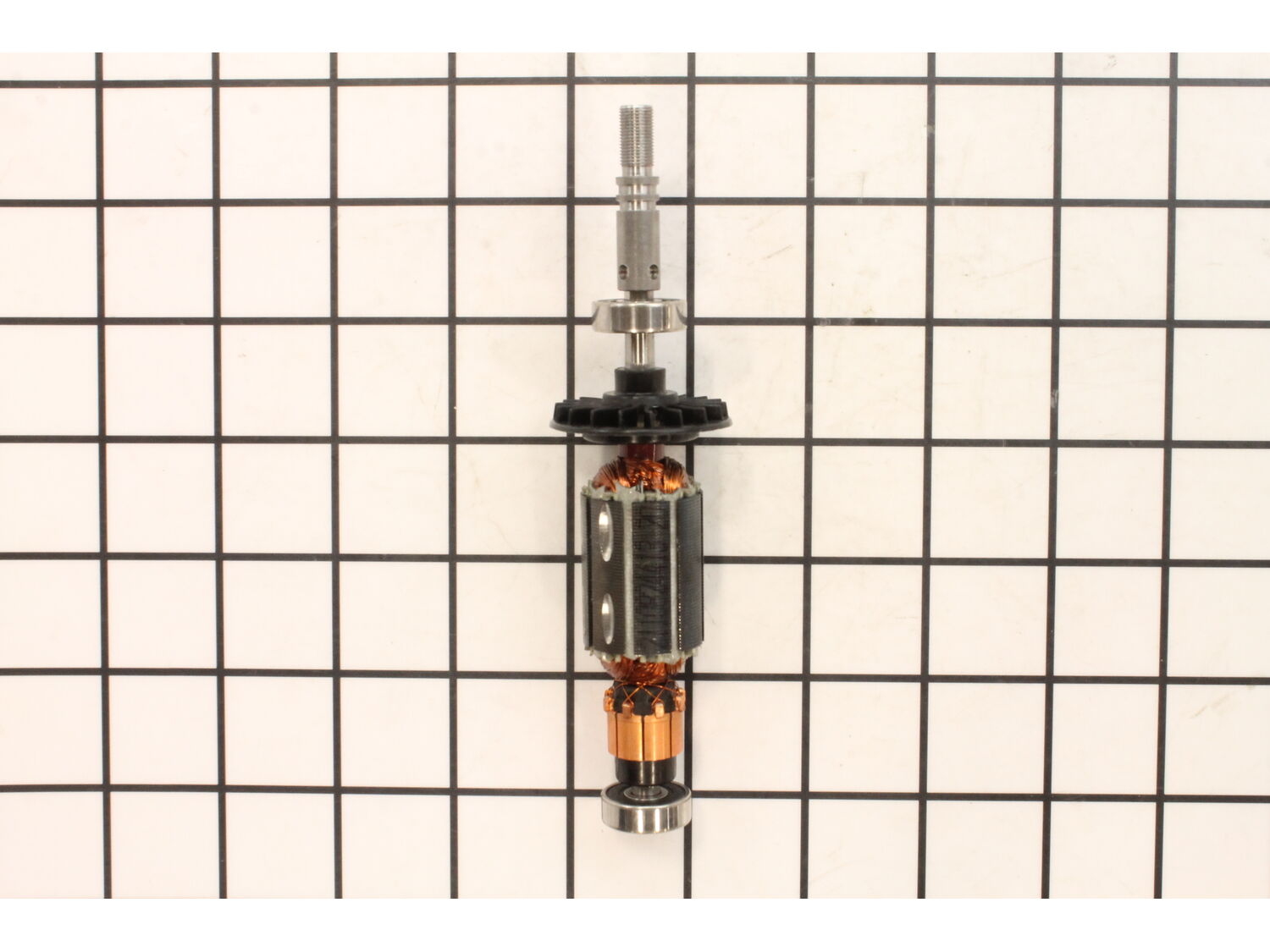
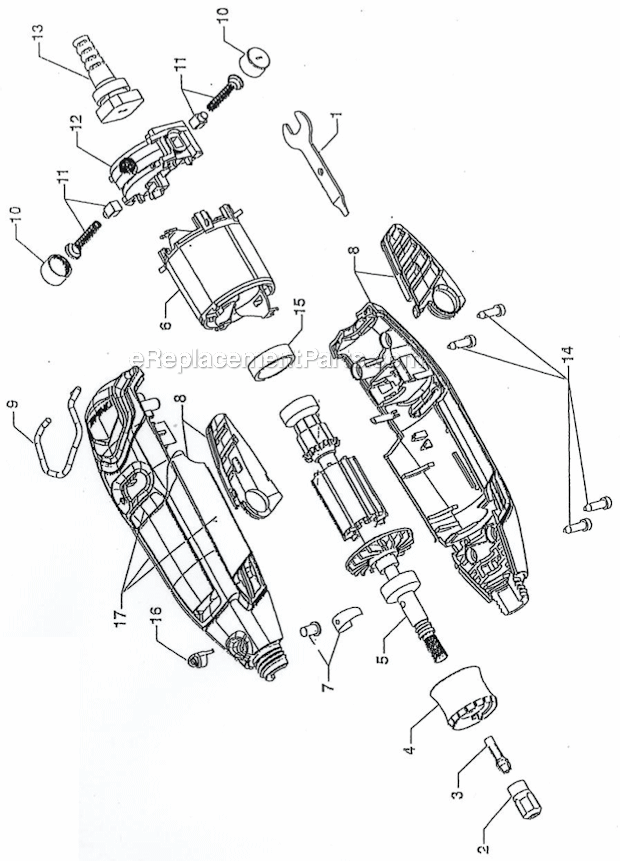
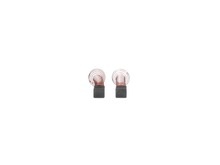
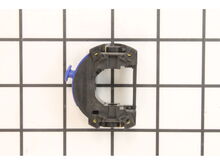
This genuine OEM sourced replacement armature and bearing assembly that is specially made for Dremel rotary tools. The armature is one of the main components inside an electric motor, in combination with the motor's field it creates a magnetic field, which causes the armature to rotate. It is a complete assembly which includes a high-quality metal armature, a plastic fan, armature bearing and commutator end bearing. It is highly recommended to replace both carbon brushes when replacing an armature. Please note this assembly is sold individually.
Sorry, we couldn't find any existing reviews that matched. Try using some different or simpler keywords.
★★★★★
★★★★★
Easy repair, perfect part!!!
This part was exactly the right one and arrived quickly. Now the Drexel is like new again! Very happy :)
Guest - May 14, 2019
Verified Purchase
★★★★★
★★★★★
What I needed
It took a few more days than I expected but it’s understandable with today’s conditions. The part was a perfect fit to the repair. I would recommend to anyone to order from here
Guest - November 10, 2020
Verified Purchase
★★★★★
★★★★★
Worked as expected
Arrived quickly
Guest - April 30, 2021
Verified Purchase
★★★★★
★★★★★
A Dremel Saved is a Dremel Earned!
The armature & bearing i ordered showed up quickly and fit just fine! My Dremel 3000 is back to running like i just bought it! Thanks, y'all!
Anthony - May 20, 2021
Verified Purchase
★★★★★
★★★★★
Dremel tool armature & bearing assembly K4-1679
Fast & courteous response but unfortunately the armature & bearing assemble does not fit my moto tool model 580-5. The bearing on the shaft end part # SS697ZZ was all I needed, which was unavailable separately.
Guest - May 13, 2023
Verified Purchase
Customer Repair Instructions
All our customer repair instructions are solicited directly from other customers just like you who have purchased and replaced this exact part.
Easy
15 - 30 mins
(5 rated repairs)?
< Prev
1
Next >
Sort by:
Sorry, we couldn't find any existing installation instruction that matched.
The lock and armature and bearing assembly were worn and I couldn\'t lock dremel to remove insert bits. After replacing the parts it\'s like new again!
I removed the machine screws with an Allen wrench after also removing the side stickers on my Dremel 3000. Then I removed the two grey plastic locking screwed on back of armature & bearing assembly to remove the springs and metal pieces that fit inside back part of the bearing assembly. Then I pulled out the old part and slid the new as
... Read moresembly part in. I then put the new lock and collet nut on the front of the new assembly part and put the spring metal pieces back in the back section with the plastic flat tip screwdriver to hold those springs in and holds the armature & bearing assembly in place. Then I put the two halves of the Dremel back together and screwed in the machine screws with the Allen wrench and glued the stickers back on the sides of the Dremel cover.
Remove front nose piece
Remove the brushes
Remove the screws from the housing and separate them
Remove the old armature
Install the new armature
Screw the housings together
Replace the brushes and the nose piece
Did you find this story helpful?
Thank you for voting!
Burnt out motor in the mulitool, broken armature and bad brush wear.
1.) Make sure the tool is unplugged at all times during this process.
2.) Took out the screwdriver (Torx) and unscrewed the screws.
3.) Took a small screwdriver to take out the brushes and unscrew the shaft collar as well.
4.) Opened up the casing to the multi-tool.
5.) Keeping in mind not to lose the locking mech
... Read moreanism (shaft lock) for the shaft when opening the case.
6.) Gently pull the wires out from the speed switch and pull the rubber cover to the back bearing.
7.) Slid the armature out of the field assembly for inspection of parts and pull the speed switch off of the field assembly. ( Note put speed switch aside because it will be used later in the assembly process.)
8.) Opened the part boxes to the field assembly and armature w/bearing assembly.
9.) Inspected new parts to make sure everything was in order. Then assembled new field assembly and armature w/bearing assembly together by sliding the armature through the field assembly.
10.) Put the assembled new parts in the case and making sure I put the rubber cover on the end of the bearing to the armature.
11.) Plug in the speed switch to the field assembly that was taken out in step 7. Make sure it goes together and plugs in firmly to the field assembly. ( Note: the armature w/bearing assembly should be easy to rotate back and forth.)
12.) Plug in the power wires into the speed switch making sure the wires are in firmly.
13.) Put the assembly back into the case by making sure everything was in right place. ( Don\'t forget to make sure the shaft lock is in place still in the case.)
14.) Before closing up the case make sure the armature w/bearing assembly turns free in either direction so the parts have free movement. ( Note: If need takes the pliers and gently press together on the fan and the shaft to move the fan up or down so it is centered on the space provided in the case.)
15.) When everything moves freely put the case back together with the Torx screws, also put the new brushes in and screw in the shaft collar as well.
16.) Once everything is back together, plug in the multitool and turn on the speed switch. If done correctly everything should work properly and now the tool is ready to use.
Read less
Did you find this story helpful?
Thank you for voting!
I damaged the lock button holes in the armature while not paying attention and putting pressure on the lock button while using the Dremel.
This is for a Dremel 3000.
1. Use a sharp razor and cut the decals on both sides of the tool lengthwise along the groove.
2. Remove the 2 brushes.
3. Use a #10 Torx bit to remove the 4 screws holding the tool together.
4. Carefully open the Dremel and set the two side pieces aside.
5. Carefully and gently l
... Read moreift the armature assembly.
6. Remove the damaged armature by sliding it forward and out.
7. Install the new armature.
8. The rest is the reverse of the above steps.
9. Make sure the armature spins freely before inserting the screws. If it doesn\'t, make sure it is
seated properly.
10. Wear gloves and/or oil any surfaces you touch, otherwise oil from your fingers will cause
surfaces to rust.
Read less
Did you find this story helpful?
Thank you for voting!
< Prev
1
Next >
Model Cross Reference
This part works with the following models:
ERP Number: ERP10259984
Manufacturer Part Number: 2610013850
This part is in stock in our warehouse and will ship out within 1 business day of the order being placed.
New stock is on the way! On order parts usually ship within 7 business days.
Item is not in stock and usually ships 10-15 business days from the time you place your order.
This item is no longer being made by the manufacturer, and cannot be added to your shopping cart.
✖
Mail-In Recycling Rebate
Some of the parts we sell are eligible for mail-in rebates since we can recycle them. We will display any applicable rebates in your shopping cart. To redeem your rebate, contact Customer Service after you have received your part.