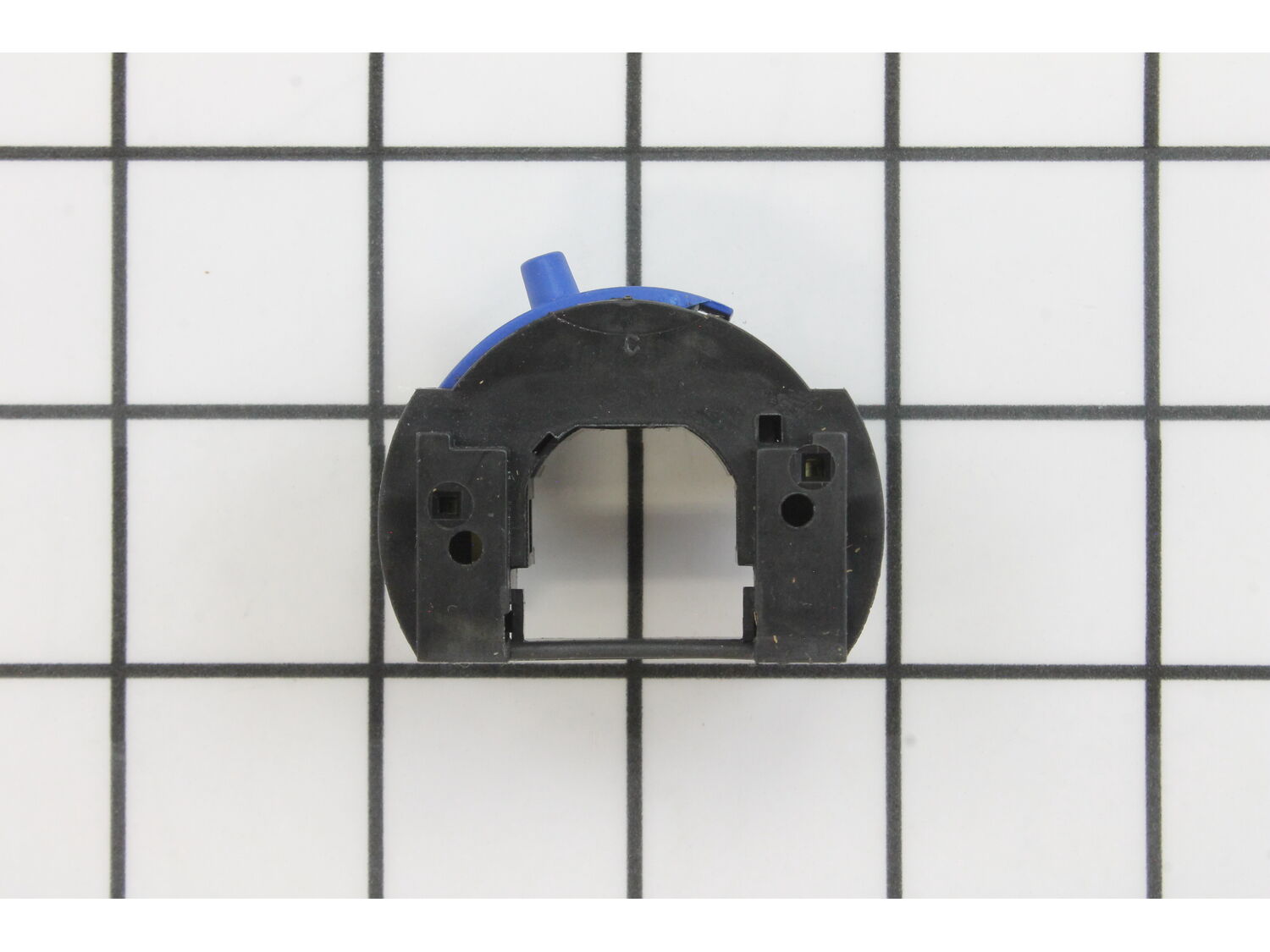
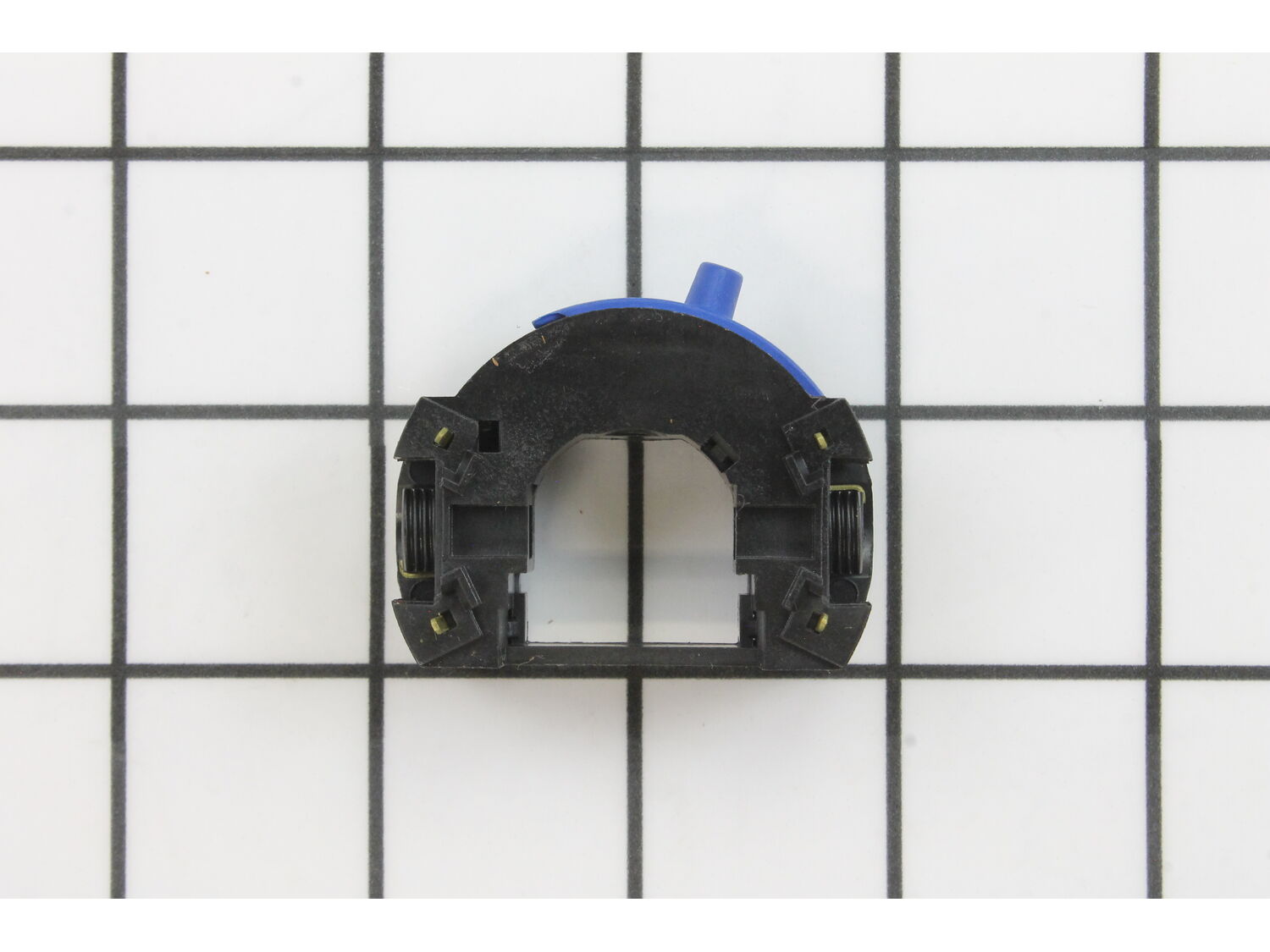
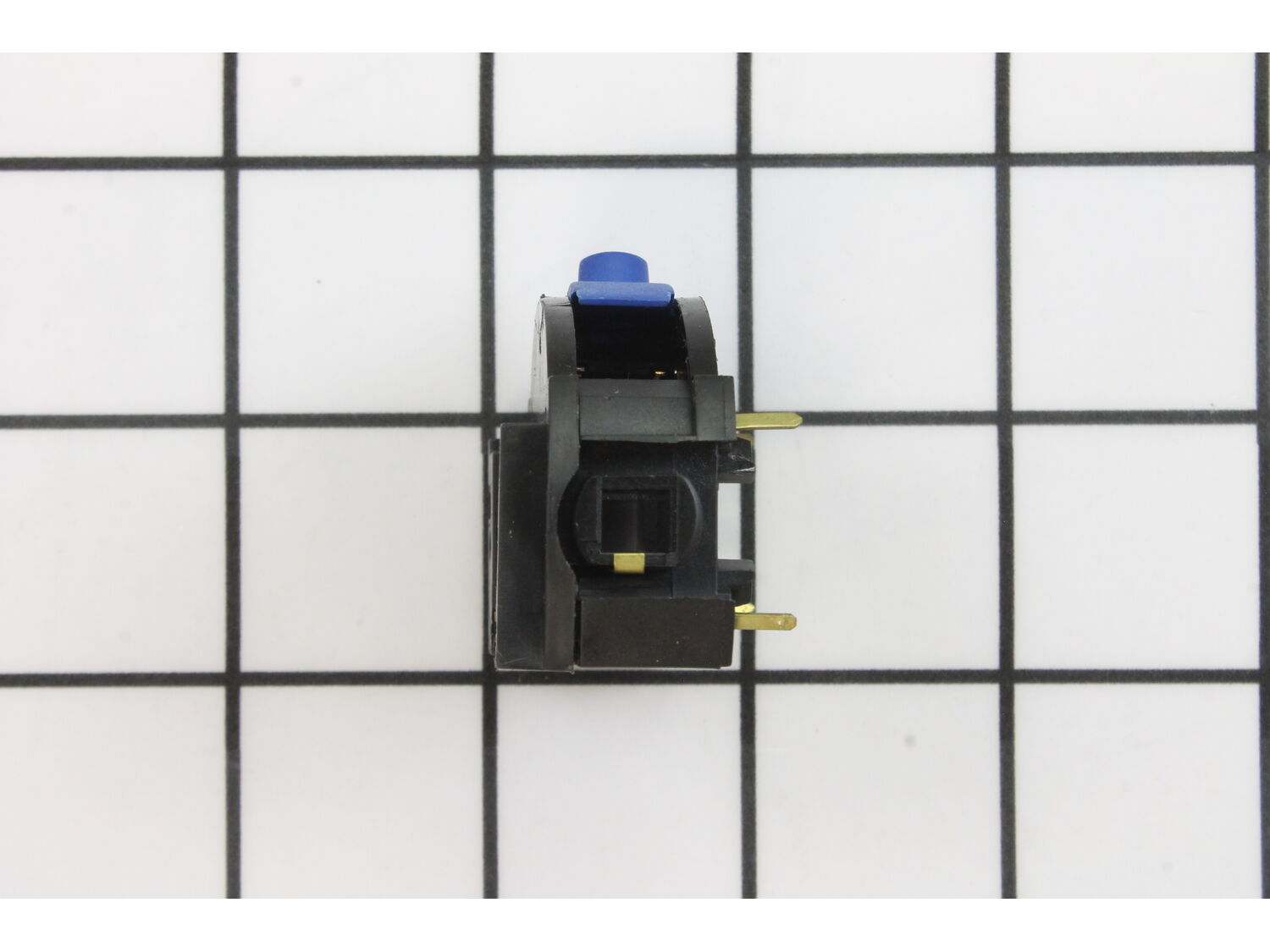
This is a genuine Dremel replacement part that has been sourced from the original manufacturer to be used with multi-tools. The switch assembly is used to relay electricity from the power cord to the motor. This item may require a screwdriver, small pick, small nose pliers, and a utility knife to install. The switch is sold individually.
Sorry, we couldn't find any existing reviews that matched. Try using some different or simpler keywords.
★★★★★
★★★★★
Easy repair and lot of supporting infomation was available. Before the repair I was unable to change the speeds on my Dremel. It only operated at one speed.
Once the speed Controller part was replaced I was able to change the speeds of the Dremel.
Guest - September 3, 2019
Verified Purchase
★★★★★
★★★★★
Fast shipping.
Parts were a perfect fit, would order from them again. Part was easy to find.
Guest - September 4, 2019
Verified Purchase
★★★★★
★★★★★
Great customer service company!!
I was surprised at how quickly I received the switch I ordered, especially considering the current circumstances.
Although it was due to my mistake as I ordered the wrong part, the company has been super about allowing me to return it and has made the return very simple for me! Thanks!!
Guest - June 2, 2020
Verified Purchase
★★★★★
★★★★★
Worked perfectly
I had tested my on off switch and discovered that it was malfunctioning. Came to ereplacementparts, looked up my parts, ordered and waited. I paid for the 3-5 day delivery, it didn't make it on time, called customer service and they reimbursed my shipping.
Very pleased with the entire process with ereplacementparts and will continue to use them in the future.
Ryan - December 21, 2021
Verified Purchase
★★★★★
★★★★★
First Class Service!
All of the parts I ordered were received as expected. They were well packed and in excellent shape. These folks do what they say they will and send quality parts at a reasonable price. Thanks!
Guest - November 26, 2022
Verified Purchase
★★★★★
★★★★★
Switch ... on !
Perfect replacement for a defective switch for the Dremel model 300, it now works like brand new. Easy to install, plenty of Utube videos to guide you.
Guest - May 5, 2023
Verified Purchase
Customer Repair Instructions
All our customer repair instructions are solicited directly from other customers just like you who have purchased and replaced this exact part.
Easy
15 - 30 mins
(9 rated repairs)?
< Prev
1
Next >
Sort by:
Sorry, we couldn't find any existing installation instruction that matched.
On-Off switch - Is a slide speed control - apparently wears until - loss of contact -NO Power
The tool is a Dremel Model 300 (NOTE: Each of the models 100,200,&300 have different housing (frame) and different switch assemblies ( on-off switch)
This speed control is a plug in module into the back of the motor field assembly
1. Remove 4 frame screws using special star tool
2. Unscrew housing cap at front end & rem
... Read moreove brush caps and brush /springs
3 Save brushes and cap in a parts cup & lay assembly in tool holder or cradle
4. Open cover and set aside - collect lock assembly -( button & collet spring from front)
5. Lift out motor assembly, remove rear Isolator off of the rear bearing
6. Unplug speed control (on-off) module from the motor field assembly and mark top position
Note: Parts held for reassembly - 4 screws, housing cap, brush caps and brush pcs, lock assembly, rear isolator (remember position) and the basic assembly.
Reassembly in reverse order - watch orientation of parts - assemble and hand press cover in place before installing screws - check position power cord gasket is correct
DO NOT FORCE PARTS - If you pay attention and note part positions when disassembly
then they will go together easily - Note: the rear bearing isolator is actually a soft bearing seat or collar providing vibration dampening, if it is hard it should be replaced.
1. Opened the Dremel up
2. Removed old on/off switch from motor and disconnected power wires. (write down black/white configuration beforehand. I don\'t think it matters during reassembly but better safe than sorry!)
3.Snapped new on/off switch into the four ports of the motor.
4. Reattach white and black power cords.
... Read moreThey snap into the unit very easily.
5. Closed the unit.
6. I replaced the carbon brushes to, because they were a bit worn out. This is easy but must be done at the very end so the motor sits correctly.
7. Turned it on and enjoyed my Dremel again. This repair saved me about $40-50 dollars from having to buy a new Dremel. I like this place!
Removed the screws and the brush caps and brushes from the housing and separated the housings
Unplugged the old switch and plugged the new one in
Screwed the housings together
Installed the new brushes and brush caps
1. Took out the case screws and removed the top side (opposite the switch control). [special screwdriver bit]
2. Then removed the armature housing and the armature.
3. Slipped the rubber coating off the bearing on the end of the armature shaft.
4. Slipped the old switch out and the new switch in place - reassembled the t
... Read moreool.
5. Tried the tool but it did not work well - took apart and reassembled 2-3 times -- still no good.
6. Disassembled, turned the armature housing 180 degrees in the bottom half of the case - then reassembled.
7. It worked fine. Apparently, I had rotated the armature housing. It is still working fine and I have used it several times since the repair.
Remove the front cover
Remove the screws from the housing and separate
Pull the old switch out and the new switch in
Place housing together
Replace the brushes
Did you find this story helpful?
Thank you for voting!
< Prev
1
Next >
Model Cross Reference
This part works with the following models:
ERP Number: ERP10260234
Manufacturer Part Number: 2610925722
This part is in stock in our warehouse and will ship out within 1 business day of the order being placed.
New stock is on the way! On order parts usually ship within 7 business days.
Item is not in stock and usually ships 10-15 business days from the time you place your order.
This item is no longer being made by the manufacturer, and cannot be added to your shopping cart.
✖
Mail-In Recycling Rebate
Some of the parts we sell are eligible for mail-in rebates since we can recycle them. We will display any applicable rebates in your shopping cart. To redeem your rebate, contact Customer Service after you have received your part.



_WW_1.gif "Part Location Diagram of 2610925722 Dremel On-off Switch")
_WW_1.gif "Part Location Diagram of 2610925722 Dremel On-off Switch")