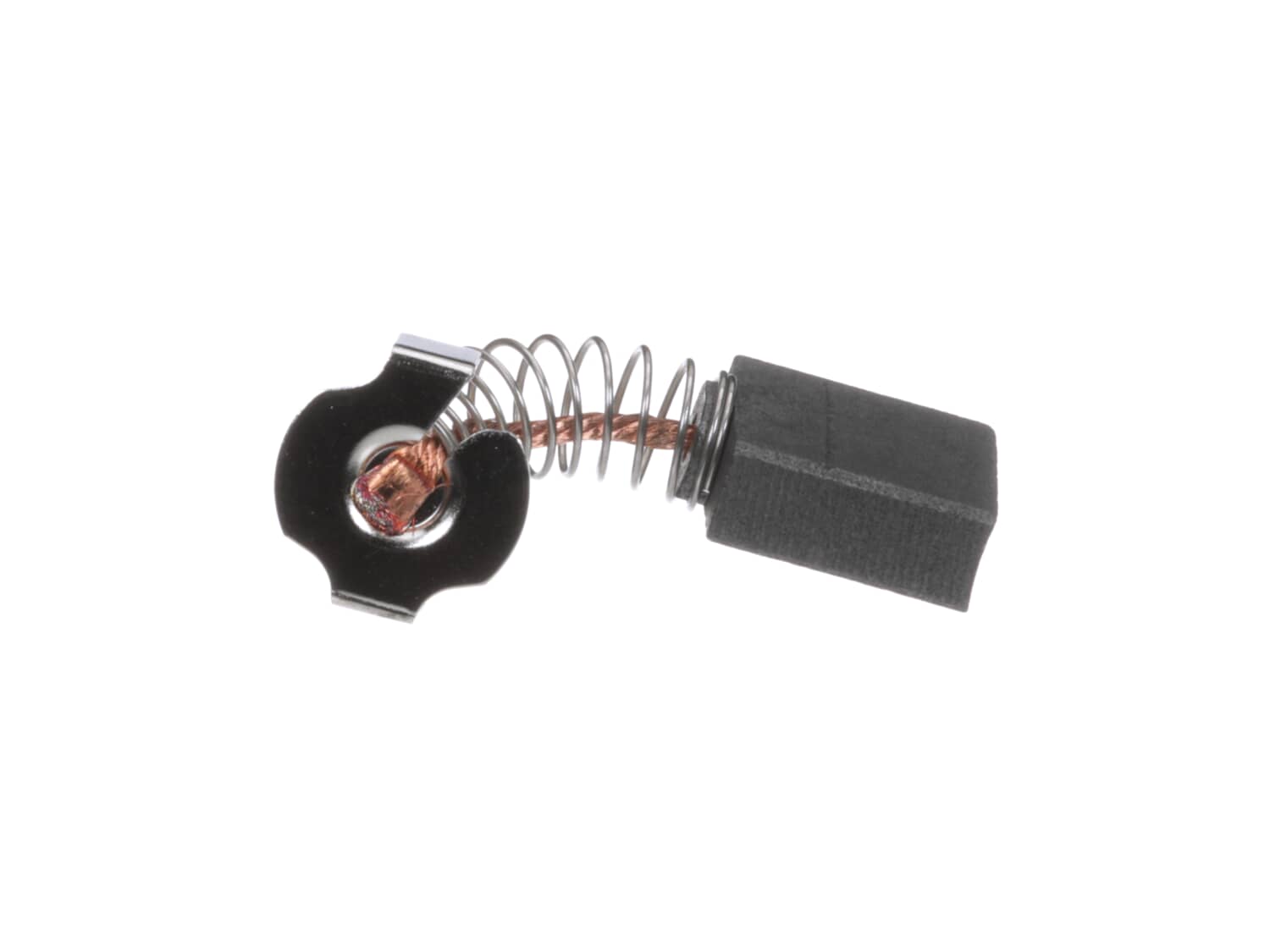
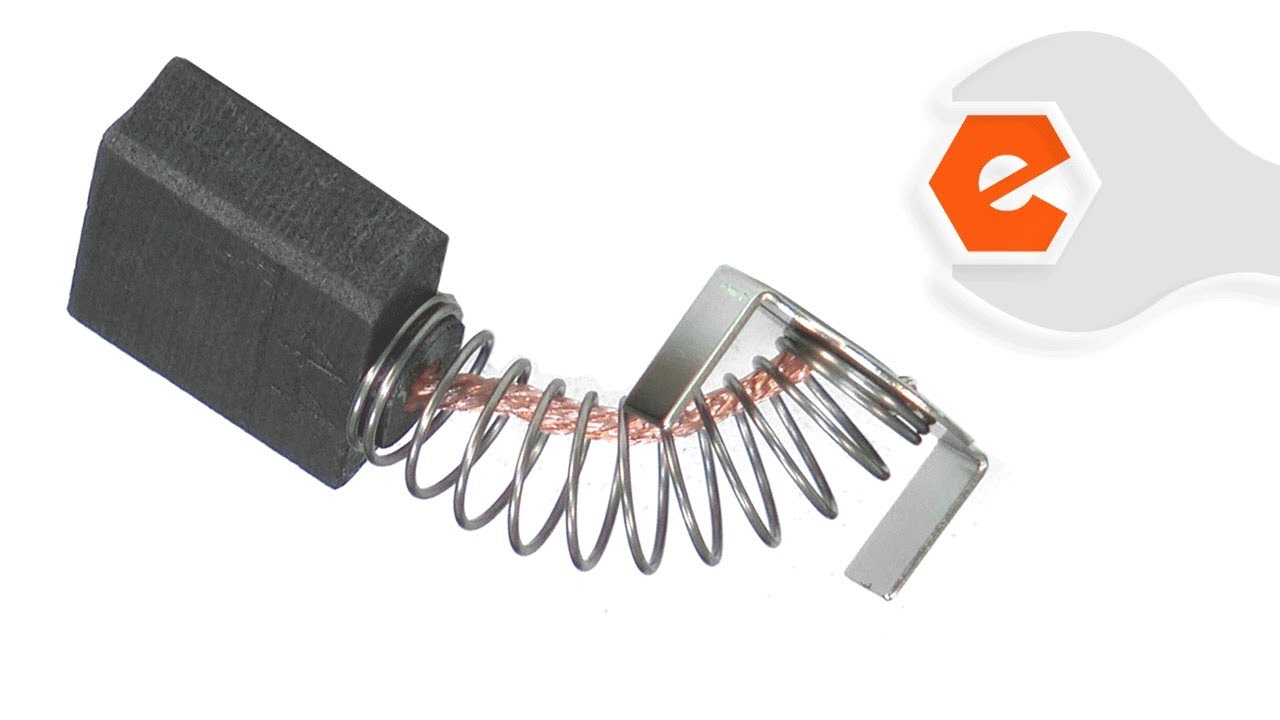
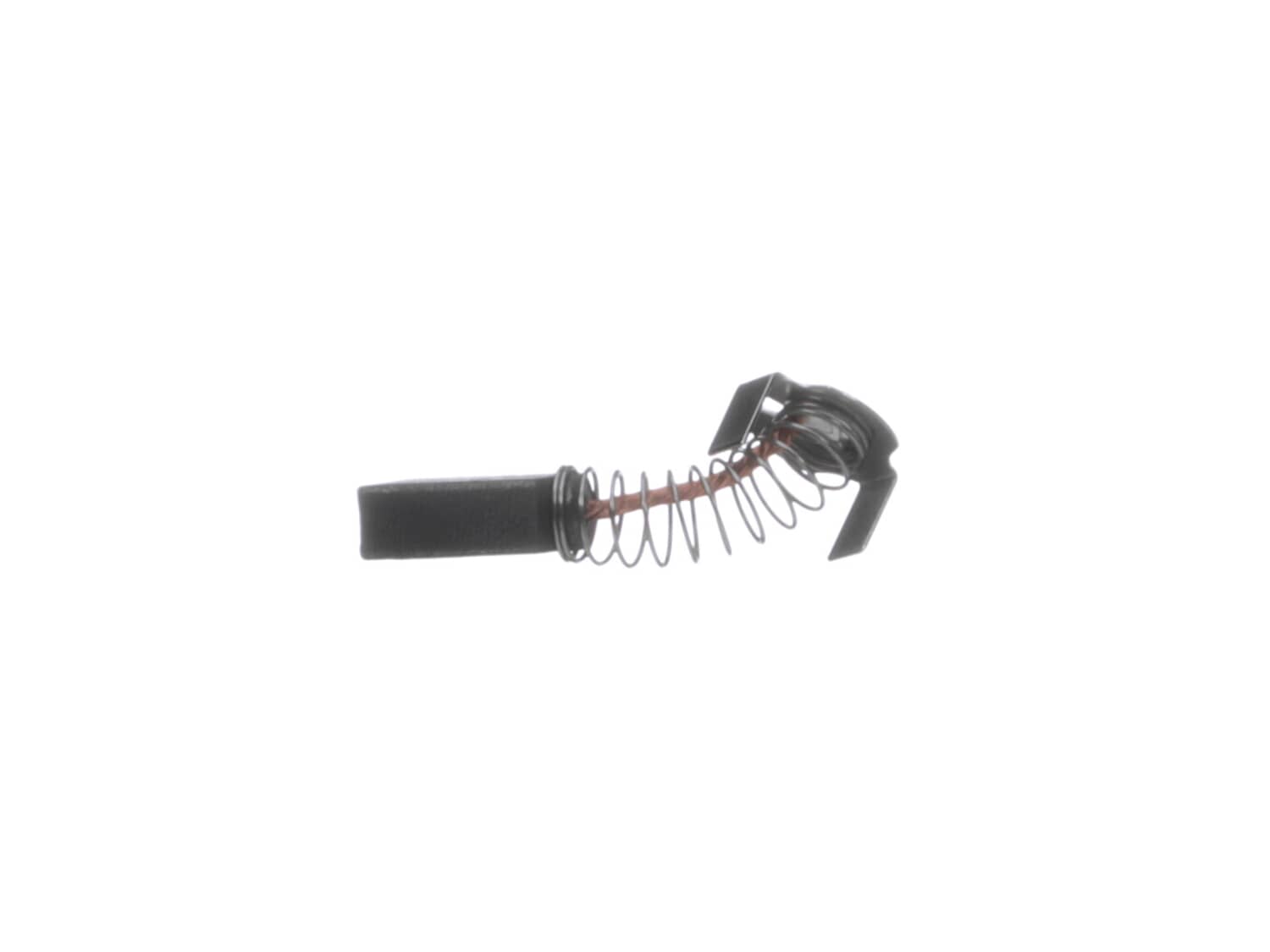
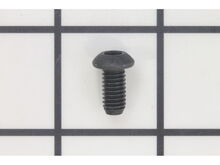
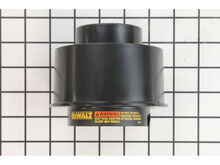
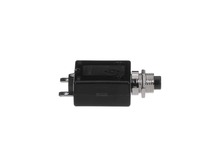
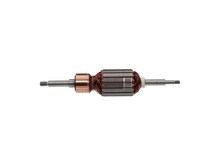
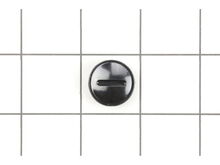
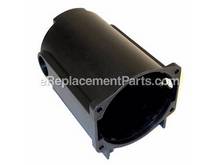
This is an authentic OEM replacement part. Sold individually. Carbon brushes are wear items, meaning that through friction and use they will gradually wear away until they need replacing. Because of this, carbon brushes are one of the most commonly replaced power tool parts. A worn-out brush will often be worn down near to the wire lead and can be cracked, pitted, or burned. When replacing carbon brushes, be sure to inspect your armature for burns, cracks, or other damage which can indicate larger motor problems. This part is compatible with the models listed below.
Sorry, we couldn't find any existing reviews that matched. Try using some different or simpler keywords.
★★★★★
★★★★★
Service
It was a compatible part to an old tool that I thought I would never be able to use again. That's great!!! Thanks
Guest - April 30, 2019
Verified Purchase
★★★★★
★★★★★
planner parts
glad to know i can get parts for my Dewalt planner should i have other issues. thanks for the prompt service.
Guest - August 13, 2019
Verified Purchase
★★★★★
★★★★★
Fit as expected
Unfortunately, they did not correct the problem. It was a defective armature. Will keep these as a spare.
Guest - November 15, 2019
Verified Purchase
★★★★★
★★★★★
dw735 motor bearing replacement
The parts were great, everything fit, prices were fair. The biggest problem, it took too long to receive them , I wished I had over nighted them, I thought they got lost in the mail. I would purchase from you again.
Guest - March 14, 2020
Verified Purchase
★★★★★
★★★★★
Up and running
Impressive response time!! Got back to working
Guest - March 25, 2020
Verified Purchase
★★★★★
★★★★★
Easy to find the parts that I need
The trouble shooting and repair instructions are all here.
Guest - April 1, 2020
Verified Purchase
★★★★★
★★★★★
Very quick
Very easy to find what I needed, accurate description and fast delivery
Darby - February 1, 2021
Verified Purchase
★★★★★
★★★★★
Very Fast service
My DeWalt planer died suddenly...needing new brushes. I ordered at about 4pm, it was scanned for delivery that night, and then I got it via mail in 2 days.
Guest - March 18, 2021
Verified Purchase
★★★★★
★★★★★
Planner repair
Correct part shipped quickly! Thanks
Guest - October 16, 2021
Verified Purchase
★★★★★
★★★★★
Easy to find parts, quick shipping
Have used ereplacement on several occassions. Very easy to find parts and part numbers. The shipping is fair priced and quick. Too bad that Dewalt isn't this available and helpful.
Guest - March 5, 2022
Verified Purchase
< Prev
1
2
Next >
Customer Repair Instructions
All our customer repair instructions are solicited directly from other customers just like you who have purchased and replaced this exact part.
Easy
30 - 60 mins
(26 rated repairs)?
< Prev
1
2
3
Next >
Sort by:
Sorry, we couldn't find any existing installation instruction that matched.
Took most of the time to figure out how to disassemble the motor from the frame. Came up with very difficult. Last thing was to remove on/off switch... surprise! Access to circuit breaker via cavity behind switch. Breaker showed about 11 ohms, should have been zero. Tried a bypass, motor came on instantly, This breaker has been tripped MA
... Read moreNY times. I\'ve used the planer for hundreds of hours.
Went online to find ereplacement parts during my first investigation (drawings), and then to order parts after problem solved. The brushes were ok, but I figured order now, to use later.
Read less
Did you find this story helpful?
Thank you for voting!
Motor quit in middle of planing a board. Would noy restart
Check power input from source all the way to the on/off switch and then to the motor cord itself. If present to motor, then pop out the brushes and check them. If worn or no spring tension remaining, replace and unit will run like new. Using a screwdriver, remove the brush caps, remove the worn brushes, then install the new brushes, then
... Read more screw the brush caps back on.
With a screwdriver remove the brush caps. Then, removed the worn brushes and blow out the motor with compressed air. Install the new brushes. Then screw the brush caps back on.
Symptoms: When planing, drive chains would jump causing a cut line across the board being planed.
Cause: Found drive roller bushings worn elliptical causing excessive looseness in drive chains. Further inspection revealed worn ball bearings, cutter head drive pulley worn and loose, m
... Read moreotor bushings excessively worn, lack of grease in motor gearing; gear shaft ends/bushings not lubricated (from factory), unsealed ball bearings in motor shaft housing dry and unlubricated (from factory).
Solution:
1. Completely disassembled the planer and removed worn parts, shafts, motor, disassembled motor gear housing, removed ball bearings, removed head-stock, removed head-stock bearings, cleaned all cast housings, shafts, etc.
2. Reassembled gear housing using sealed and lubricated ball bearings, lubricated drive gears, replaced motor brushes (be sure to run-in the motor brushes under no load for 10 minutes before re-mounting in head-stock casting), reassemble head-stock cutter shaft bearings, cutter head shaft, pulley and feed roller bushings.
3. Note: lightly lubricate roller bushings with heavy duty grease where bushings slide against casting and lightly lubricate the roller shaft ends with heavy grease. A steel shaft against a steel bushing is not a good thing and is what caused the wear to begin with. Ideally, these bushings should have been made with sintered bronze.
4. Continue reassembling remaining parts and realign the head-stock for even planing side-to-side.
Second note: For 733 type 1 planers, remove the locking nut at the top of the two height adjustment screws and discard. These cause binding when raising and lowering the head-stock.
Motor was reading open. Pulled the motor, removed the pulley (its a Left Hand Thread) then pulled the rotor. Looks like it requires a special spanner to remove. I gave it to a friend who took it to his machine shop to work on. Might be able to use a strap wrench.
Found the brushes, rotor and field to be in good shape. Th
... Read moree connector from the brush holder to the wire leading to the armature had broken. Needed needle nose pliers with extra long nose to put the wire on the connector.
Read less
Did you find this story helpful?
Thank you for voting!
Planer did not work, one brush holder threads were stripped
Removed the brush caps
Remove the old worn brushes
Loosened the set screws securing the brush holders, and removed the brush holders
Place the new brush holders in place and tightened the set screws
Installed the new brushes
Screwed the new brush caps in
I removed the brush cap on the motor assembly with a screwdriver, Then I pulled the brushes out of the brush holder. Blow out the and clean the brush holder so that the new brushes will slide in easily and make good contact with the armature. Inserted the brushes in the brush holder and screw the brush caps back on. They were perfect and
... Read moreeasy. Will buy again. AAAAAA+++++++++
This part is in stock in our warehouse and will ship out within 1 business day of the order being placed.
New stock is on the way! On order parts usually ship within 7 business days.
Item is not in stock and usually ships 10-15 business days from the time you place your order.
This item is no longer being made by the manufacturer, and cannot be added to your shopping cart.
✖
Mail-In Recycling Rebate
Some of the parts we sell are eligible for mail-in rebates since we can recycle them. We will display any applicable rebates in your shopping cart. To redeem your rebate, contact Customer Service after you have received your part.