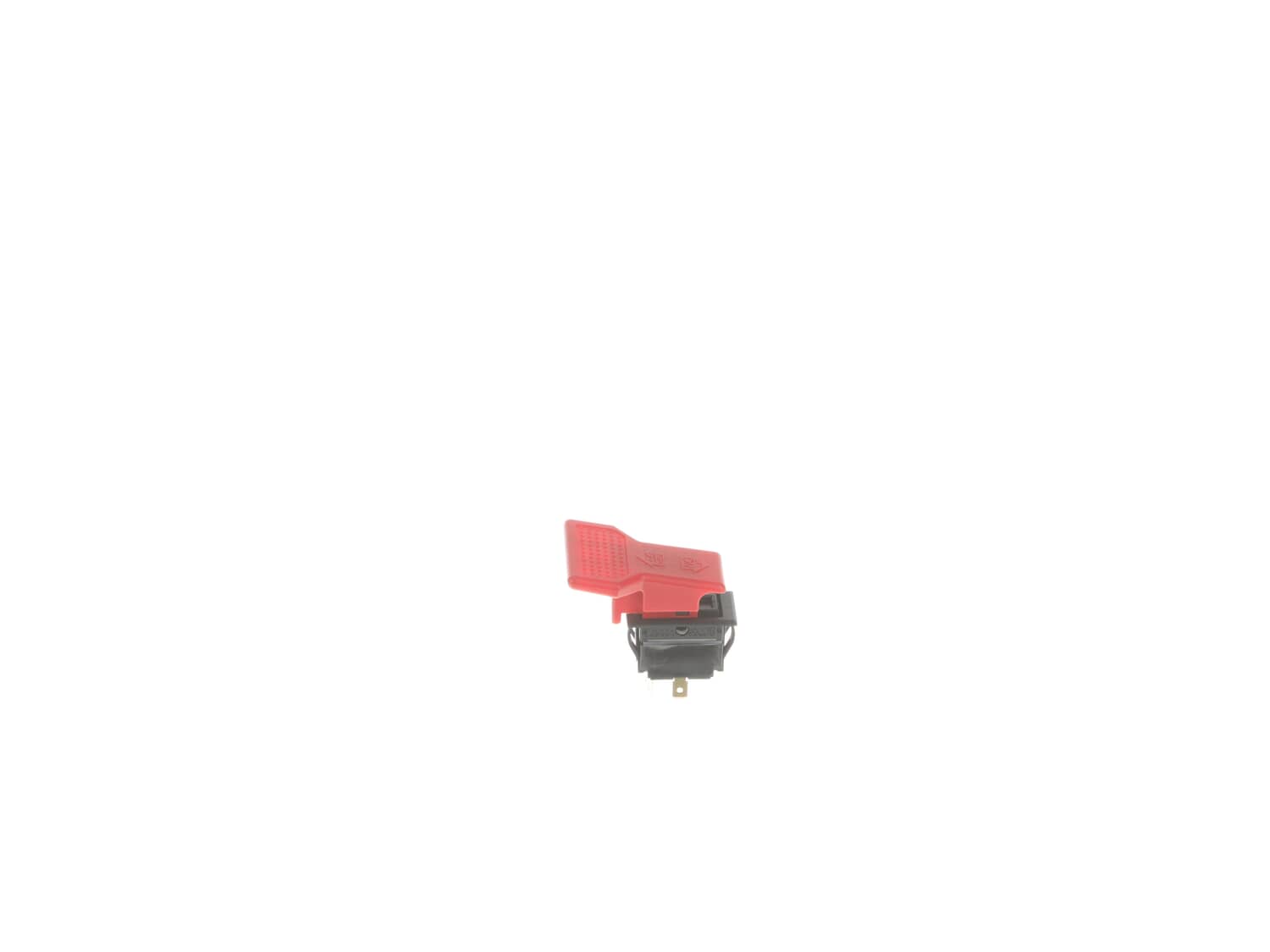
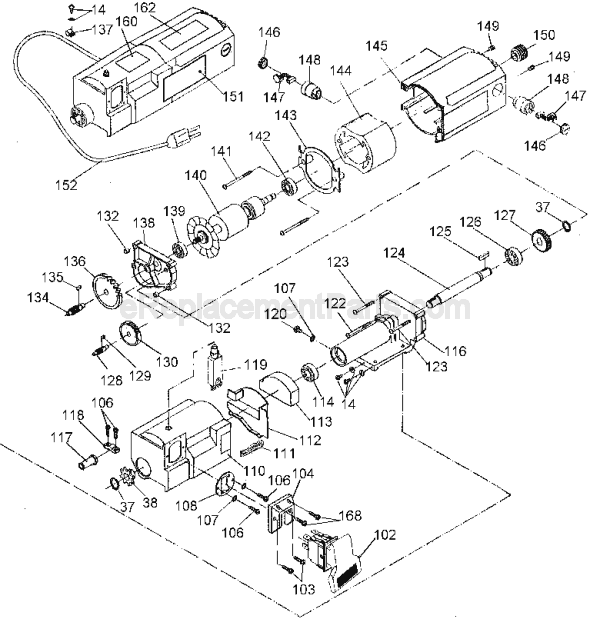
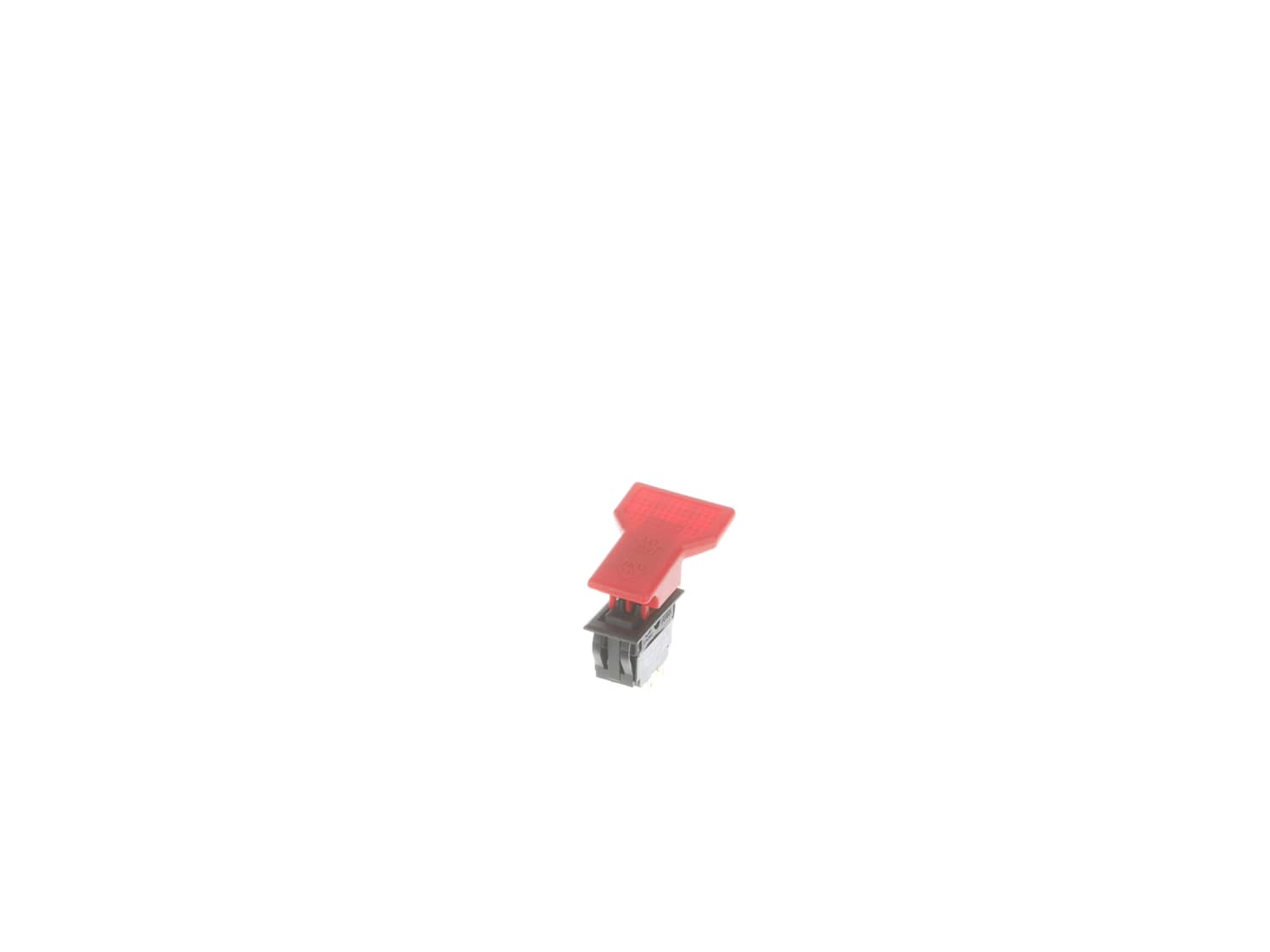
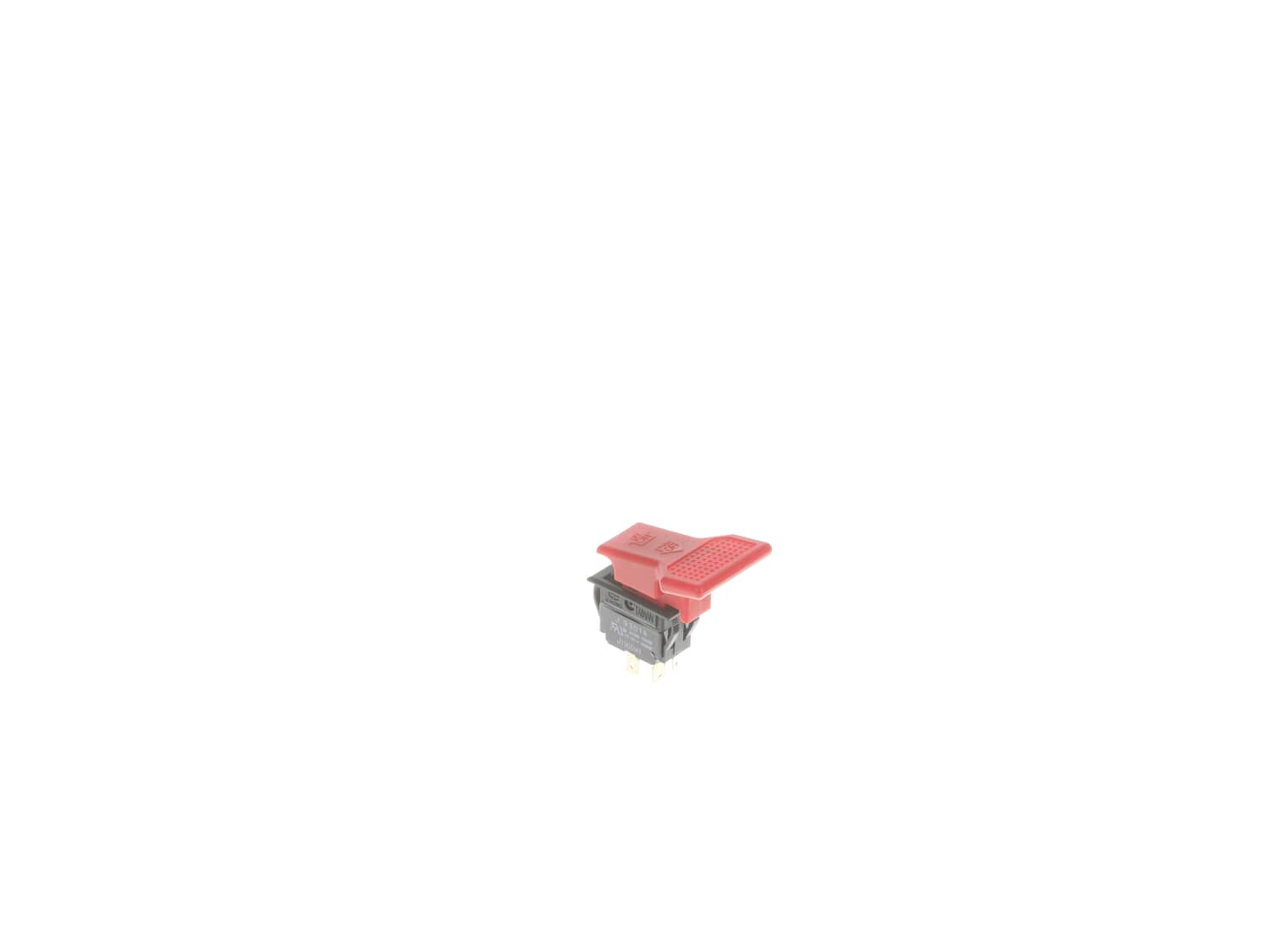
It is a genuine manufacturer approved replacement part that is specially produced for Dewalt planers. This switch allows user to turn the equipment on and off. Since switches have moving mechanical parts, over time they will wear out and may begin to fail eventually requiring replacement. This switch has a plastic body and it is sold individually.
Sorry, we couldn't find any existing reviews that matched. Try using some different or simpler keywords.
★★★★★
★★★★★
Was an exact replacement.
The part came as ordered and was an exact replacement.
Guest - May 1, 2019
Verified Purchase
★★★★★
★★★★★
Quick ship, good part
Just what I needed for a good price to replace the broken switch on my planer. Quick shipment, great transaction...will buy from this company again on my next part replacement need!
Guest - October 2, 2019
Verified Purchase
★★★★★
★★★★★
Perfect fit and really easy to install
The part arrived quickly at a reasonable cost. It was a perfect replacement for the broken switch. I put this on a DW734 Type 1 planer.
Guest - October 4, 2019
Verified Purchase
★★★★★
★★★★★
worked as expeted
was exact part matched up and was just like the one on my planer
Guest - February 6, 2020
Verified Purchase
★★★★★
★★★★★
Easy Ordering
I purchased a switch for a DeWalt Planner. It was exactly what I needed, and arrived when expected. Thank you.
Kathy - March 25, 2020
Verified Purchase
Customer Repair Instructions
All our customer repair instructions are solicited directly from other customers just like you who have purchased and replaced this exact part.
Easy
15 - 30 mins
(10 rated repairs)?
< Prev
1
Next >
Sort by:
Sorry, we couldn't find any existing installation instruction that matched.
Use Philips screwdriver to remove and replace switch. Be careful to mark wiring so you can put them back on the right place.
To replace the belt, remove the side cover removed and then work the belt over the pulleys.
A little difficult but it did stretch enough.
1. Unscrewed the retaining screws.
2. Pulled damaged switch out of housing. Removed plate on switch.
3. Removed the 4 wires to the switch, marking which position they were from.
4. Took new switch and attached the 4 wires.
5. Put plate on the switch.
6. Reinserted switch into housing and screwed in.
Did you find this story helpful?
Thank you for voting!
Paddle part of the on-off switch on first use, Dewalt would not replace it.
Note with the paddle broken of one could still turn on and off the planer but with difficulty.
0. Unplug planer
1. Unscrewed switch housing.
2. Pulled out old switch
3. Unplugged the four wires from old switch being careful to note how they connected to old switch.
4. Removed securing flange from old
... Read more switch.
5. Put flange on new switch.
6. Attach wires to new switch.
7. Insert new switch.
8. Screw housing back on.
9. Plug planer back in.
10. Test paddle switch.
11. Do happy dance, It was very easy to do.
1 Remove 4 screws from bezel around switch. Remove bezel.
2 Remove 2 screws holding switch into machine. Pull switch away from machine.
3 Mark 4 wires on back of switch (so you can replace in same order) then remove switch. They are push on pull off connectors.
4 Compress four spring like tabs holding switch into metal p
... Read morelate. Remove switch from plate.
5 Push new switch into metal plate until it snaps in place.
6 Replace wires
7 Replace switch and bezel.
Replaced switch and since the planer was down replaced the brushes and springs due to excessive sparking when operating.
The planer was totally disassembled so I could clean and turn blades before returning to use.
Remove the switch cover, then press on the tabs that are holding the switch in and remove the switch. Remove the wire leads from the old switch to the new switch one at a time to get them on the correct terminals. Press the new switch back in. And replace the switch cover.
Did you find this story helpful?
Thank you for voting!
< Prev
1
Next >
Model Cross Reference
This part works with the following models:
ERP Number: ERP10168698
Manufacturer Part Number: 285990-00
This part is in stock in our warehouse and will ship out within 1 business day of the order being placed.
New stock is on the way! On order parts usually ship within 7 business days.
Item is not in stock and usually ships 10-15 business days from the time you place your order.
This item is no longer being made by the manufacturer, and cannot be added to your shopping cart.
✖
Mail-In Recycling Rebate
Some of the parts we sell are eligible for mail-in rebates since we can recycle them. We will display any applicable rebates in your shopping cart. To redeem your rebate, contact Customer Service after you have received your part.