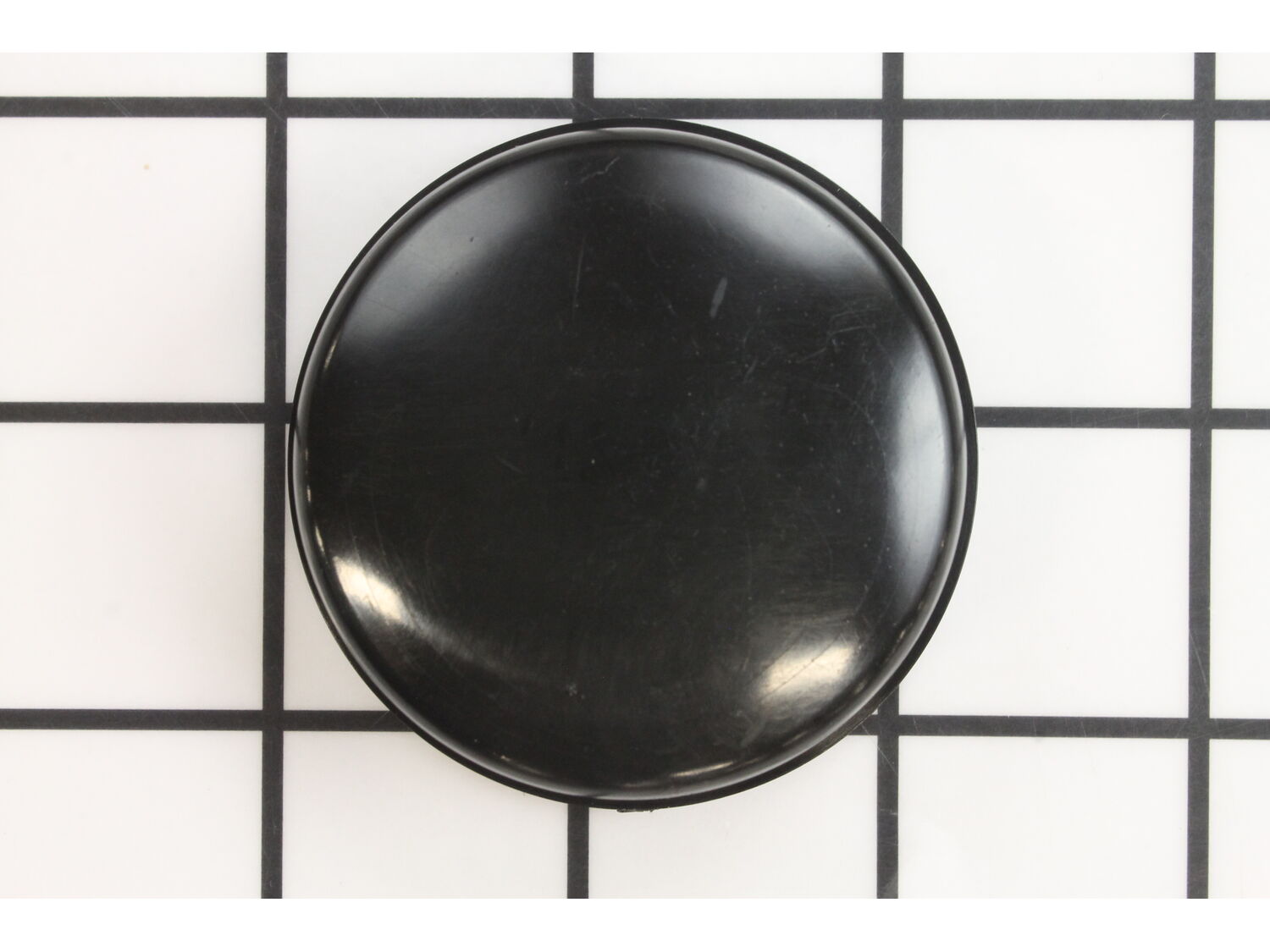
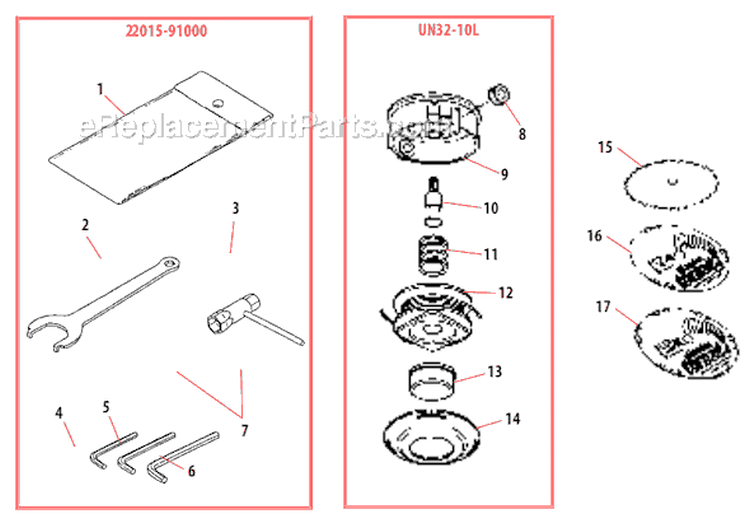
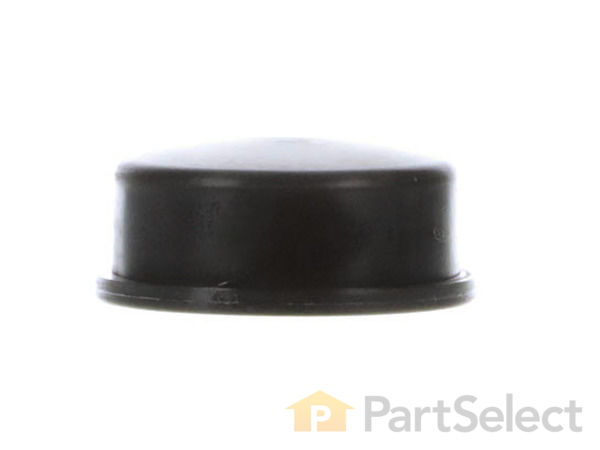
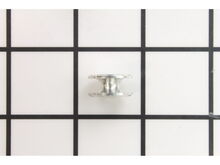
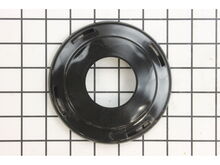
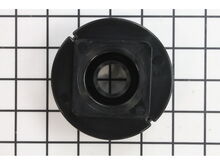
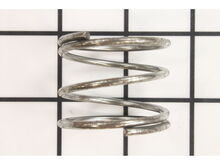
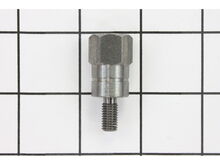
This authentic part is designed for Shindaiwa handheld trimmers. It is supplied directly from the original equipment manufacturer. The button is pressed on the ground to extend the cutting line from the spool. It is an identical replacement for a damaged or a missing component that was installed on a new unit. To ensure the correct installation of the new part, refer to the appropriate diagrams of your model. One durable plastic button is included. To perform this repair no tools would be needed, remove the old and secure the new one.
Sorry, we couldn't find any existing reviews that matched. Try using some different or simpler keywords.
★★★★★
★★★★★
Trimmer parts received ahead of schedule.
My parts arrived intact and rather quickly.
My order was for residential and low priority.
Thank you for continuing to be a first class company by providing superb service at reasonable prices. I couldn’t be happier.
Keep America Great Again. There is no other option.
Guest - July 26, 2019
Verified Purchase
★★★★★
★★★★★
Easy ordering
They have the correct parts needed & received in a couple of days.
Guest - July 28, 2020
Verified Purchase
★★★★★
★★★★★
Great website easy to find Dinosaur weed eater parts
Exactly what I needed for hard to find parts!!!!
Guest - June 1, 2021
Verified Purchase
★★★★★
★★★★★
Just the parts I needed
Parts received were exactly what I needed.
Guest - July 27, 2021
Verified Purchase
★★★★★
★★★★★
Perfect
Let's hope this one lasts 20 yrs like the original one!
Guest - August 16, 2021
Verified Purchase
★★★★★
★★★★★
Easy to find, fast shipping
The part was the exact one I needed. Using the diagrams, it was easy to figure out the part number. eReplacementParts shipping was fast and it got to me faster than expected.
Guest - October 11, 2021
Verified Purchase
★★★★★
★★★★★
Right parts at the right time
I have purchased from eReplacementParts several times. Every time the exact parts arrive quickly. Perfect fit on my older equipment. A blessing that eReplacementParts stocks the hard to find OEM components. I’m beyond pleased with every transaction and the quality of customer service. My orders won’t ever be their biggest sale but they treat them like they are. Much thanks to eReplacementParts!
Guest - July 22, 2022
Verified Purchase
Customer Repair Instructions
All our customer repair instructions are solicited directly from other customers just like you who have purchased and replaced this exact part.
Easy
Less than 15 mins
(5 rated repairs)?
< Prev
1
Next >
Sort by:
Sorry, we couldn't find any existing installation instruction that matched.
Weed eater string housing finally wore out after 20 years.
Removed old housing.
Installed new housing in reverse order per removing old housing.
Worked perfectly since the ereplacement parts were exactly the same as the manufacters. I tried a less expense third party solution without success.
This part is in stock in our warehouse and will ship out within 1 business day of the order being placed.
New stock is on the way! On order parts usually ship within 7 business days.
Item is not in stock and usually ships 10-15 business days from the time you place your order.
This item is no longer being made by the manufacturer, and cannot be added to your shopping cart.
✖
Mail-In Recycling Rebate
Some of the parts we sell are eligible for mail-in rebates since we can recycle them. We will display any applicable rebates in your shopping cart. To redeem your rebate, contact Customer Service after you have received your part.