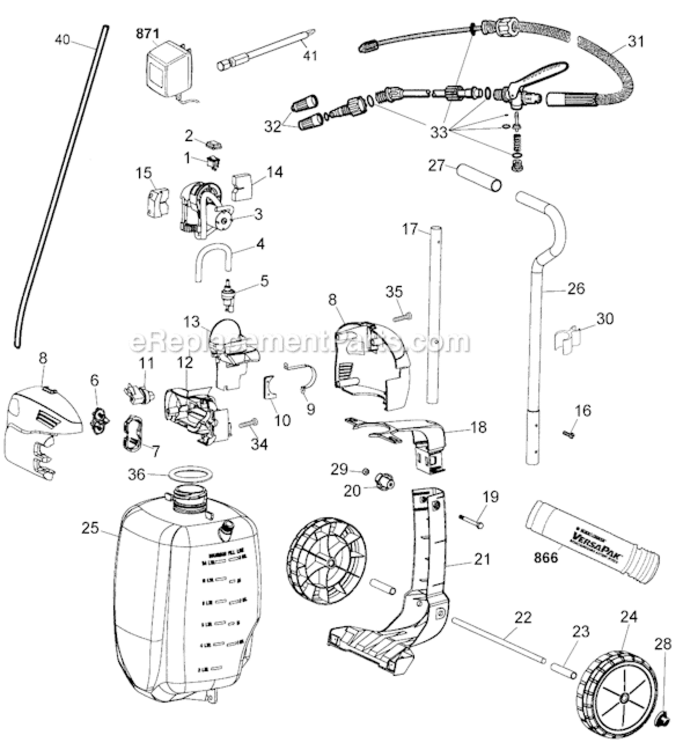
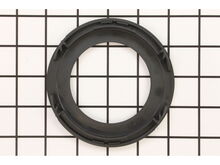
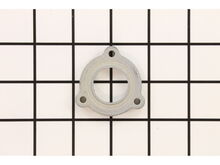
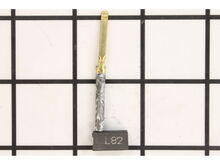
Part Location Diagram of 144960-00 DeWALT On-off Switch
See part 1 in the diagram
Replacing your Black and Decker Sander Polisher On-off Switch
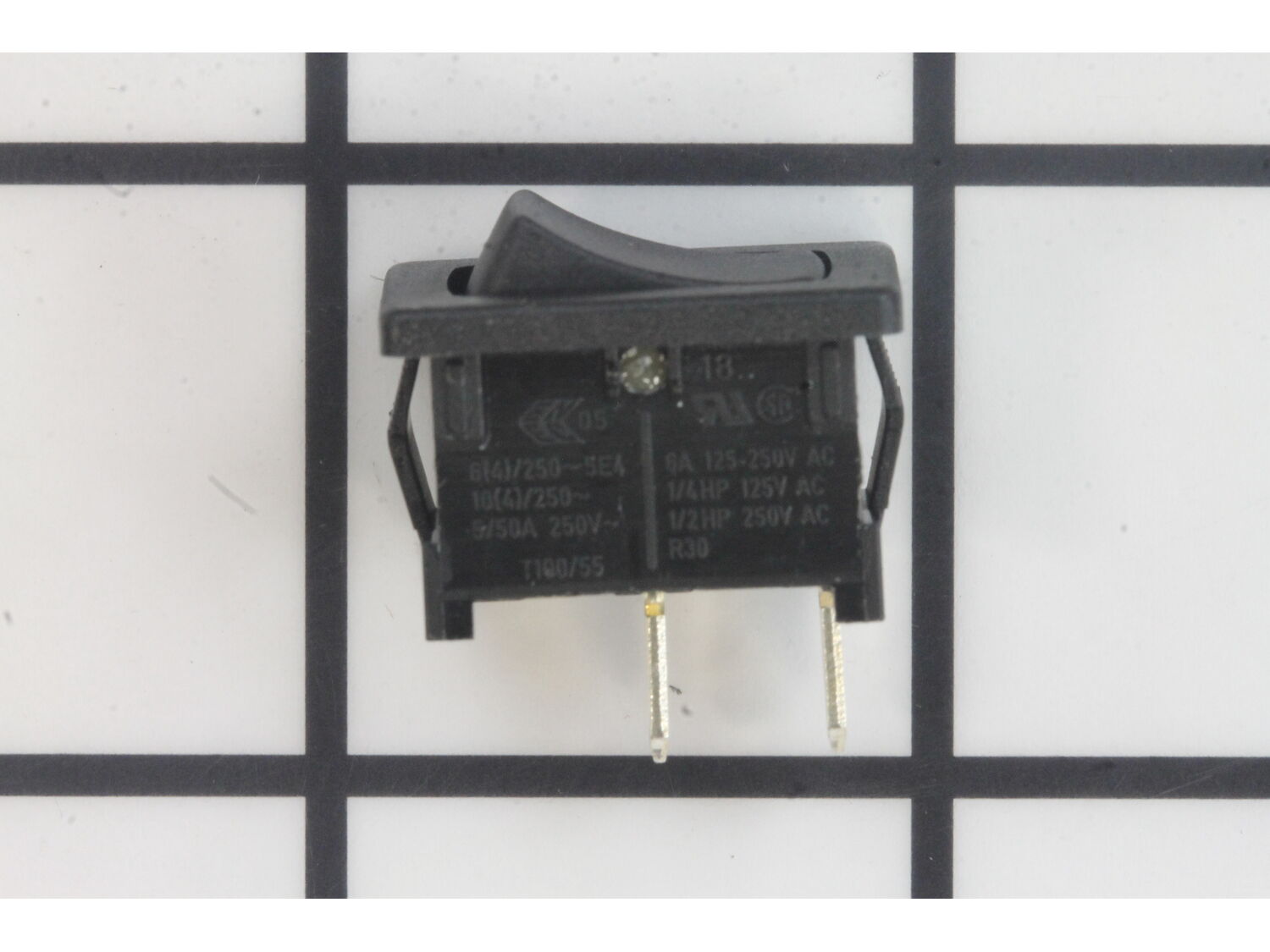
( Grid squares measure 1x1 inch )

On-off Switch 144960-00

Manufactured by:
DeWALT
ERP Number:
ERP10166039
Part Number:
144960-00
Original Equipment Manufacturer ?
  Works with your model  SWITCHES!
In Stock
Delivers in 3-5 Business Days!

Easy 

Less than 15 mins 

(31 rated repairs) ?
  Works with your model   SWITCHES!

Product Description

?

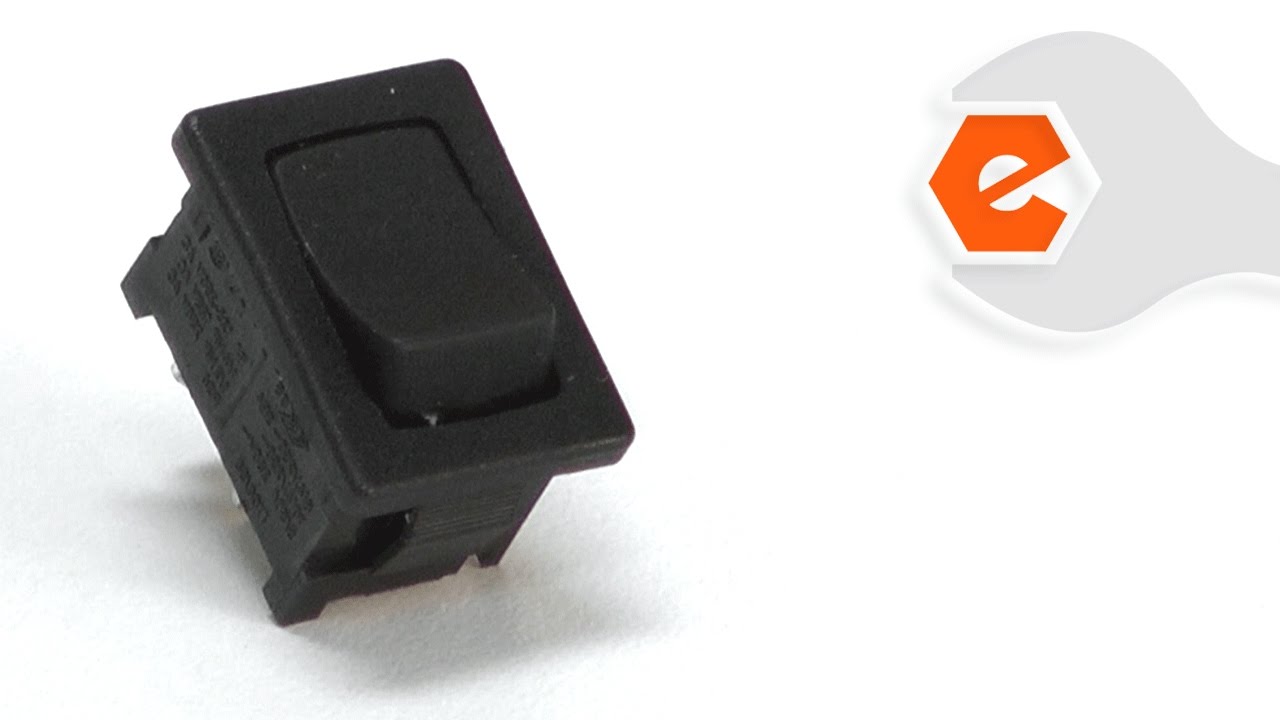
This Rocker switch has 2 terminals and a compact design for easy installation. This genuine DeWalt replacement part is sold individually. rnrnSwitches are commonly replaced parts in power tools. A switch handles on/off and variable speed functions. They also have a role in electric breaking; they can momentarily reverse electrical polarity. Because switches use mechanical internals, they will degrade and wear out over time, eventually requiring replacement. Some common signs of a broken or failing switch are:rn • The tool has completely stopped functioning - it will not turn on.rn • The tool operates intermittently, requiring multiple tries to turn on, until eventually it won't turn on at all.rn • The variable speed function and electric braking aren't working properly.

Frequently Purchased Together

?

Troubleshooting

This part works with the following brands:
  • Black and Decker
  • DeWALT
  • Craftsman
  • DeVilbiss
  • Porter Cable
This part works with the following products:
  • Sander Polisher
  • Orbital or Palm Sander
Part# 144960-00 replaces these:
144960-00, P144960-00,

Videos For installing this part.

?
Replacing your On-off Switch

Customer Part Reviews

?
4.9
Average Rating (out of 5):
★★★★★
★★★★★
(20 Reviews)
Click to filter by ratings:
  • 5 stars
    17
  • 4 stars
    3
  • 3 stars
    0
  • 2 stars
    0
  • 1 star
    0
  • 1
  • 2
Sort by:  
Sorry, we couldn't find any existing reviews that matched. Try using some different or simpler keywords.
  • 1
  • 2

Questions & Answers

?

Our customer Service team is at the ready daily to answer your part and product questions.

We're sorry, but our Q&A experts are temporarily unavailable.
Please check back later if you still haven't found the answer you need.

Ask our Team

We have a dedicated staff with decades of collective experience in helping customers just like you purchase parts to repair their products.

Does this fit my product?

Customer Repair Instructions

All our customer repair instructions are solicited directly from other customers just like you who have purchased and replaced this exact part.

Easy 

Less than 15 mins 

(31 rated repairs) ?
  • 1
  • 2
  • 3
Sort by:  
Sorry, we couldn't find any existing installation instruction that matched.

Bad switch and pad wore out.

John from Orlando, Florida

7 of 7 people found this instruction helpful.
Difficulty Level:
Easy
Total Repair Time:
15 - 30 mins
Tools:
Screw drivers
Parts Used:
151281-08, 144960-00
Removed top cap of sander. Noted where the wires where located on the switch. Removed switch cover. Connected the wires to the new switch. Put switch cover on, then installed new switch and put switch cap on. For the pad. I removed the 3 screws from the old pad, and put the new pad on the sander with the 3 screws.
Did you find this story helpful?
Thank you for voting!

Switch would not reliably stay on

William from Nicholasville, Kentucky

4 of 4 people found this instruction helpful.
Difficulty Level:
Easy
Total Repair Time:
Less than 15 mins
Tools:
Screw drivers
Parts Used:
144960-00
1. Remove four screws holding the tool top on the body
2. Pull old switch out of holder
3. Remove two wires from old switch
4. Remove rubber dust hood off of old switch
5. Install rubber dust hood and two wires onto new switch
6. Insert new switch into holder and make sure wires aren\'t sticking out ... Read more />7. Slip tool top onto body, making sure it fits body tightly
8. Install four screws
9. You\'re done!
Did you find this story helpful?
Thank you for voting!

On off switch has had its mileage, stopped working needing replacement

Sunday from Mesa, Arizona

4 of 4 people found this instruction helpful.
Difficulty Level:
Easy
Total Repair Time:
Less than 15 mins
Tools:
Screw drivers
Parts Used:
144960-00
Checked sander with ohm meter, on /off , switch faulty, split case. removed switch rechecked, faulty as noted..Upon receiving part, I unscrewed both halves of body apart to obtain switch compartment, installing in new switch and seating it back into place, plugged back in according to notations made prior. also cleaned it out with compres sed air. then screwed it together, and used it
Did you find this story helpful?
Thank you for voting!

Switch was \"touchy\", the sanding pad would not hold the sand paper

Marshall from Fairport, New York

3 of 3 people found this instruction helpful.
Difficulty Level:
Easy
Total Repair Time:
Less than 15 mins
Tools:
Pliers, Screw drivers
Parts Used:
N601645, 144960-00
1. Removed the sanding pad
2. Removed the screws holding the case together
3. Removed the old switch
4. Installed and reconnected the new switch
5. Reassembled the case and screwed it together
6. Installed the new sanding pad.
7. Done.
Did you find this story helpful?
Thank you for voting!

On/off was intermittent. While troubleshooting it, I shorted out the control board and damaged it.

Jeff from Middletown, New Jersey

2 of 2 people found this instruction helpful.
Difficulty Level:
Easy
Total Repair Time:
Less than 15 mins
Tools:
Screw drivers
Parts Used:
N271021, 144960-00
1. Unplug from wall.
2. Remove screws from the top cover.
3. Remove 2 wires from on/off connector.
4. Remove 2 wires going into the motor. These wires have spades crimped onto the ends, and they slide into the connector which is permanently attached to the motor.
5. Replace control board.
6. Reconnect on/off switch.
7. Set top cover on, being careful to route the wires in the molded channels. Do not pinch the wires with the top cover.
8. Plug into outlet, test the sander.
9. If all is well, reinstall screws on the top cover.

Did you find this story helpful?
Thank you for voting!

sander quit working after changing sanding disc. Very sudden

Paul from Sugar Land, Texas

2 of 2 people found this instruction helpful.
Difficulty Level:
Easy
Total Repair Time:
30 - 60 mins
Tools:
Screw drivers
Parts Used:
445861-25, 144983-07, 144960-00
1. Read book on possible problems. Dewalt Sander Book said possibly brushes or switch.
2. Ordered both items.
3. Removed screws holding sander top in place. Placed in dish so I could find them.
4. Used air hose and alcohol swab to clean dust and debris from brush holders and switch connectors.
5. Removed bru shes as described in instruction book. Inspected same, installed new ones.
6. Replaced on/off switch while case was open.
7. RE-assembled case, plugged \'er in, and was amazed at how well it operated.
Did you find this story helpful?
Thank you for voting!

Parts malfuntioning

Robert from Greenwood, Indiana

1 person found this instruction helpful.
Difficulty Level:
Easy
Total Repair Time:
15 - 30 mins
Tools:
Screw drivers
Parts Used:
608358-00, 144983-07, 144960-00
Remove the screws from the sander top
Remove the switch where it is held in the sander
Remove the leads from the old switch to the new one
Place the new cover on the switch
Place the switch were it was
Replace the top of the sander
Then just press the dust bag on
Did you find this story helpful?
Thank you for voting!

Switch was intermittent

JAMES from ATHENS, Alabama

0 of 1 people found this instruction helpful.
Difficulty Level:
Easy
Total Repair Time:
Less than 15 mins
Tools:
Screw drivers
Parts Used:
144983-07, 144960-00
Removed sander top cover.
Removed switch dust cover using small screwdriver.
Pried out switch using small screwdriver.
Removed wires using pliers.
Reinstalled.
Did you find this story helpful?
Thank you for voting!

On-Off switch was worn out and switch cover was torn

Garry from HEMET, California

0 of 1 people found this instruction helpful.
Difficulty Level:
Easy
Total Repair Time:
Less than 15 mins
Tools:
Pliers, Screw drivers
Parts Used:
144983-07, 144960-00
1. Remove 3 screws from top cover
2. Push out switch from housing
3. Remove 2 wires
4. Reinstall the 2 wires on new switch
5. Place switch cover on new switch
6. Reinsert switch into housing
7. Replace top cover
Did you find this story helpful?
Thank you for voting!

On off switch failed.

chris from MORRISON, Colorado

0 of 1 people found this instruction helpful.
Difficulty Level:
Easy
Total Repair Time:
15 - 30 mins
Tools:
Pliers, Screw drivers
Parts Used:
144960-00
Removed 3 screws from housing.
Separated housing.
Removed wires from switch.
Reinstalled in reverse order
Did you find this story helpful?
Thank you for voting!
  • 1
  • 2
  • 3

Model Cross Reference

This part works with the following models:
ERP Number: ERP10166039
Manufacturer Part Number: 144960-00
Brand Model Number Description
Black and Decker 11267 Sander Polisher - Sander
Black and Decker 11667 Sander Polisher - Sander
Black and Decker 11670 Sander Polisher - Sander
Black and Decker 11678 Sander Polisher - Sander
Black and Decker 11680 Sander Polisher - Sander
Black and Decker 24863 Orbital or Palm Sander - Palm Sander
Black and Decker 24864 Orbital or Palm Sander - Professional Palm Sander
DeVilbiss 25600 Sander Polisher - Mouse Sander/Polisher
Black and Decker 25602 Sander Polisher - Sander Polisher
DeWALT 25707 Orbital or Palm Sander - 31123
Black and Decker 25708 Orbital or Palm Sander - 5 Variable Speed Orbital Sander
Black and Decker 2711 Sander Polisher - Industrial Finishing Sander
Black and Decker 2714 Orbital or Palm Sander - Palm Grip Sander
Black and Decker 27707 Orbital or Palm Sander - 5 Random Orbit Sander
Black and Decker 27708 Orbital or Palm Sander - 5 Random Orbit Sander With EVS
Black and Decker 2771 Orbital or Palm Sander - 5 Random Orbit Palm Sander
Black and Decker 370 Orbital or Palm Sander - 1/4 Sheet Palm Sander
Porter Cable 380 Sander Polisher - 1/4 Sheet Sander
Porter Cable 382 Sander Polisher - 5 Palm Grip R.O. Sander
Black and Decker 4008 Orbital or Palm Sander - Palm Sander
Black and Decker 4010 Sander Polisher - Finish Sander 120 Volt
Black and Decker 4011 Sander Polisher - Professional Finishing Sander
Black and Decker 4011-04 Orbital or Palm Sander - Plus 1/4 Sheet Palm Grip Sander
Black and Decker 4011-36 Orbital or Palm Sander - Palm Grip Sander
Black and Decker 6160 Orbital or Palm Sander - Palm Grip Sander
Black and Decker 7041 Sander Polisher - Sander Polisher
Black and Decker 7407 Sander Polisher - Sander
Black and Decker 7434 Sander Polisher - Sander
Black and Decker 7434AH Sander Polisher - Detail Sander
Black and Decker 7448 Sander Polisher - Sander