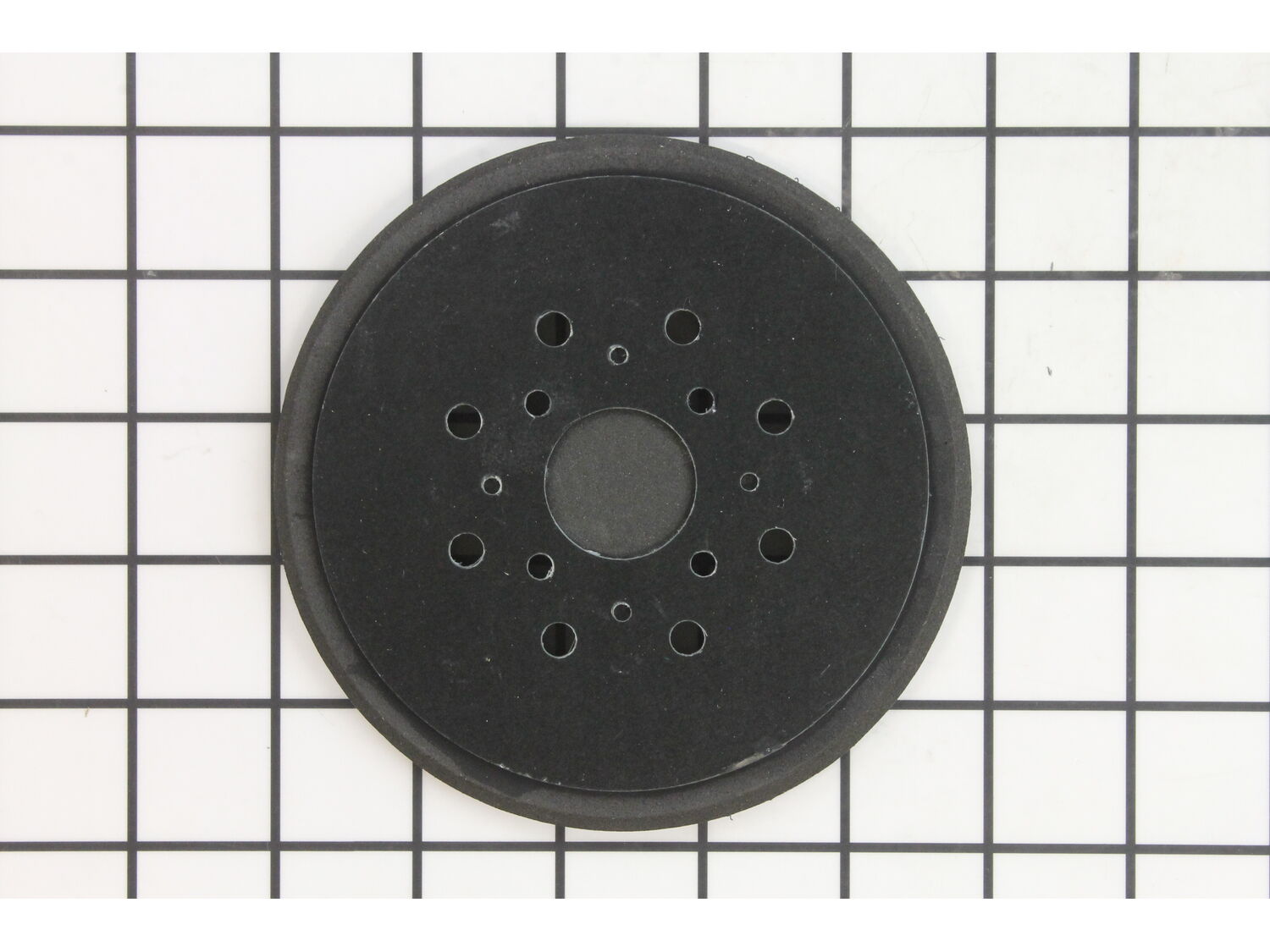
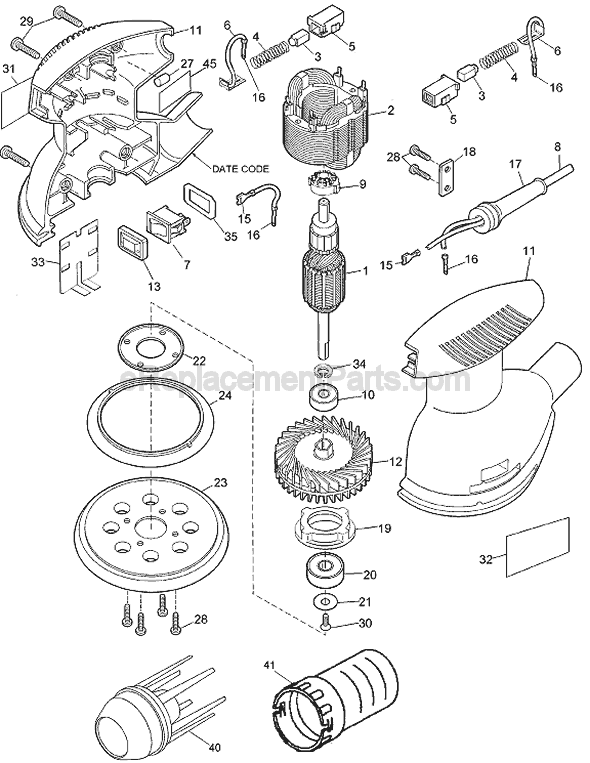
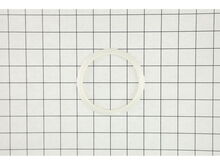
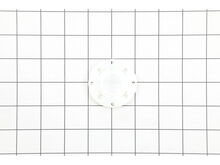
This replacement sander pad is specially produced for use with sanders. It is an authentic item supplied directly from original equipment manufacturer. This hook and loop fastener closure system allows for easy sandpaper application. The rough side would interlock with softer side making the closure mechanism. This part is made out of plastic material and it is sold individually. Please note screws to attach it are sold separately. Replacing this sander pad is very simple and quick task. You should only need a screwdriver. • Make sure the unit is unplugged • First remove the screws that secure the old pad • Remove the pad and replace it with the new one • Secure it using the screws and test the unit
Sorry, we couldn't find any existing reviews that matched. Try using some different or simpler keywords.
★★★★★
★★★★★
Just what was needed
Shipped quickly! Happy with transaction! Thanks!! =ƒæì
Guest - July 27, 2019
Verified Purchase
★★★★★
★★★★★
Easy to install
Exact replacement and fit perfect. Sander works great now
Guest - November 26, 2019
Verified Purchase
★★★★★
★★★★★
Replacement Part
The replacement part for my orbital sander was perfect. Just as described and sent quickly.
Guest - April 28, 2020
Verified Purchase
★★★★★
★★★★★
great part, just what we needed!
the part fit perfectly and works great, arrived on schedule
Guest - May 25, 2020
Verified Purchase
★★★★★
★★★★★
Exactly what I ordered & needed!
The parts were easy to order, fit perfectly and I am back in business now.
Guest - May 26, 2020
Verified Purchase
★★★★★
★★★★★
Easy repair
The part was perfect. So easy for me to figure out which part I needed and I fixed it myself! Happy not to just replace the whole sander.
Guest - September 1, 2020
Verified Purchase
★★★★★
★★★★★
Part works/fits perfectly
Brand new sanding disc pad fit as indicated and very reasonably priced next to competitors price. Happy over all!
Guest - June 29, 2021
Verified Purchase
★★★★★
★★★★★
Perfect part for a 30 year old tool
Amazed to find a part for a 30 year old tool, might go another 30 now
Guest - March 7, 2022
Verified Purchase
★★★★★
★★★★★
Easy ordering. Fast delivery quality product
Although I worked my Black and Decker hard during a river table project I was surprised that the hook and loop pad became partially detached. I easily found a replacement on ereplacement and ordered 2. They arrived more quickly then indicated. I was able to attach the new part easily. The sander now runs like new.
Guest - May 28, 2022
Verified Purchase
★★★★★
★★★★★
Fast delivery
Order was received quickly and was exactly what I needed
Guest - June 11, 2022
Verified Purchase
< Prev
1
2
Next >
Customer Repair Instructions
All our customer repair instructions are solicited directly from other customers just like you who have purchased and replaced this exact part.
Easy
Less than 15 mins
(15 rated repairs)?
< Prev
1
2
Next >
Sort by:
Sorry, we couldn't find any existing installation instruction that matched.
Hook and loop sanding pad had worn out and it needed to be replaced.
Very easy to replace. I unscrewed the four star screws that held the old pad in place, removed the worn out pad and replaced it with the perfect fit replacement pad from e-replacements.com and reinstalled the 4 star screws.
1. Removed the sanding pad
2. Removed the screws holding the case together
3. Removed the old switch
4. Installed and reconnected the new switch
5. Reassembled the case and screwed it together
6. Installed the new sanding pad.
7. Done.
Turn the sander over pad up. Using a Philips screw driver remove four screws and lift the old pad off with your hand. Installing the new unit is a mater of liining the pins up with the alignment holes in the pad and install the four original screws. Make sure the screws are seated well and tight. Install a new sanding disk and go to work.
... Read more I was really satisfied with how well the new pad fit and the performance of the sander while using it.
This part is in stock in our warehouse and will ship out within 1 business day of the order being placed.
New stock is on the way! On order parts usually ship within 7 business days.
Item is not in stock and usually ships 10-15 business days from the time you place your order.
This item is no longer being made by the manufacturer, and cannot be added to your shopping cart.
✖
Mail-In Recycling Rebate
Some of the parts we sell are eligible for mail-in rebates since we can recycle them. We will display any applicable rebates in your shopping cart. To redeem your rebate, contact Customer Service after you have received your part.