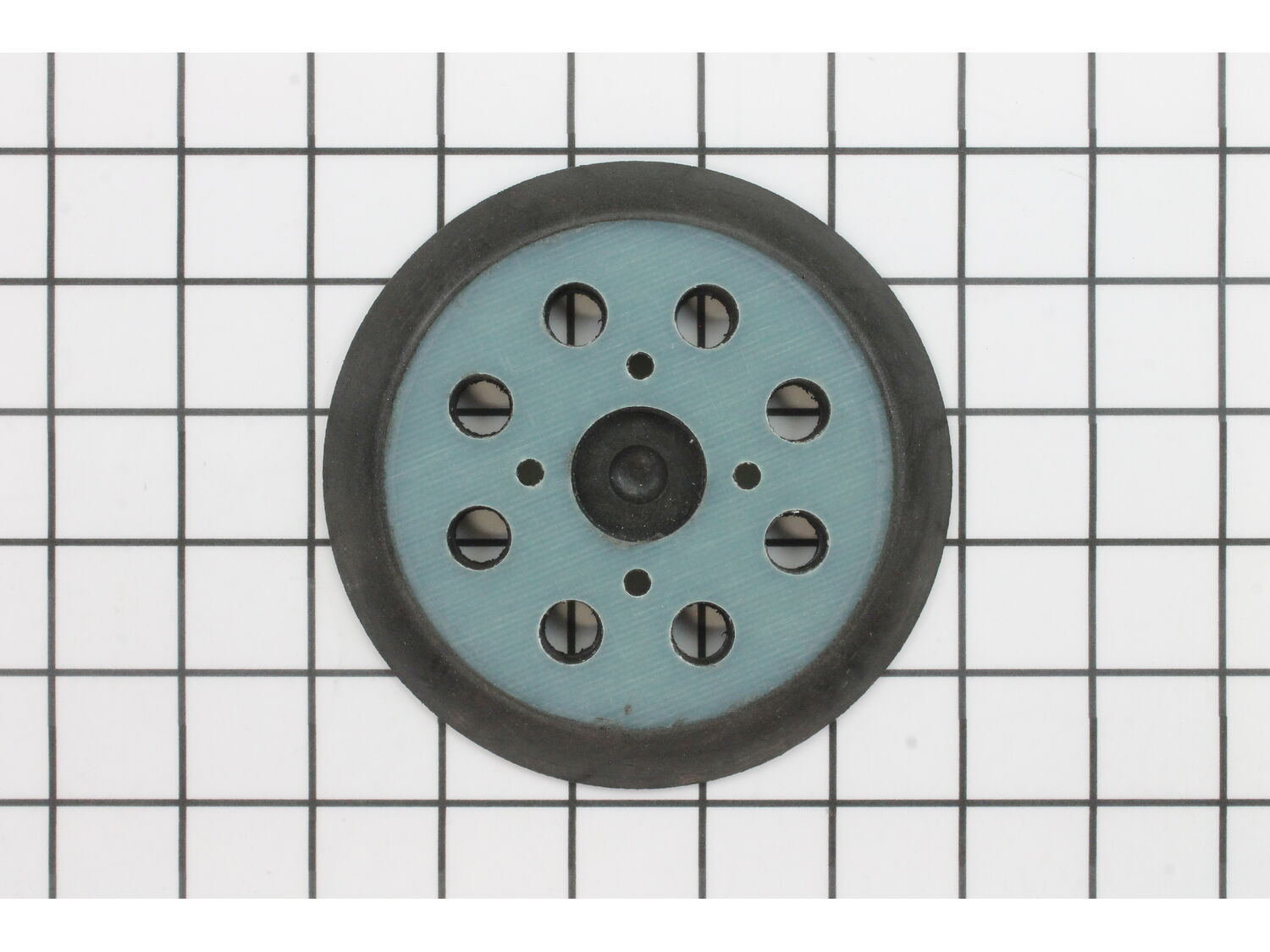
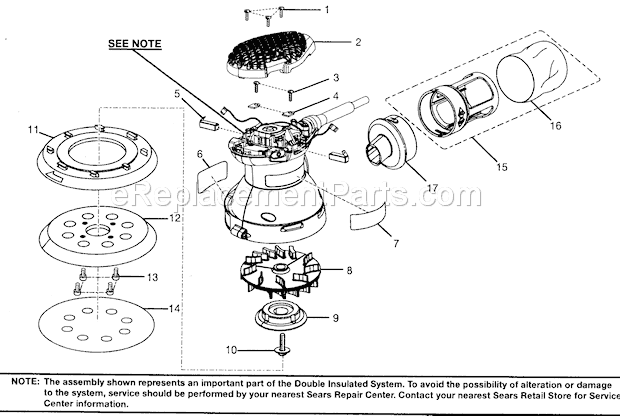
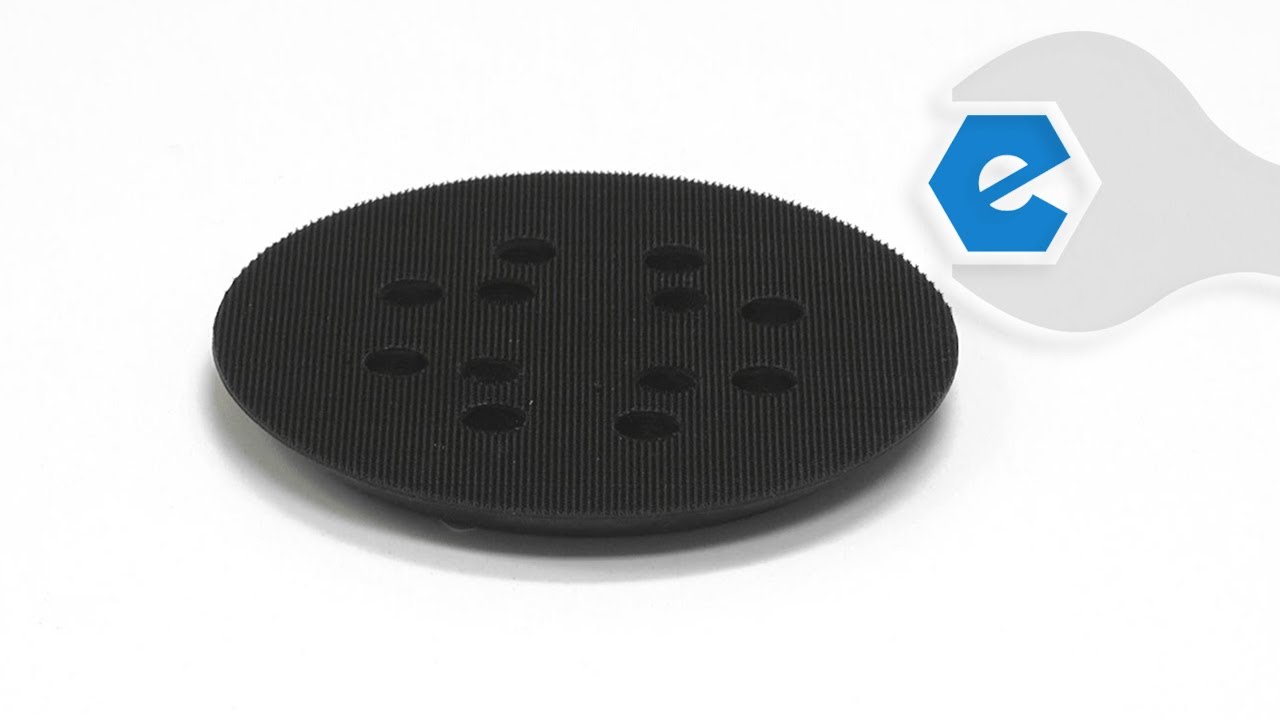
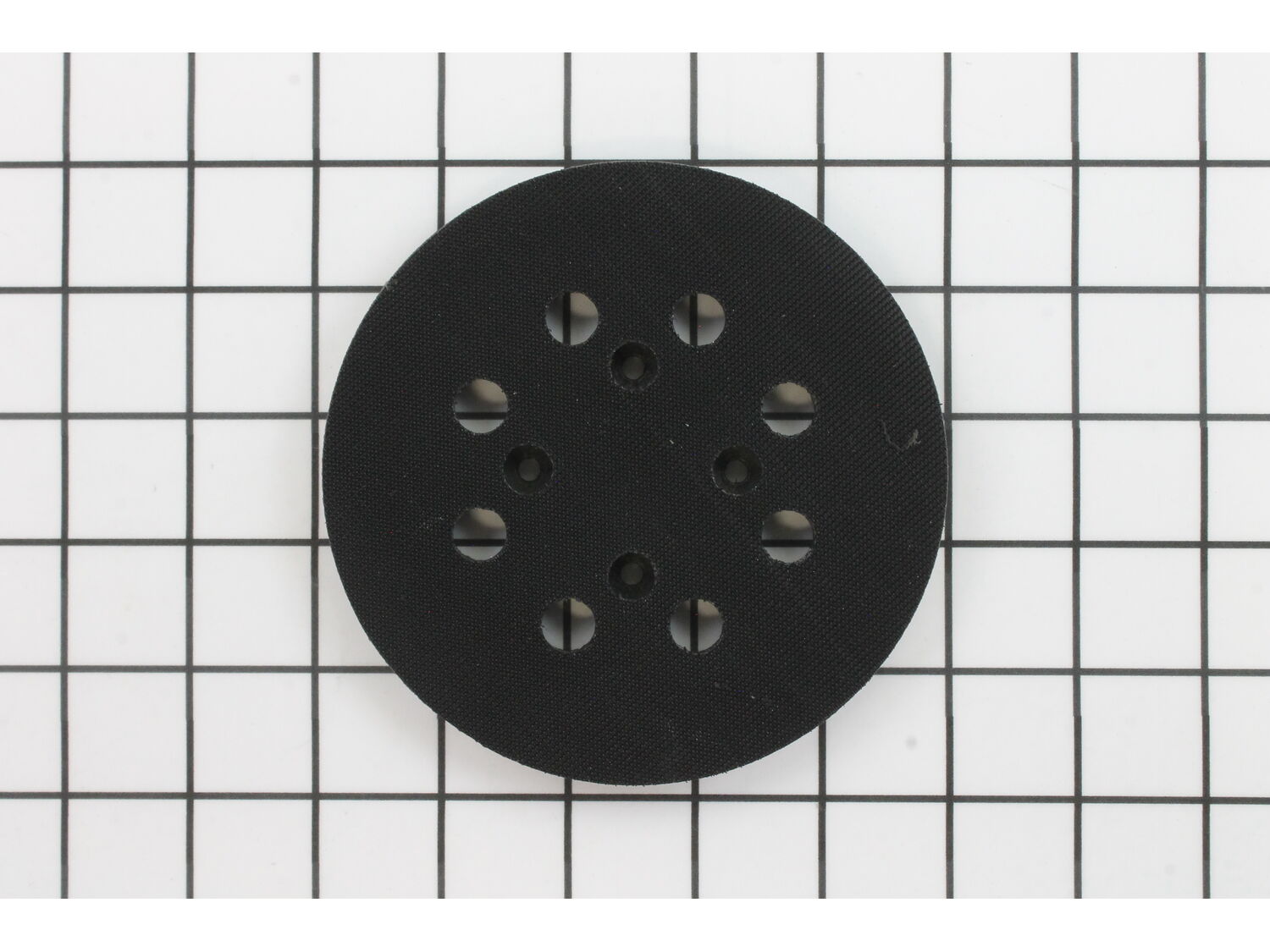
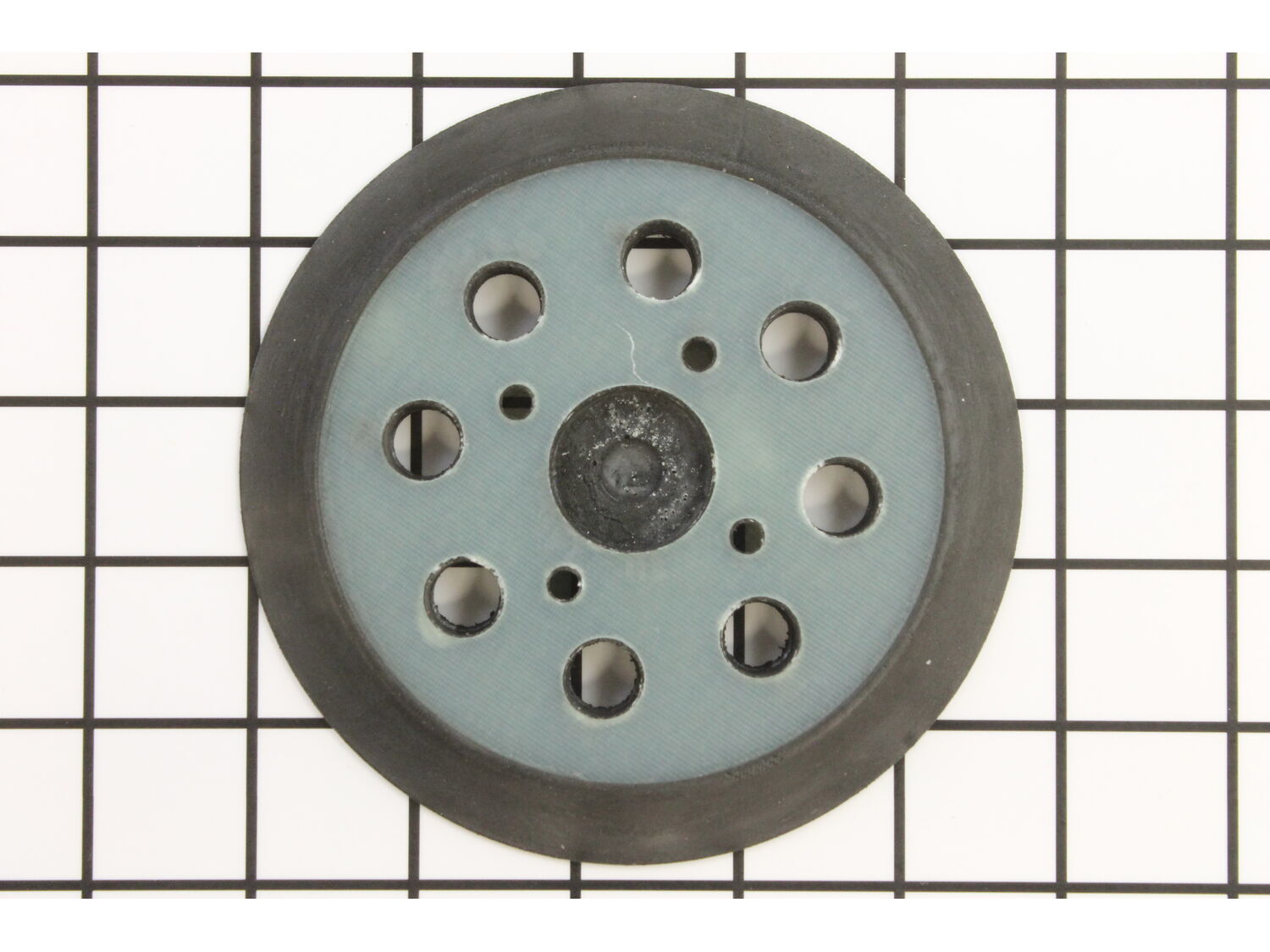
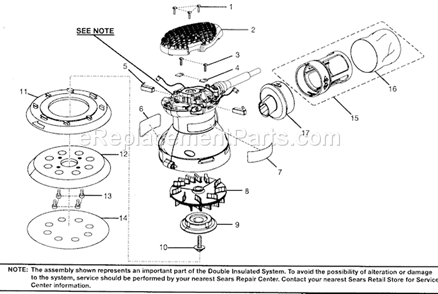
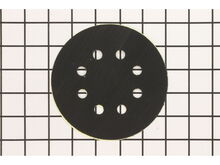
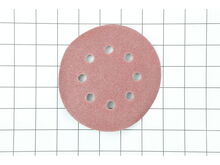
It is a genuine OEM sourced 5-inch sanding pad assembly that is specially designed for use with Craftsman orbital sanders. Its purpose is to provide support for hook and loop sandpaper, unfortunately, over time it may wear out or get damaged eventually requiring a replacement. To make the pad last longer do not put to much pressure on the sander when using it, the pressure will create heat and ruin the small hooks on the pad. To replace the pad simply remove the four screws attaching it to the sander and replace it with the new pad. Please note this high-quality component is sold individually.
Sorry, we couldn't find any existing answers that matched. Try using some different or simpler keywords, or submit your new question by using the "Ask a Question" button above!
Replacement pad r2600
Ken
For model number R2600 - March 27, 2023
Hello Ken, We are glad you asked! The correct Hook and Loop Disc is 300527002. We are pleased to have been able to help.
eReplacementParts Team
March 27, 2023
Did this question help you?
Thank you for voting!
Hook and loop pad wore out need new one. Can you recommend new replacement part. Old one held in place with screws, thank you
Robert
For model number R2601 ser.#cs111206291 - January 2, 2023
Hello Robert, Thank you for contacting us. We have researched the model you have provided and have found the part you are looking for is Part Number:300527002. Thank you for your inquiry, good luck with this repair!
eReplacementParts Team
January 2, 2023
Did this question help you?
Thank you for voting!
Customer Repair Instructions
All our customer repair instructions are solicited directly from other customers just like you who have purchased and replaced this exact part.
Easy
Less than 15 mins
(184 rated repairs)?
< Prev
1
2
3
Next >
Sort by:
Sorry, we couldn't find any existing installation instruction that matched.
The pad would no longer hold the sand paper..4 screws attached the pad to the sander, ..simply removed, pulled the bad pad off, attached the new one..took all of 2 min..sander back in action
Removed the 4 screws holding the pad to the base. Placed new pad on the base, lined up the screws holes, then attached the pad to the base with the screws.
1. Removed the four screws in the plate/base and removed it.
2. Located and aligned the screw holes in the new part and inserted the screws and screwed them tight.
Did you find this story helpful?
Thank you for voting!
Sanding pad had deteriorated and would not perform quality sanding. Brake pad had also worn causing excessive rotation as sander was powered down.
1. Removed old sander pad using screw driver.
2. Removed old brake skirt. This will require the separation of the sander housing.
3. Blow all excess sawdust out of unit and reinstall the brake skirt.
4. Screw the separated housing together.
5. Install sanding pad.
1. removed the screws holding the old pad on.
2. Removed the old pad and put the new one in its place.
3. reinserted the screws to hold the replacement pad in place.
I removed the 4 screws from the old disk, keeping them for reuse. I also removed the center screw and washer that holds the center cam spool, removing same so the skirt would slip off.
Then, I removed the half of the skirt shroud opposite the dust collector by removing four T20 head screws.
After removing the old skirt I slip
... Read moreped the retainer splines of the new skirt into the notches of the dust collector half of the shroud, making sure all were properly seated. Then I replaced the other half of the shroud, carefully aligning the retainer splines of the new skirt into the appropriate slots on the shroud.
When I was sure all of the splines were properly seated I replaced the other half of the shroud and tightened the T20 screws, completing the reassembly of the shroud with new skirt.
I then replaced the cam spool, washer and screw and reinstalled the disk using the four screws I saved from the old disk.
1. Removed the sanding pad (4 screws) and top covers (4 screws) . Removed the screws holding the lower assembly in place (4 screws).
2) Pulled the bottom side covers apart and slipped out the old brakes and slid in the new ones. Replaced the covers and 4 screws.
3) Replaced the sanding pad and screwed the pad in just till th
... Read moreere was no more wobble in the sanding pad.
4) Removed the two brushes at the top of the sander (2 screws)
5) Replaced the brushes and replaced the screws.
6) Replaced the cover.
This part is in stock in our warehouse and will ship out within 1 business day of the order being placed.
New stock is on the way! On order parts usually ship within 7 business days.
Item is not in stock and usually ships 10-15 business days from the time you place your order.
This item is no longer being made by the manufacturer, and cannot be added to your shopping cart.
✖
Mail-In Recycling Rebate
Some of the parts we sell are eligible for mail-in rebates since we can recycle them. We will display any applicable rebates in your shopping cart. To redeem your rebate, contact Customer Service after you have received your part.