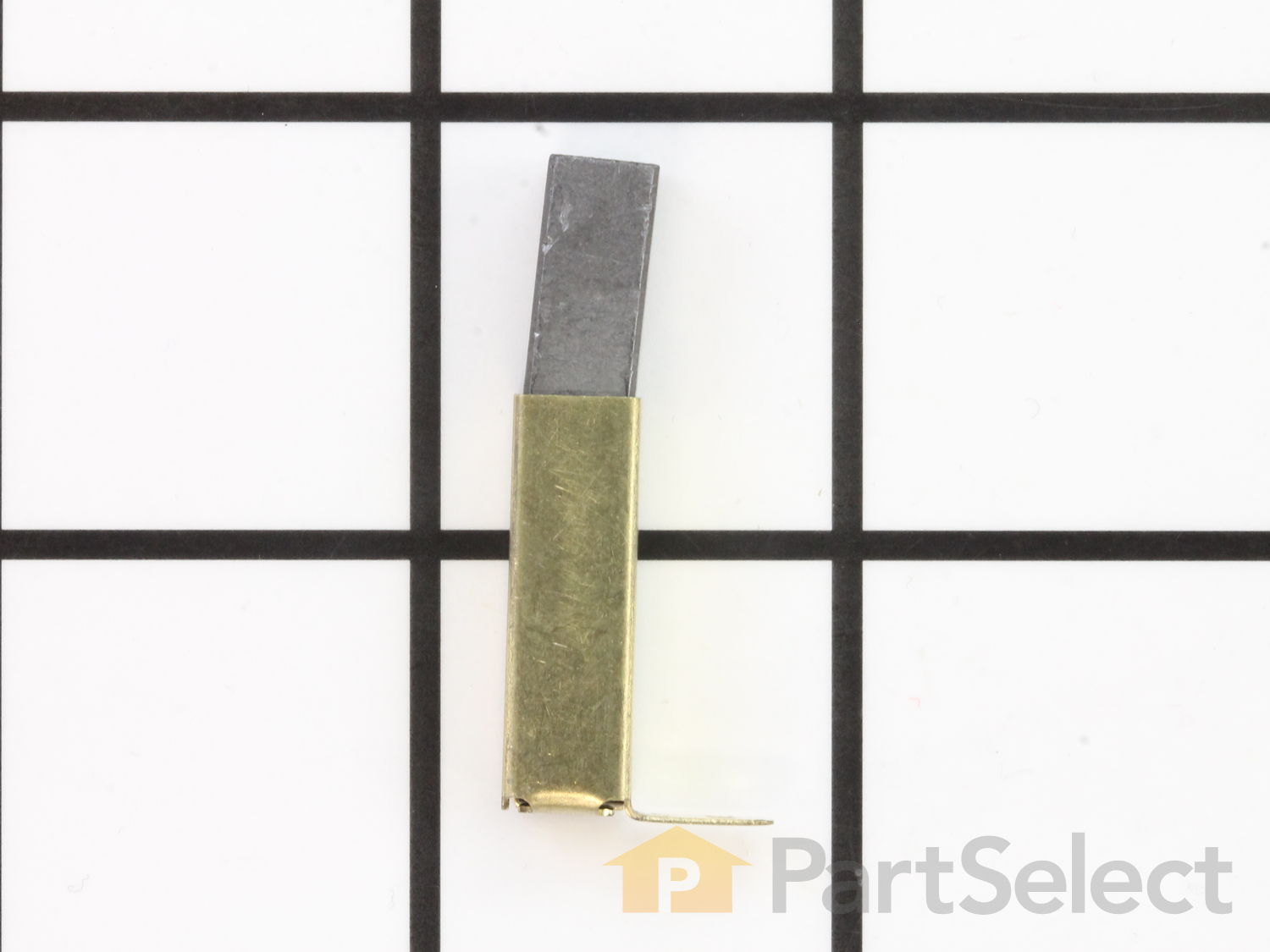
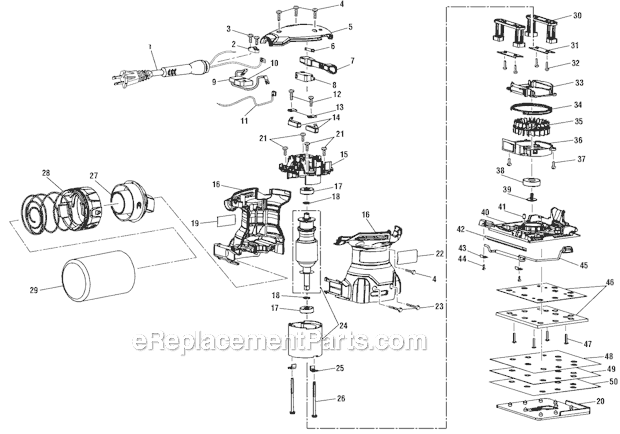
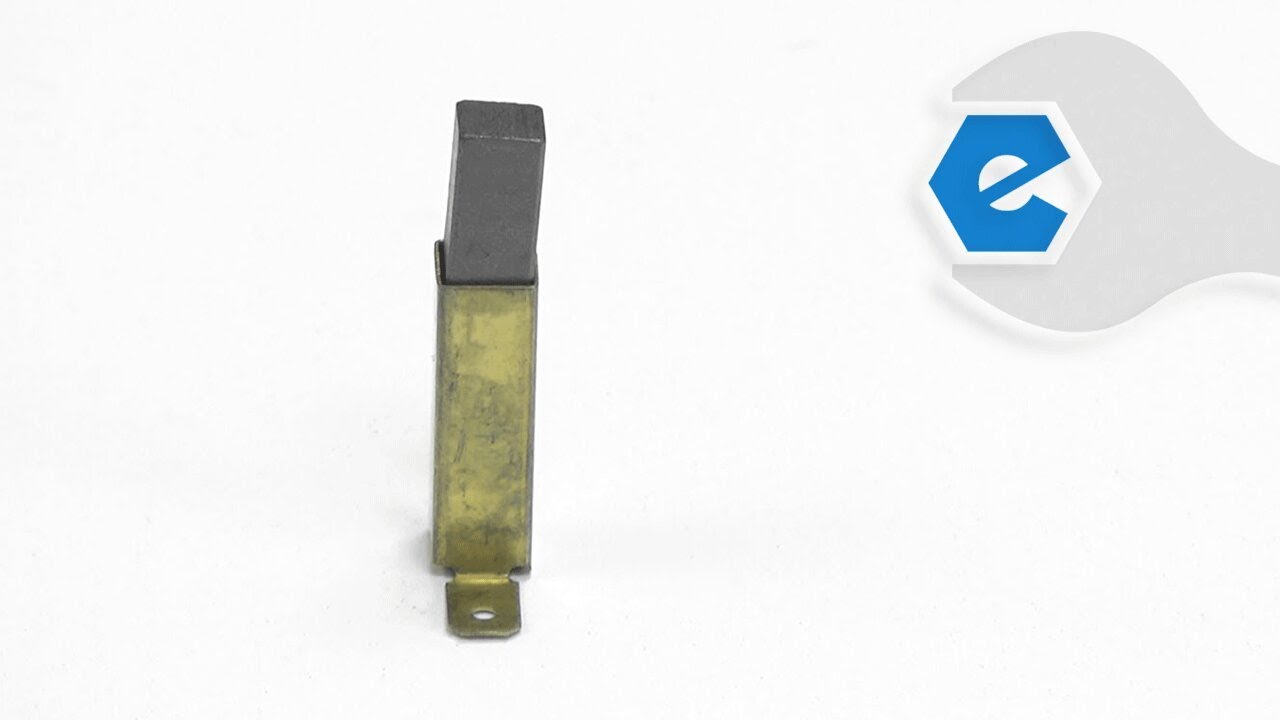
This manufacturer sourced replacement brush is designed for use with sanders. This assembly consists of one (1) carbon brush in a metal brush holder with a lead wire and a spring attached. Over time brushes will eventually wear down and will need to be replaced. It is advised to replace both brushes at the same type. When replacing carbon brushes, be sure to inspect your armature for burns, cracks, or other damage which can indicate larger motor problems. You would need a screwdriver to complete this job. • Remove the screws from the housing • Separate housing to gain access to armature and brushes • Remove old brush and replace it with a new one • Re-assemble and test the tool
1. Removed the sanding pad (4 screws) and top covers (4 screws) . Removed the screws holding the lower assembly in place (4 screws).
2) Pulled the bottom side covers apart and slipped out the old brakes and slid in the new ones. Replaced the covers and 4 screws.
3) Replaced the sanding pad and screwed the pad in just till th
... Read moreere was no more wobble in the sanding pad.
4) Removed the two brushes at the top of the sander (2 screws)
5) Replaced the brushes and replaced the screws.
6) Replaced the cover.
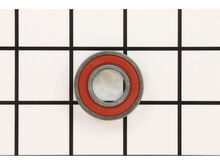
Removed old ball bearing and the brake skirt. Using a bearing press I installed the new ball bearing into the bearing cap then replaced the brake skirt. I then put everything back together with the new parts . Sander now works great.
Did you find this story helpful?
Thank you for voting!
< Prev
1
Next >
Model Cross Reference
This part works with the following models:
ERP Number: ERP18693518
Manufacturer Part Number: 290069126
This part is in stock in our warehouse and will ship out within 1 business day of the order being placed.
New stock is on the way! On order parts usually ship within 7 business days.
Item is not in stock and usually ships 10-15 business days from the time you place your order.
This item is no longer being made by the manufacturer, and cannot be added to your shopping cart.
✖
Mail-In Recycling Rebate
Some of the parts we sell are eligible for mail-in rebates since we can recycle them. We will display any applicable rebates in your shopping cart. To redeem your rebate, contact Customer Service after you have received your part.