- This part is in stock in our warehouse and will ship out within 1 business day of the order being placed.
- New stock is on the way! On order parts usually ship within 7 business days.
- Item is not in stock and usually ships 10-15 business days from the time you place your order.
- This item is no longer being made by the manufacturer, and cannot be added to your shopping cart.
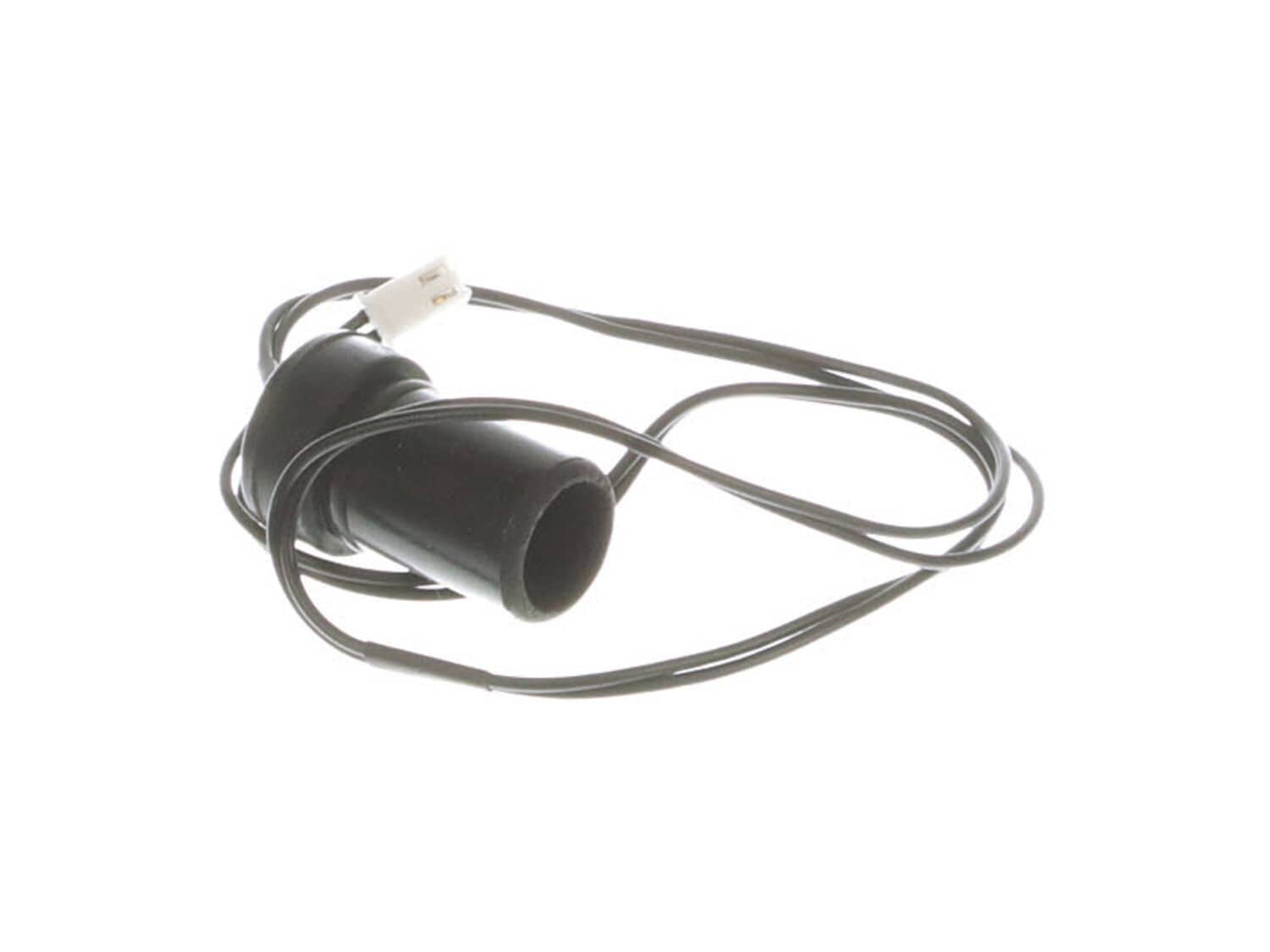
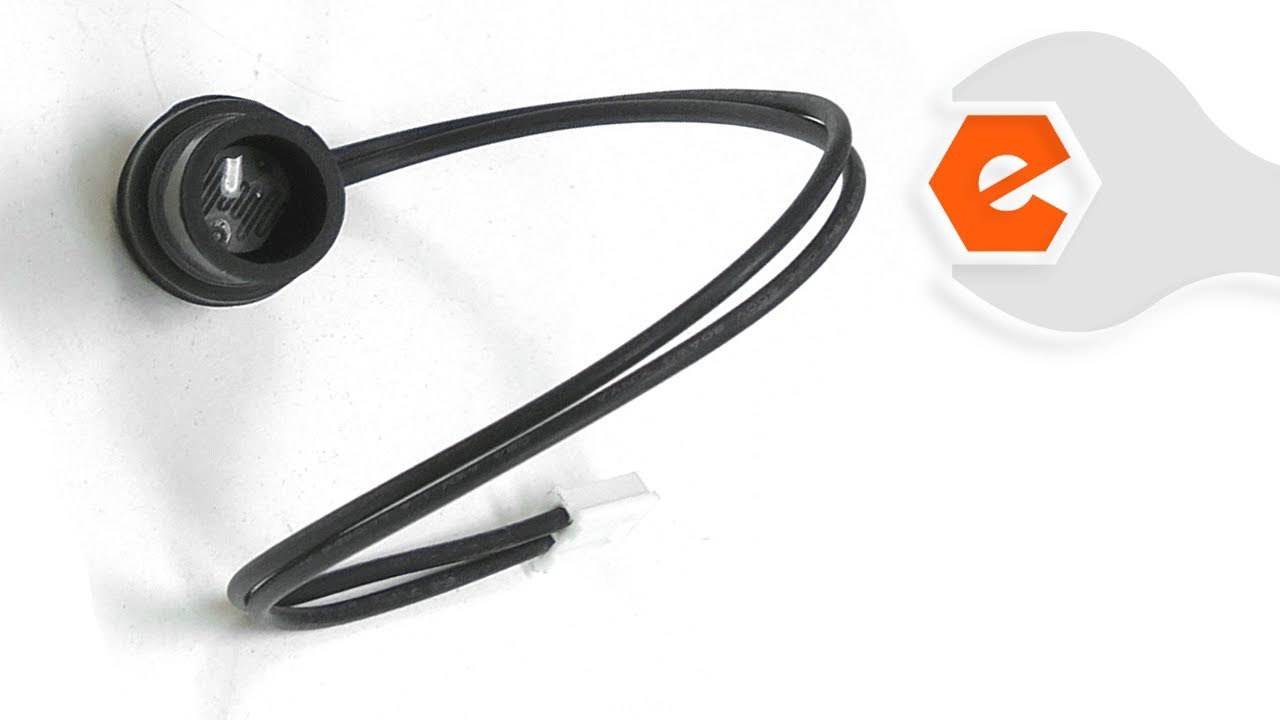
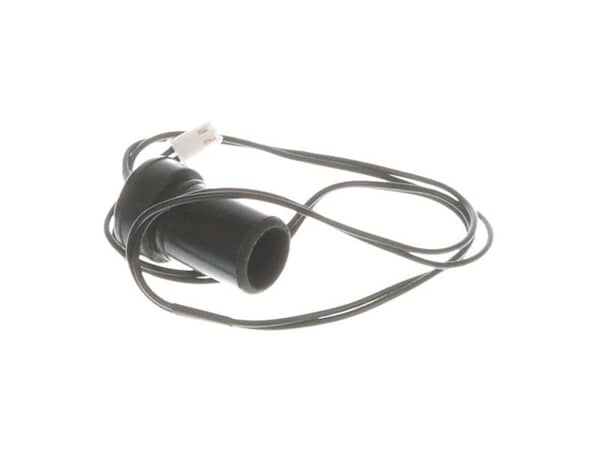
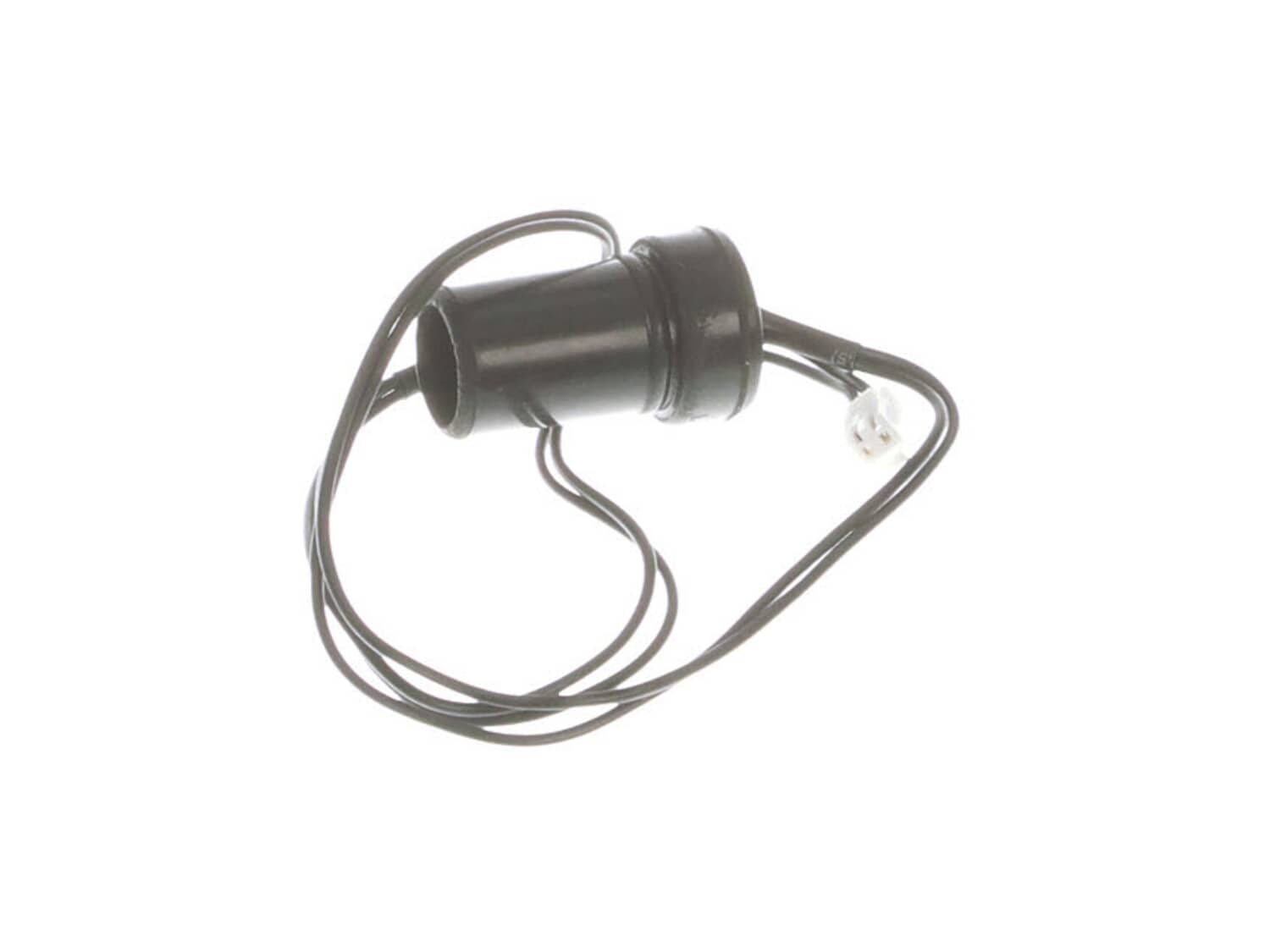
Photocell Assembly 70-016-1000
- Manufactured by:
- Pro Temp
- ERP Number:
- ERP17016835
- Part Number:
- 70-016-1000
Does this part fit my model?
Need help finding your model number?Jump to:
Product Description
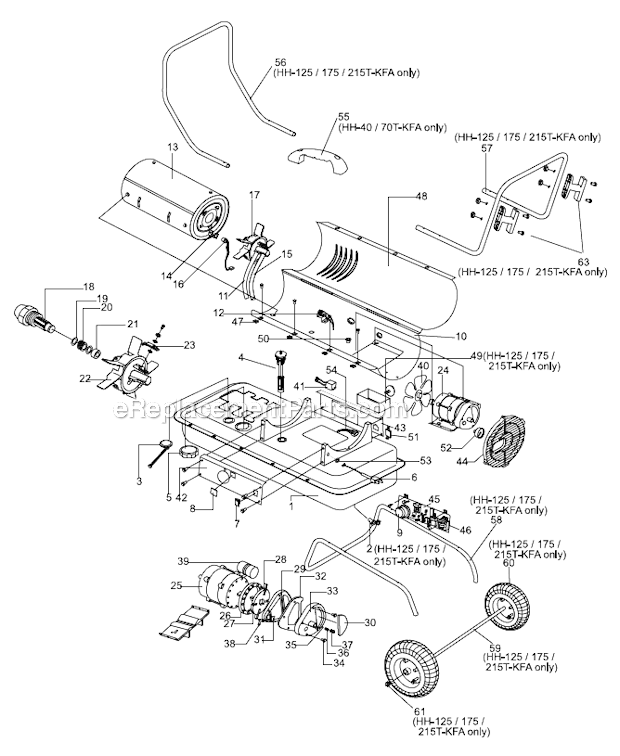
?This is a photocell designed for use in space heaters to detect the presence of a flame, ensuring that the burner ignites and remains lit to provide heat while preventing the release of unburned gas. This photocell is a genuine OEM part, sold individually, and is compatible with various heater models. It is typically attached to the main combustion chamber with a bracket (sold separately). Factors like dirt and debris, aging, and exposure to higher temperatures can lead to photocell failure. A failing photocell can result in your heater not starting, starting intermittently and then shutting down, and sometimes displaying error codes related to the photocell. To replace this part, you will need a screwdriver and/or socket wrench, as well as a set of pliers. Begin by disconnecting the heater from its power source and draining the fuel from the heater. Remove the top, back, and side covers of the heater to access its internal components. Locate the photocell within the heater, disconnect its cable and the photocell itself, and then install the new photocell. Reassemble your heater, ensuring that any disconnected wires are properly reconnected.
Frequently Purchased Together
?Troubleshooting
- Heat Hog
- Heat Stream
- Master
- Pro Temp
- Heater
Videos For installing this part.
?
Customer Part Reviews
?- < Prev
- 1
- Next >
Questions & Answers
?Our customer Service team is at the ready daily to answer your part and product questions.
We're sorry, but our Q&A experts are temporarily unavailable.
Please check back later if you still haven't found the answer you need.
Ask our Team
We have a dedicated staff with decades of collective experience in helping customers just like you purchase parts to repair their products.
Customer Repair Instructions
All our customer repair instructions are solicited directly from other customers just like you who have purchased and replaced this exact part.
- < Prev
- 1
- 2
- Next >
Heater would run for a minute, then shut off. If i removed the cover, it ran well.
Kevin from Anchorage, Alaska
- Difficulty Level:
- A Bit Difficult
- Total Repair Time:
- 15 - 30 mins
- Tools:
- Pliers, Screw drivers
- Parts Used:
- 70-016-1000, 70-015-0300
Not running properly, low pressure, cracked air line and deteriorated fuel line
Matthew from Muskego, Wisconsin
- Difficulty Level:
- A Bit Difficult
- Total Repair Time:
- 1- 2 hours
- Tools:
- Pliers, Screw drivers
- Parts Used:
- 70-016-1000, 70-036-1010, 70-035-0300, 70-003-0100
Heater would not start
walt from rock rapids, Iowa
- Difficulty Level:
- A Bit Difficult
- Total Repair Time:
- 15 - 30 mins
- Tools:
- Nutdriver, Screw drivers
- Parts Used:
- 70-036-1040, 70-035-0530, 70-016-1000, 70-054-0100
Replaced the original thermostat and photocell which were both 12 years old.
Judd from Baraboo, Wisconsin
- Difficulty Level:
- Easy
- Total Repair Time:
- 15 - 30 mins
- Tools:
- Screw drivers
- Parts Used:
- 70-016-1000, 70-019-0100
Unscrewed the control panel (4 screws)
Unscrewed the burner unit (three screws)
Pulled the photocell sensor out of the metal bracket as it is only friction fit
Removed photocell wire lead plug that attaches to the main control panel
Unscrewed the thermostat bracket from the ... Read more inside of the cover housing
Unscrewed the thermostat from the bracket (2 screws)
Pulled two separate wire leads from thermostat
Installed new thermostat
Reverse order this process and you are done!
would shut down. threw a photocell code.
lindsey from jackson, Michigan
- Difficulty Level:
- Easy
- Total Repair Time:
- 30 - 60 mins
- Tools:
- Pliers, Screw drivers
- Parts Used:
- 70-036-1020, 70-007-0215, 70-016-1000, 70-035-0300, 70-027-0300
Torpedo Hester bad nozzle
Stephen from Momence, Illinois
- Difficulty Level:
- Easy
- Total Repair Time:
- 30 - 60 mins
- Tools:
- Pliers, Screw drivers, Socket set
- Parts Used:
- 70-016-1000, 70-052-0200, 70-019-0100, 70-015-0300
The photocell turned out to be bad and also the thermostatic limit control switch
ARVIN from ASHTON, Iowa
- Difficulty Level:
- Easy
- Total Repair Time:
- 30 - 60 mins
- Tools:
- Nutdriver, Screw drivers, Socket set, Wrench set
- Parts Used:
- 70-016-1000, 70-019-0100
Failed to continue operation after 1-2 minutes
timothy from LOS ANGELES, California
- Difficulty Level:
- Difficult
- Total Repair Time:
- 30 - 60 mins
- Tools:
- Screw drivers
- Parts Used:
- 70-016-1000
Removed covers, replaced CDS photocell, on-line information shows replacement part # -1000 was a replacement, however, was incorrect connector; CDS cell leads soldered / spliced to original connector; problem unresolved, same as with original cell;
Discovered CDS ranging resistor R12 had changed value ... Read more providing a marginal out of range voltage to the RISC processor input while operating. Padded 5V B+ resistor by adding 2.5K ohms; operational voltage to RISC input lowered from 2.4V average to 2.1V average while flame active; system now operates correctly. System checked for correct shutdown when optical path blocked simulating flame out condition.
Heater ran 15 sec then wouldn\'t stay lit. Displayed E-1 code.
Tom from TORRINGTON, Wyoming
- Difficulty Level:
- Easy
- Total Repair Time:
- Less than 15 mins
- Tools:
- Nutdriver, Screw drivers
- Parts Used:
- 70-016-1000
Heater would not stay running.
Max from Candler, North Carolina
- Difficulty Level:
- A Bit Difficult
- Total Repair Time:
- 15 - 30 mins
- Tools:
- Nutdriver, Pliers
- Parts Used:
- 70-016-1000
- < Prev
- 1
- 2
- Next >
Some of the parts we sell are eligible for mail-in rebates since we can recycle them. We will display any applicable rebates in your shopping cart. To redeem your rebate, contact Customer Service after you have received your part.