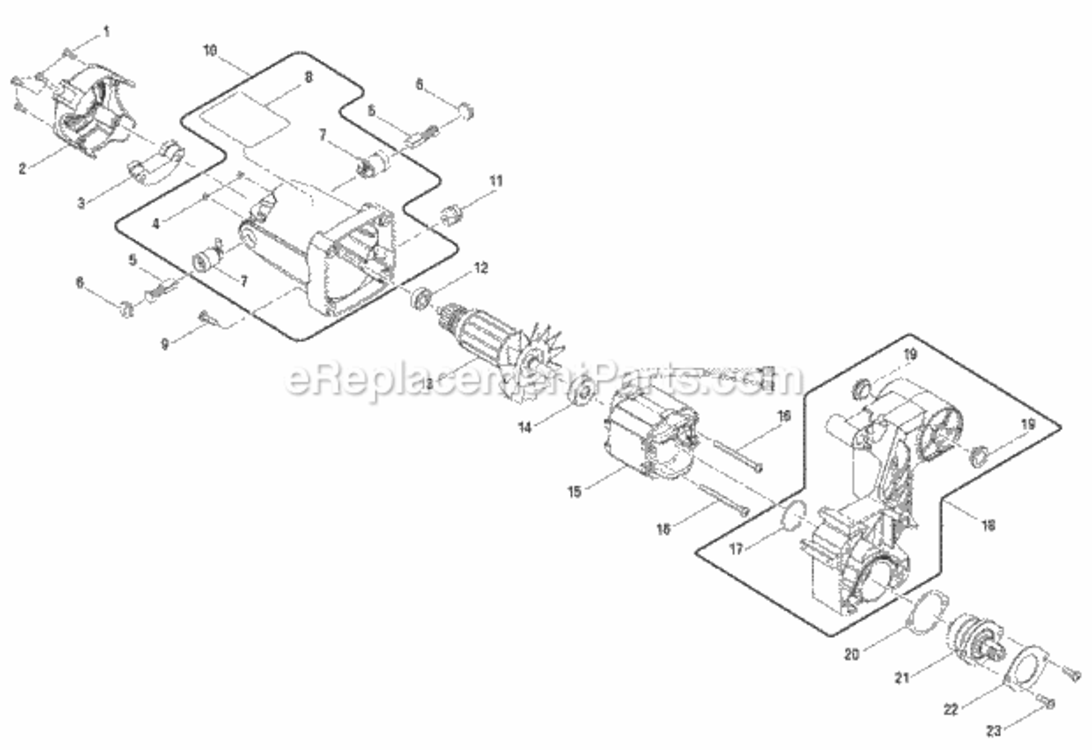
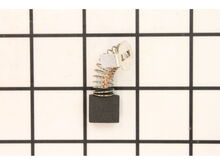
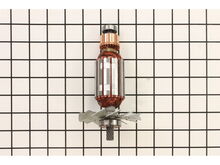
Part Location Diagram of 089006017092 Ryobi Brush
See part B-5 in the diagram
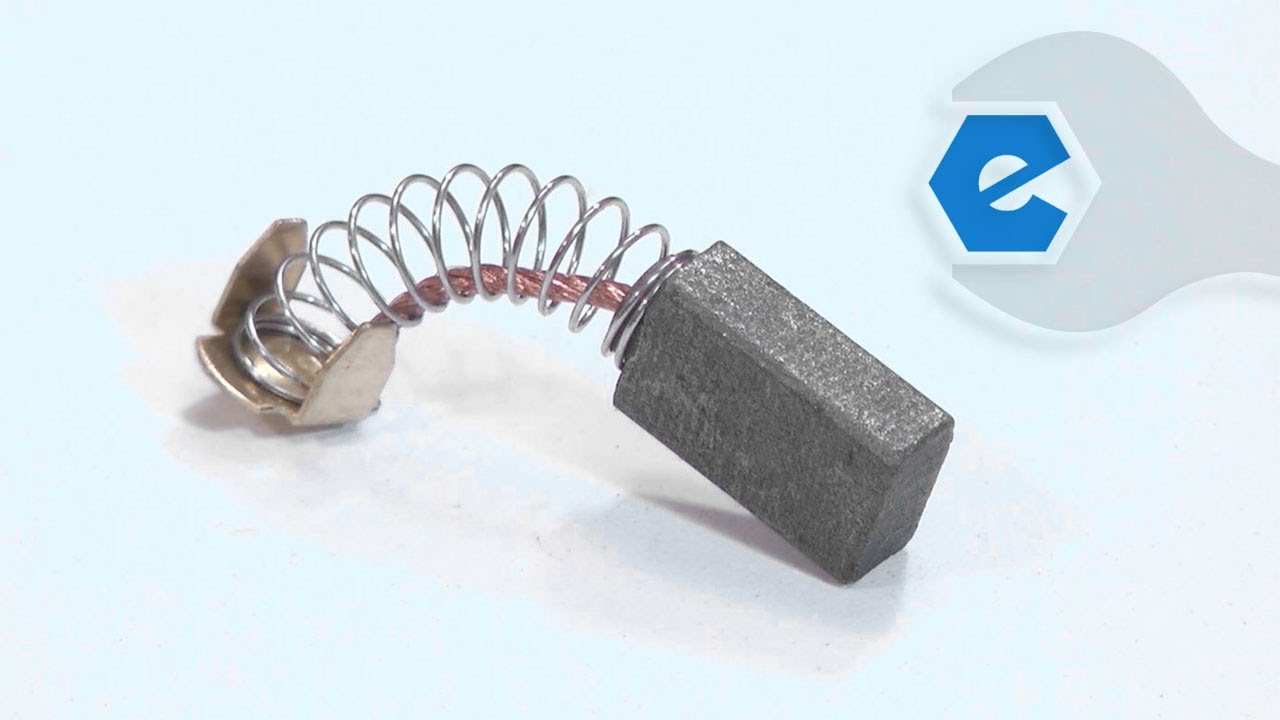
Replacing your Ridgid Miter Saw Brush
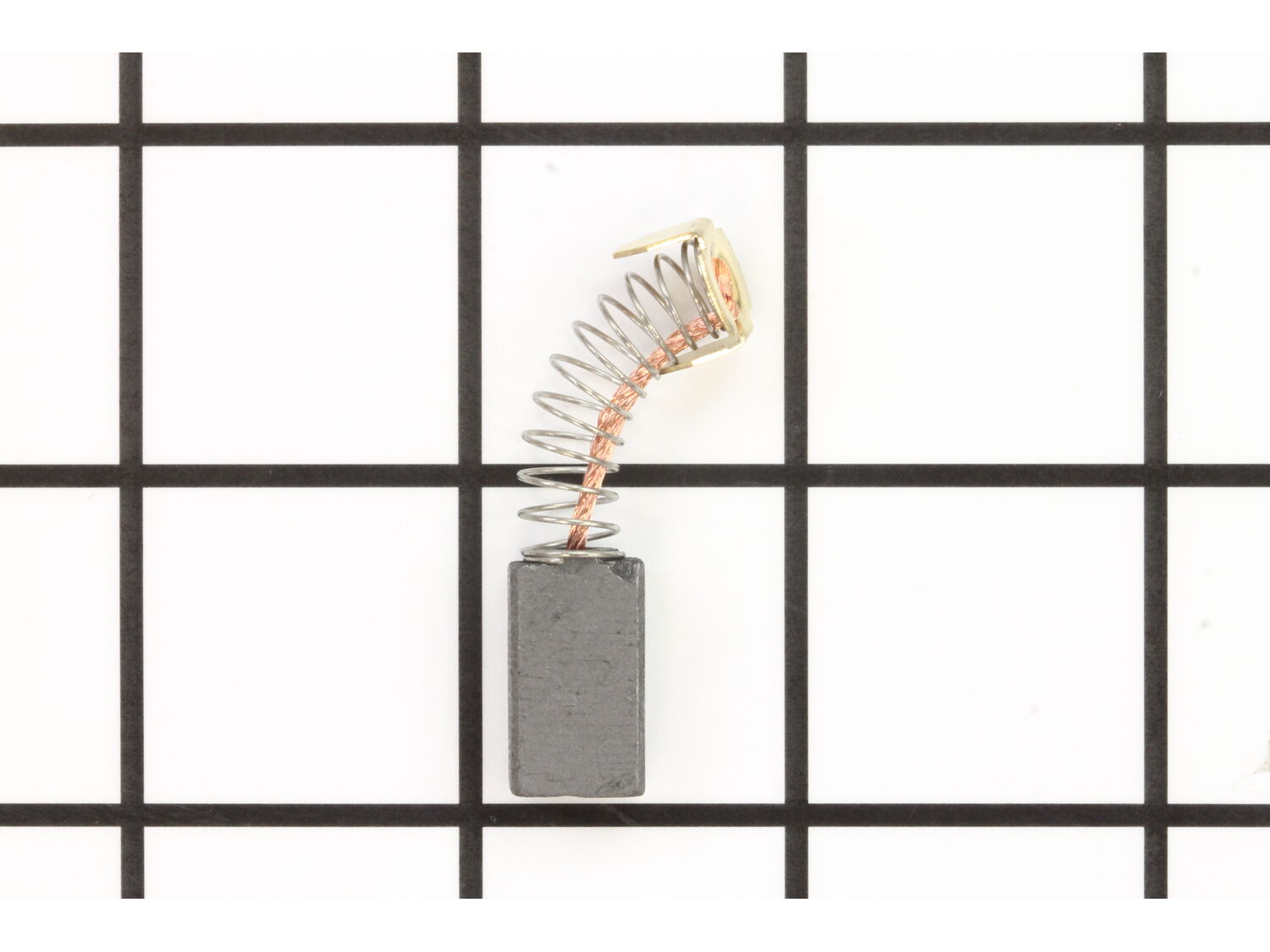
( Grid squares measure 1x1 inch )

Brush 089006017092

Manufactured by:
Ryobi
ERP Number:
ERP16235992
Part Number:
089006017092
Original Equipment Manufacturer ?
In Stock
Delivers in 3-5 Business Days!

Easy 

15 - 30 mins 

(10 rated repairs) ?

Does this part fit my model?

Need help finding your model number?

Product Description

?

This is an OEM replacement part, sold individually. • Worn brushes frequently are the cause behind a motor running poorly. • Replacing brushes can fix a motor that's operating intermittently. • New brushes can restore a motor's electric braking. When replacing carbon brushes, be sure to inspect your armature for burns, cracks, or other damage which can indicate larger motor problems. Worn brushes are a common causes of intermittent motor function, reduced electric braking and reduced motor power. A worn-out brush will often be worn down near to the wire lead and can be cracked, pitted, or burned. This brush is compatible with the tools shown below.

Frequently Purchased Together

?

Troubleshooting

This part works with the following brands:
  • Ridgid
  • Ryobi
This part works with the following products:
  • Miter Saw
  • Saw
Part# 089006017092 replaces these:
089006017092,

Videos For installing this part.

?
Replacing your Brush

Customer Part Reviews

?
4.8
Average Rating (out of 5):
★★★★★
★★★★★
(6 Reviews)
Click to filter by ratings:
  • 5 stars
    5
  • 4 stars
    1
  • 3 stars
    0
  • 2 stars
    0
  • 1 star
    0
  • 1
Sort by:  
Sorry, we couldn't find any existing reviews that matched. Try using some different or simpler keywords.

Questions & Answers

?

Our customer Service team is at the ready daily to answer your part and product questions.

We're sorry, but our Q&A experts are temporarily unavailable.
Please check back later if you still haven't found the answer you need.

Ask our Team

We have a dedicated staff with decades of collective experience in helping customers just like you purchase parts to repair their products.

Does this fit my product?

Customer Repair Instructions

All our customer repair instructions are solicited directly from other customers just like you who have purchased and replaced this exact part.

Easy 

15 - 30 mins 

(10 rated repairs) ?
  • 1
Sort by:  
Sorry, we couldn't find any existing installation instruction that matched.

Brushes worn out on my tilesaw

Juan from AURORA, Colorado

4 of 4 people found this instruction helpful.
Difficulty Level:
Easy
Total Repair Time:
Less than 15 mins
Tools:
Screw drivers
Parts Used:
089006017092
1. Remove the brush caps with a screwdriver 2. Remove the worn brushes 3. Put in the new brushes 4. Screw the brush caps back on

Did you find this story helpful?
Thank you for voting!

The brushes in the electrical motor went bad. The housing for the brushes also needed replaced.

John from Munroe Falls, Ohio

4 of 4 people found this instruction helpful.
Difficulty Level:
A Bit Difficult
Total Repair Time:
15 - 30 mins
Tools:
Pliers, Screw drivers
Once I got the parts, I needed to reassemble the brush housings and the brushes themselves. Then the motor needed to be reconnected to the framing for the diamond blade for my Tile Saw. The parts fit perfectly and the motor started right up once it was put back together. So glad it all worked out. Runs like a champ again.
Did you find this story helpful?
Thank you for voting!

My bearing went out in my Rigid Wet Saw. I noticed wear on my brushes so I replaced them as well.

Michael from Woodford, Virginia

3 of 3 people found this instruction helpful.
Difficulty Level:
A Bit Difficult
Total Repair Time:
30 - 60 mins
Tools:
Pliers, Screw drivers, Wrench (Adjustable)
I began by unscrewing the cover to the wet saw blade. Then I took off the nut that holds the blade on to the shaft with an ajustable wrench and the allan wrench provided with the saw. Next I took the grinder motor assembly off (4 screws) and set it to the side which exposed the bad bearing. I pulled it out and replaced the new one along w ith some grease for lubrication. I then unscrewed the brush holders (2) and replaced the brushes inside the motor. I put everything back together and tightened everything up and it worked just fine. Thanks ereplacement parts for having the parts I needed to fix my saw and saving me hundreds of dollars bcuz I thought I needed a whole new saw! :-)
Did you find this story helpful?
Thank you for voting!

Wore out brushes

Michael from ft Walton Beach, Florida

3 of 3 people found this instruction helpful.
Difficulty Level:
Easy
Total Repair Time:
Less than 15 mins
Tools:
Screw drivers
Parts Used:
089006017092
Remove the brush caps with a screwdriver
Remove the old brushes
Install the new brushes
Replace the brush caps
Did you find this story helpful?
Thank you for voting!

Motor wouldn\'t run

Steve from Louisburg, Kansas

1 person found this instruction helpful.
Difficulty Level:
Easy
Total Repair Time:
15 - 30 mins
Tools:
Screw drivers
Remove the set screws from the end of the motor housing, and pull the complete brush holder assembly out. Take the new brush holder and press it in the motor housing and tighten the set screw, install the brushes in the new holders, then screw on the brush caps.
Did you find this story helpful?
Thank you for voting!

Motor had no power/ high amp draw

Charles from HASTINGS, Florida

0 of 1 people found this instruction helpful.
Difficulty Level:
Easy
Total Repair Time:
Less than 15 mins
Tools:
Screw drivers
Parts Used:
089038001076, 089006017092
Unscrewed brush caps removed worn brushes.installled new ones. Re-installed caps. Replaced missing rear splash gaurd.
Did you find this story helpful?
Thank you for voting!

Brush replacement

JAMES from NEWARK, Delaware

0 of 1 people found this instruction helpful.
Difficulty Level:
A Bit Difficult
Total Repair Time:
15 - 30 mins
Tools:
Pliers, Screw drivers
Parts Used:
089006017092
Removed old brushes and replaced with the new ones. Just be careful removing the old brushes, they are on springs. Watch exactly how the old ones come out and get the orientation of the new ones in the same way the old ones came out.
Did you find this story helpful?
Thank you for voting!

Ceramic tile saw motor would not start, sometimes would start by spinning blade by hand.

Steven from Key West, Florida

0 of 1 people found this instruction helpful.
Difficulty Level:
Easy
Total Repair Time:
Less than 15 mins
Tools:
Screw drivers
Parts Used:
089006017093, 089006017092
Removed caps for brushes inspected worn brushes and replaced them.
Did you find this story helpful?
Thank you for voting!

Brush was gone

Samuel from Kingshill, Virgin Islands

0 of 1 people found this instruction helpful.
Difficulty Level:
Easy
Total Repair Time:
Less than 15 mins
Tools:
Screw drivers
Parts Used:
089006017092
Removed the old one and inserted the new one and we were good to go.
Did you find this story helpful?
Thank you for voting!

Motor would not start running.

Peter from Ventura , California

0 of 1 people found this instruction helpful.
Difficulty Level:
Easy
Total Repair Time:
Less than 15 mins
Tools:
Screw drivers
Parts Used:
089006017092
Just took out the old brush and inserted the new brush. Motor runs great now!
Did you find this story helpful?
Thank you for voting!
  • 1

Model Cross Reference

This part works with the following models:
ERP Number: ERP16235992
Manufacturer Part Number: 089006017092
Brand Model Number Description
Ridgid R4040 Tile Saw - Tile Saw
Ridgid R4040S Tile Saw - Tile Saw
Ridgid R4041 Saw - Ridgid R4041 Parts
Ridgid R4041S Saw - Ridgid R4041s Parts
Ryobi TS1344L Miter Saw - Miter Saw
Ryobi TS1344LG Miter Saw - 10-Inch Compound Miter Saw
Ryobi TS1345L Miter Saw - 10-In. Compound Miter Saw
Ryobi TS1346 Miter Saw - 10-Inch Compound Miter Saw
Ryobi TS1346T Miter Saw - 10-Inch Compound Miter Saw