
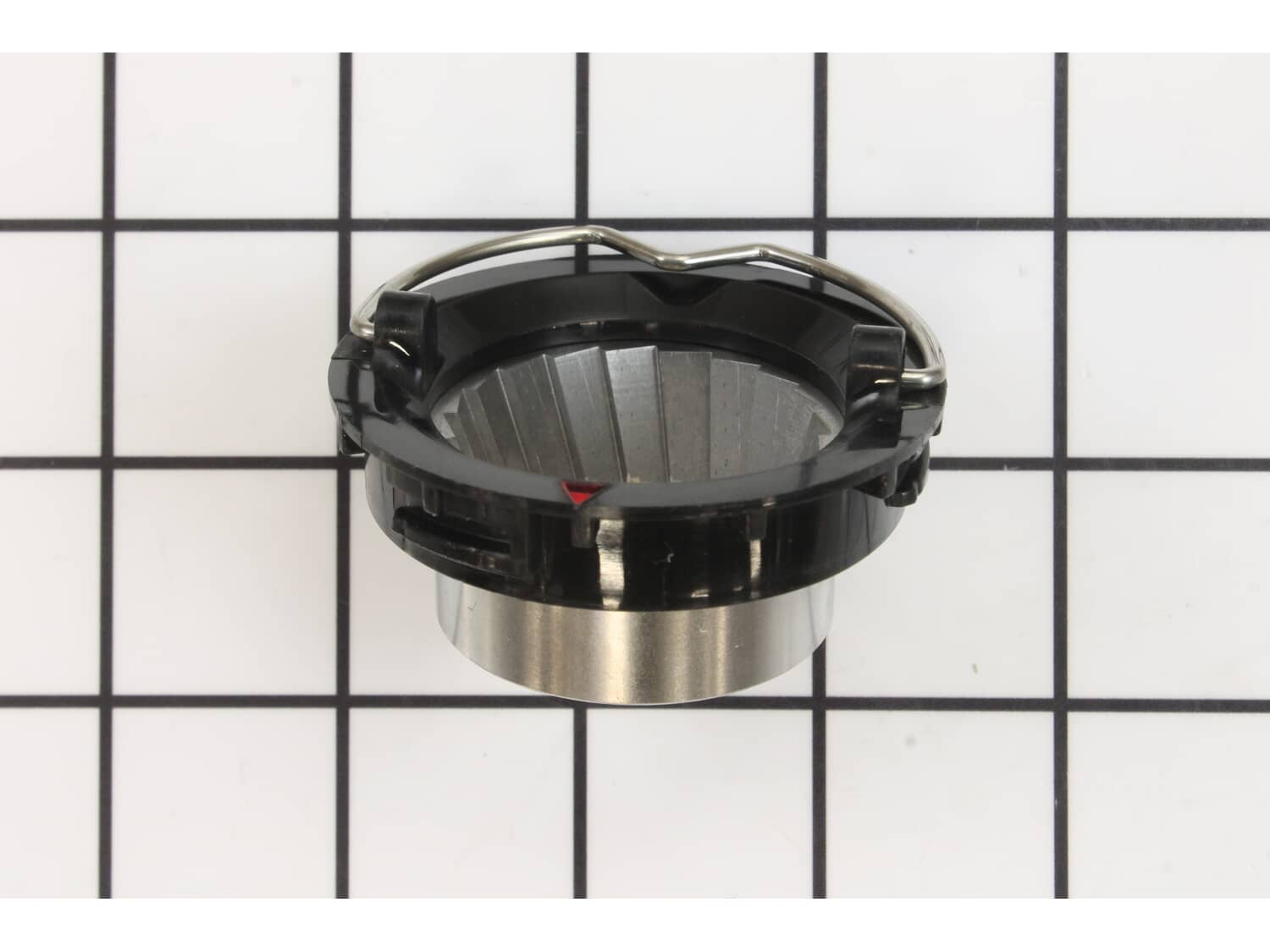
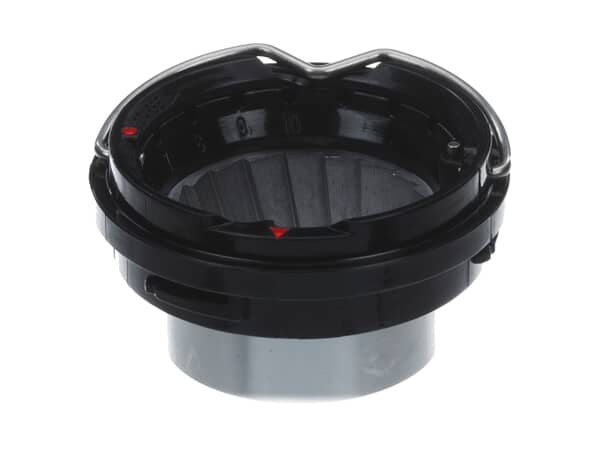
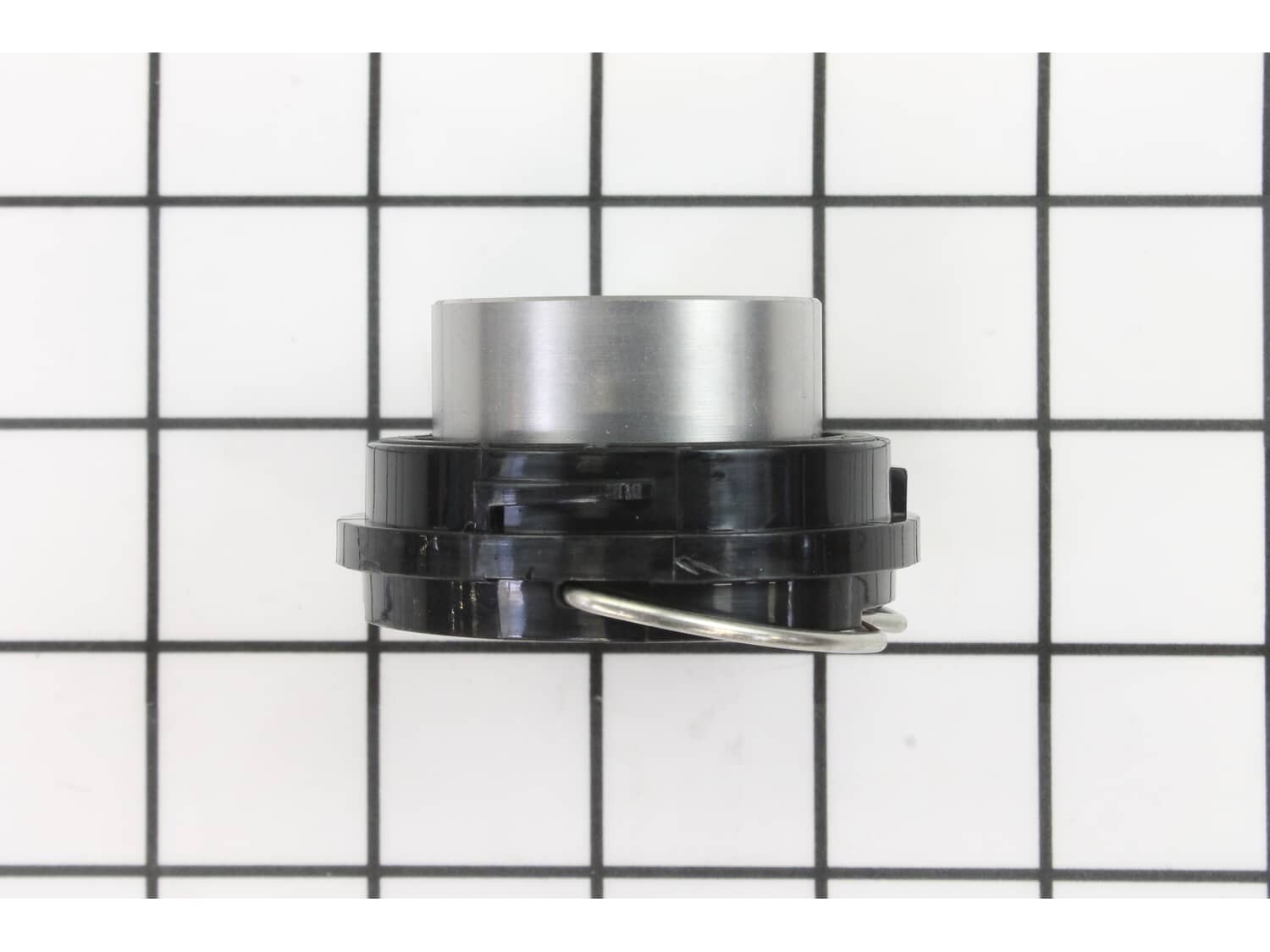
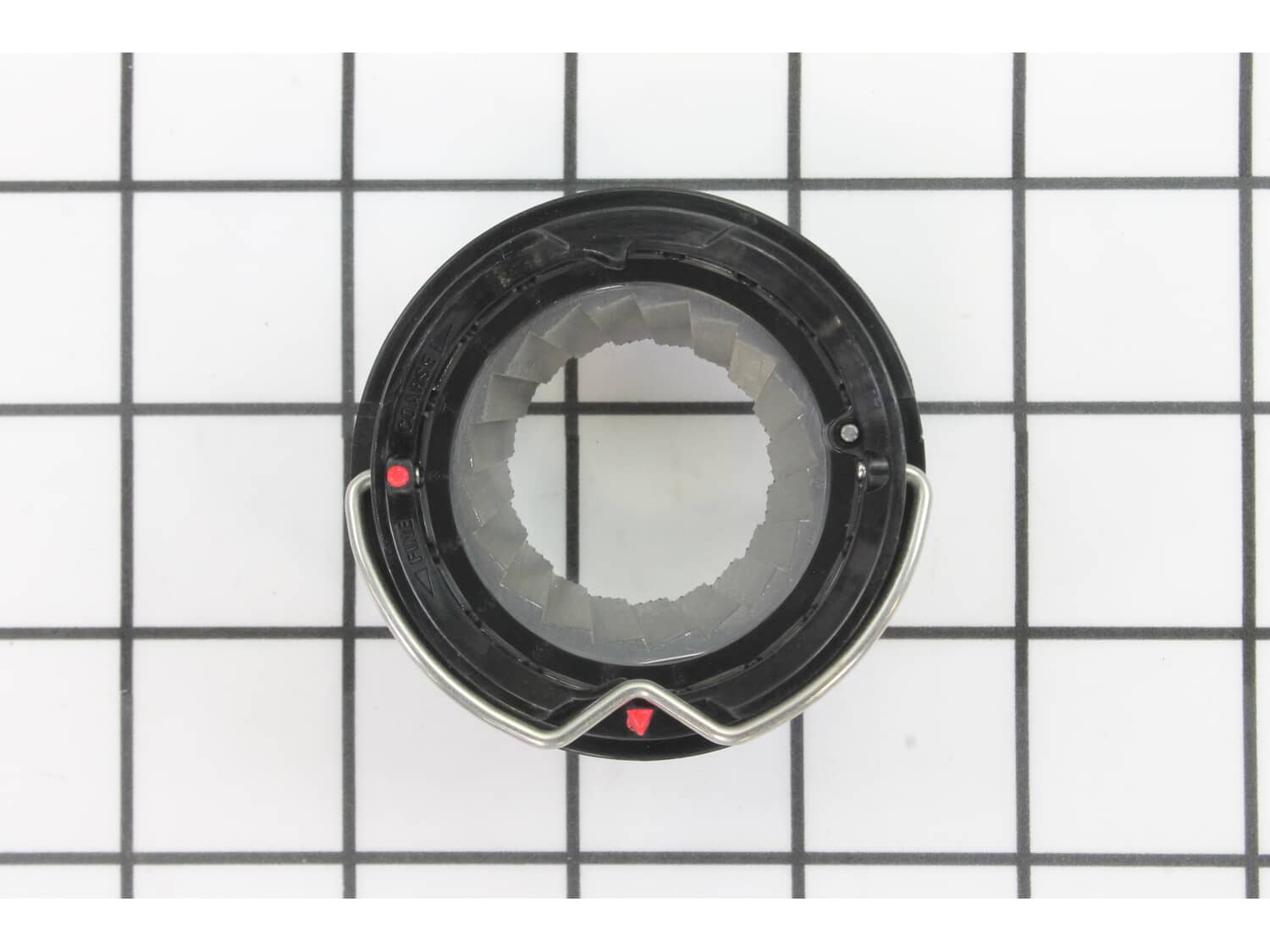
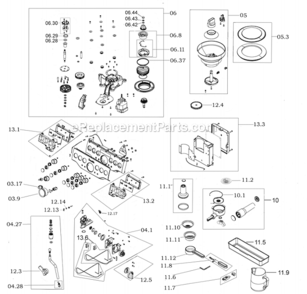



Outer Burr Assembly W/handle - SP0001801
- Manufactured by:
- Breville
- ERP Number:
- ERP12008254
- Part Number:
- SP0001801
Does this part fit my model?
Need help finding your model number?Product Description
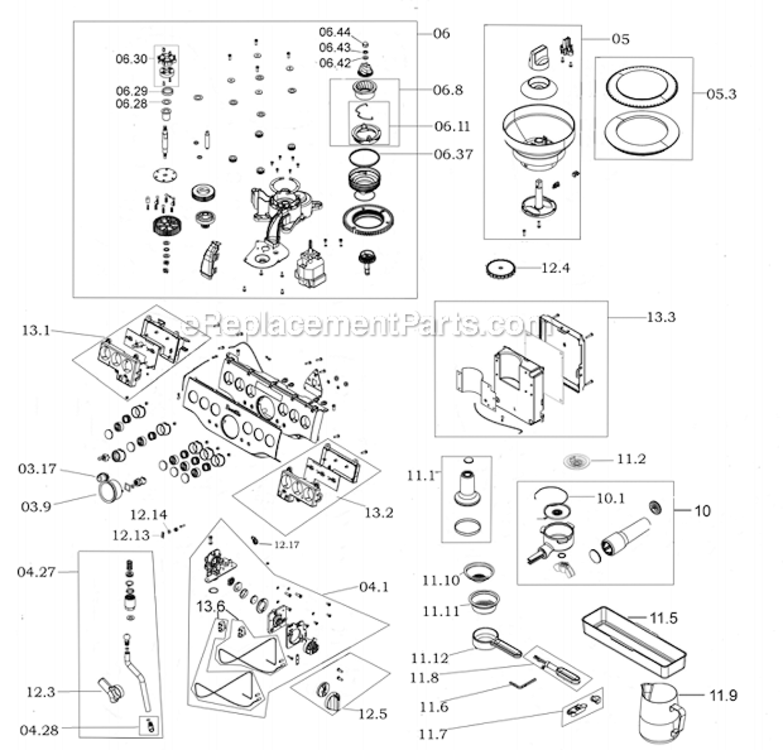
?This genuine OEM outer burr assembly contributes to the grinding process in your espresso machine. Working in conjunction with the inner burr, it grinds coffee beans to a consistent size for your espresso. The outer burr remains stationary, while the inner burr rotates to crush the beans. It has adjustable settings and you will find this assembly in the grinder section of your machine. However, frequent use can cause the burrs to wear down, impacting the quality of your coffee grind. Watch out for signs like inconsistent or uneven grounds, slower grinding, or unusual noises during the process, as they may indicate the need for a replacement. To replace the assembly, start by unlocking and emptying the hopper, then run the grinder empty. Unlock the outer burr and lift it out of the hopper housing using the handle. Clean the chute with a brush before installing the new burr assembly. Please keep in mind that this replacement part includes the metal handle.
Frequently Purchased Together
?Troubleshooting
- Breville
- Espresso Machine
- Coffee Grinder
Customer Part Reviews
?- < Prev
- 1
- Next >
Questions & Answers
?Our customer Service team is at the ready daily to answer your part and product questions.
Be the first to ask our experts a question about this part!
Ask our Team
We have a dedicated staff with decades of collective experience in helping customers just like you purchase parts to repair their products.
Customer Repair Instructions
All our customer repair instructions are solicited directly from other customers just like you who have purchased and replaced this exact part.
- < Prev
- 1
- Next >
Setting for amount of coffee ground needed to be close to maximum
Juergen from MEDFORD, New York
- Difficulty Level:
- Easy
- Total Repair Time:
- 15 - 30 mins
- Tools:
- Socket set, Wrench (Adjustable)
2. Vacuumed out grinder assembly
3. Unlocked and removed outer grinder
4. Removed cap nut that\'s holding inner grinder, then removed inner grinder
5. Removed washers
6. Removed grind fan assembly
7. Replaced felt washer
8. Inserted grind fan assembly
9. Put replacement was ... Read more hers back in place
10. Put cap nut back in place and tightened nut
11. Put replacement outer grinder back in place and locked it in place
12. Checked distance between outer and inner grinder, factory setting of 5 was adequate (minimal to none metal grinding noticable
13. Put bean hopper back in place
14. Adjusted grind of beans
15. Adjusted setting for amount of coffee ground
-> now the setting is a little below 1/4 - >-> like new!
Grounds too course
Justin from Mountain View, California
- Difficulty Level:
- Easy
- Total Repair Time:
- Less than 15 mins
- Parts Used:
- SP0001801
2. Remove left over beans
3. Reinstall hopper and run grinder for remaining beans in the system
4. Remove hopper
5. Remove burr
6. Install new burr, reinstall hopper
7. Set courseness to maximum 13
8. Add beans
9. Run grinder while increasing from course to fine ... Read more until next desired setting
Caution, leaving at original fineness setting and installing new burr could lead to jamming the burrs.
- < Prev
- 1
- Next >
Some of the parts we sell are eligible for mail-in rebates since we can recycle them. We will display any applicable rebates in your shopping cart. To redeem your rebate, contact Customer Service after you have received your part.