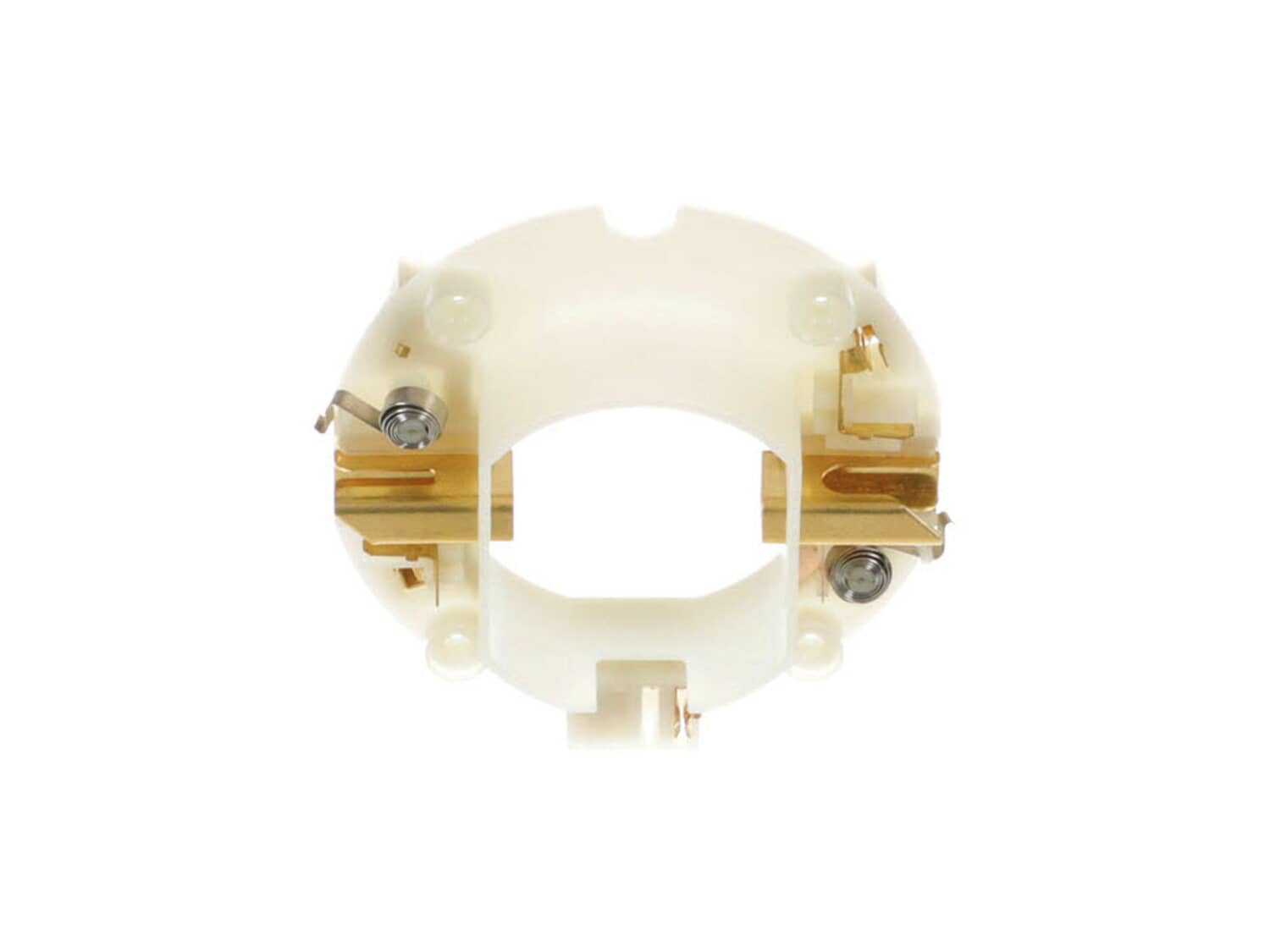
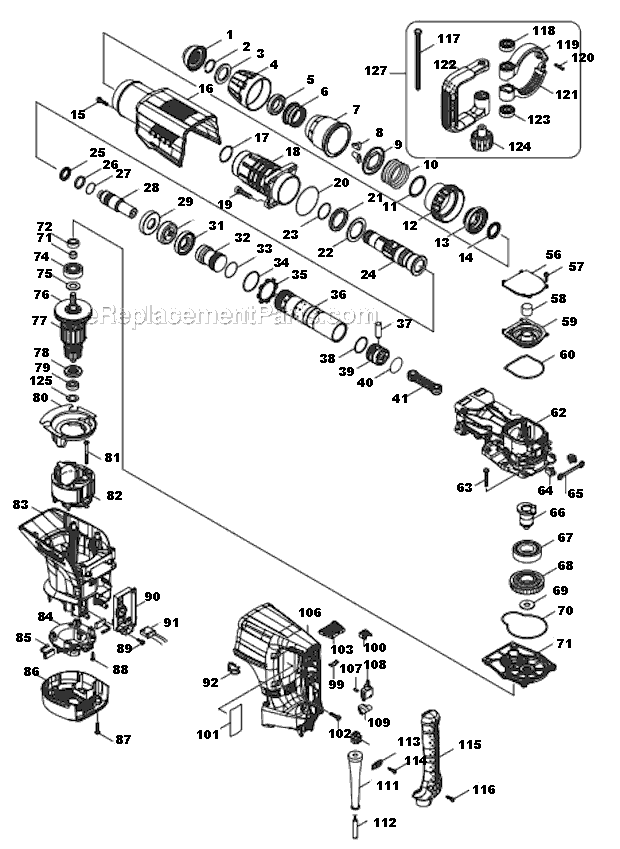
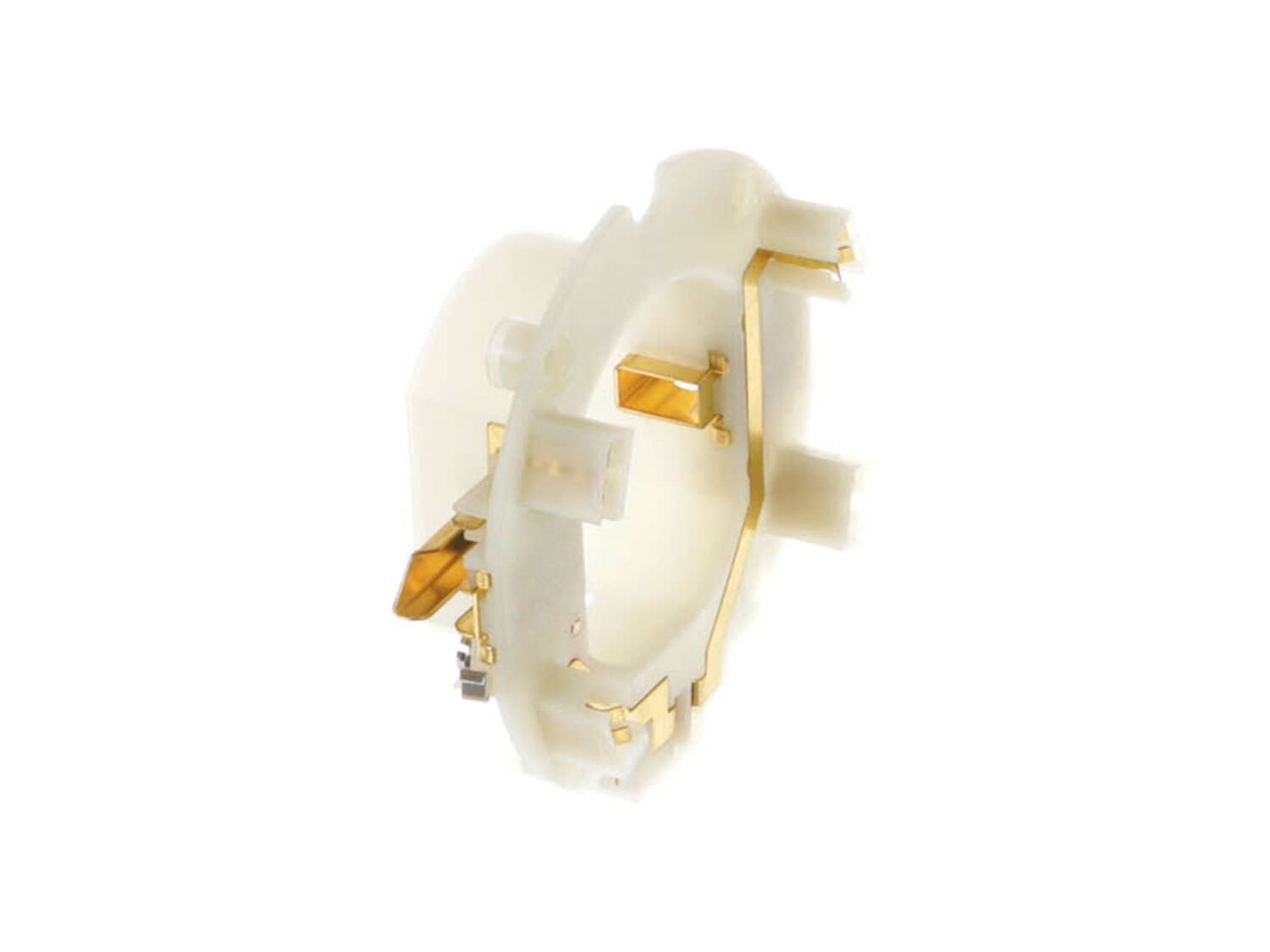
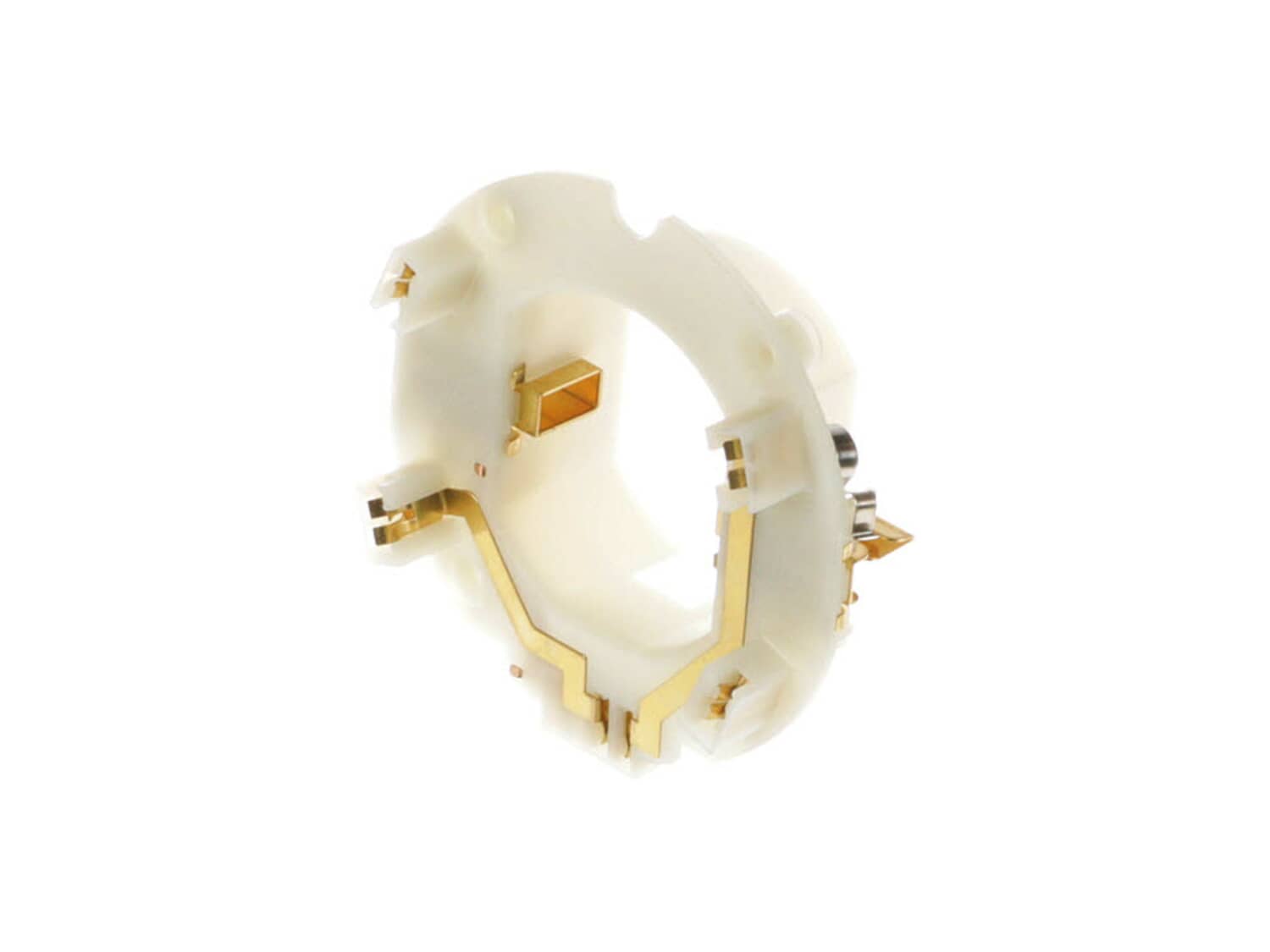
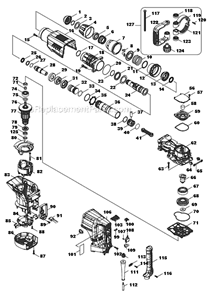
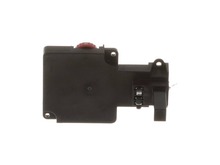
This replacement brush holder unit is a high quality item that is supplied by original equipment manufacturer for use with Makita demolition hammers. Its purpose is to secure carbon brushes around the armature to maintain stable contact. This item is a complete assembly which includes the plastic ring, two metal brush holder with attached lead wires, please note the carbon brushes themselves are sold separately. Keep in mind this brush holder unit is sold individually.
All our customer repair instructions are solicited directly from other customers just like you who have purchased and replaced this exact part.
Easy
Less than 15 mins
(2 rated repairs)?
< Prev
1
Next >
Sort by:
Sorry, we couldn't find any existing installation instruction that matched.
unit had power but would turn off during use, and then stopped working even though power light was on. It turned out the brushes and brush holder unit were burnt. The switch did not need repair, but I
removed screws using hex wrench and screwdriver
removed cover
disconnected brushes
pulled brush holder unit out
slipped new brush holder unit in
replaced brushes
disconnected switch
replaced switch
slipped cover back on
replaced screws
This was my first attempt at repairi
... Read moreng a tool. I followed the steps listed on your website. It was a very simple repair.
Read less
Did you find this story helpful?
Thank you for voting!
Burnt out controller and damaged brush holder unit
Pull off covers and screws holding controller unit to body. Controller is plugged into brush holder with blade connectors which will not be visible. Use appropriate force to pry loose.
Did you find this story helpful?
Thank you for voting!
< Prev
1
Next >
Model Cross Reference
This part works with the following models:
ERP Number: ERP10153125
Manufacturer Part Number: 632D00-2
This part is in stock in our warehouse and will ship out within 1 business day of the order being placed.
New stock is on the way! On order parts usually ship within 7 business days.
Item is not in stock and usually ships 10-15 business days from the time you place your order.
This item is no longer being made by the manufacturer, and cannot be added to your shopping cart.
✖
Mail-In Recycling Rebate
Some of the parts we sell are eligible for mail-in rebates since we can recycle them. We will display any applicable rebates in your shopping cart. To redeem your rebate, contact Customer Service after you have received your part.