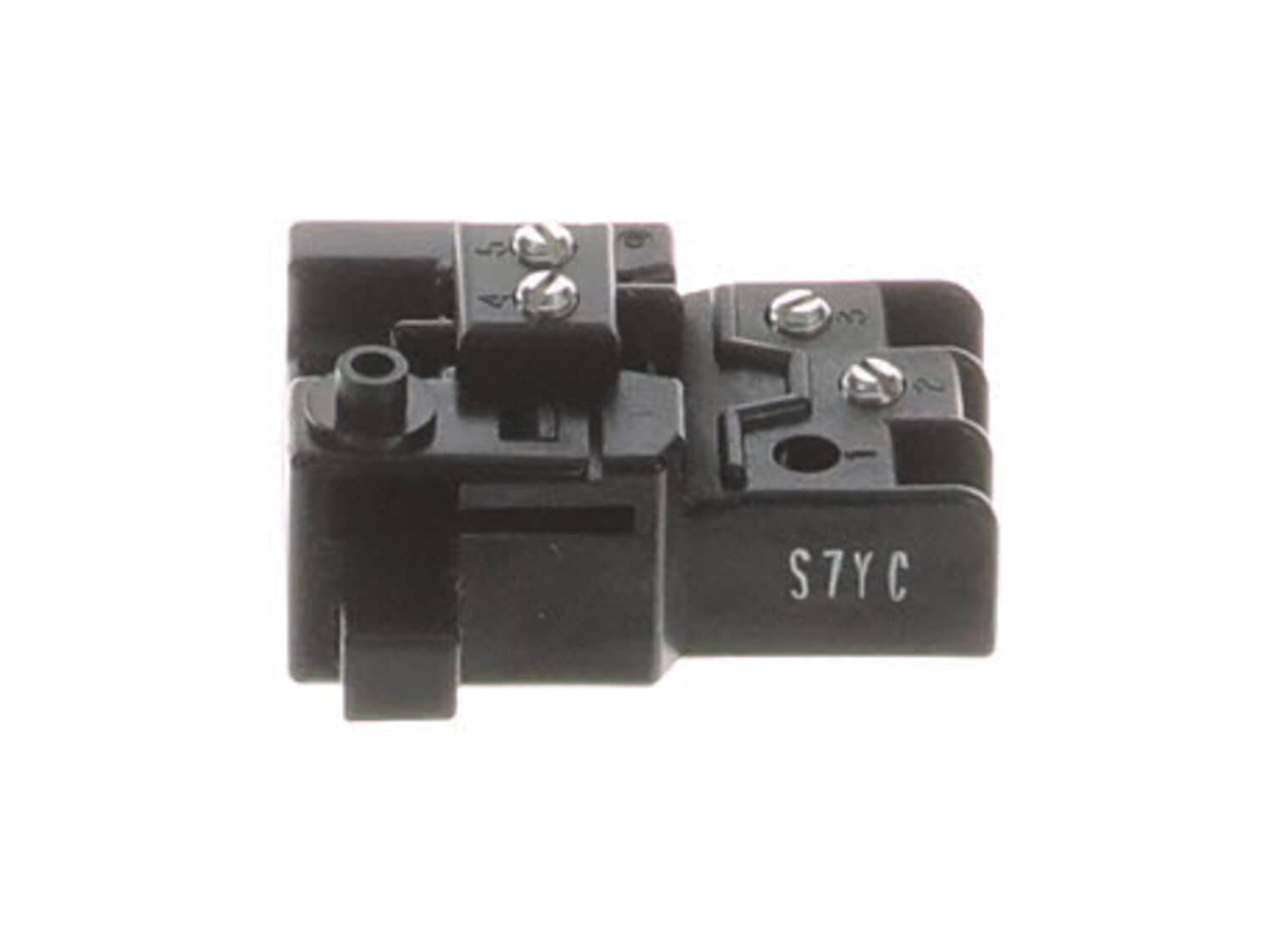
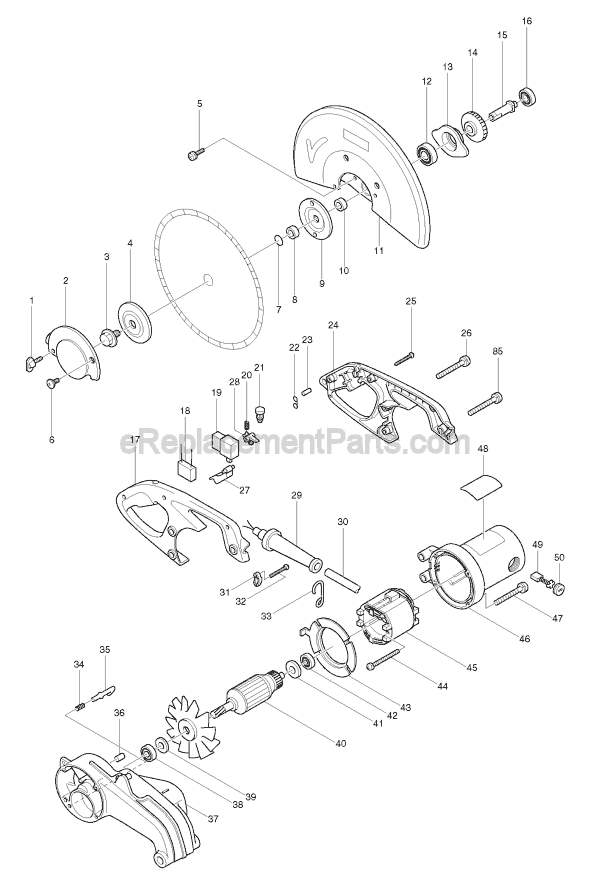
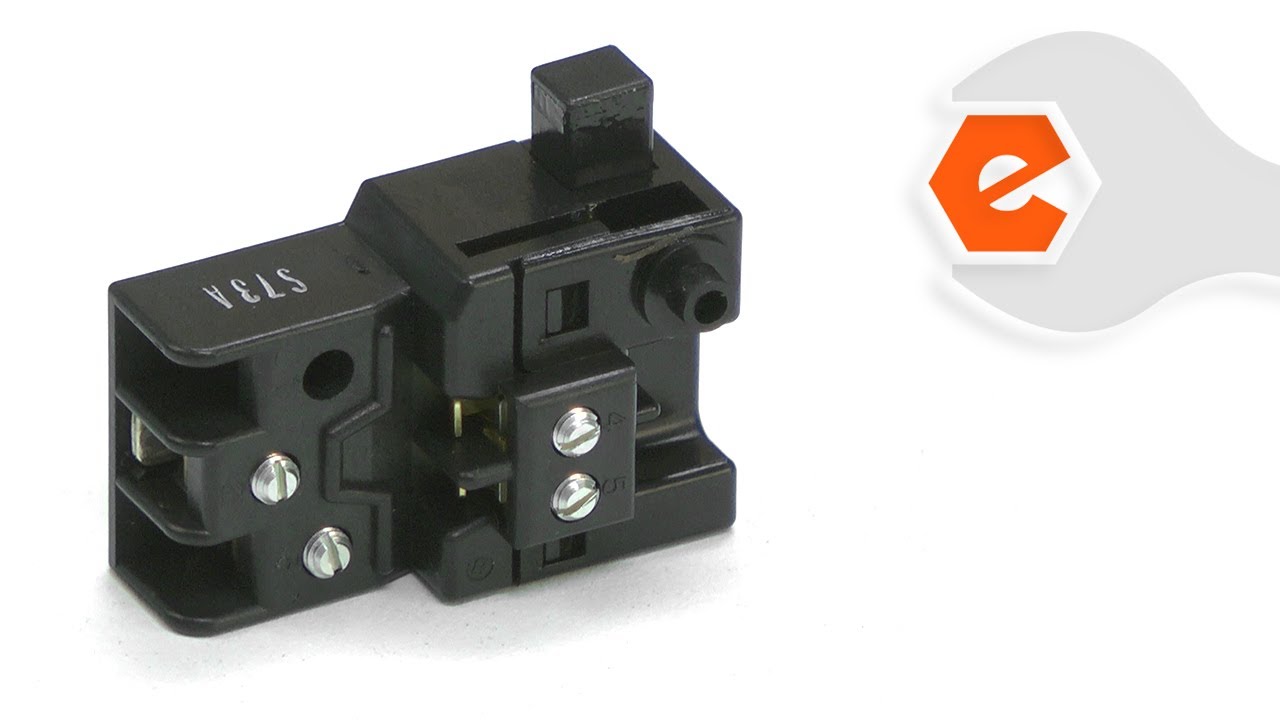
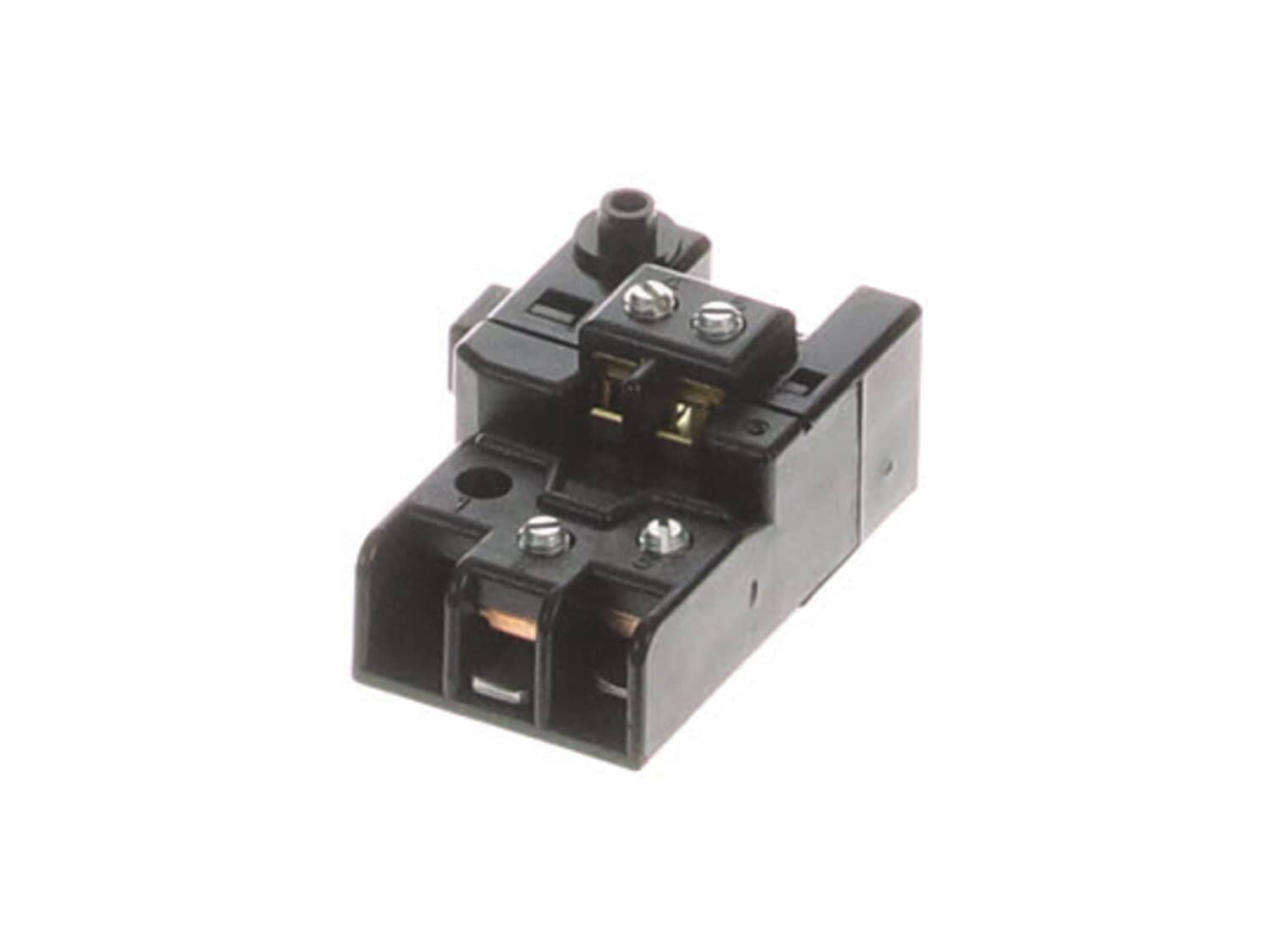
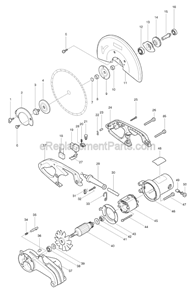
This replacement switch is specially made for use on Makita power tools. Switches are a commonly replaced item in power tools. They play a key role by controlling on/off function of a tool. Because switches use mechanical internals, they will degrade and wear out over time, eventually requiring replacement. To replace this switch you would need a screwdriver. • First make sure the tools is not plugged in • Remove housing screws • Disconnect wires from the old switch • Remove it from the housing • Place the new switch in the housing • Reconnect wires to it • Reassemble and test the unit
Sorry, we couldn't find any existing reviews that matched. Try using some different or simpler keywords.
★★★★★
★★★★★
Quick install. Works perfect!!
A buddy plugged my cold cut saw into his Sa200, dc power and it ran until he started to cut. Blew the switch. $19 later and my $500 saw is back to life!!
Guest - April 25, 2019
Verified Purchase
★★★★★
★★★★★
Electrical switch
Quick response time. Part arrived in a few days. My jackhammer is up and running. Thx guys
Guest - March 2, 2020
Verified Purchase
★★★★★
★★★★★
great part, great price
My tool is working like never before, the parts arrive quickly and my expectations are very exact
Guest - November 3, 2020
Verified Purchase
★★★★★
★★★★★
Worked great.
The correct part was easily identified with eReplacement parts knowing just the saw brand and model.
Guest - June 16, 2021
Verified Purchase
★★★★★
★★★★★
DOING GREAT!!!!
I love you guys, always got the parts I need in stock. Big thank you.
Russell - April 20, 2022
Verified Purchase
Customer Repair Instructions
All our customer repair instructions are solicited directly from other customers just like you who have purchased and replaced this exact part.
Easy
15 - 30 mins
(6 rated repairs)?
< Prev
1
Next >
Sort by:
Sorry, we couldn't find any existing installation instruction that matched.
Replaced the switch, took the back handle off and the switch was there, unscrew the 4 screws holding the black and white wires and replaced the switch, then put it all back together.
Remove handle using allen wrench tool, remove cord from power switch discard cord and replace if damaged, if not place aside for later. Remove switch housing cover plate etc. Install new switch box, switch and cover, strip new cord if applicable and secure to switch connection points. (Better to take photo since both hot and neutral land
... Read moreon the switch). Route cord, install cord clamp then attach handle cover to handle. That\'s it! ******You only need to remove one part of the handle not the whole piece from the tool. This
makes R&R much easier!********
Read less
Did you find this story helpful?
Thank you for voting!
The drill simply had intermittent Motor function. Sometimes it would run and others it would do nothing when the trigger was pulled. To be safe I ordered both the switch and carbon brushes
I simply removed a few screws on the handle to replace the switch and a few others on the brush covers to access the carbon brushes. I pulled the old ones out and installed the new ones. Total time for both parts was about 20 minutes and my drill works like new again.
Replaced the brushes, the switch and the power cord. Fixed. Ohmed out the power cord after the repair was completed and figured out that the power cord was bad. So, all it needed was a power cord but by then the other parts had also been replaced anyway. Success overall, so that is what counts.
This part is in stock in our warehouse and will ship out within 1 business day of the order being placed.
New stock is on the way! On order parts usually ship within 7 business days.
Item is not in stock and usually ships 10-15 business days from the time you place your order.
This item is no longer being made by the manufacturer, and cannot be added to your shopping cart.
✖
Mail-In Recycling Rebate
Some of the parts we sell are eligible for mail-in rebates since we can recycle them. We will display any applicable rebates in your shopping cart. To redeem your rebate, contact Customer Service after you have received your part.