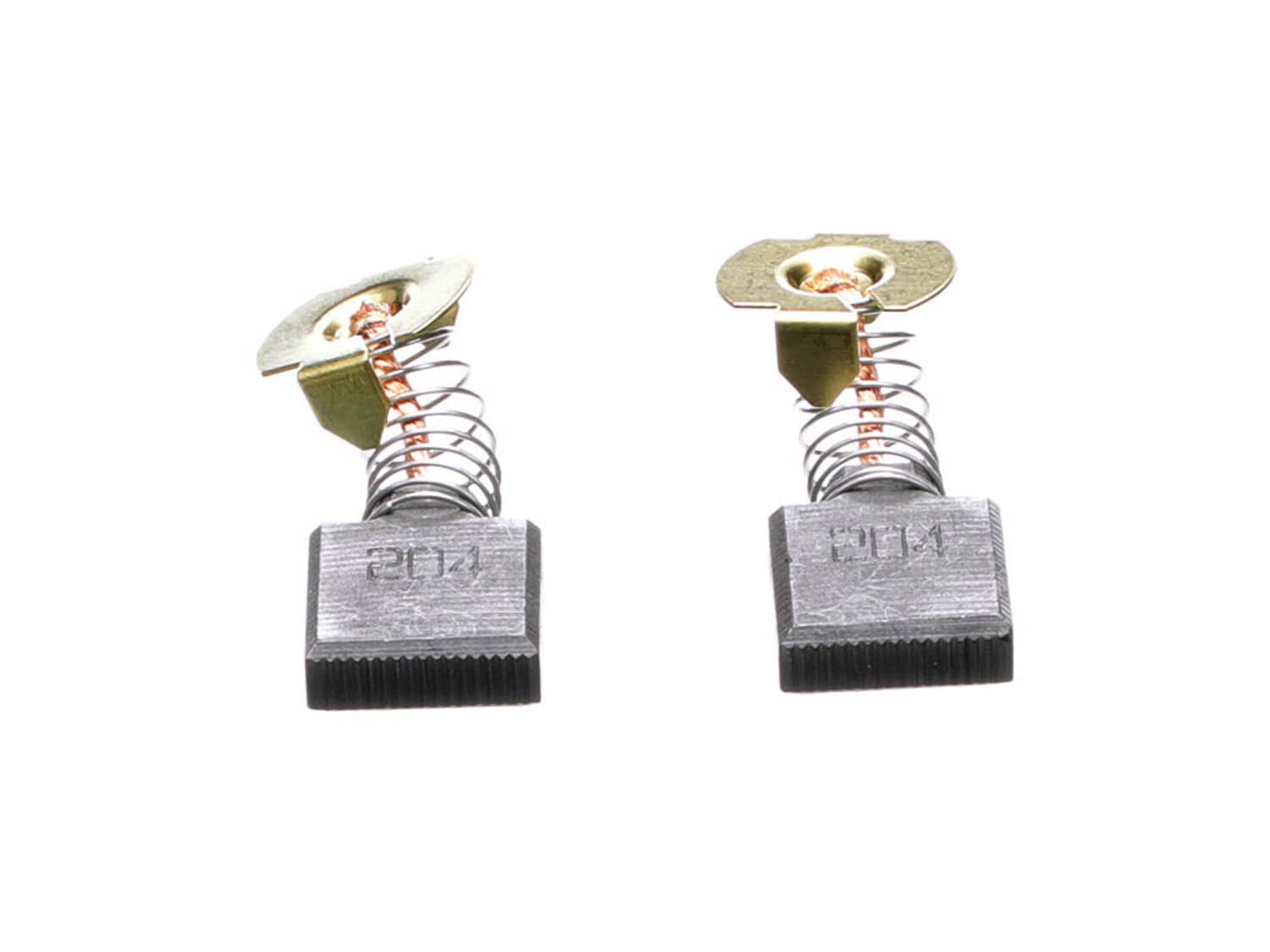
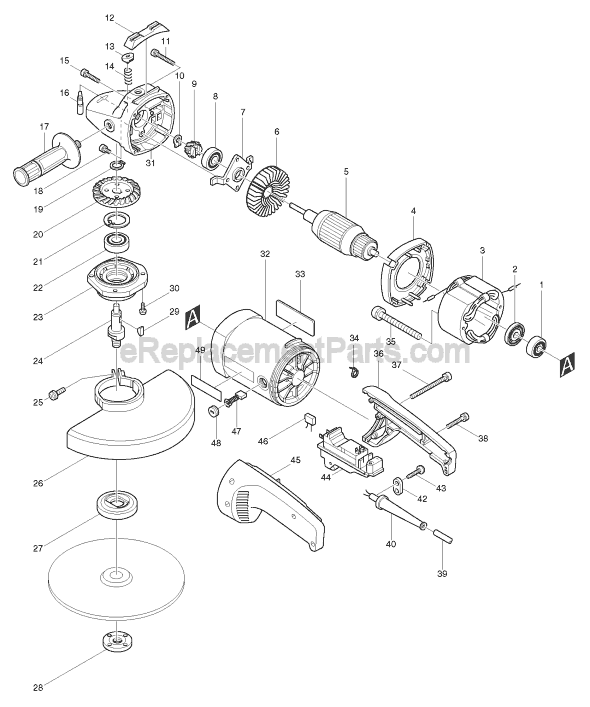
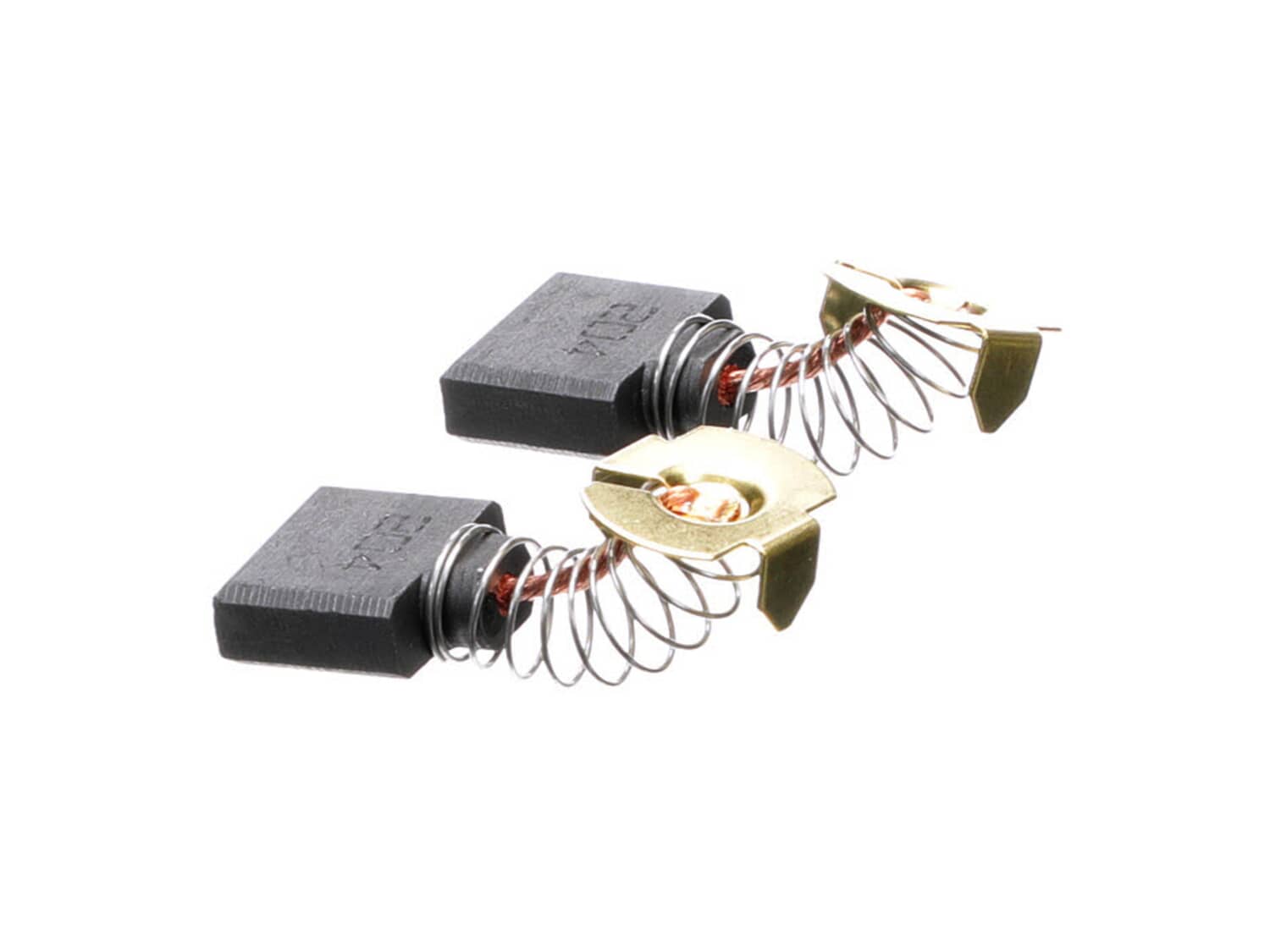
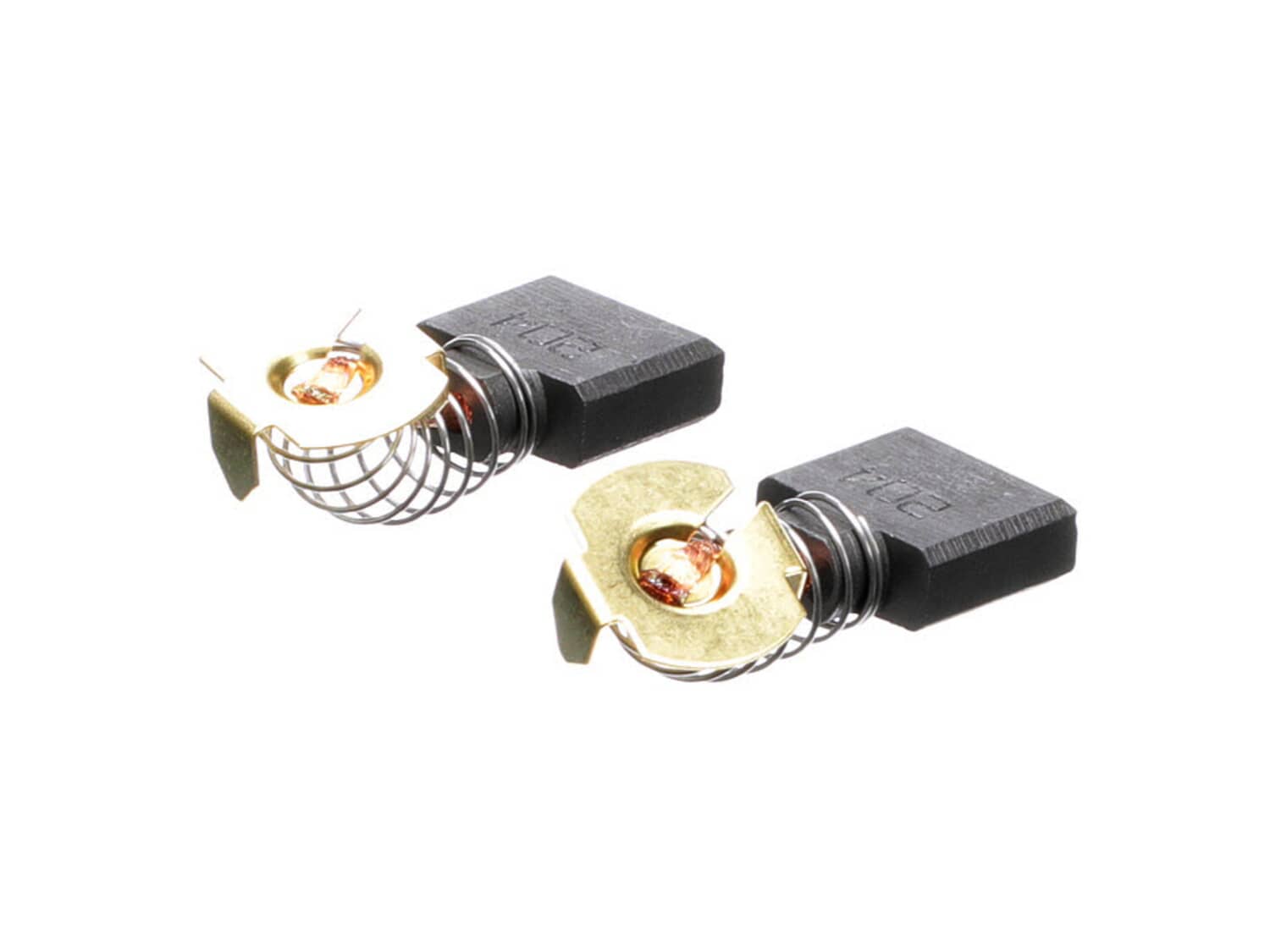
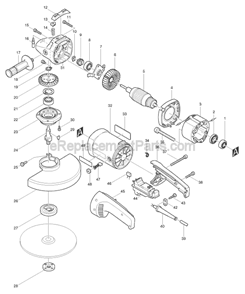
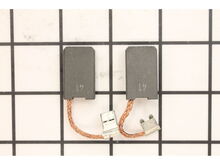
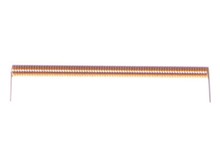
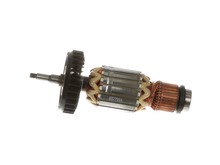
Set of 2 Carbon Brushes with wire leads and brush springs attached. The set contains genuine Makita replacement parts, and comes packaged in a Makita retail box. This brush set will fit the Makita tools listed at the bottom of the page. • Worn brushes frequently are the cause behind a motor running poorly. • Replacing brushes can fix a motor that's operating intermittently. • New brushes can restore a motor's electric braking. Carbon brushes are one of the most commonly replaced power tool parts. This is because carbon brushes are wear items, meaning that through friction and use they will gradually wear away until they need replacing. Worn brushes are a common causes of intermittent motor function, reduced electric braking and reduced motor power. A worn-out brush will often be worn down near to the wire lead and can be cracked, pitted, or burned. When replacing carbon brushes, be sure to inspect your armature for burns, cracks, or other damage which can indicate larger motor problems.
Sorry, we couldn't find any existing reviews that matched. Try using some different or simpler keywords.
★★★★★
★★★★★
Easy to repair
They sent me the perfect pieces that I was looking for, the pieces worked excellent and I received them in perfect condition. thank you very much
Guest - June 21, 2019
Verified Purchase
★★★★★
★★★★★
Great.
OEM brush pair, exactly what I ordered.
Carl - July 3, 2019
Verified Purchase
★★★★★
★★★★★
Perfect part
As usual like every purchase, parts were shipped the day they were ordered, and received within days!
Guest - November 6, 2019
Verified Purchase
★★★★★
★★★★★
Easy replacement
OEM part, exact part number, quick delivery. Most always what I need to make repairs.
Tom - January 7, 2020
Verified Purchase
★★★★★
★★★★★
Cheap repair on a valuable tool.
Brushes were an easy installation
Guest - October 30, 2021
Verified Purchase
★★★★★
★★★★★
Great service on helping me find a part for a very old Makita
Tool works great.
Thanks again
Guest - February 22, 2023
Verified Purchase
★★★★★
★★★★★
It was easy just change the brushes in the chipping hammer
The part fit perfectly my chipping hammer is working great.
Guest - July 26, 2024
Verified Purchase
★★★★★
★★★★★
Poor Customer Service
I paid for express shipping for my replacement parts, but was disappointed to find the wrong part was shipped to me. I was even more disappointed to find out how they handled the situation. I had to spend my own time and effort to correct their mistake by printing out a return label, repackaging the part, and taking it to the post office to be shipped back to them. While I did eventually receive the correct part after a week (even though I had paid for express 2 day shipping) I was left feeling dissatisfied with my experience and questioning why I had spent extra money for quick shipment when the part did not arrive for so long. Overall a very unhappy experience that will make me question where I shop for my parts in the future.
Guest - April 19, 2019
Verified Purchase
Customer Repair Instructions
All our customer repair instructions are solicited directly from other customers just like you who have purchased and replaced this exact part.
Easy
15 - 30 mins
(16 rated repairs)?
< Prev
1
2
Next >
Sort by:
Sorry, we couldn't find any existing installation instruction that matched.
Switch wasn\'t working , and I replaced the worn brushes.
Remove switch handle, and cord clamp to make it easier to work with the cord wires. Disconnect the wires from the switch. You may want to make a wiring diagram. Remove the bad switch. Connect the wires to the new switch, then replace the cord clamp. Assemble the switch handle. For the brushes uses a screwdriver to remove the brush caps, t
... Read morehen pull out the worn brushes and install the new ones. Replace the brush caps, and you are done.
Unscrewed both side cap plate holder, then removed the rubber rings. Then removed the brush caps and removed the brushes. Then installed the new brushes , screwed on the brush caps, placed the rubber rings on top of the brush caps , then screwed the cap plate holder on.
I unscrewed the hammer grease cover. I drained the old grease
... Read moreand put the new bottle in
Remove the 2 screws holding the cap plate and rubber ring. Use a screwdriver to remove the brush caps. Remove the worn brushes and blow out brush holder. Install the new brushes, brush caps, rubber ring and cap plate.
This part is in stock in our warehouse and will ship out within 1 business day of the order being placed.
New stock is on the way! On order parts usually ship within 7 business days.
Item is not in stock and usually ships 10-15 business days from the time you place your order.
This item is no longer being made by the manufacturer, and cannot be added to your shopping cart.
✖
Mail-In Recycling Rebate
Some of the parts we sell are eligible for mail-in rebates since we can recycle them. We will display any applicable rebates in your shopping cart. To redeem your rebate, contact Customer Service after you have received your part.