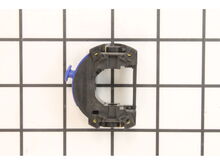
This is a genuine Dremel replacement part that has been sourced from the original manufacturer to be used with rotary tools. The field assembly is one of the motor's main components. This part houses the armature and is used to create an electromagnetic field that allows the armature to rotate. The field is priced as a single item.
Sorry, we couldn't find any existing reviews that matched. Try using some different or simpler keywords.
★★★★★
★★★★★
Simply perfect.
Perfect oem part. No fooling around with replacement parts. Perfect fit. My Dremel 3000 is back on business. Thanks ereplacement.
Guest - July 27, 2019
Verified Purchase
★★★★★
★★★★★
Quick and easy fix!
Quick and easy fix!
Guest - August 20, 2019
Verified Purchase
★★★★★
★★★★★
Item worked as expected, Thanks
Item arrived, was installed & worked as it should.
Guest - September 15, 2019
Verified Purchase
★★★★★
★★★★★
Great service and prompt postage.
The product arrived in good condition, great service and prompt postage from USA. No problems using again if needed.
Iglobal - October 24, 2019
Verified Purchase
★★★★★
★★★★★
Part easy to search, good price, on time arrival.
Exact fit, tool back in 100% working order.
Guest - April 6, 2022
Verified Purchase
★★★★★
★★★★★
A relatively easy repair .
The installation of the replacement field coil just involves disassembly of the rotary tool . Just a Tory bit or torx driver is all that’s needed . The feast disassembles by hand . Very quick and simple to take apart and reassemble . Just make certain that all goes back together as it was taken apart . Make sure to check that the assembly rotates without any interference or bing by hand before plugging in the tool . If there is any interference to prevent smooth operation , excessive heat will damage the new fir=eld coil . Just be certain all is reassembled correctly amd all will be fine .
Gregory - December 1, 2023
Verified Purchase
★★★★★
★★★★★
The part is fine.
My old dremel bit the dust. This new part worked fine, but the other parts were all worn and out of alignment so that when it was screwed back together the core wouldn't turn...locked tight. I may still play with it, but it wasn't the part's fault. Bud
Leslie - September 24, 2019
Verified Purchase
Customer Repair Instructions
All our customer repair instructions are solicited directly from other customers just like you who have purchased and replaced this exact part.
Easy
Less than 15 mins
(12 rated repairs)?
< Prev
1
2
Next >
Sort by:
Sorry, we couldn't find any existing installation instruction that matched.
Burnt out motor in the mulitool, broken armature and bad brush wear.
1.) Make sure the tool is unplugged at all times during this process.
2.) Took out the screwdriver (Torx) and unscrewed the screws.
3.) Took a small screwdriver to take out the brushes and unscrew the shaft collar as well.
4.) Opened up the casing to the multi-tool.
5.) Keeping in mind not to lose the locking mech
... Read moreanism (shaft lock) for the shaft when opening the case.
6.) Gently pull the wires out from the speed switch and pull the rubber cover to the back bearing.
7.) Slid the armature out of the field assembly for inspection of parts and pull the speed switch off of the field assembly. ( Note put speed switch aside because it will be used later in the assembly process.)
8.) Opened the part boxes to the field assembly and armature w/bearing assembly.
9.) Inspected new parts to make sure everything was in order. Then assembled new field assembly and armature w/bearing assembly together by sliding the armature through the field assembly.
10.) Put the assembled new parts in the case and making sure I put the rubber cover on the end of the bearing to the armature.
11.) Plug in the speed switch to the field assembly that was taken out in step 7. Make sure it goes together and plugs in firmly to the field assembly. ( Note: the armature w/bearing assembly should be easy to rotate back and forth.)
12.) Plug in the power wires into the speed switch making sure the wires are in firmly.
13.) Put the assembly back into the case by making sure everything was in right place. ( Don\'t forget to make sure the shaft lock is in place still in the case.)
14.) Before closing up the case make sure the armature w/bearing assembly turns free in either direction so the parts have free movement. ( Note: If need takes the pliers and gently press together on the fan and the shaft to move the fan up or down so it is centered on the space provided in the case.)
15.) When everything moves freely put the case back together with the Torx screws, also put the new brushes in and screw in the shaft collar as well.
16.) Once everything is back together, plug in the multitool and turn on the speed switch. If done correctly everything should work properly and now the tool is ready to use.
Remove nose cap
Remove brush caps and brushes
Remove the screws from the housing and separate
Remove the field from the switch and fro around the armature
Install the new shaft lock in the housing
Assemble in reverse order
Did you find this story helpful?
Thank you for voting!
Copper winding on original field assembly was damaged
After removing the collet , collet nut and plastic knob from front of tool , remove the metal hanger from rear . Remove the torx screws from under tool . Separate bottom housing from top housing .Remove armature and field from upper housing . Remove rubber insulator from rear bearing . Pull armature through field coil . Separate field coi
... Read morel from switch assembly . Assembly is reverse of install . Reassembly tips : Make certain that switch assembly terminals properly engage field coil terminals . Make certain field coil rubber supports are on top and bottom housing halves to ensure entire assembly is properly supported inside housing when assembled . Make certain shaft lock assembly properly installed as housing reassembled .
1. Removed the housing.
2. Removed the stator and the field assembly.
3. Put the stator and new field assembly.
3. Assemble the housing.
3. Ready to use.
1. Unscrewed and removed nose cap.
2. Removed brush caps and brushes.
3. Used razor blade to carefully cut decals on sides of Dremel longitudinally along case seam.
4. Turned Dremel upside down, removed Torx screws holding lower case half to upper case half, then separated case halves and set lower case half aside.
... Read more>5. Removed armature, lifted switch and field assembly out of upper case as a unit, and unplugged switch from field assembly.
6. Plugged switch into new field assembly, reinstalled switch and field assembly in upper case, and reinstalled armature.
7. Rejoined upper and lower case halves, replaced Torx screws.
8. Reinstalled brushes and brush caps.
9. Reinstalled nose cap.
Read less
Did you find this story helpful?
Thank you for voting!
Dremel rotary tool would not turn on due to bad field assembly.
1. Disassembled the tool.
2. Disconnected the power cord from the switch.
3. Separated the switch from the field assembly.
4. Pulled the field assembly off of the motor.
5. Installed the new field assembly.
6. Connected the sitch back onto the field assembly.
7. Reconnected the power cord to the switch.
... Read more 8. Reassembled the tool.
This part is in stock in our warehouse and will ship out within 1 business day of the order being placed.
New stock is on the way! On order parts usually ship within 7 business days.
Item is not in stock and usually ships 10-15 business days from the time you place your order.
This item is no longer being made by the manufacturer, and cannot be added to your shopping cart.
✖
Mail-In Recycling Rebate
Some of the parts we sell are eligible for mail-in rebates since we can recycle them. We will display any applicable rebates in your shopping cart. To redeem your rebate, contact Customer Service after you have received your part.



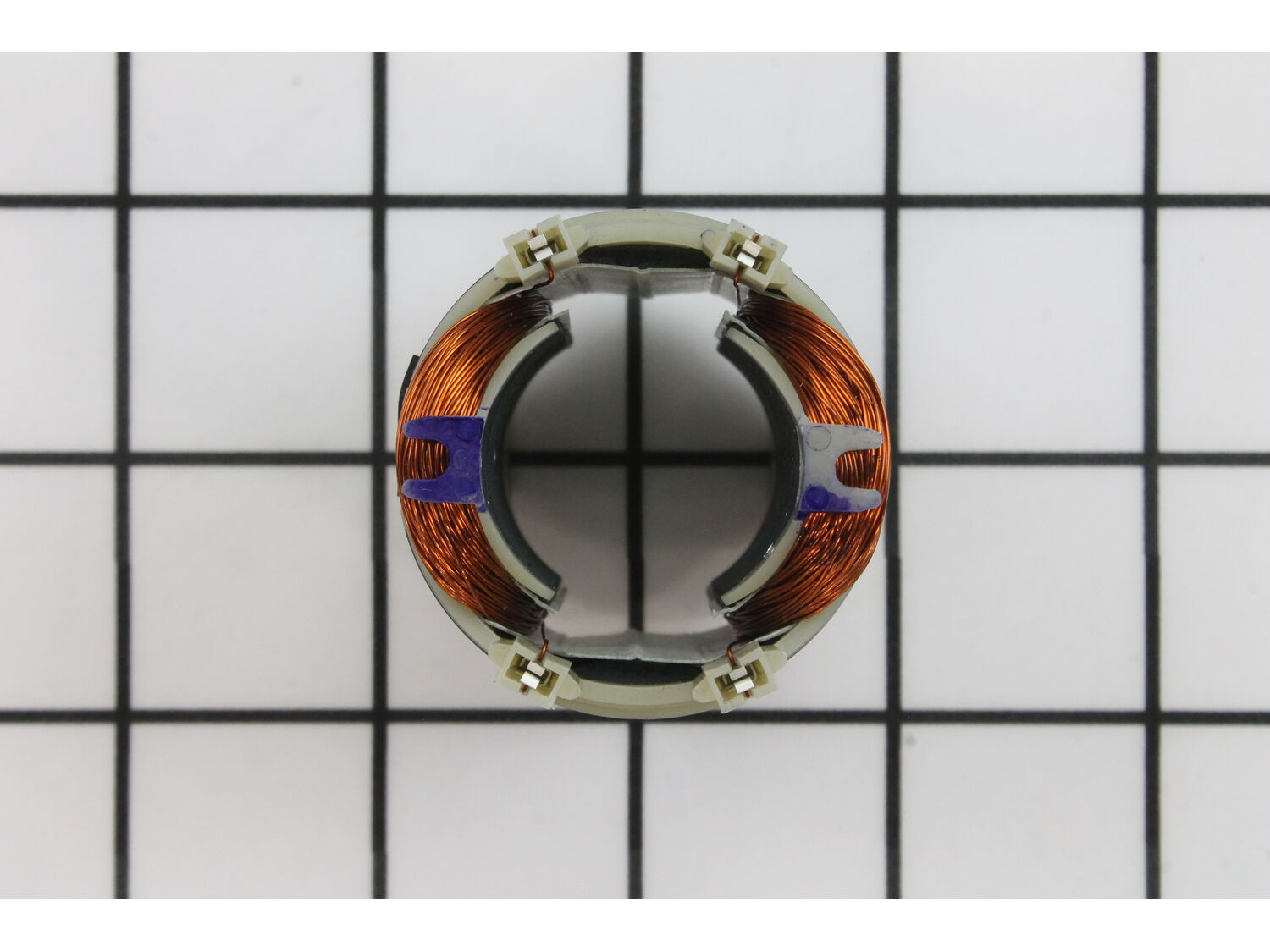
_WW_1.gif "Part Location Diagram of 2610006549 Dremel Field Assembly")
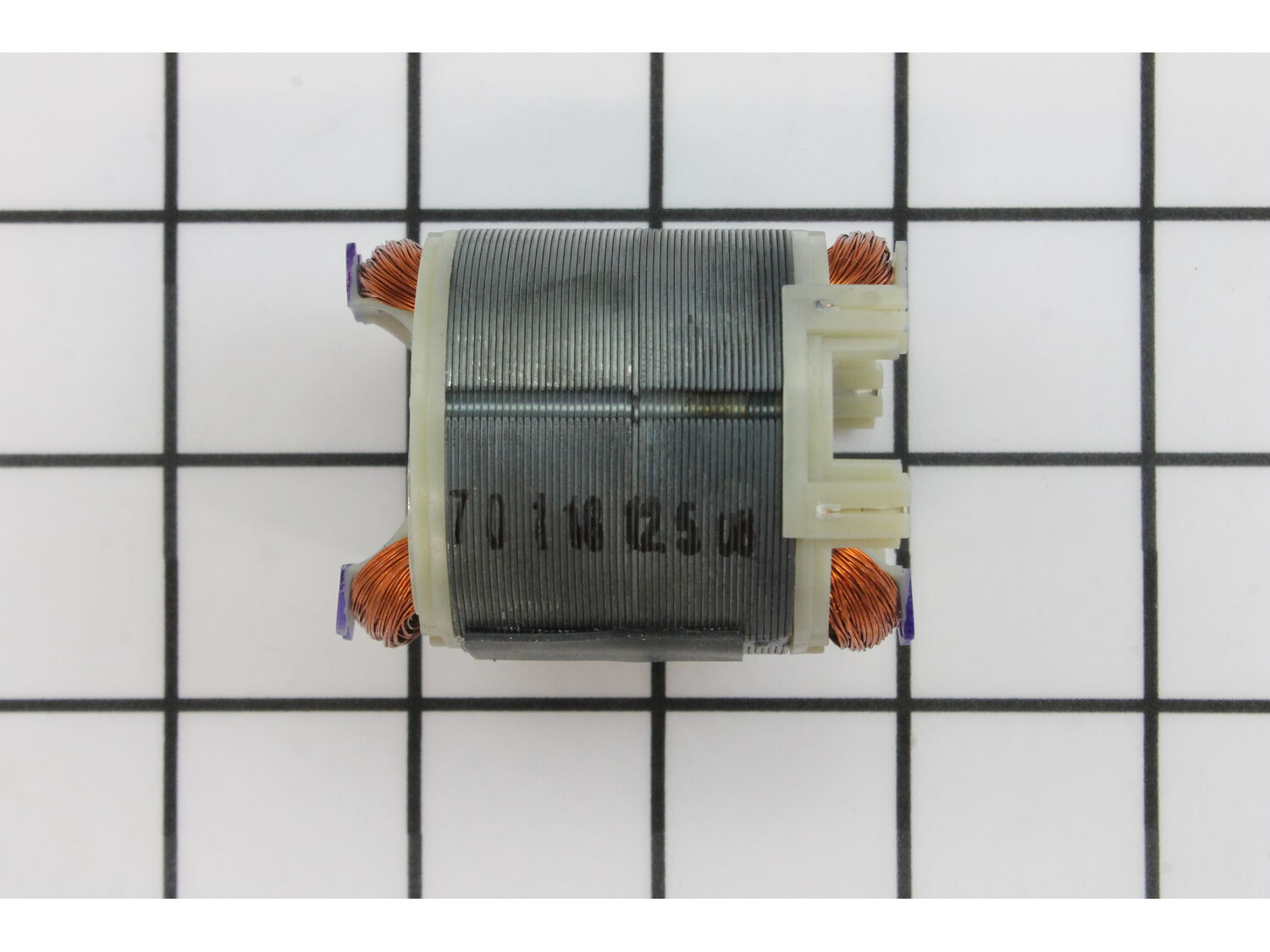
_WW_1.gif "Part Location Diagram of 2610006549 Dremel Field Assembly")