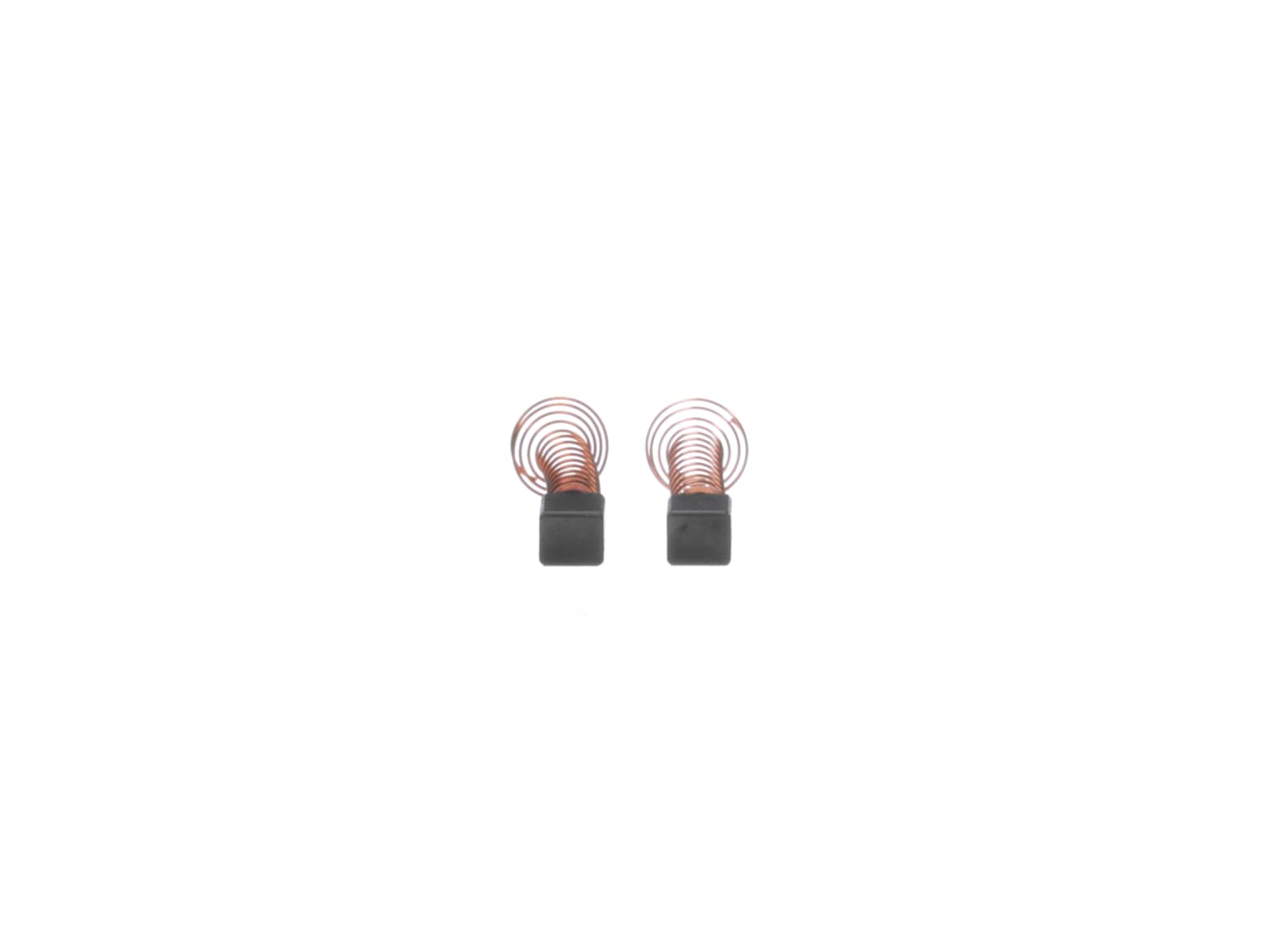
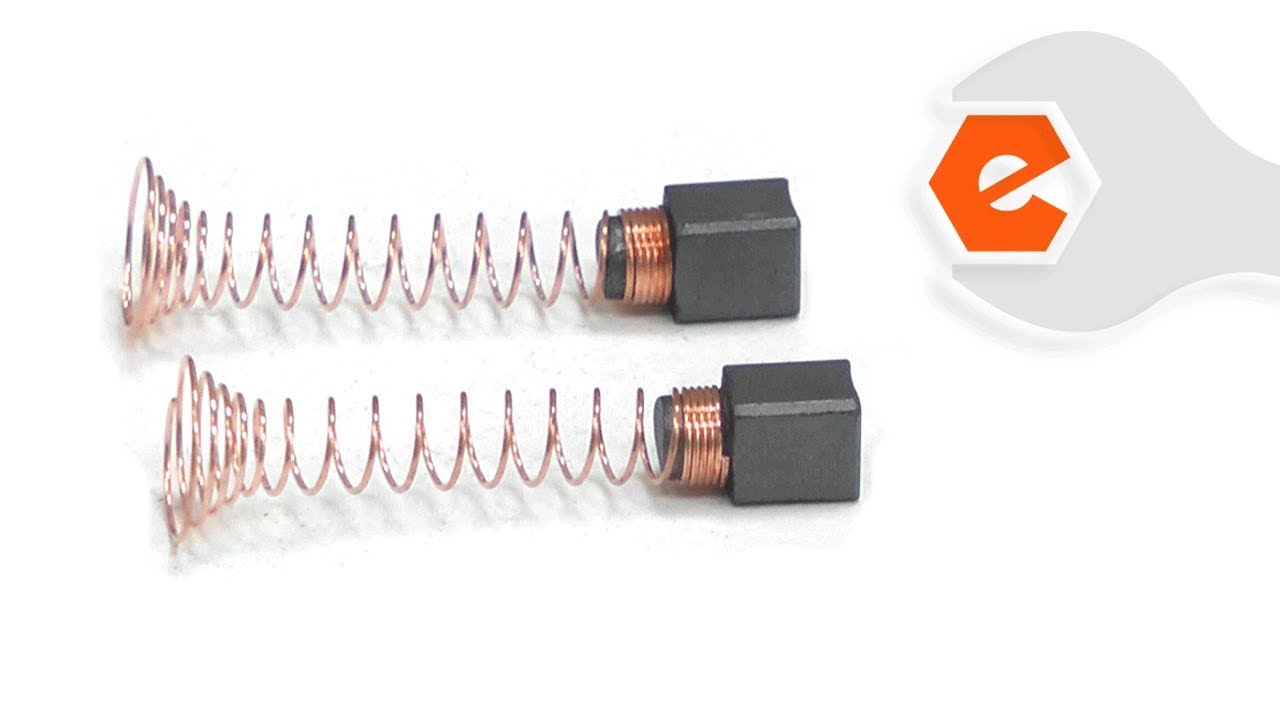
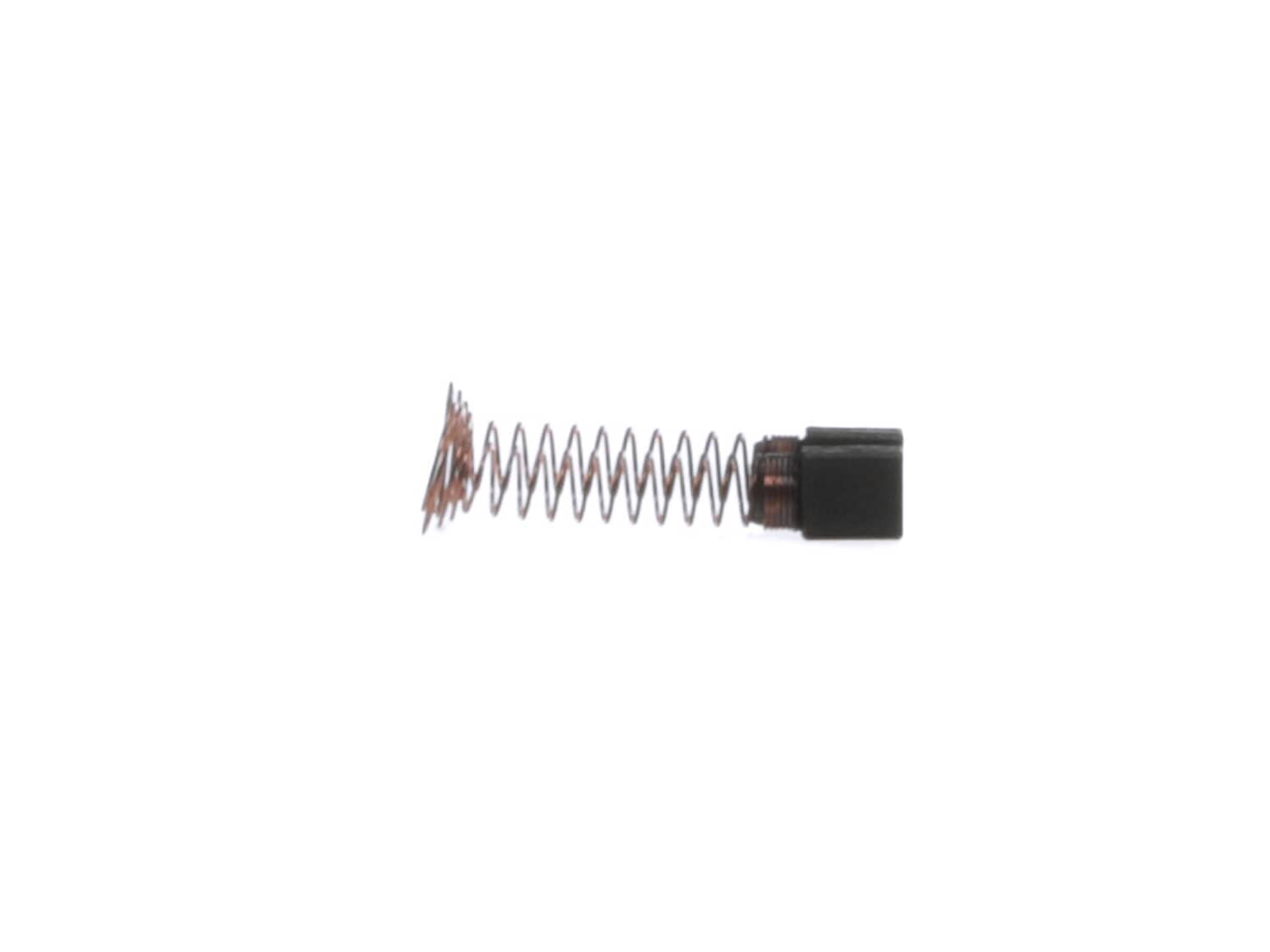
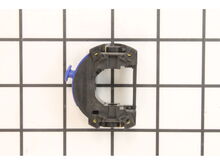
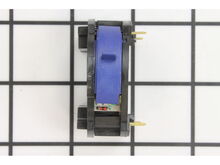
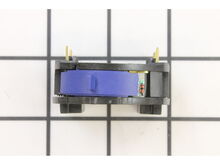
This is a genuine OEM replacement part, it is sold as a set (2)Two Brushes and two Brush Springs. Worn brushes frequently are the cause behind a motor running poorly. • Replacing brushes can fix a motor that's operating intermittently. • New brushes can restore a motor's electric braking. Carbon brushes are one of the most commonly replaced power tool parts. This is because carbon brushes are wear items, meaning that through friction and use they will gradually wear away until they need replacing. Worn brushes are a common causes of intermittent motor function, reduced electric braking and reduced motor power. A worn-out brush will often be worn down near to the wire lead and can be cracked, pitted, or burned. When replacing carbon brushes, be sure to inspect your armature for burns, cracks, or other damage which can indicate larger motor problems.
Sorry, we couldn't find any existing answers that matched. Try using some different or simpler keywords, or submit your new question by using the "Ask a Question" button above!
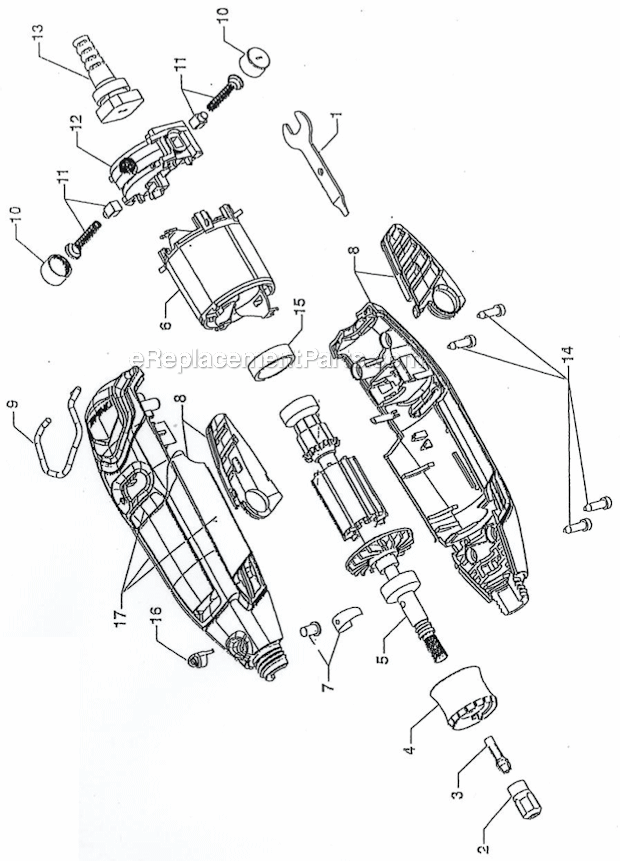
I have an older electrical corded Dremel Motor-Tool, Model 395, TYPE 1 variable speed tool, ball bearings, 5,000-30,000 RPM. Inside the plastic housing there is a number; 5294026-00. There are no numbers on the labels other than what I have already stated. It seems online parts for the variable speed On/Off switch is showing the motor brushes to be different than my tool. My motor brushes do not screw out but appear to be internal with the switch housing. The tool is not coming on and I have checked the cord to the switch and the coils of the motor's windings. All are showing ohms. So, I do not have a break of circuits except at the switch. What is the part number of the switch I need for the TYPE 1 tool for the switch including bushings? How do I take out the motor brushes or keep them out of the way when I put the motor's shaft back inside the switch?Please respond.Thank you,Jerry
Jerry
For model number Model 395, TYPE 1 - November 7, 2023
Hello Jerry, Thank you for your inquiry. We show the compatible carbon brushes as part# 2610009829 and there is a video listed under the part description https://www.youtube.com/watch?v=vvhTvvnWxVg We show the compatible switch as part# 2610912780. Good luck with your repair.
eReplacementParts Team
November 7, 2023
Did this question help you?
Thank you for voting!
Customer Repair Instructions
All our customer repair instructions are solicited directly from other customers just like you who have purchased and replaced this exact part.
Easy
Less than 15 mins
(26 rated repairs)?
< Prev
1
2
3
Next >
Sort by:
Sorry, we couldn't find any existing installation instruction that matched.
Remove screws from the housing, remove on half of the housing, Note where the cord wires are located. Remove the brush caps and brushes. Remove the defective switch. Replace with new switch. Replace cord leads and insert new brushes and replace brush caps. Assemble housings with the screws. And your done.
Did you find this story helpful?
Thank you for voting!
Variable speed switch would only work in slow 1 & 2.
Remove the 4 Torx screws, carefully remove one half of the case, best to remove the half without the lock button, use a small pin to remove the power wires from the switch assembly (make sure it is not still plugged in) unplug the old switch assembly and plug the new in, connect power wires then gently put every thing into the recesses i
... Read moren the cases and put the 4 screws back in. Take apart again, look around on the floor for the lock button, install it and put things back together again. Always helps to vacuum the floor before a job like this. It makes it easier to find the dropped parts. It is very satisfying to plug something in that you have repaired yourself and have it work.
Read less
Did you find this story helpful?
Thank you for voting!
Burnt out motor in the mulitool, broken armature and bad brush wear.
1.) Make sure the tool is unplugged at all times during this process.
2.) Took out the screwdriver (Torx) and unscrewed the screws.
3.) Took a small screwdriver to take out the brushes and unscrew the shaft collar as well.
4.) Opened up the casing to the multi-tool.
5.) Keeping in mind not to lose the locking mech
... Read moreanism (shaft lock) for the shaft when opening the case.
6.) Gently pull the wires out from the speed switch and pull the rubber cover to the back bearing.
7.) Slid the armature out of the field assembly for inspection of parts and pull the speed switch off of the field assembly. ( Note put speed switch aside because it will be used later in the assembly process.)
8.) Opened the part boxes to the field assembly and armature w/bearing assembly.
9.) Inspected new parts to make sure everything was in order. Then assembled new field assembly and armature w/bearing assembly together by sliding the armature through the field assembly.
10.) Put the assembled new parts in the case and making sure I put the rubber cover on the end of the bearing to the armature.
11.) Plug in the speed switch to the field assembly that was taken out in step 7. Make sure it goes together and plugs in firmly to the field assembly. ( Note: the armature w/bearing assembly should be easy to rotate back and forth.)
12.) Plug in the power wires into the speed switch making sure the wires are in firmly.
13.) Put the assembly back into the case by making sure everything was in right place. ( Don\'t forget to make sure the shaft lock is in place still in the case.)
14.) Before closing up the case make sure the armature w/bearing assembly turns free in either direction so the parts have free movement. ( Note: If need takes the pliers and gently press together on the fan and the shaft to move the fan up or down so it is centered on the space provided in the case.)
15.) When everything moves freely put the case back together with the Torx screws, also put the new brushes in and screw in the shaft collar as well.
16.) Once everything is back together, plug in the multitool and turn on the speed switch. If done correctly everything should work properly and now the tool is ready to use.
Removed the nose cap from the tool, then removed the screws in the main housing and separated them. Removed the old lock assembly and installed the new one. Put the housing back together.
Removed the brush caps, then the brushes, then installed the new brushes and replaceD the brush caps.
This part is in stock in our warehouse and will ship out within 1 business day of the order being placed.
New stock is on the way! On order parts usually ship within 7 business days.
Item is not in stock and usually ships 10-15 business days from the time you place your order.
This item is no longer being made by the manufacturer, and cannot be added to your shopping cart.
✖
Mail-In Recycling Rebate
Some of the parts we sell are eligible for mail-in rebates since we can recycle them. We will display any applicable rebates in your shopping cart. To redeem your rebate, contact Customer Service after you have received your part.