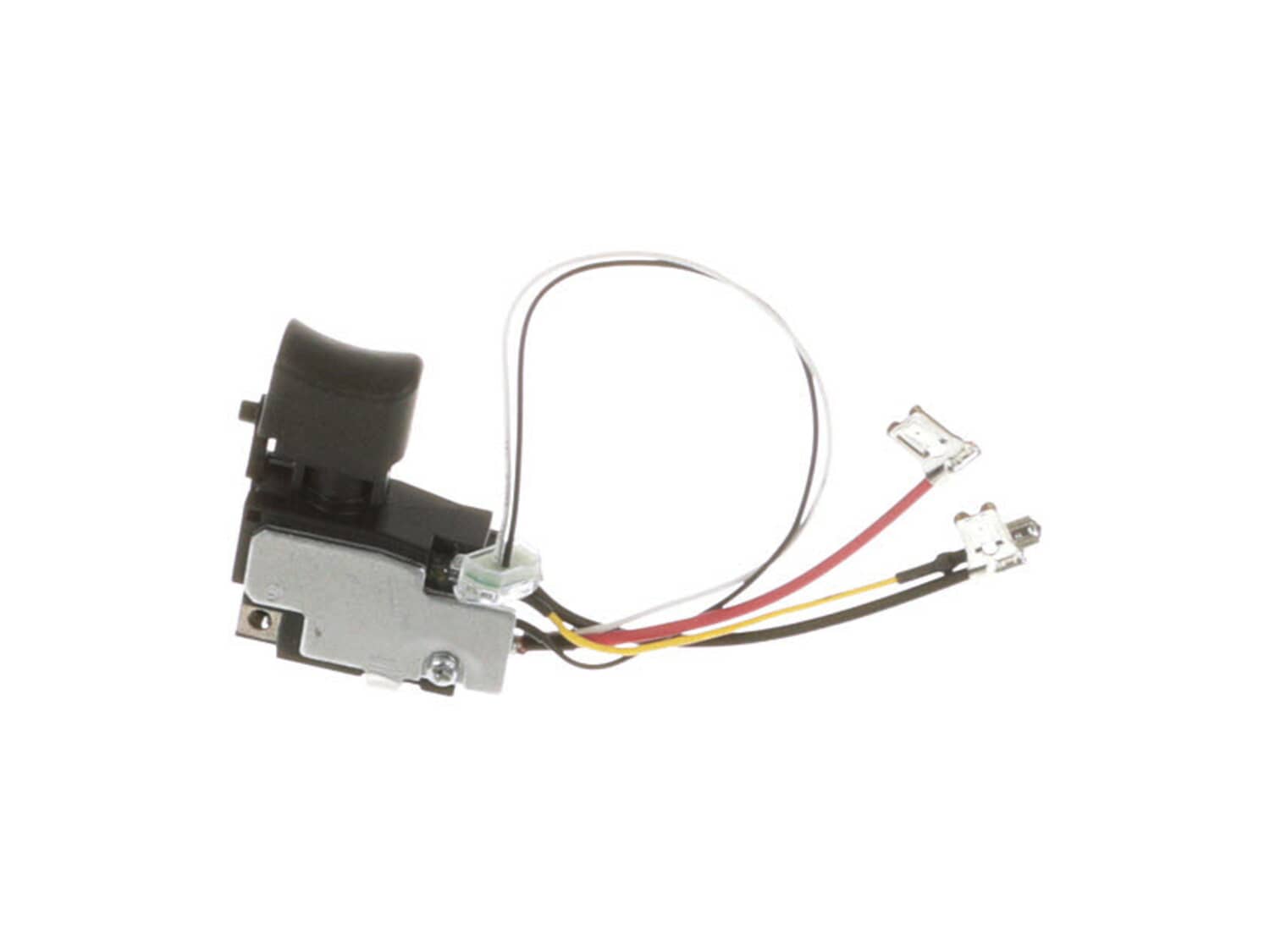
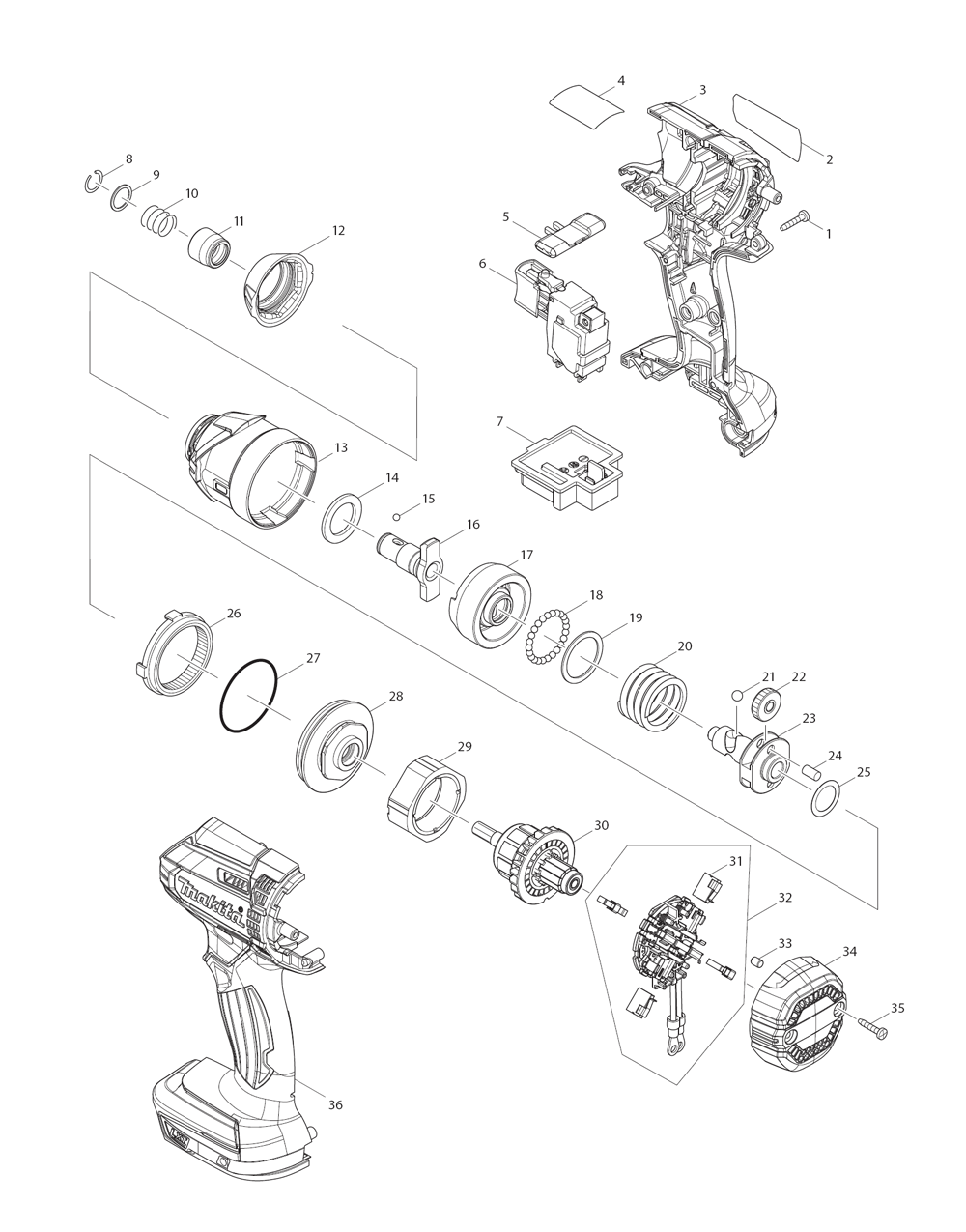
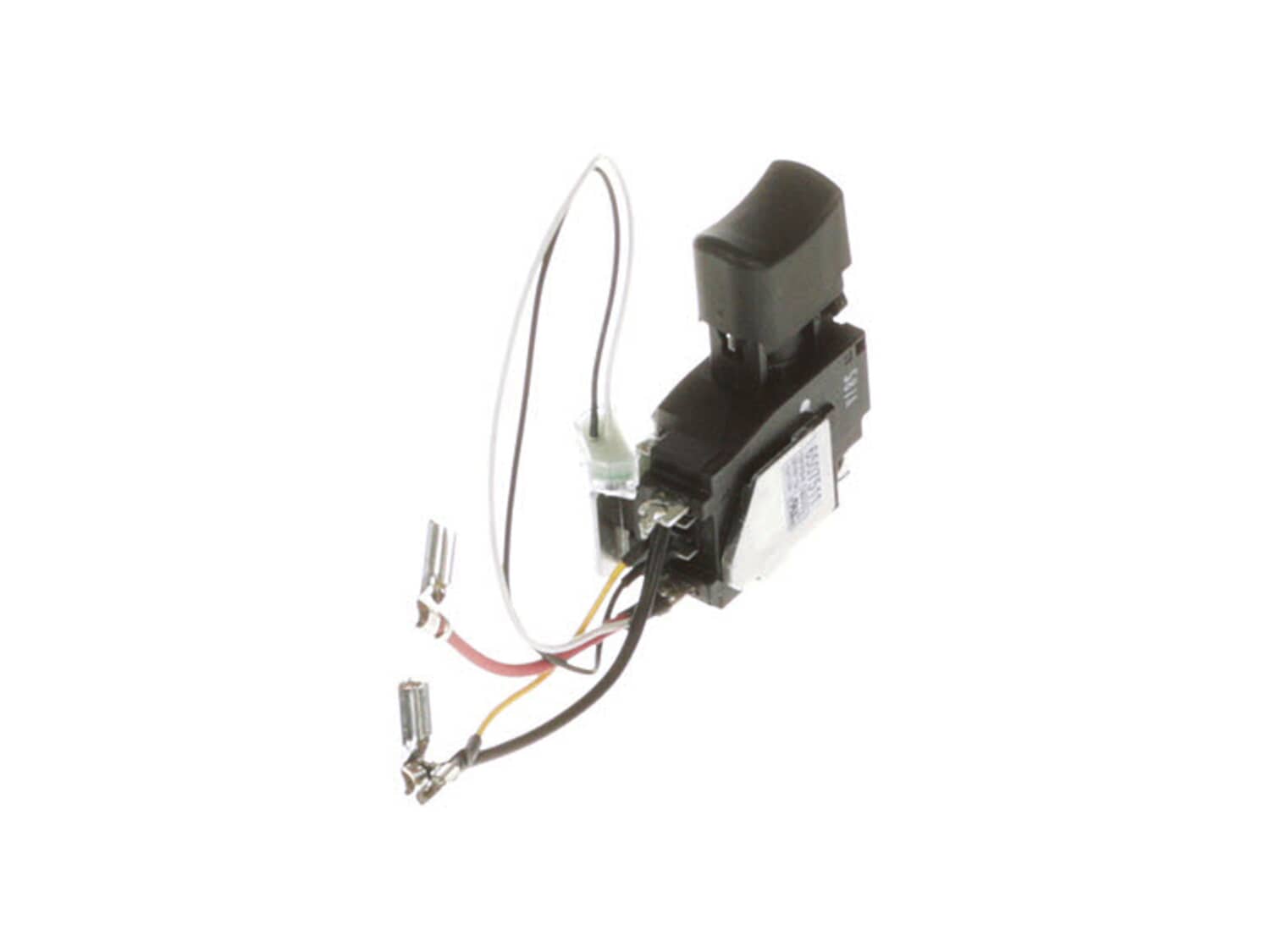
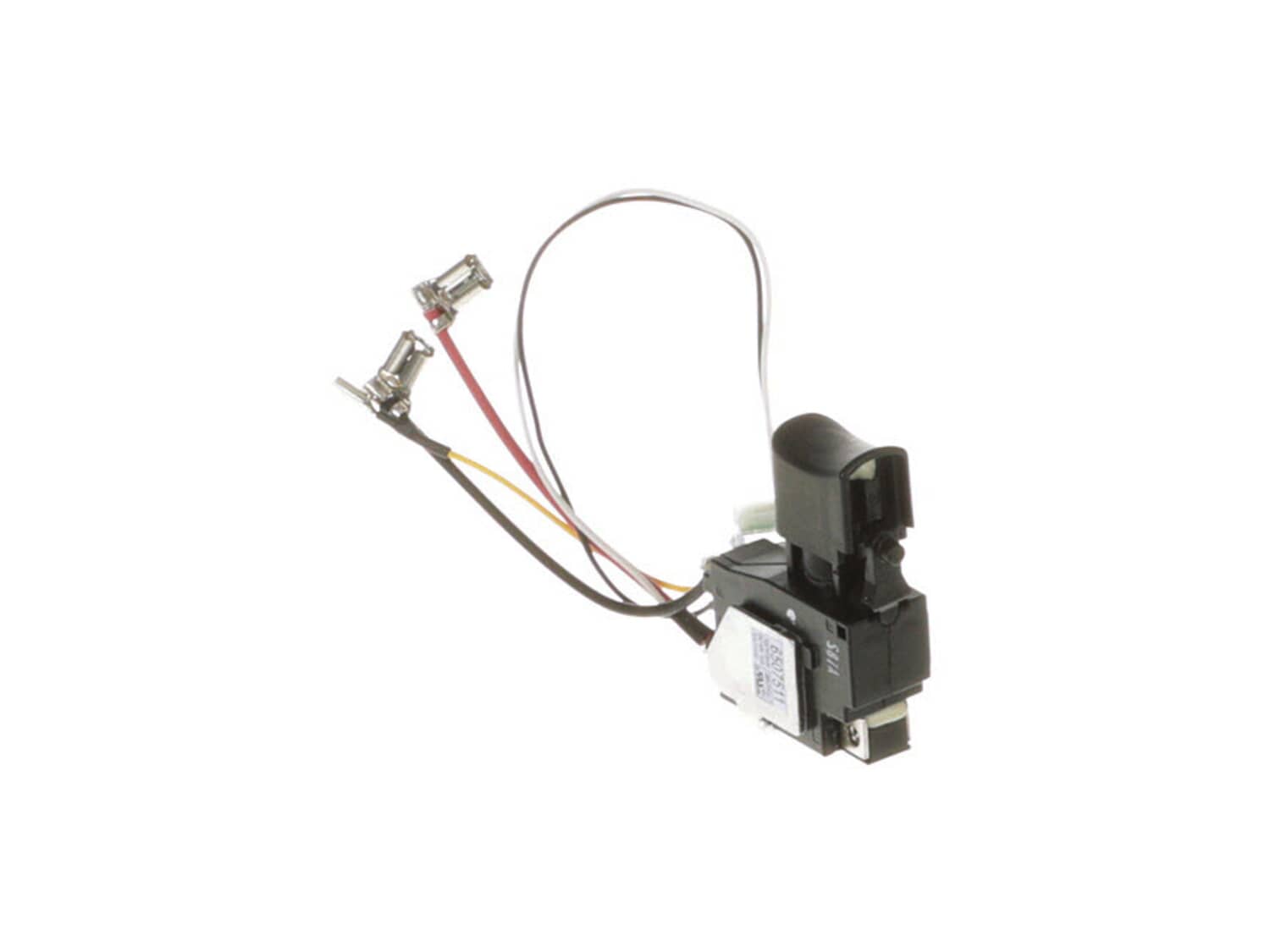
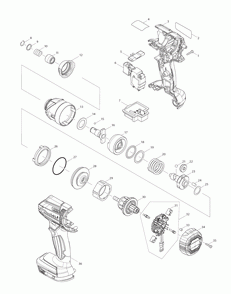
This switch is an original part from Makita. The metal, wiring and plastic item is compatible with the XDT11R Cordless Impact Driver. The switch is fitted into the housing set handle, with the wiring fastened to the motor and battery. This item allows the operator to (de)activate the power tool. You will need a screwdriver for the installation. The switch is sold individually.
Troubleshooting
This part works with the following brands:
Makita
This part works with the following products:
Impact Driver
Drill
★
Customer Part Reviews
?
4.0
Average Rating (out of 5):
★★★★★
★★★★★
(1 Review)
Click to filter by ratings:
5 stars
0
4 stars
1
3 stars
0
2 stars
0
1 star
0
< Prev
1
Next >
Sort by:
Sorry, we couldn't find any existing reviews that matched. Try using some different or simpler keywords.
★★★★★
★★★★★
The right place to find almost any part you need.
I like this website to shop for the parts I need to fix my tools,I only put 4 stars because of the shipping time that it took 8 days to get to me but other than that I’m happy.
Al - March 22, 2022
Verified Purchase
Customer Repair Instructions
All our customer repair instructions are solicited directly from other customers just like you who have purchased and replaced this exact part.
Easy
15 - 30 mins
(7 rated repairs)?
< Prev
1
Next >
Sort by:
Sorry, we couldn't find any existing installation instruction that matched.
Removed the rear cover
Removed the screws from the housing and carefully separated them
Made a wiring diagram, then removed the old switch
Wired the new switch in
Screwed the housings together, and installed the rear cover
Opened the drill case carefully. Removed the switch, LED light, and the forward reverse bar.
Removed a wire at a time and transferred it to the new switch. Reassembled the LED light the
switch and the forward reverse bar back into the drill case. Put the cover back on and fasten the drill back together with the screws removed
... Read more in the first step. With a little patience this repair is easily done.
Read less
Did you find this story helpful?
Thank you for voting!
Switch broke and wouldn\'t change from forward or reverse
Open up the main case make sure not to move the motor as it\'s a pain to close it just right if it\'s not sat exactly where it goes
Undo two screws attaching switch to battery put new one in run cables for light where they sit and close it back up simple 5 minute repair
1. Took all the screws out.
2. Opened up the handle.
3. Disconnected the old trigger and wires.
4. Reconnected the new trigger and wires.
5. Closed the handle and put screws back.
I had to pull the motor and drive unit out to get the LED light wires underneath. That was the trickiest part.
Removed housing screws. Removed armature from transmission and brush holder. Installed new armature. Removed screws on switch from brush holder and removed switch and brush holder. Reconnected wire to switch from brush holder and reassembled in reverse order.
Did you find this story helpful?
Thank you for voting!
< Prev
1
Next >
Model Cross Reference
This part works with the following models:
ERP Number: ERP11885066
Manufacturer Part Number: 650751-1
This part is in stock in our warehouse and will ship out within 1 business day of the order being placed.
New stock is on the way! On order parts usually ship within 7 business days.
Item is not in stock and usually ships 10-15 business days from the time you place your order.
This item is no longer being made by the manufacturer, and cannot be added to your shopping cart.
✖
Mail-In Recycling Rebate
Some of the parts we sell are eligible for mail-in rebates since we can recycle them. We will display any applicable rebates in your shopping cart. To redeem your rebate, contact Customer Service after you have received your part.