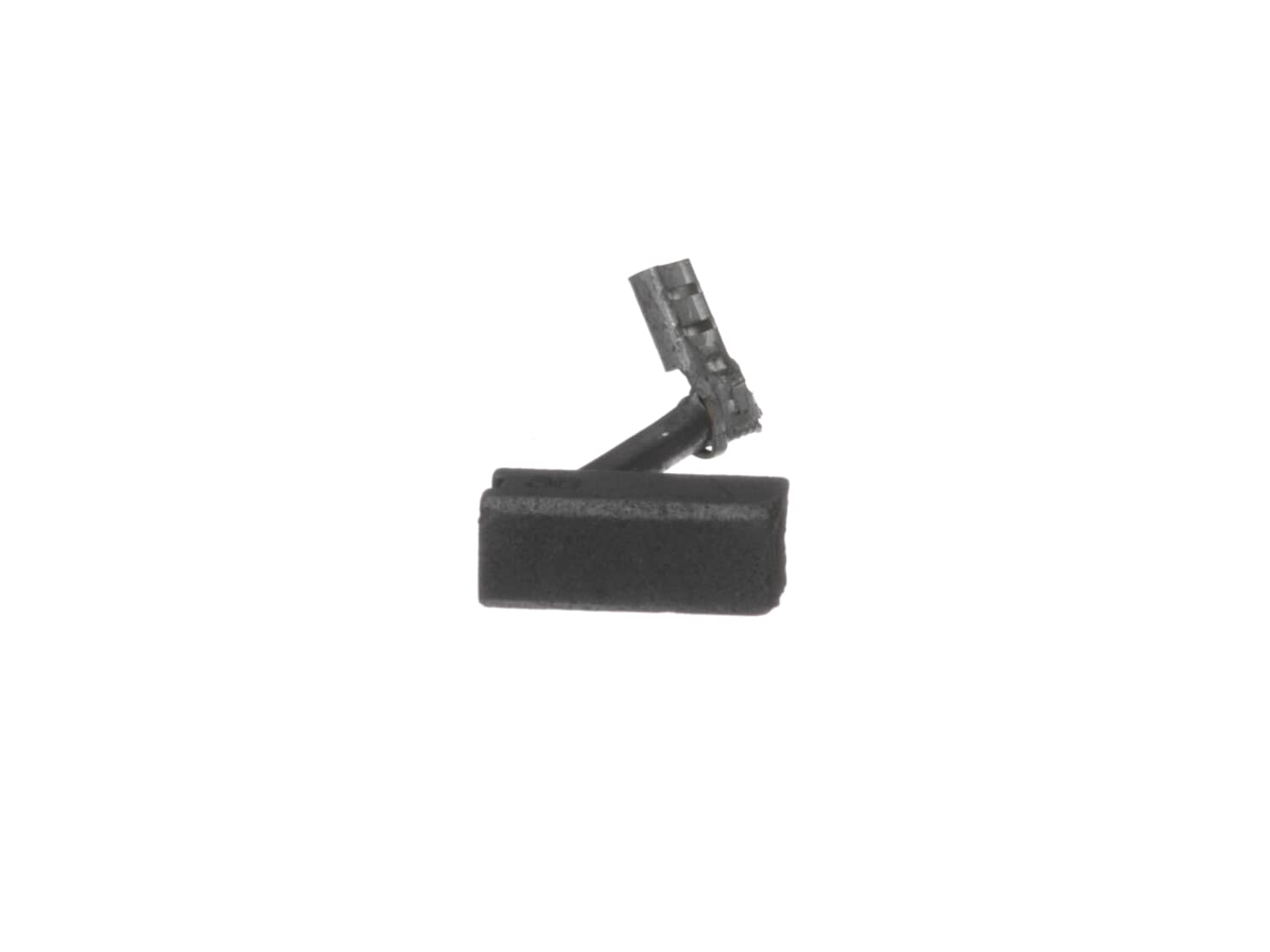
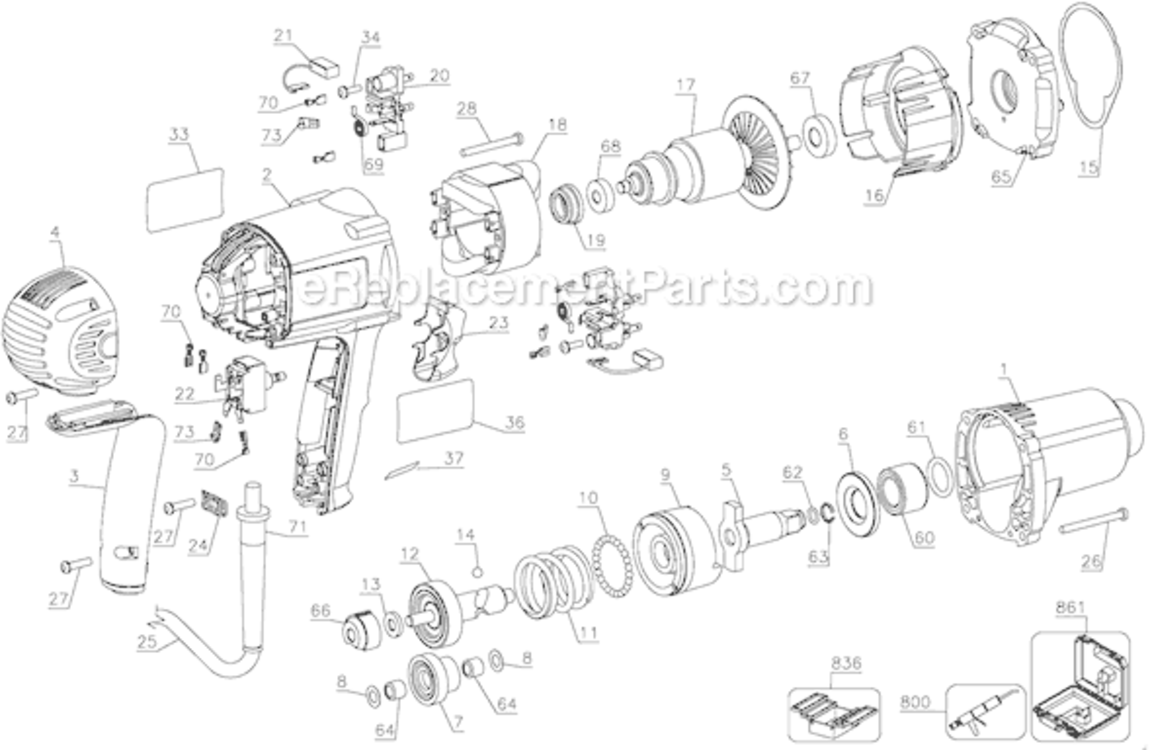
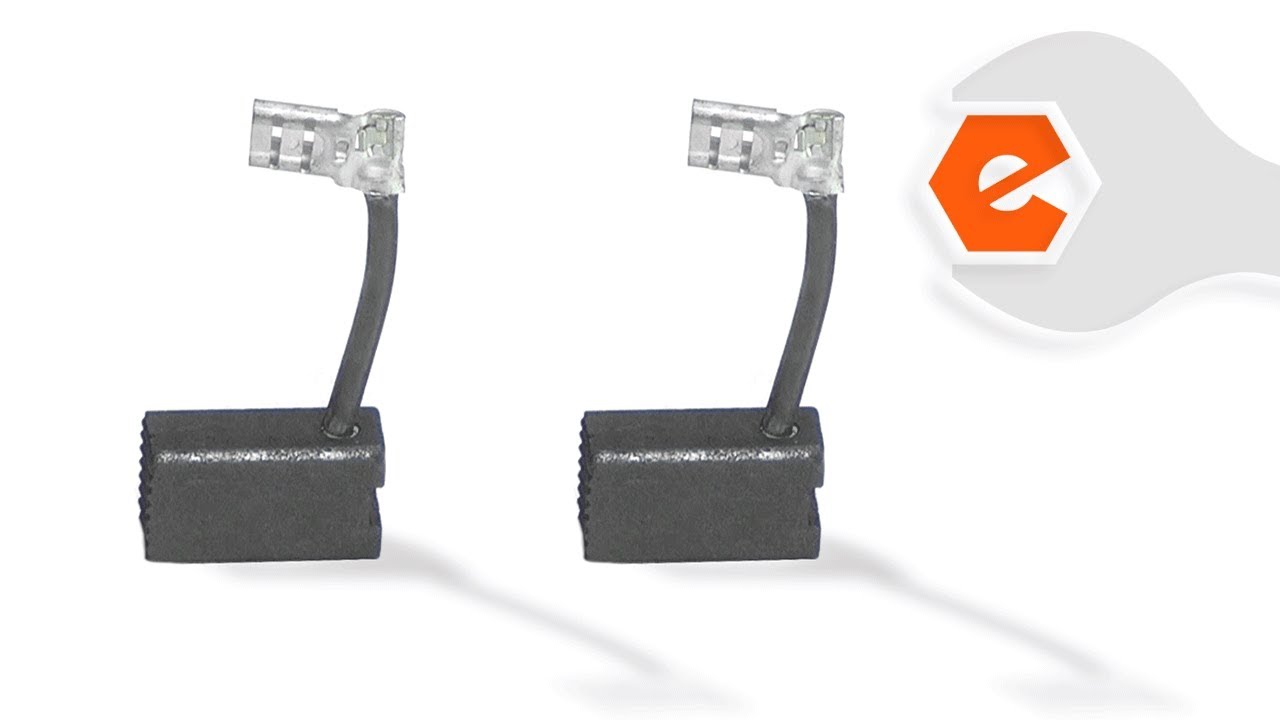
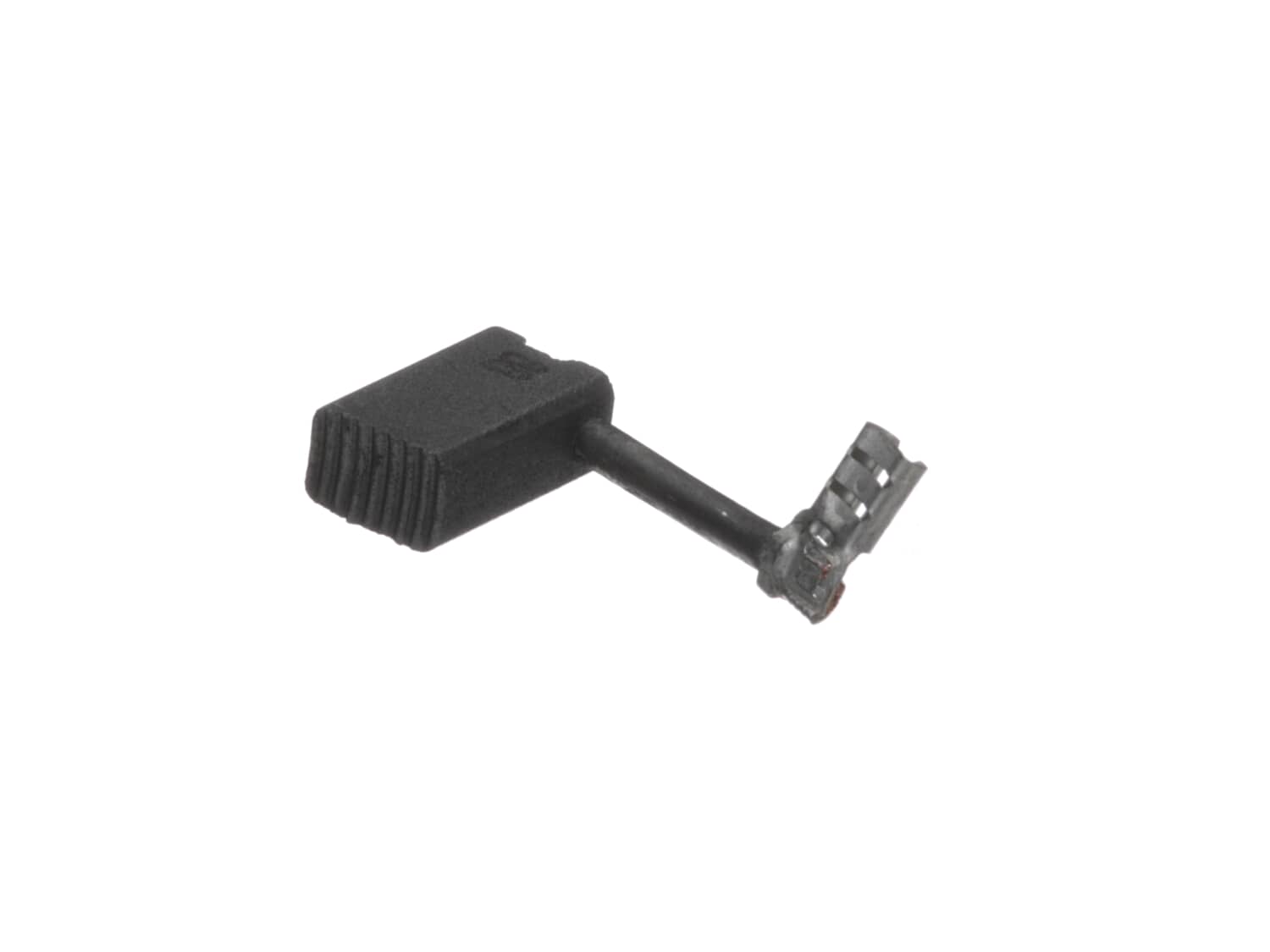
Genuine DeWalt replacement part rnIncludes 1 Carbon Brush with wire lead in rubber sheath attached.rn • Worn brushes are often the cause of a poorly running motor • Replacing brushes can fix an intermittent motor • New brushes can restore a motor's electric braking Carbon motor brushes are one of the most commonly replaced power tool components. • Because carbon brushes are wear items, meaning that through friction and use they will gradually wear away, they will eventually require replacement. • Worn brushes are common causes of intermittent motor function, reduced electric braking, and reduced motor power. • A worn out brush will often be worn down near the wire lead and may be cracked, pitted, or burned. • When replacing carbon brushes, be sure to also inspect your armature for burns, cracks, or other damage which indicates a larger motor problem.
Sorry, we couldn't find any existing reviews that matched. Try using some different or simpler keywords.
★★★★★
★★★★★
Fit and work great!
The brushes are a perfect fit and work great!
Guest - November 24, 2020
Verified Purchase
★★★★★
★★★★★
Very easy fix
I Thought they came in pairs so I ordered two as I have two impacts to repair. They come as singles. So be sure to order what is needed. I should have have paid more attention when ordering.
Guest - July 7, 2021
Verified Purchase
★★★★★
★★★★★
Right fit
No problem to change it did fit just like original
Guest - August 10, 2023
Verified Purchase
★★★★★
★★★★★
Easy repair
Arrived quickly
Guest - October 3, 2023
Verified Purchase
★★★★★
★★★★★
N
N
Guest - December 29, 2023
Verified Purchase
Customer Repair Instructions
All our customer repair instructions are solicited directly from other customers just like you who have purchased and replaced this exact part.
Easy
15 - 30 mins
(7 rated repairs)?
< Prev
1
Next >
Sort by:
Sorry, we couldn't find any existing installation instruction that matched.
Pop the rear cover and handle cover off, remove the wires from the switch. You may want to make a wiring diagram. Connect the wires to the new switch. Pull back the springs holding the brushes in and set it on the holder, disconnect the worn brush leads, and remove them. Install the new brushes in the holder and connect the leads. Put the
... Read more brush springs behind the brushes, so they make contact withe the armature. Replace the rear cover and handle cover.
Replacing the anvil
1 Set the impact in a vise with the anvil facing up.
2 Remove the 4 screws holding the anvil housing on.
3 While lifting the housing off hold down on the tip of the anvil.
4 Remove and replace the anvil
5 Reinstall the anvil housing and install the 4 screws
Replacing the brushe
... Read mores
1 Remove the 4 screws holding the rear housing in place and remove the housing
2 Using a needle nose pliers carefully remove the terminal of the brush from the male terminal.
3 Using a screw driver lift the tension of the spring that is pressing down on the brush and pull the brush out with the needle nose pliers
4 Push the new brush into place and put the wire terminal for the brush back onto the male terminal
5 Reinstall the rear housing and 4 screws
Remove the back cover
Disconnected the old brushes
Pull brush springs back and remove the old brushes
Install the new brush while the brush springs are pulled back
Connect the brushes
Install the back cover
1. Remove four screws from the back cover and remove it.
2. Pull back the brush holder spring and place the end on the brush holder
3.Pull the brush lead from the terminal and remove the brush.
4 Insert the new brush in the holder and place the spring behind it.
5. Install the brush lead on the terminal. Repeat 2-5
... Read more on the opposite side
6. Screw the back cover back on.
Read less
Did you find this story helpful?
Thank you for voting!
< Prev
1
Next >
Model Cross Reference
This part works with the following models:
ERP Number: ERP10183918
Manufacturer Part Number: 655213-02
This part is in stock in our warehouse and will ship out within 1 business day of the order being placed.
New stock is on the way! On order parts usually ship within 7 business days.
Item is not in stock and usually ships 10-15 business days from the time you place your order.
This item is no longer being made by the manufacturer, and cannot be added to your shopping cart.
✖
Mail-In Recycling Rebate
Some of the parts we sell are eligible for mail-in rebates since we can recycle them. We will display any applicable rebates in your shopping cart. To redeem your rebate, contact Customer Service after you have received your part.