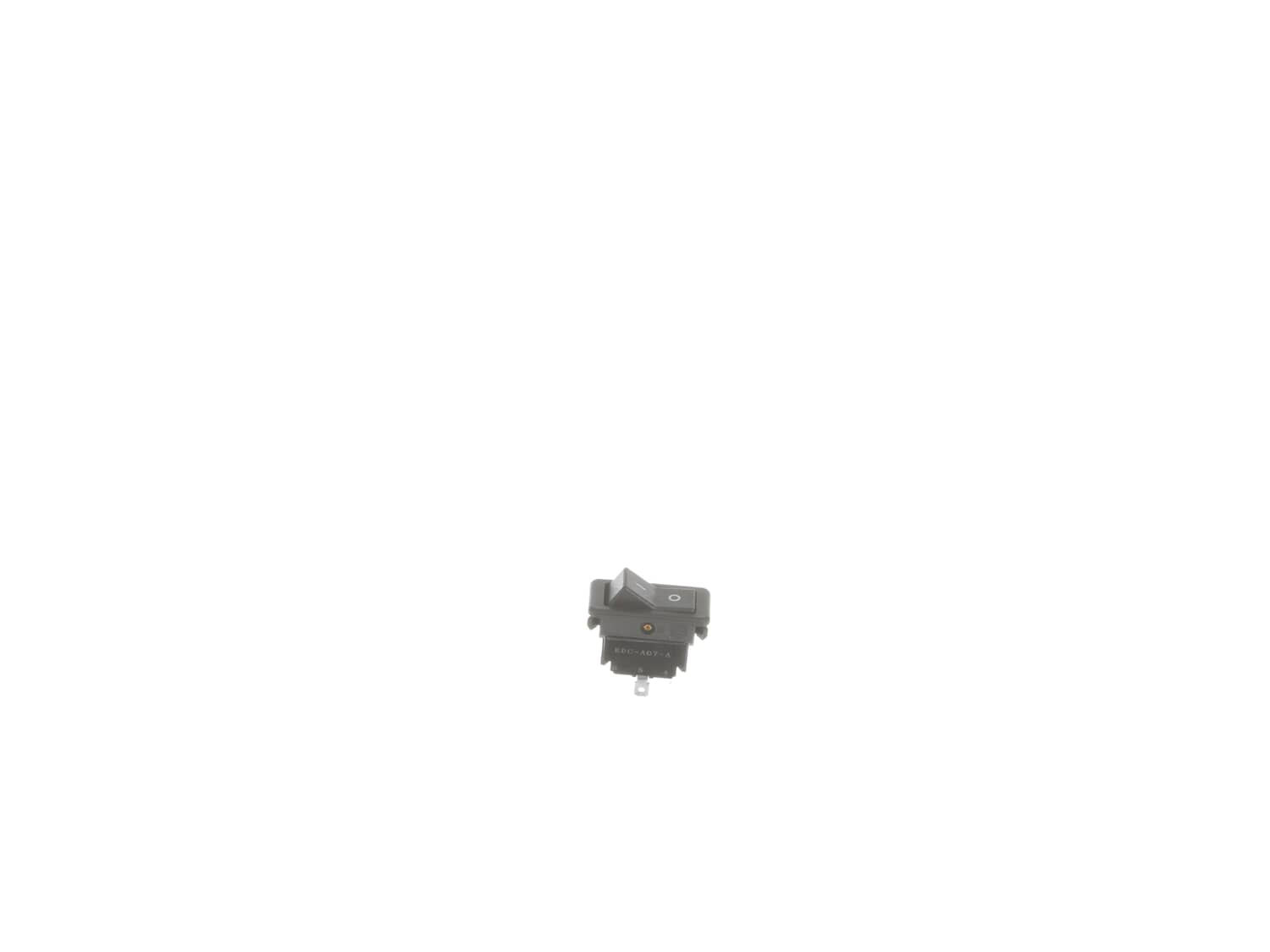
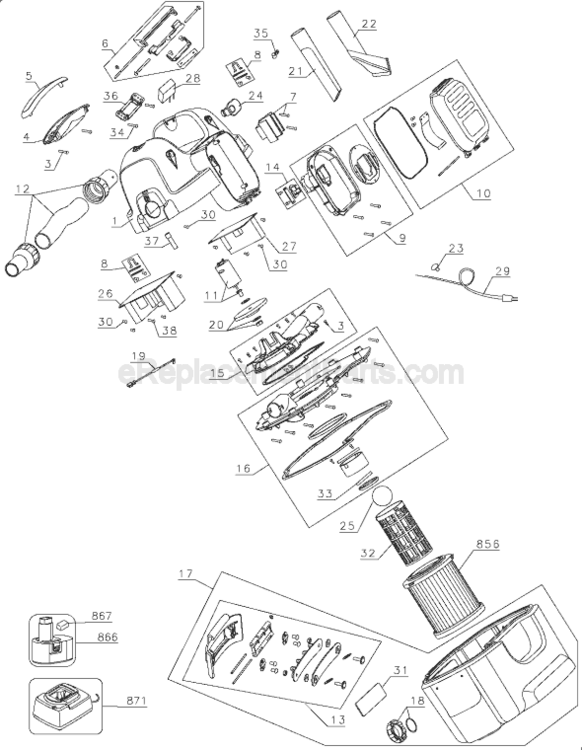
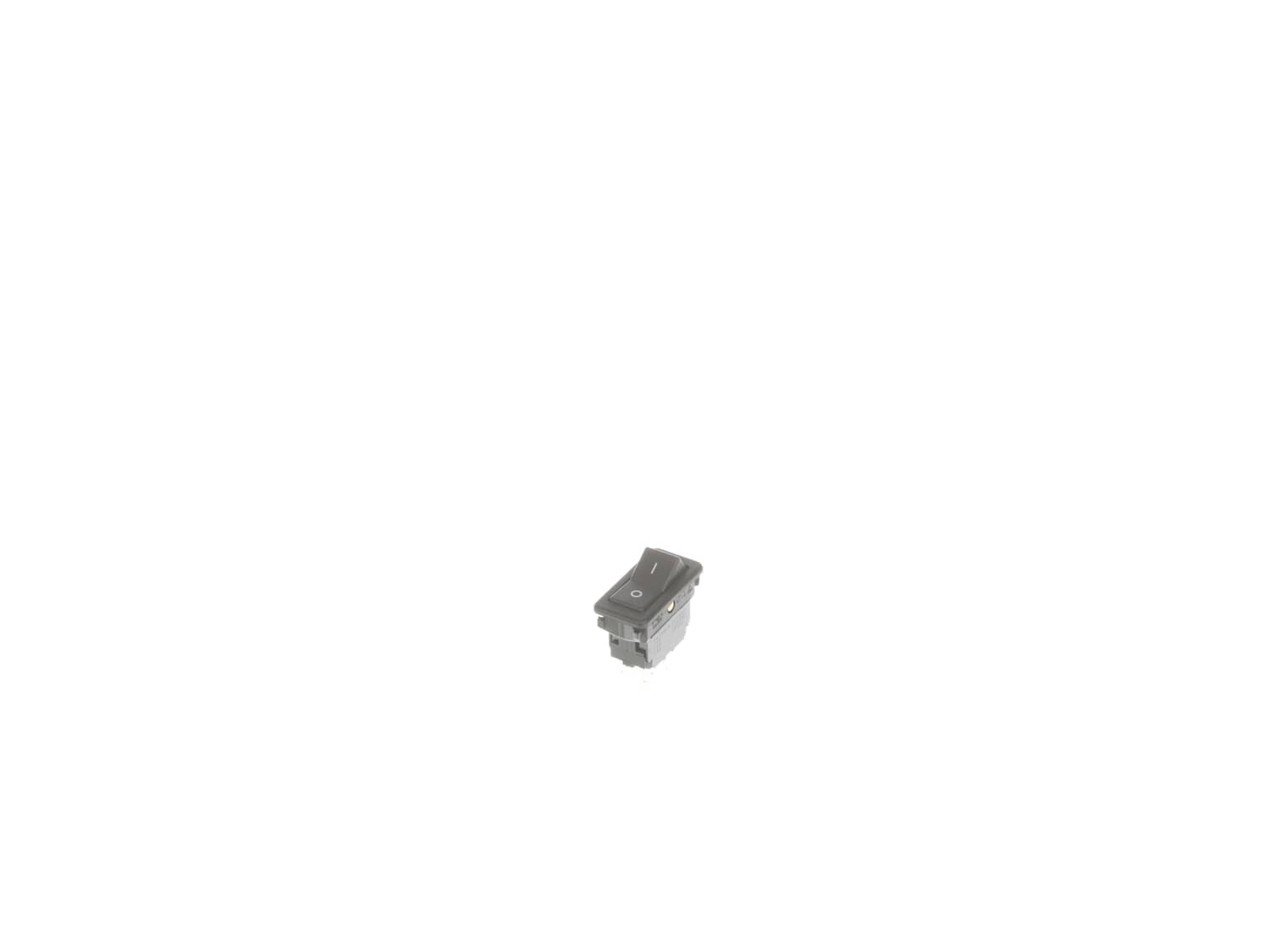
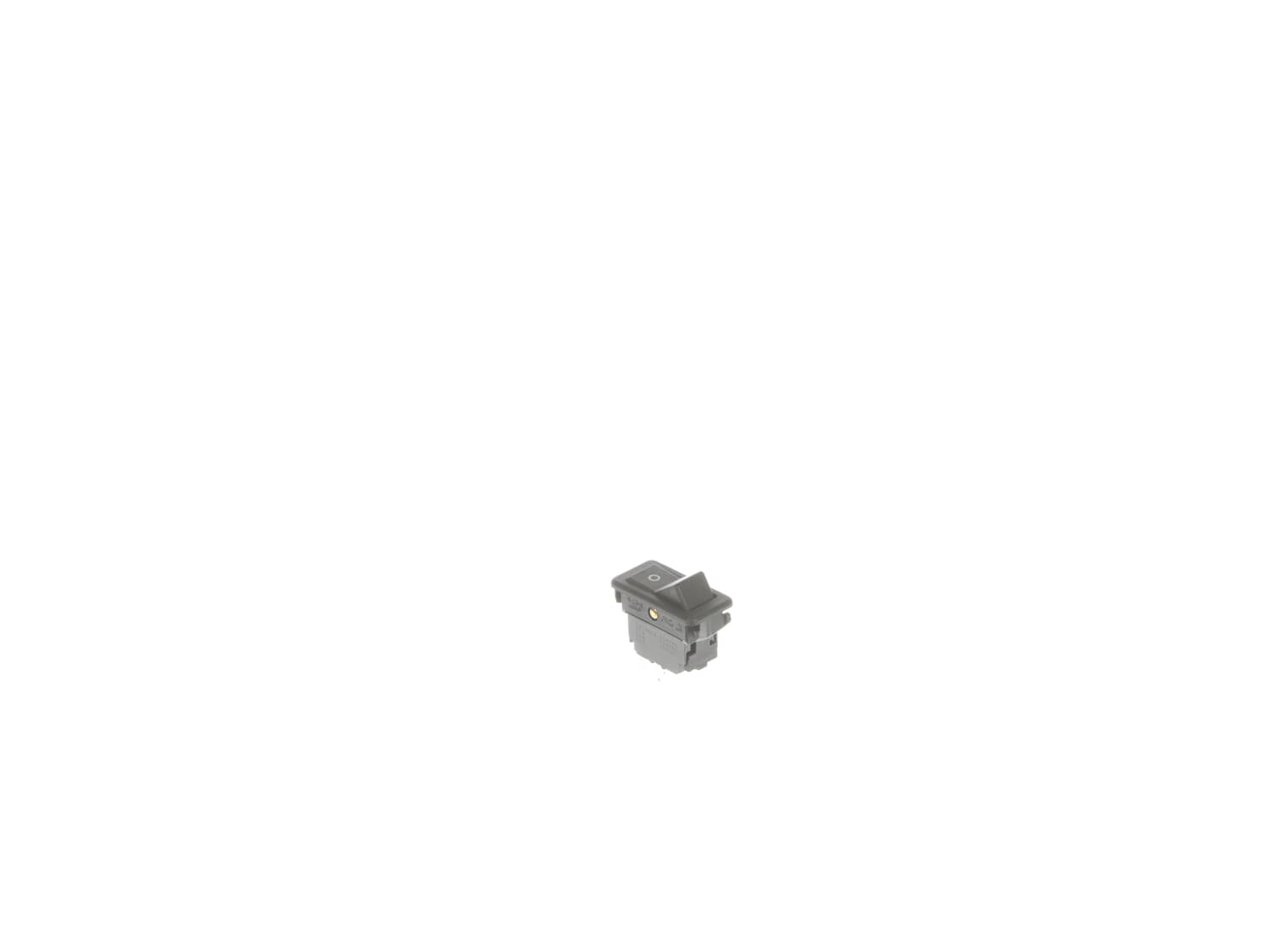
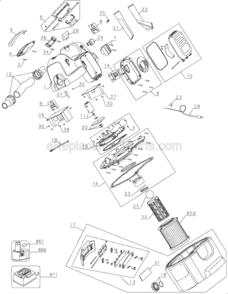
It is a genuine item that is supplied directly from the original equipment manufacturer for use with DeWALT equipment. The purpose of this switch is to control the on/off function of the tool, unfortunately, over time components will wear out and may begin to fail eventually requiring a replacement. Please make sure to refer to the appropriate diagrams of your model for the correct location and application of this item. Keep in mind this high-quality plastic body switch is sold individually.
Removed the cover from the vacuum. Removed the black plate from the bottom of the cover to access the switch, probably 8 screws. Took a picture of the switch fully connected with my phone. Unhooked and removed the switch and installed the new one. Put everything back together. Took about 20 minutes and works like a new machine for $17.
... Read morer />
Moved wires to the new switch and snapped it into the case. If the switch is still snapped into the vac case a small screwdriver will be needed to UN snap the switch housing
Pried switch up from vacuum.
Disconnected 4 wires from old switch and attached them to new switch
Tapped new switch in to place and that\'s it.
Vacuum runs like new
I removed screws from the underside. Carefully took terminal wires off of the old switch. Installed the new switch and reattached the terminal wires. Reinstalled screws on the bottom of the unit and flipped the switch!
This part is in stock in our warehouse and will ship out within 1 business day of the order being placed.
New stock is on the way! On order parts usually ship within 7 business days.
Item is not in stock and usually ships 10-15 business days from the time you place your order.
This item is no longer being made by the manufacturer, and cannot be added to your shopping cart.
✖
Mail-In Recycling Rebate
Some of the parts we sell are eligible for mail-in rebates since we can recycle them. We will display any applicable rebates in your shopping cart. To redeem your rebate, contact Customer Service after you have received your part.