
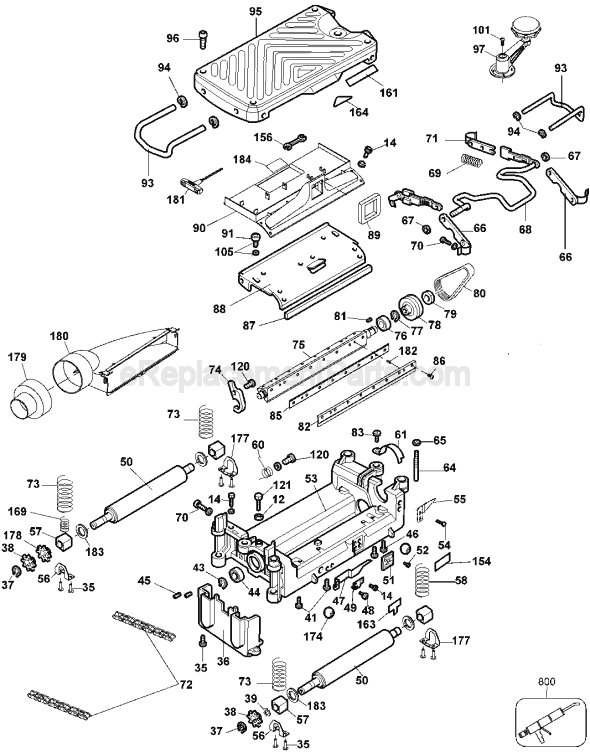




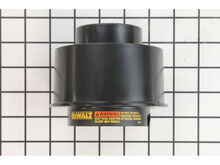

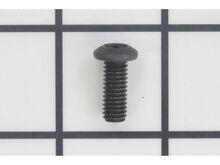
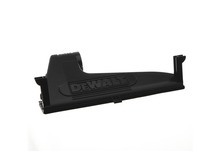



Part Location Diagram of 5140010-16 DeWALT Screw
See part 86 in the diagram
Replacing your DeWALT Planer Jointer Screw
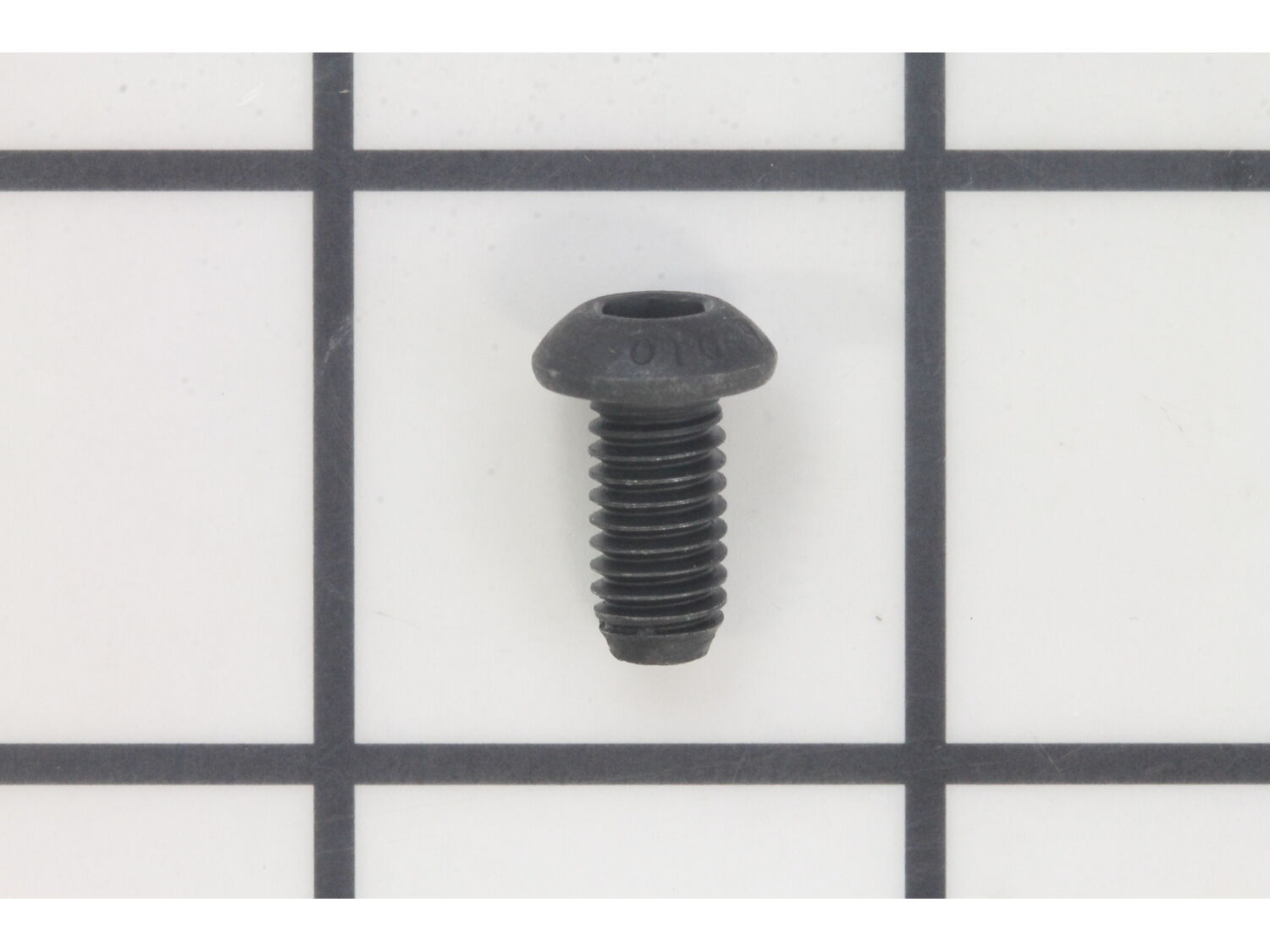
( Grid squares measure 1x1 inch )

Screw 5140010-16

Manufactured by:
DeWALT
ERP Number:
ERP10176128
Part Number:
5140010-16
Original Equipment Manufacturer ?
In Stock
Delivers in 3-5 Business Days!
Minimum Quantity of 2 required

Easy 

15 - 30 mins 

(14 rated repairs) ?

Does this part fit my model?

Need help finding your model number?

Product Description

?

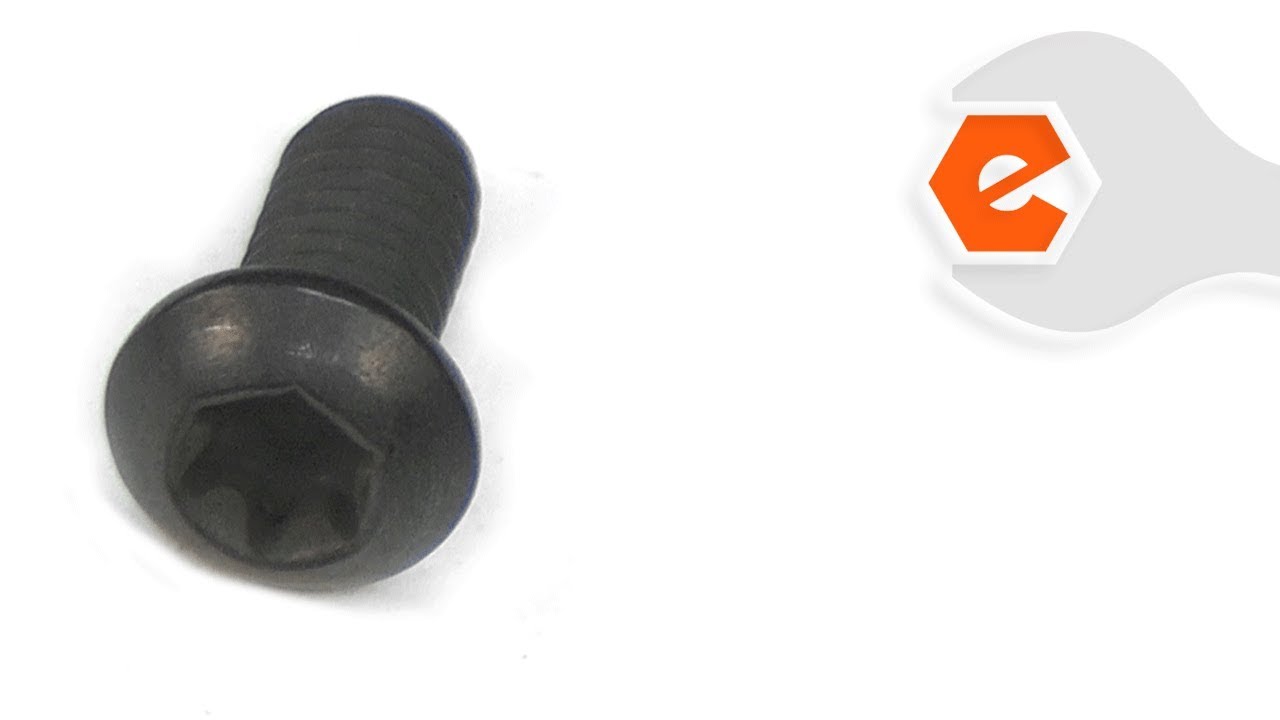
This is a genuine Dewalt replacement part, it is sold individually. The purpose of this screw is to secure the planer knives to the cutterhead on the planers shown below. It is also used on the DW7351 Folding Table. It is a allen head screw. A complete set of 24 screws including the wrench can be ordered by using part number 5140067-11, the screws in the set are Torx heads.

Frequently Purchased Together

?

Troubleshooting

This part works with the following brands:
  • DeWALT
This part works with the following products:
  • Planer Jointer
  • Tool Stand & Cart

Videos For installing this part.

?
Replacing your Screw

Customer Part Reviews

?
4.9
Average Rating (out of 5):
★★★★★
★★★★★
(15 Reviews)
Click to filter by ratings:
  • 5 stars
    14
  • 4 stars
    1
  • 3 stars
    0
  • 2 stars
    0
  • 1 star
    0
  • 1
  • 2
Sort by:  
Sorry, we couldn't find any existing reviews that matched. Try using some different or simpler keywords.
  • 1
  • 2

Questions & Answers

?

Our customer Service team is at the ready daily to answer your part and product questions.

Be the first to ask our experts a question about this part!

Ask our Team

We have a dedicated staff with decades of collective experience in helping customers just like you purchase parts to repair their products.

Does this fit my product?

Customer Repair Instructions

All our customer repair instructions are solicited directly from other customers just like you who have purchased and replaced this exact part.

Easy 

15 - 30 mins 

(14 rated repairs) ?
  • 1
  • 2
Sort by:  
Sorry, we couldn't find any existing installation instruction that matched.

Screw holding blade assembly came loose and the blade clamp bent.

W from Greenfield, Massachusetts

7 of 7 people found this instruction helpful.
Difficulty Level:
Easy
Total Repair Time:
Less than 15 mins
Tools:
Screw drivers
Parts Used:
5140010-16, 5140006-79
Simply remove all the screws from the blade clamp as though you were changing blades. Replace blade and new blade clamp using a mix of the original screws and three new screws that replaced three lost screws that vibrated loose and were lost to the dust collector.
Incidentally, I also bought a blade sharpener made for planers and jo iners and it worked great.
Did you find this story helpful?
Thank you for voting!

Striped screw on cutter head

john from Columbus, North Carolina

5 of 5 people found this instruction helpful.
Difficulty Level:
Easy
Total Repair Time:
Less than 15 mins
Tools:
Screw drivers, Socket set, Wrench set
Parts Used:
5140010-16
Replaced the stripped screw with the new replacement
Did you find this story helpful?
Thank you for voting!

I lost the ball when I took the depth adjustment wheel off. Two screws had the socket for the Torx driver stripped.

Steve from Warsaw, Virginia

3 of 3 people found this instruction helpful.
Difficulty Level:
Easy
Total Repair Time:
15 - 30 mins
Parts Used:
5140010-27, 5140010-16
Remove depth adjustment wheel by taking the center bolt off
Remove wheel from planer
Place a hand towel on work area in case ball is dropped
Make sure the nap or the towel is thick enough to hold the ball in case it is accidentally dropped
Put small dab of grease on top of spring to hold ball in place during rea ssembly
Make sure to use enough grease to hold the ball securely when the wheel is tipped sideways for reinstallation
Select one of the detents to put ball into
Align ball with the selected detent and place wheel in place
Hold wheel securely against the machine with one hand while placing the bolt into recess
While still holding the wheel firmly in place tighten bolt with free hand
Let go of wheel and turn to check that it works correctly and stops in all of the detents
Did you find this story helpful?
Thank you for voting!

The screws were not torqued correctly, therefore, one backed out, causing the blade holder and blade to destroyed.

Jonathan from Nocona, Texas

2 of 2 people found this instruction helpful.
Difficulty Level:
Easy
Total Repair Time:
15 - 30 mins
Parts Used:
5140010-16, 5140006-79
1. Remove cover from blade area
2. Put on good quality leather gloves, blades are sharp!
3. Remove damaged blade cover and blade
4. Install new blade and cover
5. Use cordless impact driver to install screws in blade holder
6. After 30 minutes of use, check blade screw torque
Did you find this story helpful?
Thank you for voting!

Wood chip had lodged under the blade holder causing it to bend and that caused a dip in the planed wood

Gerald from Glenpool , Oklahoma

1 person found this instruction helpful.
Difficulty Level:
A Bit Difficult
Total Repair Time:
1- 2 hours
Parts Used:
5140010-17, 5140010-16
Removed the top of the planer, removed the dust/chip ejection chute, rotated and locked the blades, removed the 8 screws holding the bent blade holder bar and installed the new bar then reassembled the planer.
Did you find this story helpful?
Thank you for voting!

Needed new knives and roller cleaning

Michael from fairfield, Texas

1 person found this instruction helpful.
Difficulty Level:
A Bit Difficult
Total Repair Time:
15 - 30 mins
Tools:
Nutdriver, Screw drivers
Parts Used:
DW7352, 5140010-16
Replace old knives/blades.
Clean rollers.
Blow out dost and debris.
Inspect.
Reassemble.
Did you find this story helpful?
Thank you for voting!

Torx drive on screw partly stripped.

Neil from Millville, Pennsylvania

1 person found this instruction helpful.
Difficulty Level:
Easy
Total Repair Time:
15 - 30 mins
Parts Used:
5140010-16
Removed old screw after loosening with impact driver.
Replaced screw when replacing blade.
Did you find this story helpful?
Thank you for voting!

The hex wrench heads in the original screws used to secure the blades in the planer rounded.

Ted from HIGHLAND PARK, New Jersey

1 person found this instruction helpful.
Difficulty Level:
A Bit Difficult
Total Repair Time:
15 - 30 mins
Tools:
Screw drivers
Parts Used:
5140010-16
1. Wearing safety glasses, I used my Dremel with a cut off disc to grind a slot in the head of the Allen head screws that hold the blades in my DeWalt planer.
2. I broke the stripped screws loose with a large flat head screw driver.
3. I replaced the old screws with new Torx head screws.
4. I used one new screw per bla de (there are three) to keep the cutter head in the planer balanced
Did you find this story helpful?
Thank you for voting!

Screw was lost from the cutterhead

Robert from Swanzey, New Hampshire

1 person found this instruction helpful.
Difficulty Level:
Easy
Total Repair Time:
Less than 15 mins
Parts Used:
5140010-16
Replaced the lost screw. I ordered 5 even though I only needed 1.It is nice to a few extra on hand
Did you find this story helpful?
Thank you for voting!

Missing screw

Kim from St. Pauls, North Carolina

0 of 1 people found this instruction helpful.
Difficulty Level:
Easy
Total Repair Time:
15 - 30 mins
Parts Used:
5140010-16
Installled screw and tightened
Did you find this story helpful?
Thank you for voting!
  • 1
  • 2