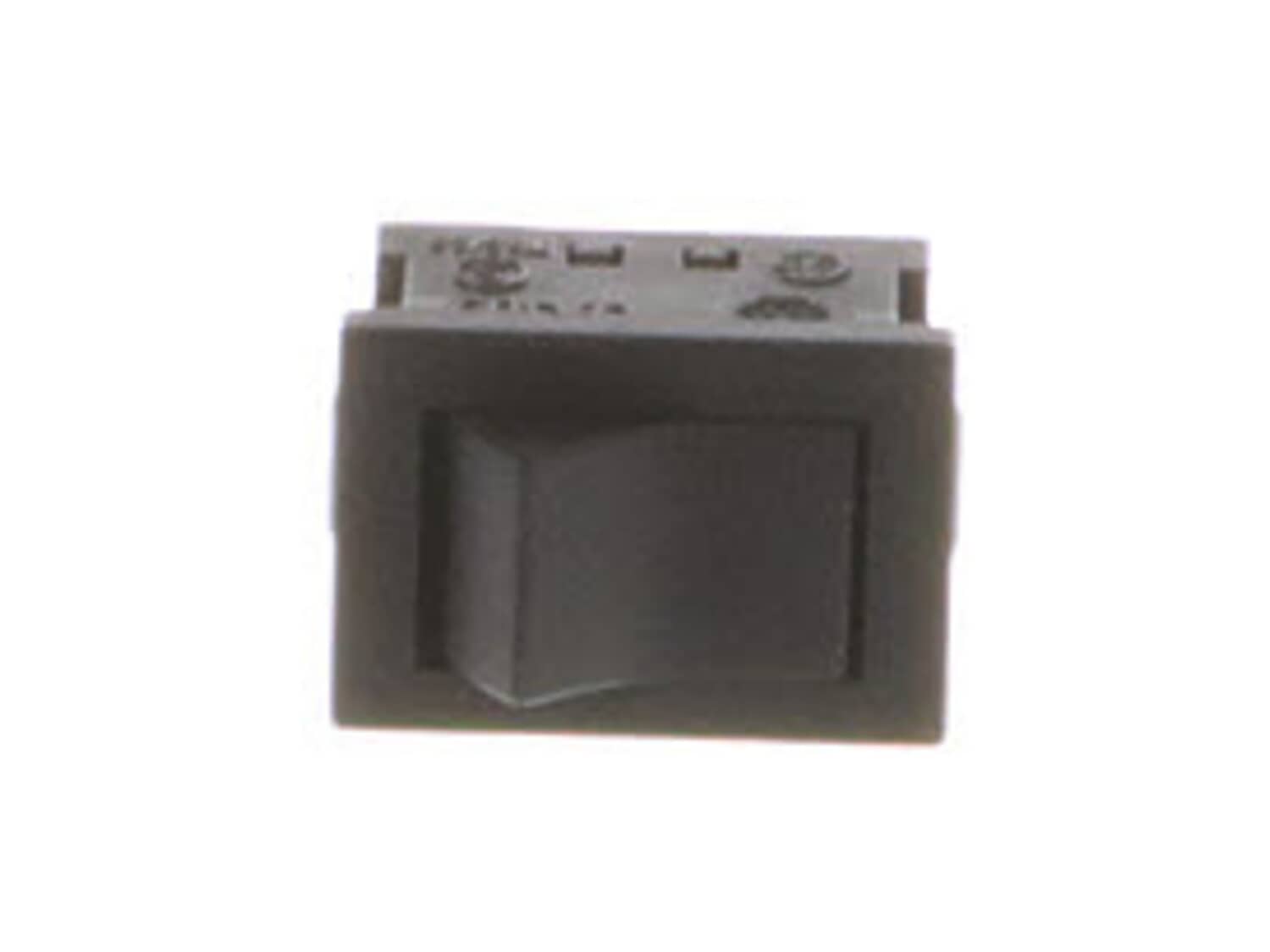
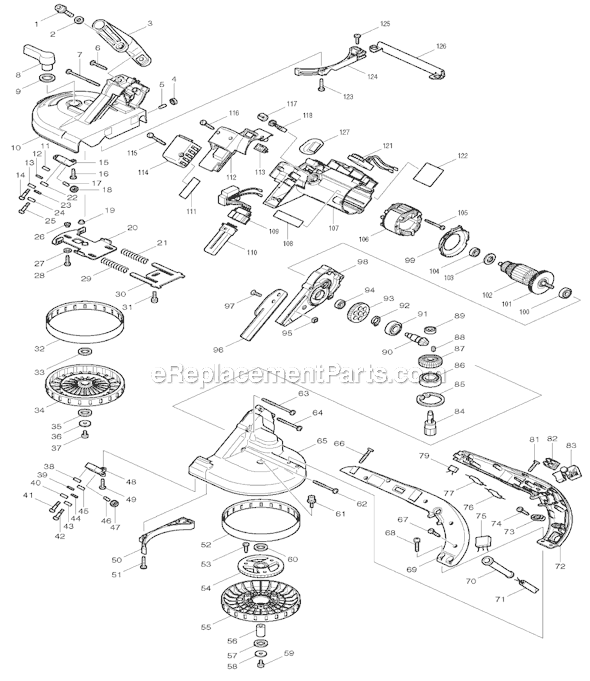
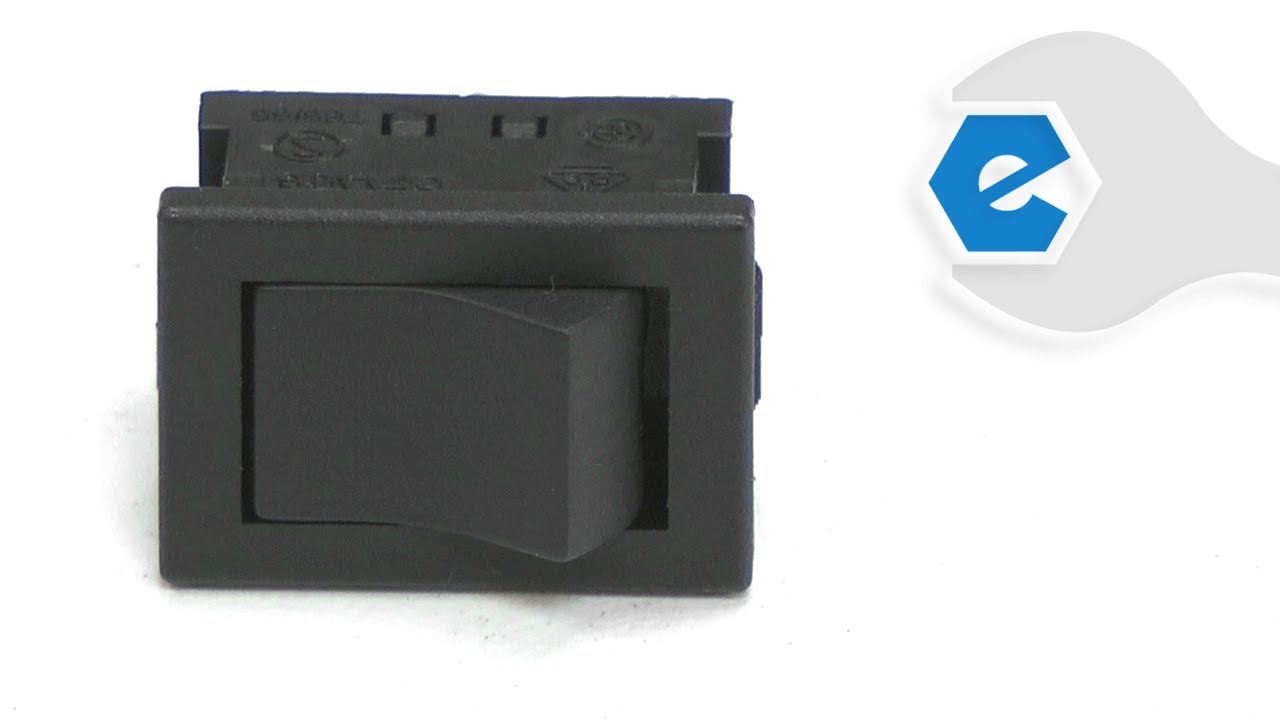
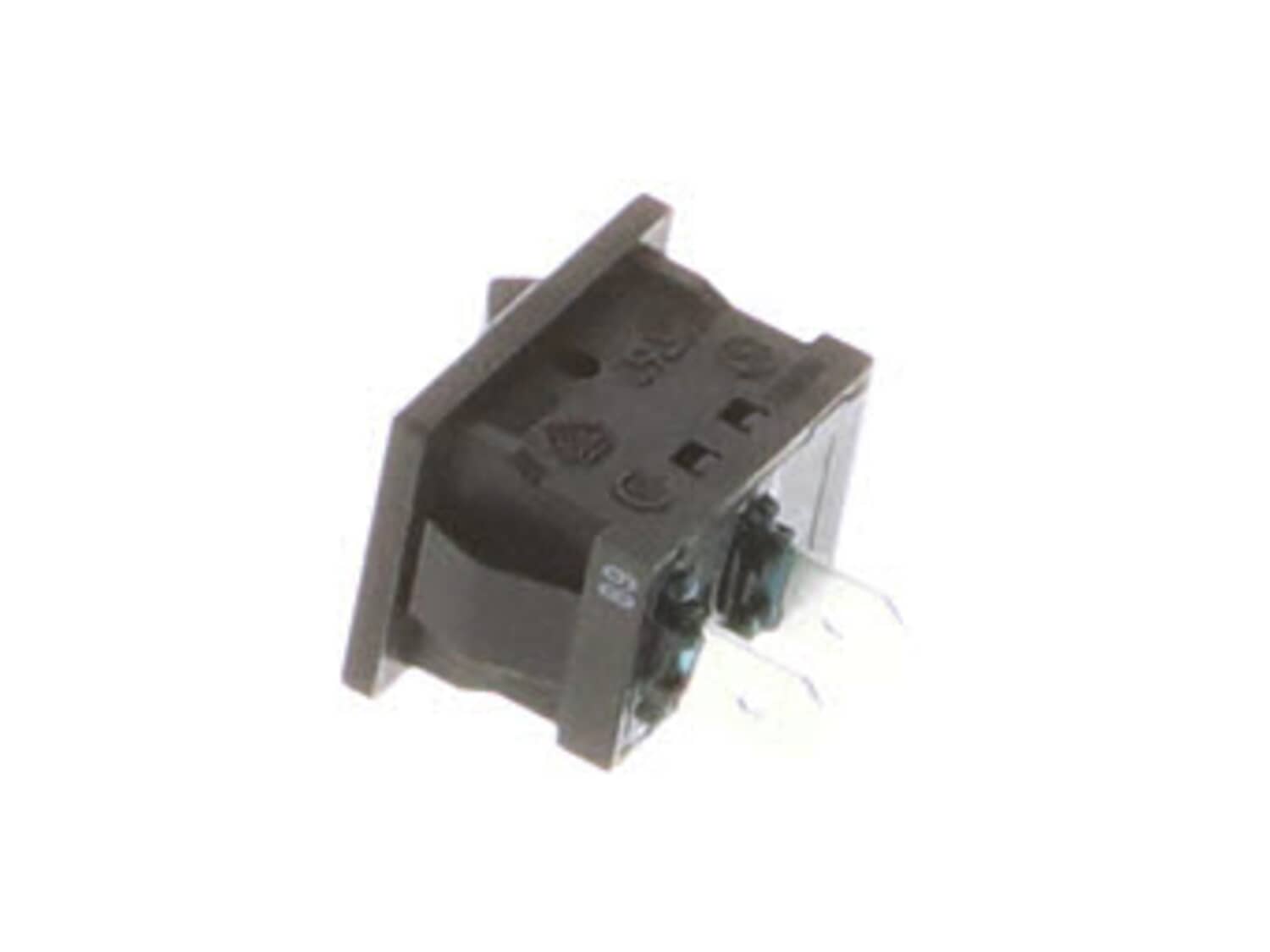
This Rocker type switch has 2 terminals. This genuine Makita replacement part is sold individually. Switches are commonly replaced parts in tools. A switch handles on/off and variable speed operations. They also have a role in electric breaking; they can momentarily reverse electrical polarity. Because switches use mechanical internals, they will degrade and wear out over time, eventually needing replacement. Some common signs of a broken or failing switch are as follows: • The tool has completely stopped functioning - it will not start. • The tool operates intermittently, requiring multiple tries to turn on, until eventually it won't start at all. • The variable speed function and electric braking aren't working properly.
Troubleshooting
This part works with the following brands:
Makita
This part works with the following products:
Circular Saw
Part# 651514-8 replaces these:
651505-9,
Videos For installing this part.
?
★
Customer Part Reviews
?
4.6
Average Rating (out of 5):
★★★★★
★★★★★
(5 Reviews)
Click to filter by ratings:
5 stars
3
4 stars
2
3 stars
0
2 stars
0
1 star
0
< Prev
1
Next >
Sort by:
Sorry, we couldn't find any existing reviews that matched. Try using some different or simpler keywords.
★★★★★
★★★★★
exact part. easy swap
blew out the circuit overload, so also I bought this in case the surge made to the switch.replaced both parts. push the button. back in business. good old 25 year old Makita grinder up and running.
GEORGE - June 28, 2019
Verified Purchase
★★★★★
★★★★★
Great place for parts
You guys are the go to place for parts, have used you a few times always seem to have the parts I need. Fast shipping, The switch is among other parts had to replace on my 4 inch grinder, by the way which is 32 years old, runs like new, everything worked great. thank you.
Jimmy - February 15, 2020
Verified Purchase
★★★★★
★★★★★
just as needed easy replacememt
arrived in very timely manner. will use again,
Guest - July 30, 2020
Verified Purchase
★★★★★
★★★★★
easy install
parts arrived quickly after out of stock delay. fit perfectly and performed like new.
Guest - October 29, 2020
Verified Purchase
★★★★★
★★★★★
Easy repair
Grinder now working. Easy to repair. Much better than buying new grinder. Thanks.
Guest - January 26, 2022
Verified Purchase
Customer Repair Instructions
All our customer repair instructions are solicited directly from other customers just like you who have purchased and replaced this exact part.
A Bit Difficult
15 - 30 mins
(12 rated repairs)?
< Prev
1
2
Next >
Sort by:
Sorry, we couldn't find any existing installation instruction that matched.
I simply opened the grinder by removing several Philips head screws. I removed the switch and connecting lever and replaced with new parts. Special attention was given to ensure the wires were placed correctly before assembly. I put it all back together and it powered up perfectly. I could not be happier with the parts I received. Further
... Read more, I was impressed with the parts availability for a 25+ year old grinder and the great experience with ereplacement parts.
ItÆs a little tricky but not too bad. Keep the half that houses the switch along with motor on the work bench and work with the ôempty halfö on the top side. Look at how things line up when you take it apart, such as the power cord. Also a good time to put the grease thatÆs around the gears back on the gears.
Did you find this story helpful?
Thank you for voting!
Factory switch quit working after many years of use
Remove / split grinder body clean inertial components, installed new switch, lubed drive gear and pinion gear, sprayed electrical components with electrical cleaner, put back together.
Did you find this story helpful?
Thank you for voting!
The switch lever would disengage from the on position when grinding. Then the switch would not turn on and off
I removed the screws from the case and separate the two halves. Tested the switch which turned on and off (continuity tested with switch removed and using a volt meter) but noticed it had no GÇ£snapGÇ¥ when switched. Since the the switch actuator had been popping off when grinding I went ahead and replaced it figuring it was worn too. The
... Read more spring removal/installation on the actuator is slightly tedious but not hard with a little patience. Simple fix for both items while itGÇÖs apart you can grease the gears as well.
I separated the two halves of the grinder using a Phillips screwdriver, took pictures of the insides of the grinder so I could return everything to its original position, isolated the switch as the problem using the ohm meter and ordered an new switch through Ereplacement.com. After receiving the new switch, I checked its functionality w
... Read moreith the ohm meter and found it working properly, installed it, checked it again with the ohm meter from the plug in to the switch, looked at my pictures to be sure everything was where it needed to be, cleaned up the inside case of dust and debris from years of use and reassembled the grinder.
Makita Angle grinder. Removed the Philip head screws, opened the grinder. Replaced broken parts, assembled the grinder in reverse order. ThatÆs itæìdone in minutes. Awesome parts! Perfect fit.
Did you find this story helpful?
Thank you for voting!
Grinder will not run. Turns out it wasnÆt the switch. I am trying to determine whether it is the circuit breaker or the brushes , as soon as that decision is made will be ordering the parts. Maybe I
This is a simple project, just remove right side cover of tool then remove switch unplug the wires and plug into new switch replace switch and reassemble cover. Your finished.
Replaced switch and over-power relay. Replacement parts were identical to those removed ... even same connectors. Only difficulty was correctly routing new wires back so that unit could be closed up again. Might have been wiser to take a photo before removing the used parts.
1. Disassembled and inspected the grinder.
2. Found melted plastic on the switch.
3. Used voltmeter to verify switch had failed.
4. Installed new switch.
5. Reassembled and tested the grinder.
Did you find this story helpful?
Thank you for voting!
< Prev
1
2
Next >
Model Cross Reference
This part works with the following models:
ERP Number: ERP10153637
Manufacturer Part Number: 651514-8
This part is in stock in our warehouse and will ship out within 1 business day of the order being placed.
New stock is on the way! On order parts usually ship within 7 business days.
Item is not in stock and usually ships 10-15 business days from the time you place your order.
This item is no longer being made by the manufacturer, and cannot be added to your shopping cart.
✖
Mail-In Recycling Rebate
Some of the parts we sell are eligible for mail-in rebates since we can recycle them. We will display any applicable rebates in your shopping cart. To redeem your rebate, contact Customer Service after you have received your part.