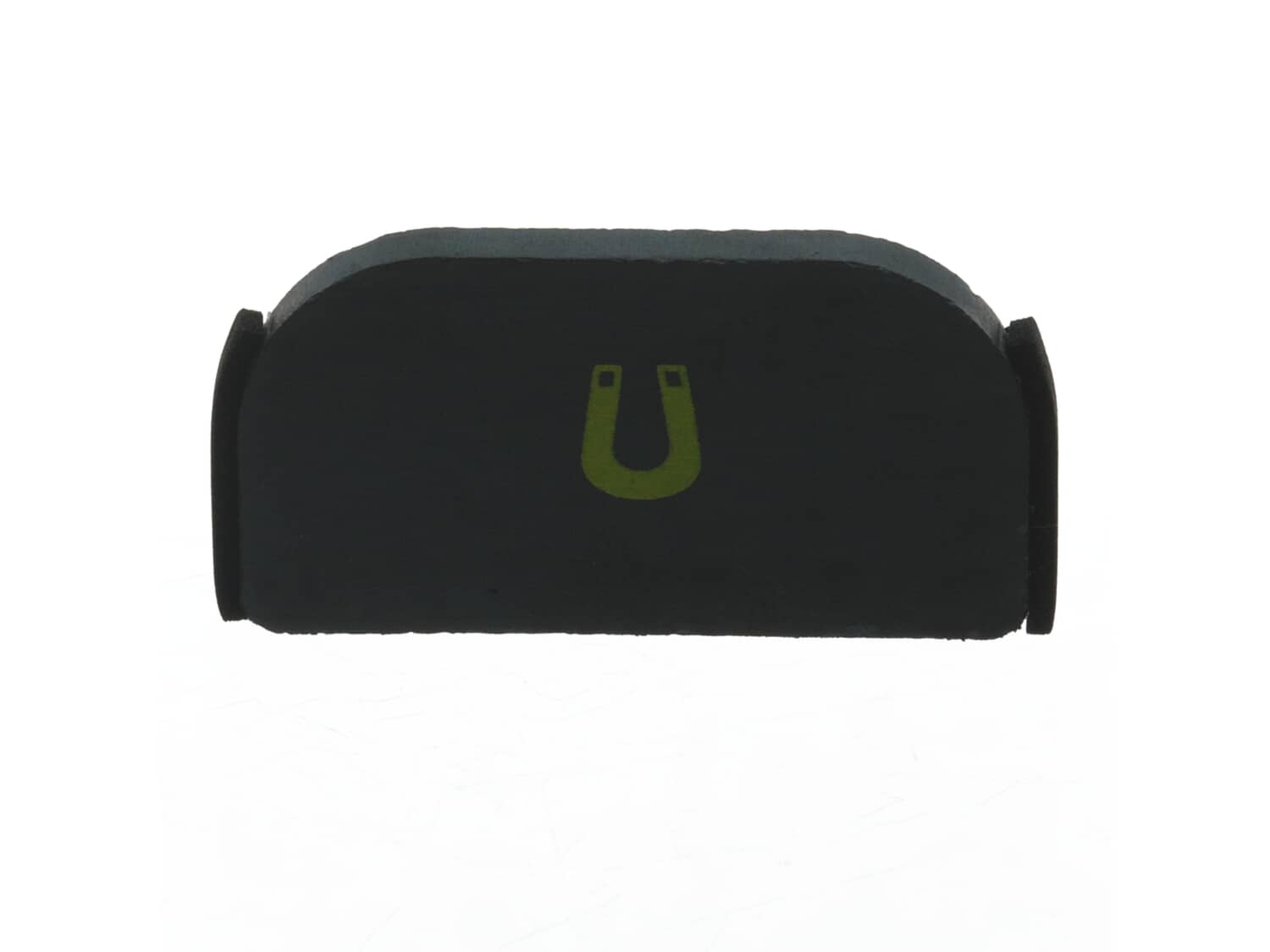
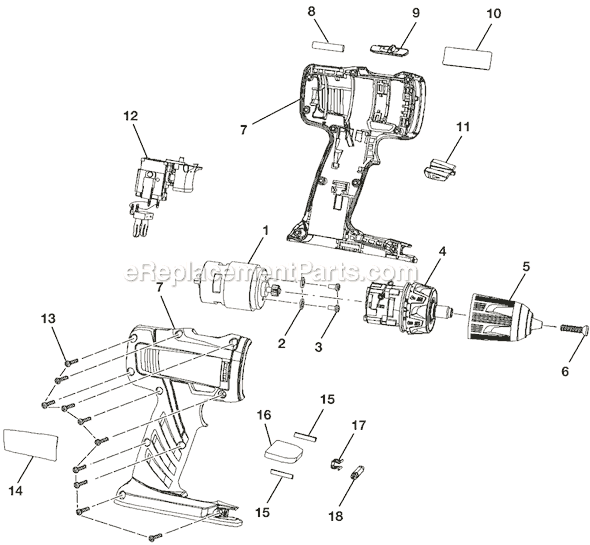
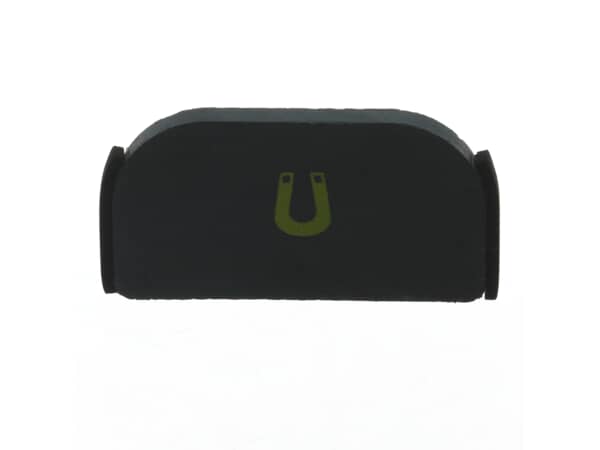
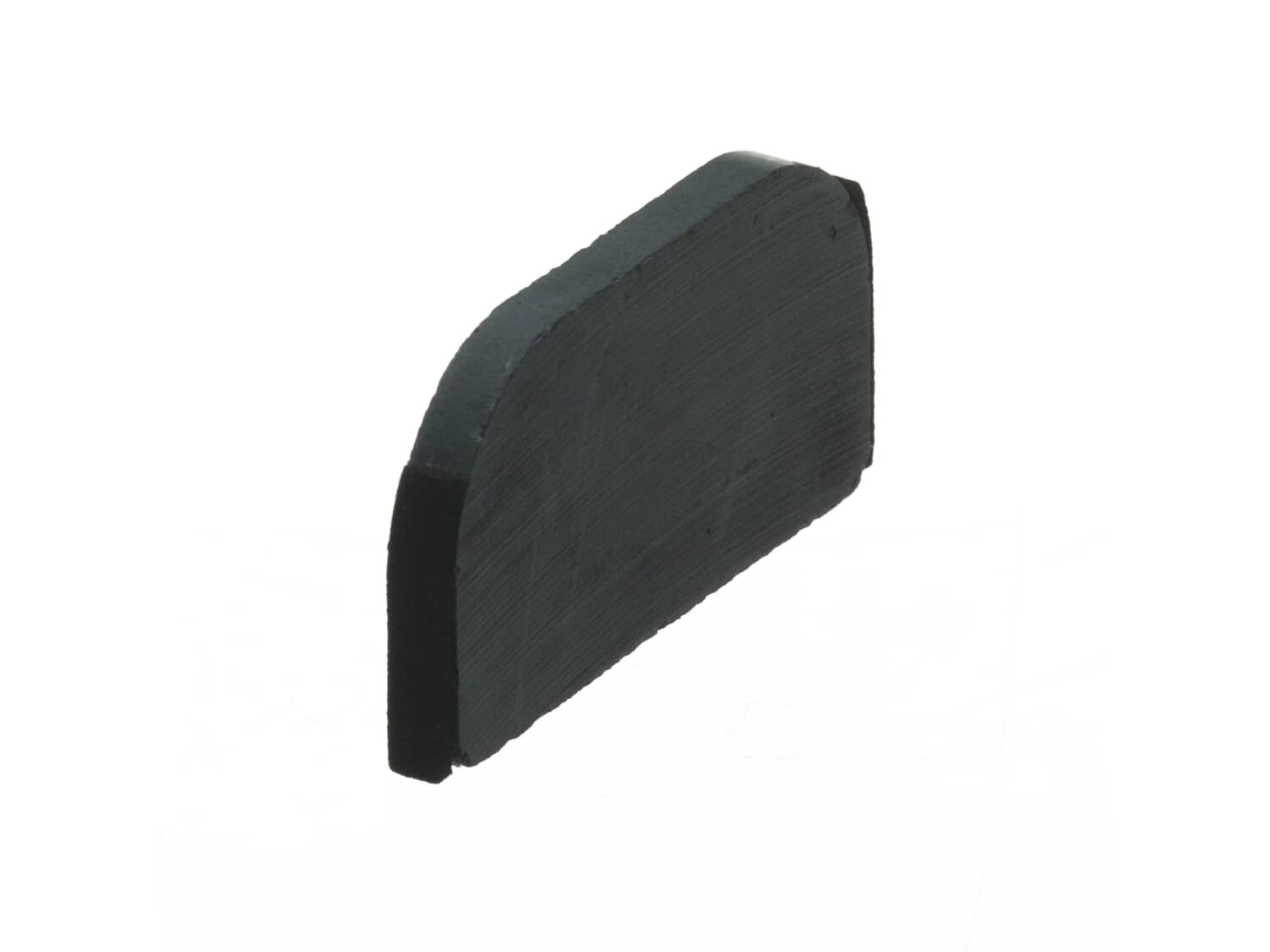
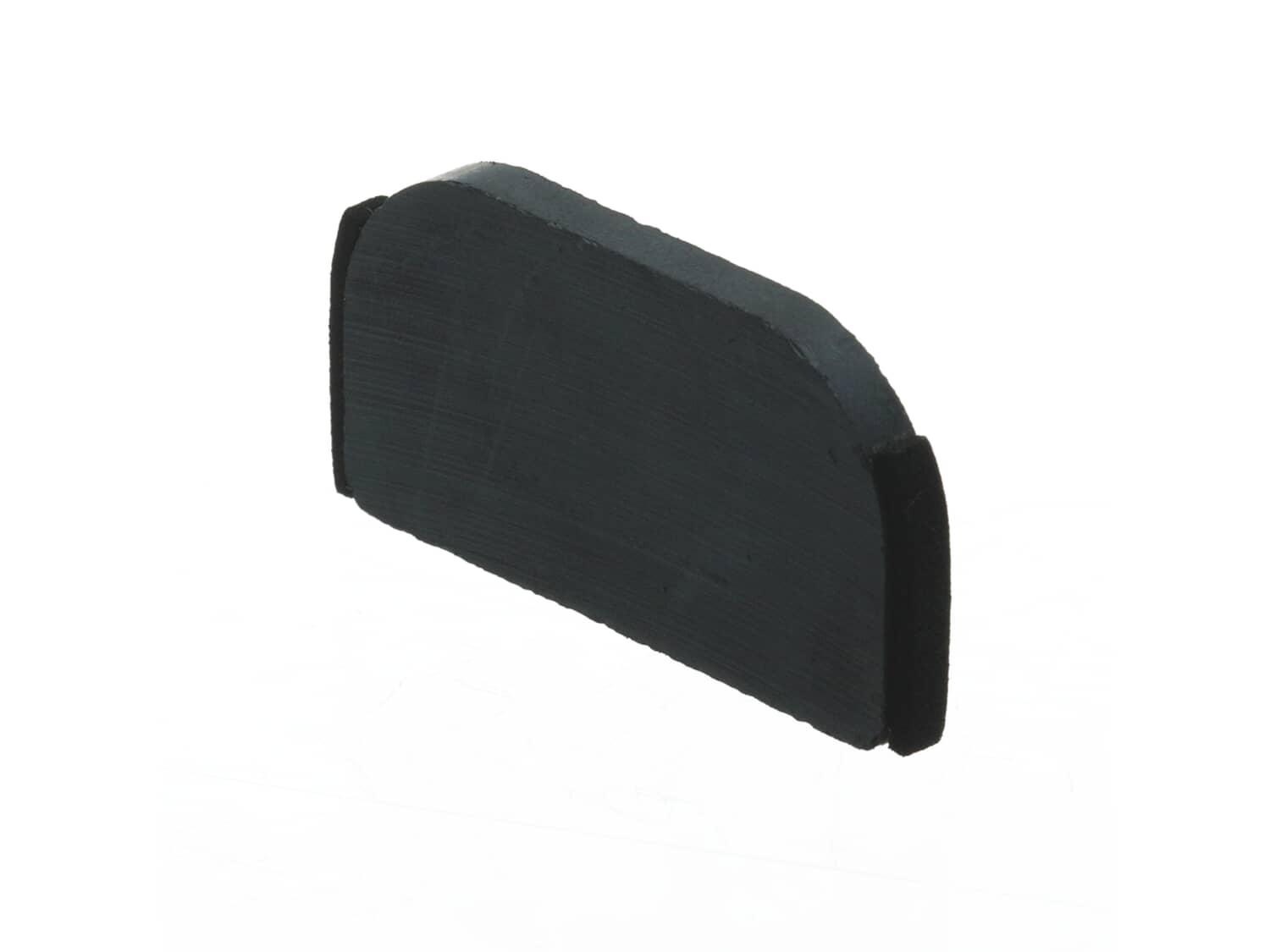
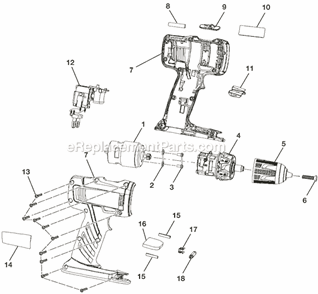
This special OEM approved component is made for use with Ryobi drills. It provides an identical replacement for a missing or a faulty magnet that was installed on a new equipment. The magnetic tray conveniently stores screws or other small parts. Check the owners manual and the diagrams of your specific model for the correct installation of this part. It is made of durable material and is sold individually. The <a href="http://www.ereplacementparts.com/foam-rubber-p-154140.html" target=blank><u>#560444002 Foam Rubber</u></a> that cushions the magnet is sold separately.
Troubleshooting
This part works with the following brands:
Ryobi
This part works with the following products:
Cordless Drill
Impact Driver
Part# 303001015 replaces these:
300823003,
★
Customer Part Reviews
?
5.0
Average Rating (out of 5):
★★★★★
★★★★★
(1 Review)
Click to filter by ratings:
5 stars
1
4 stars
0
3 stars
0
2 stars
0
1 star
0
< Prev
1
Next >
Sort by:
Sorry, we couldn't find any existing reviews that matched. Try using some different or simpler keywords.
★★★★★
★★★★★
Great customer support and service
I was looking for replacement parts of my Ryobi drill and could not get any other company to respond to my questions they just wanted to sell me things without asking what my issues were. So I remembered my previous experience with ereplacements and gave them another try. Best decision I made! From my first call to my follow up call with there customer support they were extremely knowledgeable and friendly. One of my parts was on back order and the agent reached out via email to inform me of the change. I was surprised but not really because I knew that they would do there best for me the customer. Many thanks to the ereplacements support and customer service team. God bless.
John - June 11, 2023
Verified Purchase
Customer Repair Instructions
All our customer repair instructions are solicited directly from other customers just like you who have purchased and replaced this exact part.
Easy
15 - 30 mins
(3 rated repairs)?
< Prev
1
Next >
Sort by:
Sorry, we couldn't find any existing installation instruction that matched.
Remove the screws from the old impact. To remove the motor and trigger. Then installed them in the new housing. Replace the magnet that broke. Cleaned a little dirt from the motor. Saw dust etc. Cause the old impact was about 6 years old. Replace all the screws. And tested it out. It\'s almost like new.
Did you find this story helpful?
Thank you for voting!
The housing for my impact driver was beat up from abuse from dropping it and just just every day use.
I unscrewed the eight screws holding the case together and the four screws holding the front metal gear case and assembly . Then I needed to split the case apart an the remove the gear case and the motor and switch will all come out together as one piece and just set it in the new housing and need to remove the forward reverse push bar an
... Read mored slide it in the new housing, you may have to pull up on the switch to have it sit right in the bar. Then slid the battery terminal, the metal clip for the belt holder and magnet from the old housing and put them in the new housing, or replace them with the new parts if you bought them. Now put the housing together and put all the screws back in, the four screws for the gear case cover are the smaller screws. The screws are a star with the little tit in the center so the bits you use must have a hole in the center of the star. If you find two little pieces of rubber with the new housing they go inside the housing on a plastic strip so it will hold the motor steady just look at the old case and you will see them one on each side of the housing. Hope this helps.
Craig
Read less
Did you find this story helpful?
Thank you for voting!
< Prev
1
Next >
Model Cross Reference
This part works with the following models:
ERP Number: ERP10080577
Manufacturer Part Number: 303001015
This part is in stock in our warehouse and will ship out within 1 business day of the order being placed.
New stock is on the way! On order parts usually ship within 7 business days.
Item is not in stock and usually ships 10-15 business days from the time you place your order.
This item is no longer being made by the manufacturer, and cannot be added to your shopping cart.
✖
Mail-In Recycling Rebate
Some of the parts we sell are eligible for mail-in rebates since we can recycle them. We will display any applicable rebates in your shopping cart. To redeem your rebate, contact Customer Service after you have received your part.