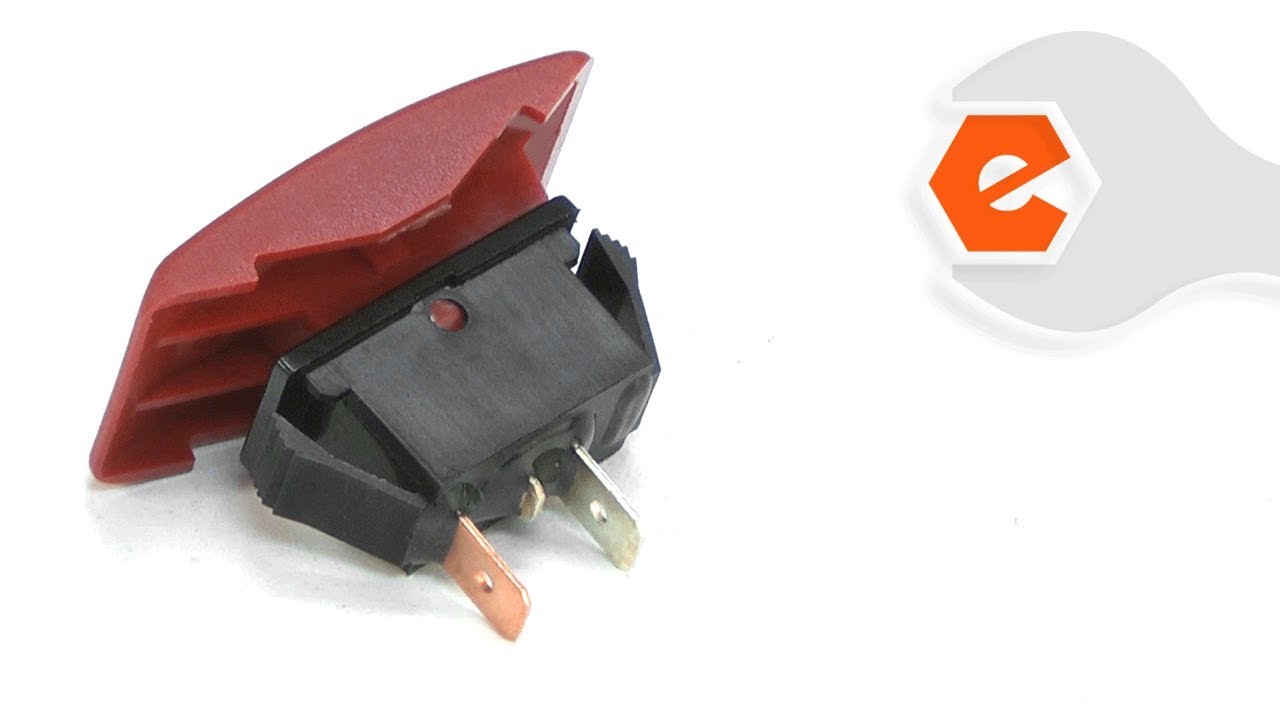
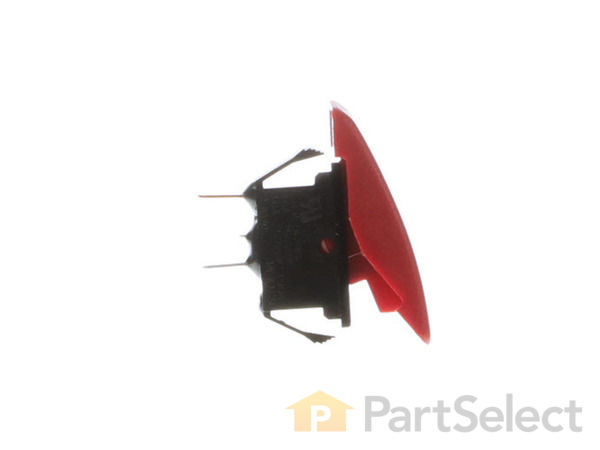
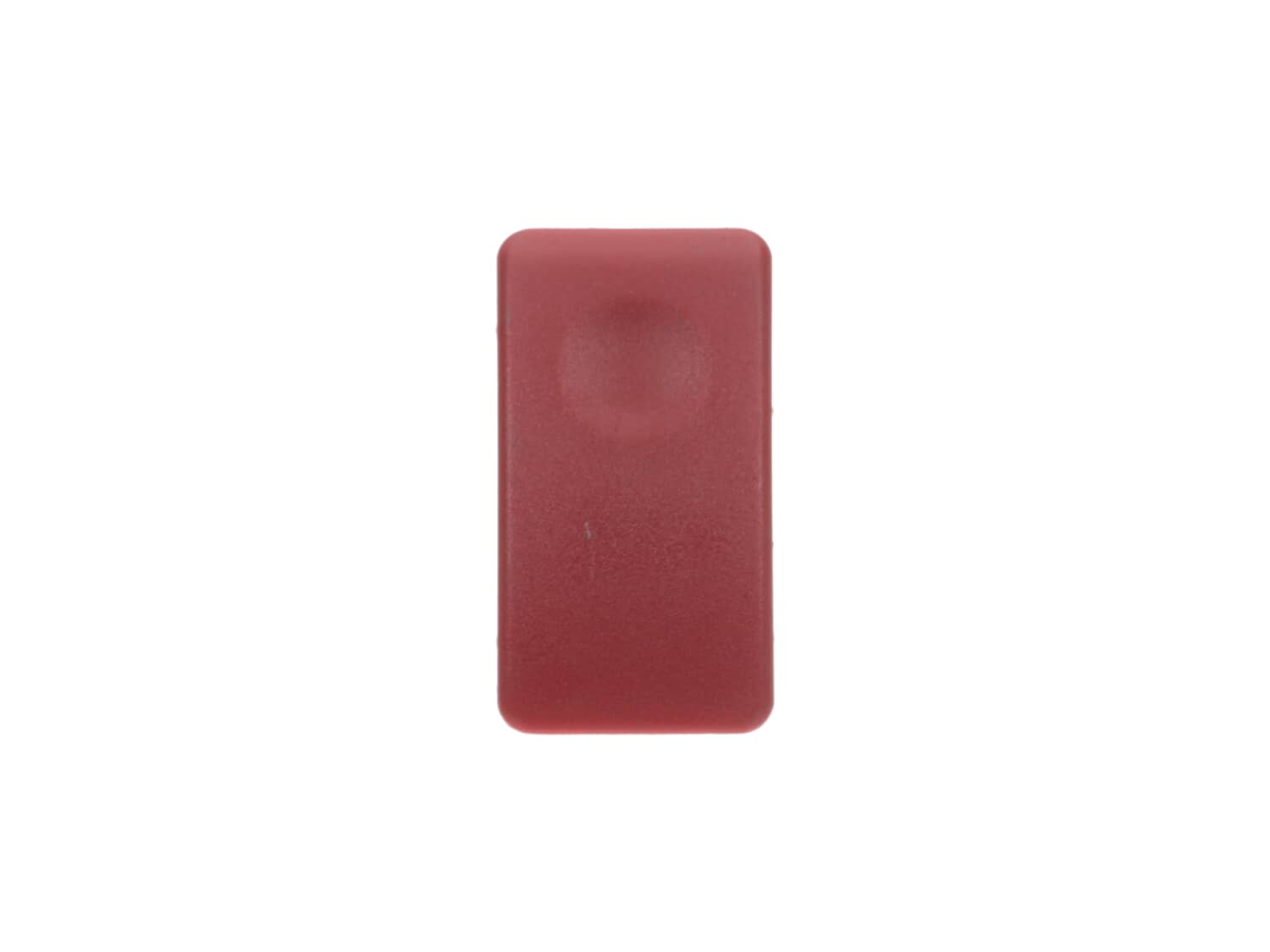
This is an OEM replacement part used in Delta and DeWALT scroll saws. It is an on/off switch and is sold individually, separate from the speed control knob. It is plastic with metal terminals. Over time, mechanical parts such as these wear down and must be replaced. To complete this repair you will need a hex key/allen wrench. • Remove old switch by pressing tabs • Disconnect wires • Attach wires to the new switch • Reassemble and test the tool
Remove the switch by pressing the tabs on both sides of the switch. Pulled the switch just far enough out to transfer the leads from the old switch to the new switch. I then pressed the new switch back into the housing.
Simply took out the old switch and installed the new one. Plug and play! I was very impressed with the portion of your website where it broke down the possible parts I needed, based on the problem. In my case, I went to your website thinking the switch was bad. Your website said that 66% or the time, when a scroll saw wont start, it\'
... Read mores the switch. Unique and helpful.
Remove old switch. Replace with new one. I had taken the saw to the Dewalt service center for repair. After waiting three weeks, and them telling me repeatedly they were waiting on part.I picked up the saw, called ereplacement, ordered the part. It came in 48 hours. I was able to look at the instructions to repair on their website and had
... Read more my saw repaired and running it less tha 30 minutes. I will not hesitate to recommend ereplacement for all my future repair needs. This was a very good experience.
After verifying that the machine was getting adequate power which checking the fuse. Then I removed the switch, checked for continuity of switch, finding none I ordered a new switch. Upon receiving and installing new switch the machine operated properly.
Thank you eReplacement parts. You are my first stop for parts.
Did you find this story helpful?
Thank you for voting!
The DeWalt scroll saw switch wears out after time.
1. unplugged scroll saw
2. unscrewed switch cover
3. pulled out wires from old switch
4. plugged in wires to new switch
5. screwed switch cover back on
6. plugged in scroll saw
7. turned on switch
8. cut wood
I have 5 of these saws at student workstations in a school shop. This Type 1 saw apparently manufactured in the 1990\'s would not run when I received it as a donation. After a complete overhaul, this one will rotate in while I overhaul the rest. These saws work well out of the box, but benefit greatly from a bit of fettling and regular ma
... Read moreintenance. I performed the repair below as a student demonstration. Therefore these instructions are excessively detailed.
1) Verify that the circuit, power cord, fuse, and motor brushes are in proper condition before attempting more invasive repairs. Verify that the saw is unplugged before continuing.
2) Remove switch/speed control housing by removing 4 T-25 Torx screws.
3) Disconnect the switch leads. Grasp the connector with pliers and gently pull. Pull the connectors, not the wires.
4) It\'s a good idea to verify that the problem is with the switch and not deeper in the electronics. With the saw unplugged, use a short piece of #12 copper wire (fits the terminals nicely, use what you have instead) to jump the switch. Plug in the saw to verify that the problem is the switch and not deeper in the electronics. Unplug the saw and remove the jumper before continuing.
5) (optional) The housing on our saw was cracked so I elected to replace it as well. This required removal of the speed control dial and potentiometer from the old housing. The speed dial simply pulls off the shaft of the potentiometer. The pot is secured with a large nut and thin washer. Remove the nut with a pair of sharp-nosed pliers. As you remove the pot, note the small metal tab that orients the pot in the housing. Install the pot in the new housing, install the washer and tighen the nut, replace the speed dial.
6) Look at the new switch to identify the spring tabs that secure it to the housing. Note the orientation of the old switch before you remove it. Depress the tabs on the old switch using the flat of a screwdriver. Push the switch out of the housing. Then push the new switch in until it snaps in. Make sure you put the new switch in the same orientation as the old one or it won\'t work properly.
7) Reconnect the leads. You needn\'t worry about polarity.
8) Reinstall the housing and gently tighten the 4 T-25 torx screws. Don\'t over tighten or you will crack the housing.
9) Happy Scroll Sawing!
Read less
Did you find this story helpful?
Thank you for voting!
< Prev
1
2
Next >
Model Cross Reference
This part works with the following models:
ERP Number: ERP10177981
Manufacturer Part Number: 5140092-86
This part is in stock in our warehouse and will ship out within 1 business day of the order being placed.
New stock is on the way! On order parts usually ship within 7 business days.
Item is not in stock and usually ships 10-15 business days from the time you place your order.
This item is no longer being made by the manufacturer, and cannot be added to your shopping cart.
✖
Mail-In Recycling Rebate
Some of the parts we sell are eligible for mail-in rebates since we can recycle them. We will display any applicable rebates in your shopping cart. To redeem your rebate, contact Customer Service after you have received your part.




_WW_1.gif "Part Location Diagram of 5140092-86 DeWALT Switch")
_WW_1.gif "Part Location Diagram of 5140092-86 DeWALT Switch")