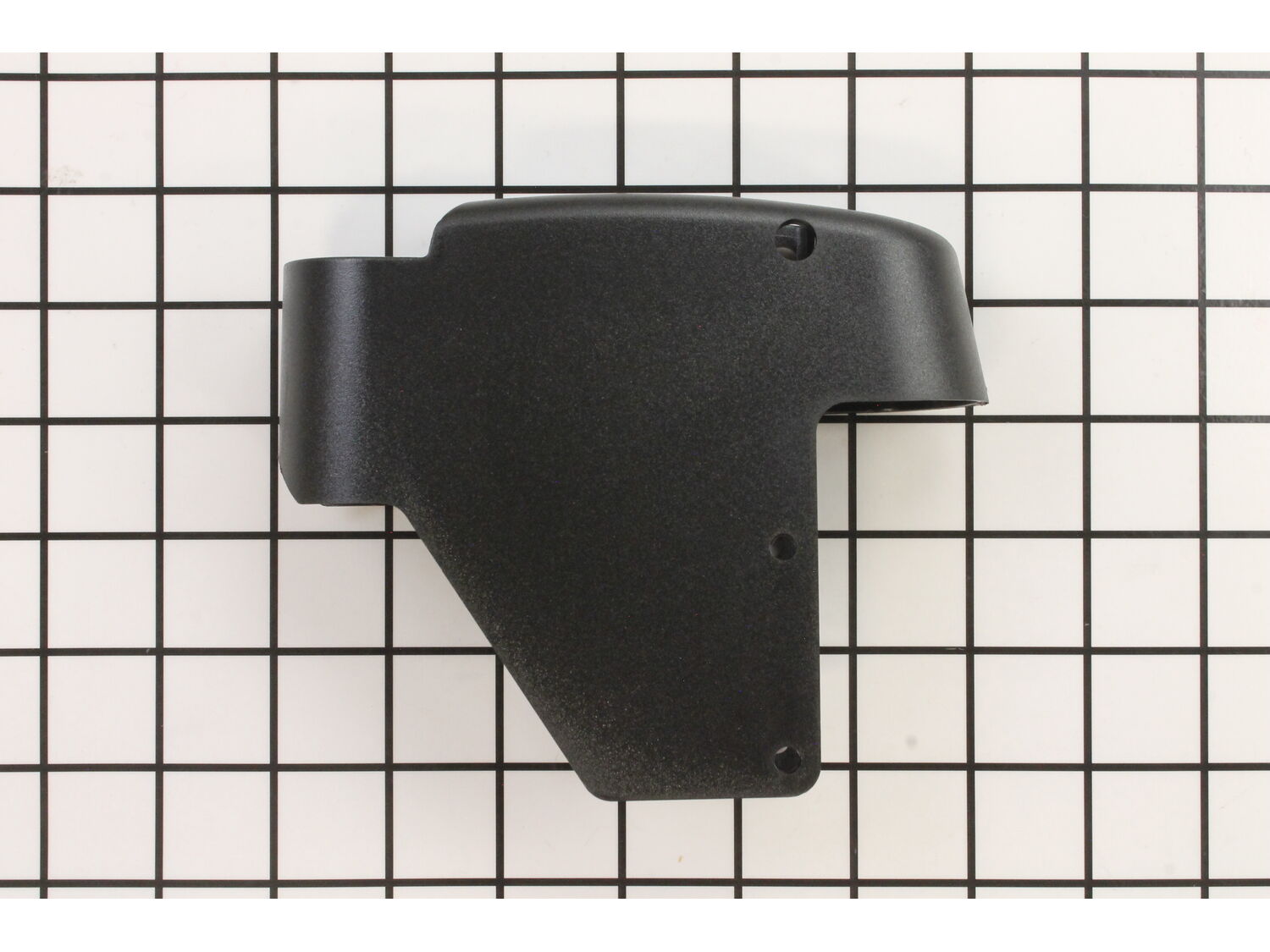
This is an authentic OEM part for use in saws made by DeWALT and Delta. The housing attaches to the control knob and the switch. During the installation process, an allen wrench might be needed to replace this part. It will need to be replaced if it becomes broken. This is made of plastic and is sold individually.
Sorry, we couldn't find any existing reviews that matched. Try using some different or simpler keywords.
★★★★★
★★★★★
Part as described. Fit perfectly. Fairly priced.
Part as described. Fit perfectly. Cheap. What else could you ask for?
Guest - September 19, 2019
Verified Purchase
★★★★★
★★★★★
Ship fast with reasonable price
I recently bought a used Dewalt 788 scroll saw and the housing was cracked and need to replace. I searched online and found ereplacementparts.com offering replacement part. It was fast and reasonable price tag. And I installed my part and get my hands on my new toy in no time!!
Guest - October 4, 2019
Verified Purchase
★★★★★
★★★★★
Satisfied
Price was reasonable and received it promptly
Philip - December 7, 2021
Verified Purchase
Customer Repair Instructions
All our customer repair instructions are solicited directly from other customers just like you who have purchased and replaced this exact part.
Easy
15 - 30 mins
(3 rated repairs)?
< Prev
1
Next >
Sort by:
Sorry, we couldn't find any existing installation instruction that matched.
I have 5 of these saws at student workstations in a school shop. This Type 1 saw apparently manufactured in the 1990\'s would not run when I received it as a donation. After a complete overhaul, this one will rotate in while I overhaul the rest. These saws work well out of the box, but benefit greatly from a bit of fettling and regular ma
... Read moreintenance. I performed the repair below as a student demonstration. Therefore these instructions are excessively detailed.
1) Verify that the circuit, power cord, fuse, and motor brushes are in proper condition before attempting more invasive repairs. Verify that the saw is unplugged before continuing.
2) Remove switch/speed control housing by removing 4 T-25 Torx screws.
3) Disconnect the switch leads. Grasp the connector with pliers and gently pull. Pull the connectors, not the wires.
4) It\'s a good idea to verify that the problem is with the switch and not deeper in the electronics. With the saw unplugged, use a short piece of #12 copper wire (fits the terminals nicely, use what you have instead) to jump the switch. Plug in the saw to verify that the problem is the switch and not deeper in the electronics. Unplug the saw and remove the jumper before continuing.
5) (optional) The housing on our saw was cracked so I elected to replace it as well. This required removal of the speed control dial and potentiometer from the old housing. The speed dial simply pulls off the shaft of the potentiometer. The pot is secured with a large nut and thin washer. Remove the nut with a pair of sharp-nosed pliers. As you remove the pot, note the small metal tab that orients the pot in the housing. Install the pot in the new housing, install the washer and tighen the nut, replace the speed dial.
6) Look at the new switch to identify the spring tabs that secure it to the housing. Note the orientation of the old switch before you remove it. Depress the tabs on the old switch using the flat of a screwdriver. Push the switch out of the housing. Then push the new switch in until it snaps in. Make sure you put the new switch in the same orientation as the old one or it won\'t work properly.
7) Reconnect the leads. You needn\'t worry about polarity.
8) Reinstall the housing and gently tighten the 4 T-25 torx screws. Don\'t over tighten or you will crack the housing.
I took the saw apart and installed the new circuit board and variable switch in the DW788 saw. What really stinks about this repair is Dewalt makes you change out an expensive circuit board, that there is nothing wrong, with just so you can install the new variable speed switch. The new switch should just plug into the wire that comes fro
... Read morem the circuit board but no, Dewalt changes the connector on the new switch purposefully so that the new switch won\'t fit with the old board. A $100+ dollar one hour needless repair for a $10 switch that should be able to be changed out in 5 minutes. .
This part is in stock in our warehouse and will ship out within 1 business day of the order being placed.
New stock is on the way! On order parts usually ship within 7 business days.
Item is not in stock and usually ships 10-15 business days from the time you place your order.
This item is no longer being made by the manufacturer, and cannot be added to your shopping cart.
✖
Mail-In Recycling Rebate
Some of the parts we sell are eligible for mail-in rebates since we can recycle them. We will display any applicable rebates in your shopping cart. To redeem your rebate, contact Customer Service after you have received your part.



_WW_1.gif "Part Location Diagram of 286313-00 DeWALT Housing")
_WW_1.gif "Part Location Diagram of 286313-00 DeWALT Housing")