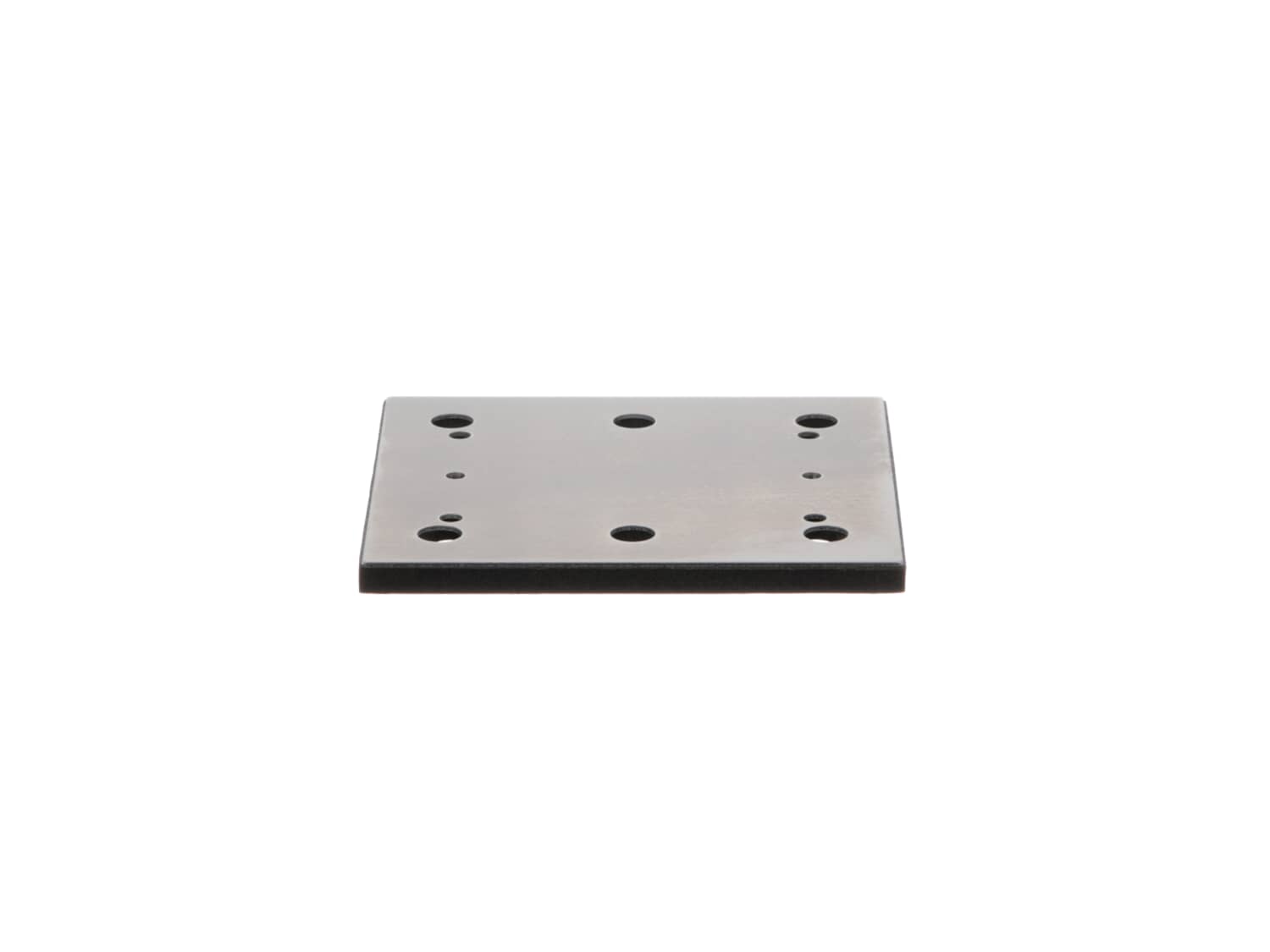
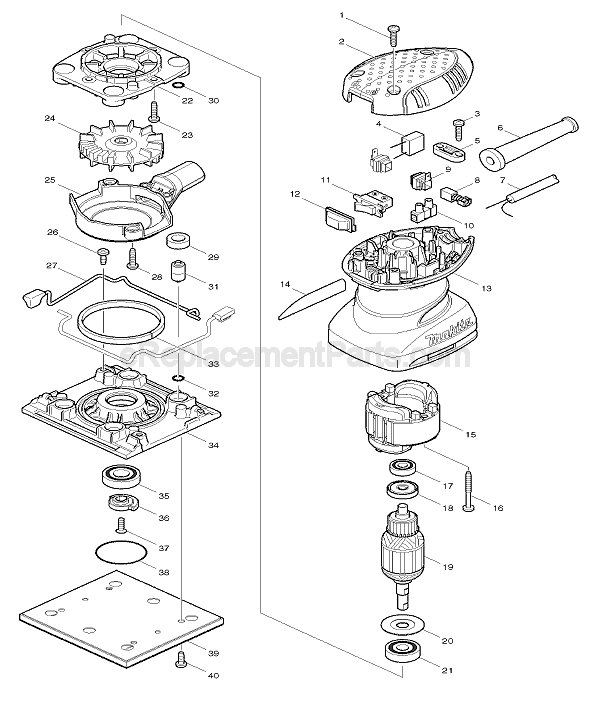
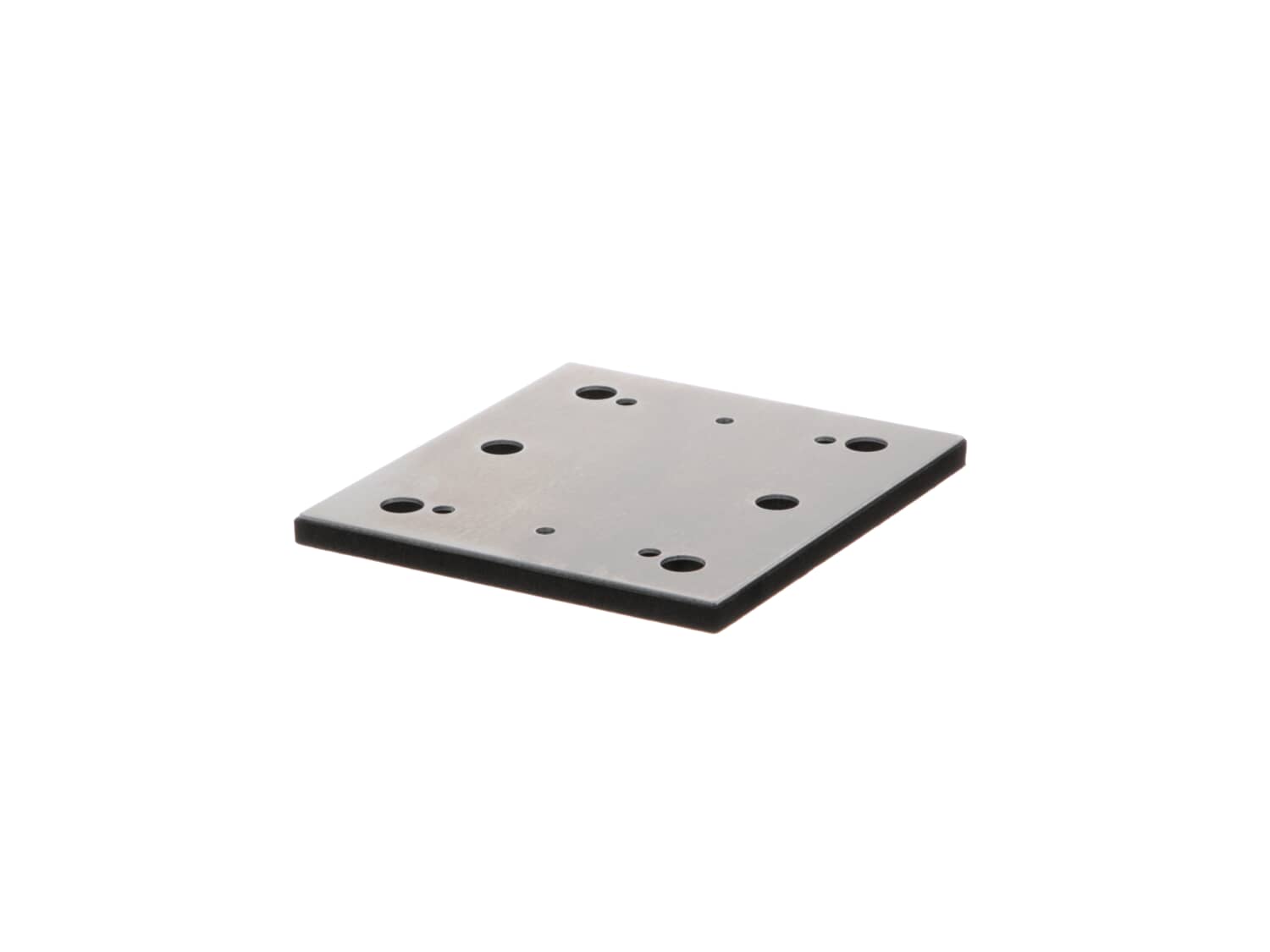
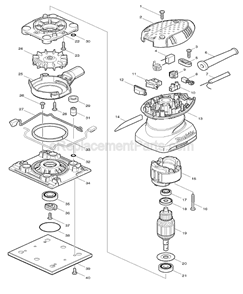
This is a genuine Makita replacement part, it is sold individually.
It has a soft foam pad with a metal backing.
It has six vacuum holes for use with the 166078-4 Dust bag.
It is remove by unscrewing four 266020-6 Screws.
The sandpaper is held by two clamps on the base assembly.
Sorry, we couldn't find any existing reviews that matched. Try using some different or simpler keywords.
★★★★★
★★★★★
Mikita Pads
I am extremely pleased with these pads I do a large amount of sanding for home repairs the Mikita Sander is a true work horse and these pads are sturdy. The order arrived in a timely manner.
Guest - June 4, 2019
Verified Purchase
★★★★★
★★★★★
Wrong part
The part arrived early & in perfect condition, unfortunately it isn't the part for my sander & I will have to return this part.
Guest - July 8, 2019
Verified Purchase
★★★★★
★★★★★
Perfect part
Perfect fit for our handheld sander. We ordered two just in case the first one gets worn out because we tend to use the sander a lot. Will be ordering more parts!
Guest - July 18, 2019
Verified Purchase
★★★★★
★★★★★
Easy repair
Guest - September 11, 2019
Verified Purchase
★★★★★
★★★★★
Simple and straight forward.
Both the part and the process to obtain it. Thank you
Guest - September 16, 2019
Verified Purchase
★★★★★
★★★★★
Exactly what I needed.
These pads were exactly what I needed. Quick delivery, simple process, no problems.
Guest - October 24, 2019
Verified Purchase
★★★★★
★★★★★
Good quality replacement and simple to install
This was a pad for a palm sander to replace the pad that was worn out. Fit perfect and assembled in 10 minutes.
Guest - November 4, 2019
Verified Purchase
★★★★★
★★★★★
Four screws and .. back in business
Thanx .. replacement part arrive in acceptable time and I was back to sanding...
Guest - November 19, 2019
Verified Purchase
★★★★★
★★★★★
piece of cake
perfect fit
Guest - December 6, 2019
Verified Purchase
★★★★★
★★★★★
Easy find part easy to order met all expectations
Ordered replacement part got exactly what I ordered
Guest - December 12, 2019
Verified Purchase
< Prev
1
2
3
Next >
Customer Repair Instructions
All our customer repair instructions are solicited directly from other customers just like you who have purchased and replaced this exact part.
Easy
Less than 15 mins
(49 rated repairs)?
< Prev
1
2
3
Next >
Sort by:
Sorry, we couldn't find any existing installation instruction that matched.
Screwed off the old pad and screwed on the new one.
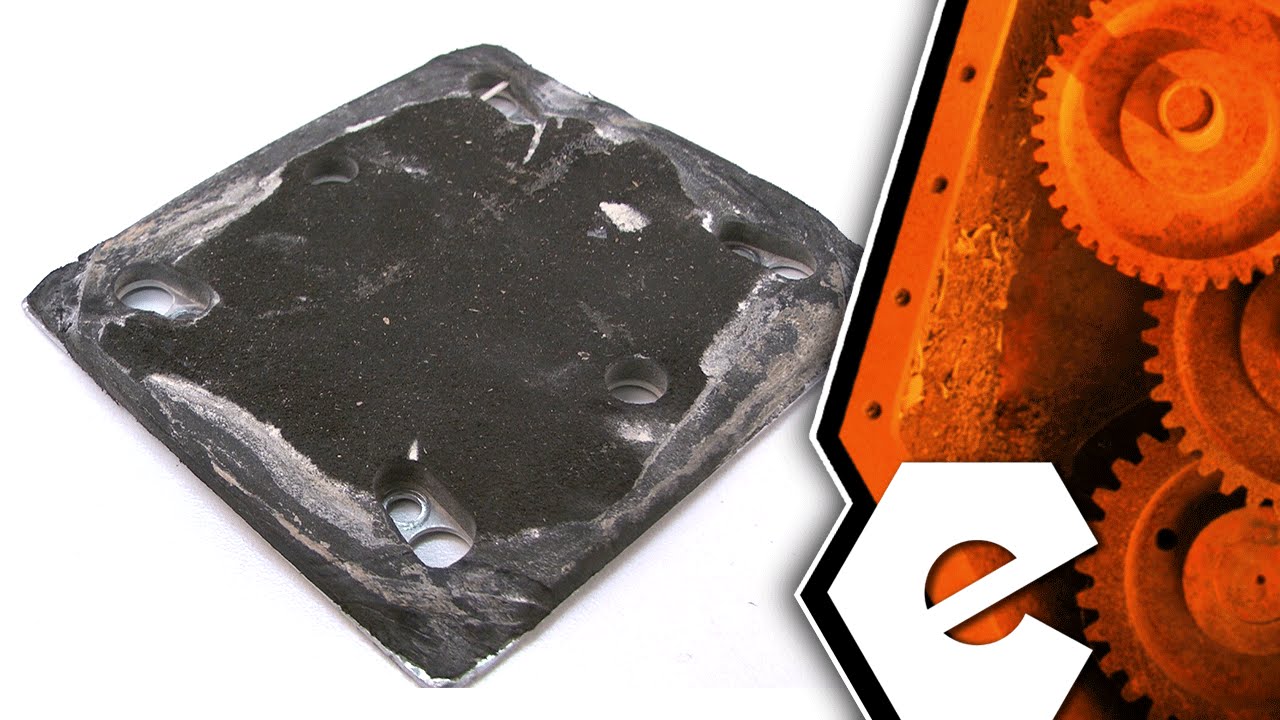
If you are using a self adhesive sand paper cover the sanding pad with painters tape to save your pad. If you dont, the heat build up welds the sandpaper to your pad and will tear it up on removal.
This part is in stock in our warehouse and will ship out within 1 business day of the order being placed.
New stock is on the way! On order parts usually ship within 7 business days.
Item is not in stock and usually ships 10-15 business days from the time you place your order.
This item is no longer being made by the manufacturer, and cannot be added to your shopping cart.
✖
Mail-In Recycling Rebate
Some of the parts we sell are eligible for mail-in rebates since we can recycle them. We will display any applicable rebates in your shopping cart. To redeem your rebate, contact Customer Service after you have received your part.
✖
[{"position":0,"name":"Home","title":"Home","url":"/"},{"position":1,"name":"Spring or Shock Absorber","title":"Spring or Shock Absorber","url":"/parts/power-tool/sander/springs-and-shock-absorbers/"},{"position":2,"name":"158324-9","title":"158324-9","url":""}]