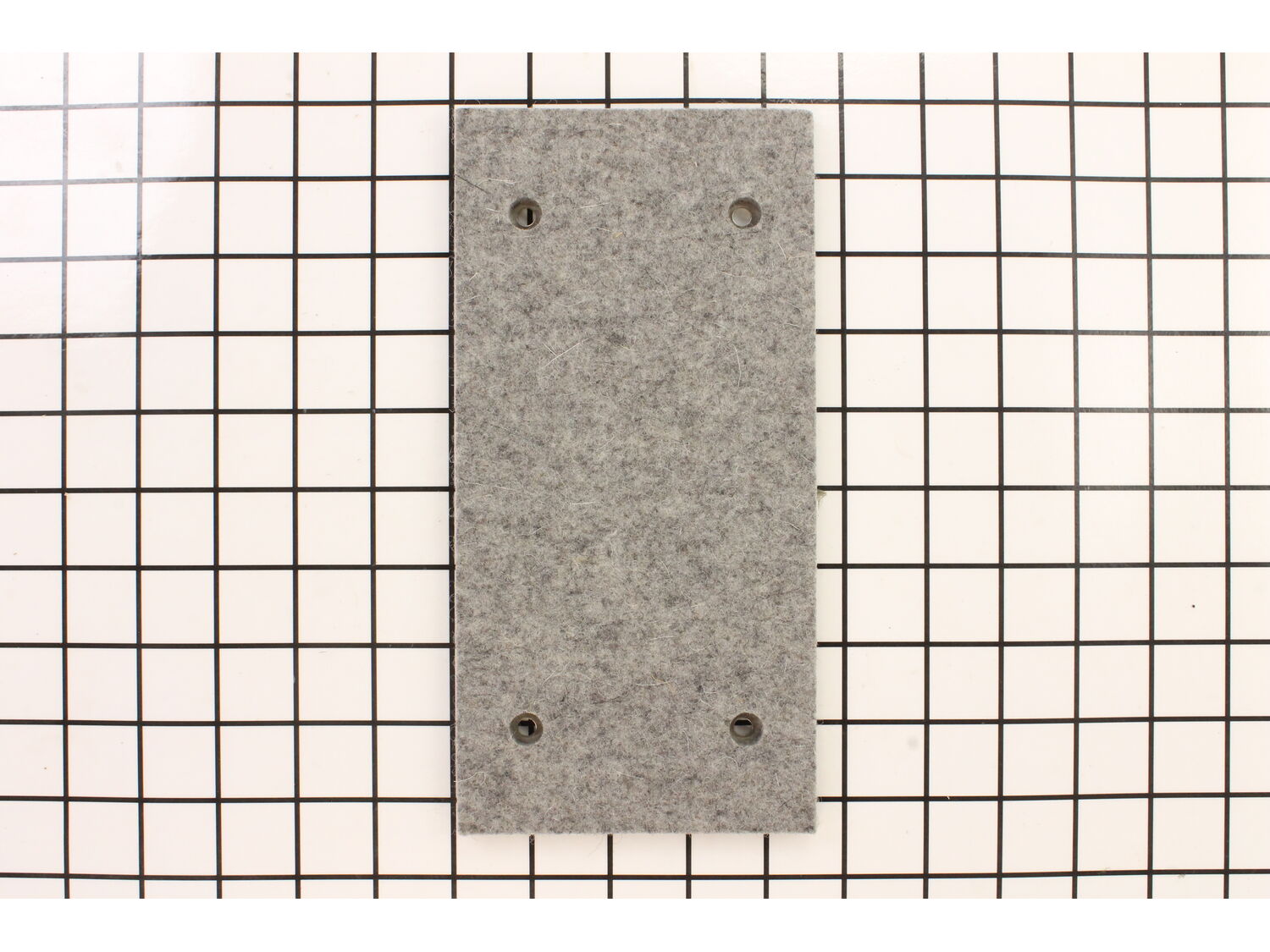
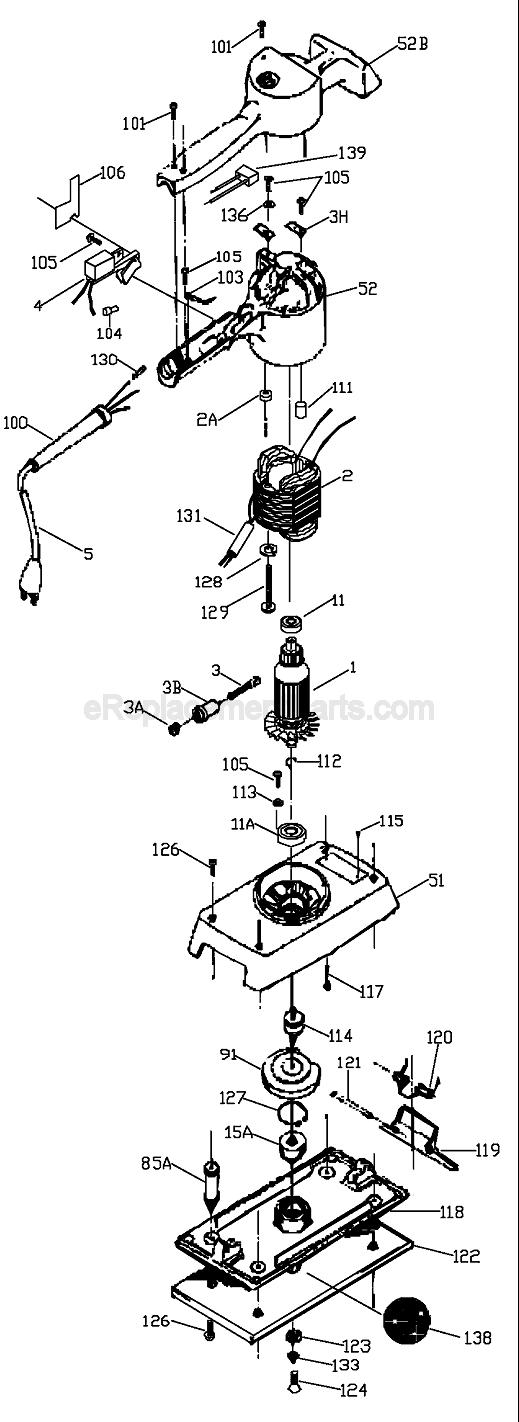
Genuine Porter Cable replacement part. • Pad Dimensions: 9" by 4-1/2". Includes one pad. • Sturdy Felt Backing for long life. • Conveniently easy to take on and off. • 4 screw holes to keep your pad firmly attached. Can use existing screws on your tool, or go to the schematics page for your tool to find and order new screws.
Sorry, we couldn't find any existing reviews that matched. Try using some different or simpler keywords.
★★★★★
★★★★★
The part was just what they said
Fast and fit great
Guest - April 30, 2020
Verified Purchase
★★★★★
★★★★★
online purchase
No problem ordering the part and received it quite quickly.
Guest - August 17, 2020
Verified Purchase
★★★★★
★★★★★
Easy Repair, Fast Service
Part arrived promptly and was easy to install
Guest - December 7, 2021
Verified Purchase
★★★★★
★★★★★
Very happy with the part fit perfect
Came in the mail didn't have to wait too long
Iglobal - February 18, 2022
Verified Purchase
★★★★★
★★★★★
Great part
Exact fit.
Guest - July 6, 2022
Verified Purchase
★★★★★
★★★★★
Fast shipping, great service
Ordered a replacement pad for my large finish sander and received it in 3 days, you can’t ask for better then that.
Guest - September 9, 2023
Verified Purchase
★★★★★
★★★★★
Goog
As advertised snd on time
Guest - October 25, 2023
Verified Purchase
★★★★★
★★★★★
Nice Sander pad but inept customer service
Pad works as described but I thought I had duplicated this order. I called customer service and they assured me I did not and there was just one item ordered. Guess what? There were duplicate orders placed now they want me to pay to return the item?!?!?! Very upset! Will not use eReplacement parts again
Eric - April 2, 2022
Verified Purchase
Customer Repair Instructions
All our customer repair instructions are solicited directly from other customers just like you who have purchased and replaced this exact part.
Easy
Less than 15 mins
(20 rated repairs)?
< Prev
1
2
Next >
Sort by:
Sorry, we couldn't find any existing installation instruction that matched.
1. Remove sandpaper (!)
2. Remove two short sheet-metal screws through holes in original pad or bottom plate
3. Pry bottom plate from the sander; might be stuck to sander so a putty knife or long flat point screwdriver might be helpful
4. Put new pad on, replace screws, you\'re done!
took the sander apart to get to both bearings on the motor. used a puller to pull bearings off shaft. put it back together. The reason I fixed this sander is its one of the old 1/2 sheet vibrator sanders that you can\'t buy anymore, but I use them a lot for my wood working projects.
Did you find this story helpful?
Thank you for voting!
The pad needed replacement after many years of service
This part is in stock in our warehouse and will ship out within 1 business day of the order being placed.
New stock is on the way! On order parts usually ship within 7 business days.
Item is not in stock and usually ships 10-15 business days from the time you place your order.
This item is no longer being made by the manufacturer, and cannot be added to your shopping cart.
✖
Mail-In Recycling Rebate
Some of the parts we sell are eligible for mail-in rebates since we can recycle them. We will display any applicable rebates in your shopping cart. To redeem your rebate, contact Customer Service after you have received your part.