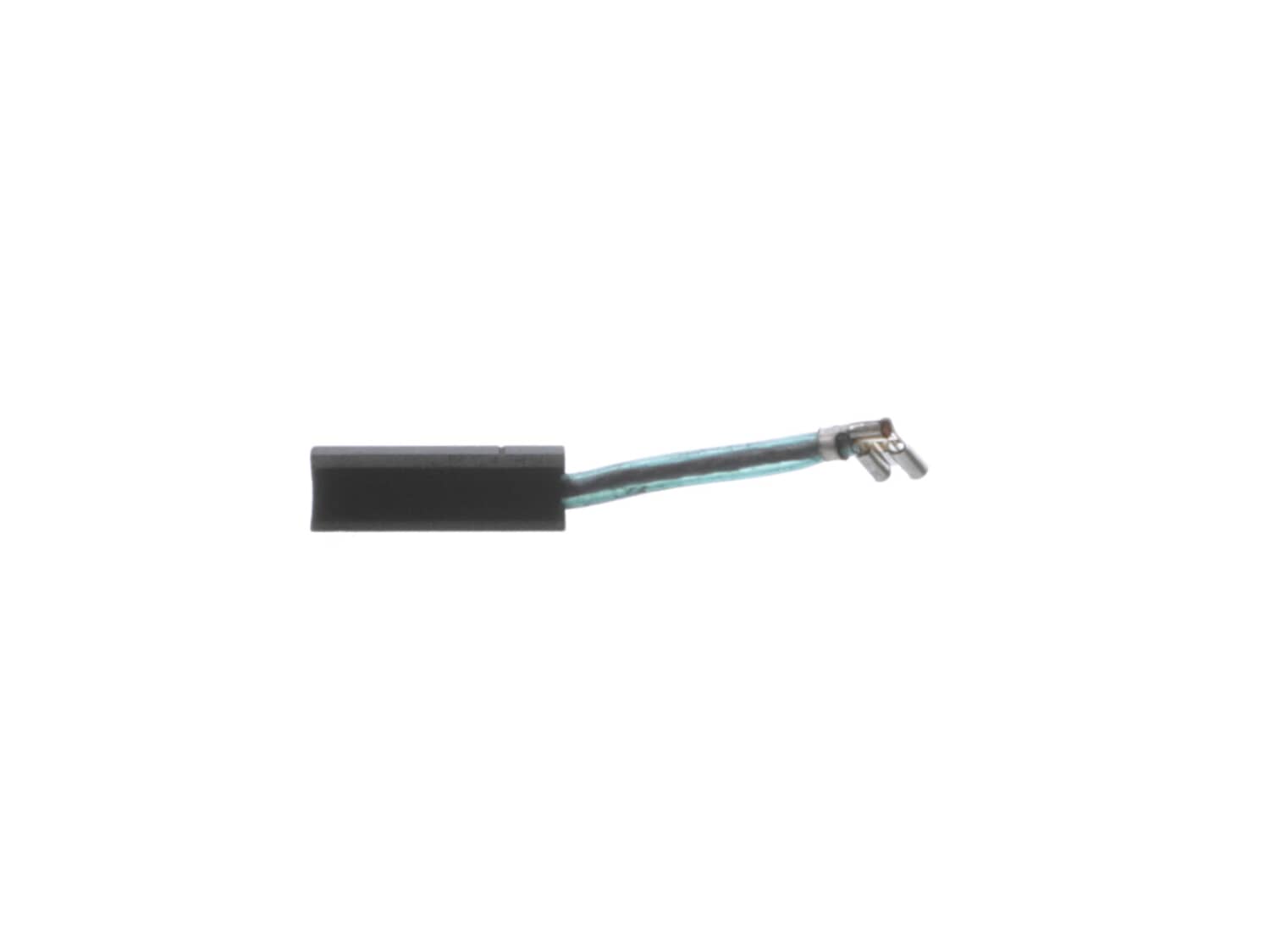
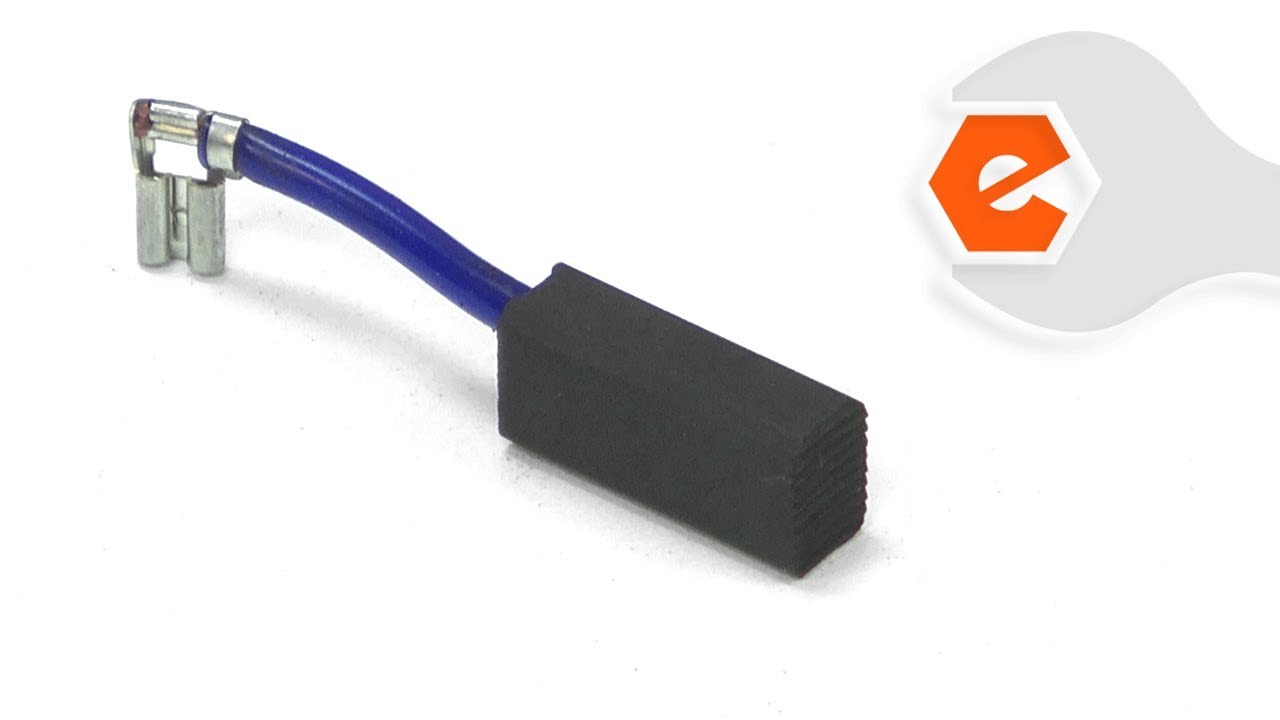
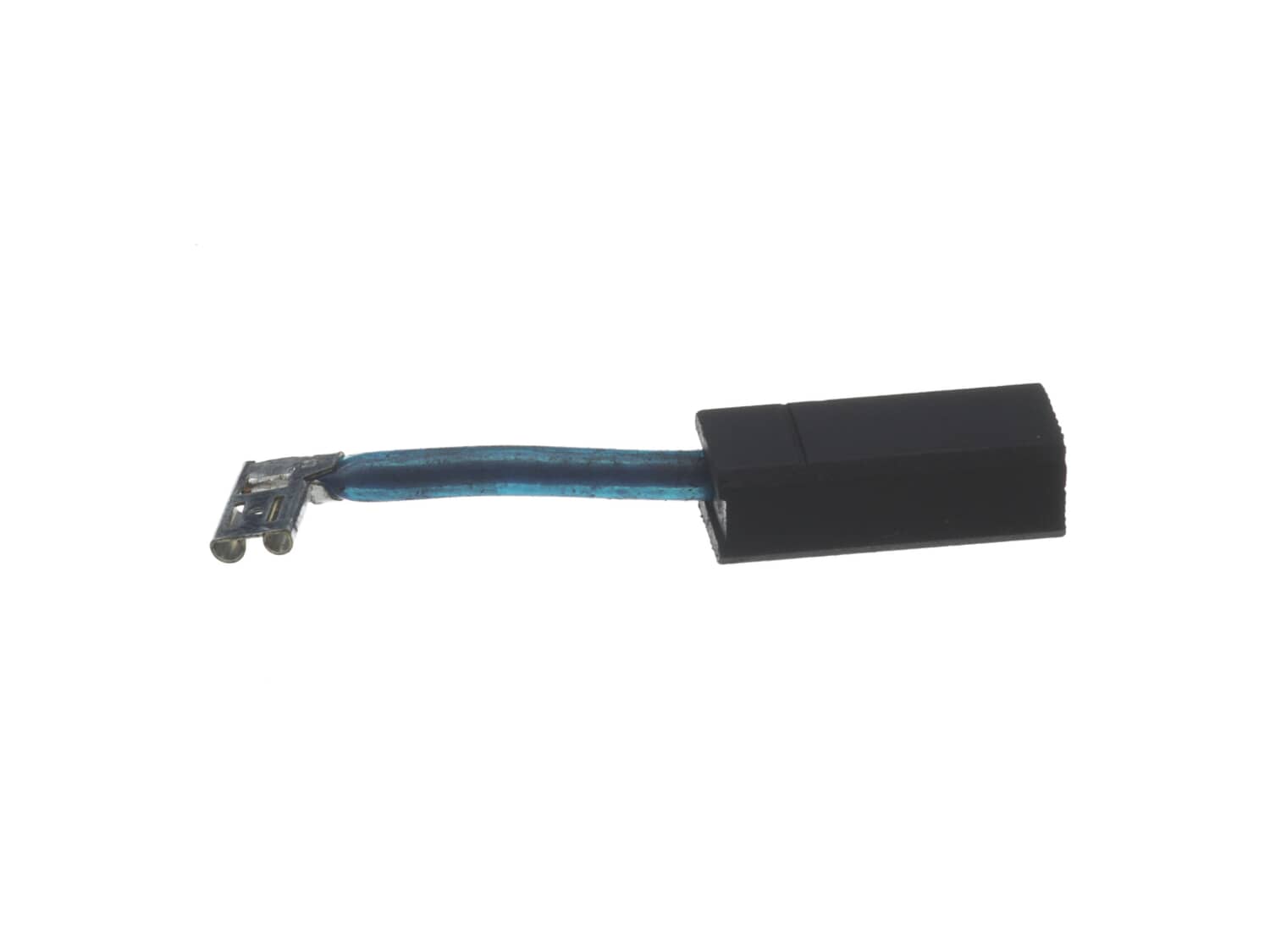
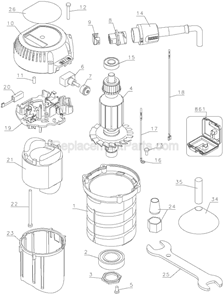
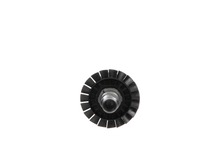
Genuine DeWalt replacement part rnIncludes 1 Carbon Brush with wire lead in rubber sheath attached.rn • Worn brushes are often the cause of a poorly running motor • Replacing brushes can fix an intermittent motor • New brushes can restore a motor's electric braking Carbon motor brushes are one of the most commonly replaced power tool components. • Because carbon brushes are wear items, meaning that through friction and use they will gradually wear away, they will eventually require replacement. • Worn brushes are common causes of intermittent motor function, reduced electric braking, and reduced motor power. • A worn out brush will often be worn down near the wire lead and may be cracked, pitted, or burned. • When replacing carbon brushes, be sure to also inspect your armature for burns, cracks, or other damage which indicates a larger motor problem.
Remove plastic housing for electric motor
Remove broken (in pieces) magnetic ring
Inspect commutator
Remove top shaft bearing with bearing/wheel puller
Remove chipped brushes
Sand commutator with silicon carbide sand paper (insert narrow strip of sc sand paper around commutator hold tight against commutator a
... Read morend manually revolve commutator to polish commutator sections)
Replace with new brushes
Replace magnetic ring
Re seat top bearing using drill press as press
Replace plastic housing for motor
1. Removed and replaced brushes, which took over a week due to shipping.
2. Router started right up and worked for approximately 30 seconds.
3. Got fed up and purchased new router.
4. Tried power cord from new router. Issue solved.
5. Ordered new cord for old router.
6. Still waiting for new cord to ship.
Did you find this story helpful?
Thank you for voting!
Main bearing seized and motor brushes were in poor shape
For brushes, remove top housing, pulled back on spring clip, removed old brush and inserted new one.
The bearing was much tougher.
Unscrewed plate holding the shaft lock pin (watch that spring behind the button, it can get away from you!).
Unscrewed the large nut on the shaft over the bearing.
Getting the be
... Read morearing out is the tough bit and I am not sure I have the best method, but I \"tapped\" on the collet end of the shaft until the bearing was clear of the shaft. It was frozen completely.
I put the new bearing on the shaft and \"tapped\" it down until there was virtually no up and down on the shaft. Test that the shaft turns freely and that the brushes are aligned on the commutator.
I then put the large nut back on and assembled the shaft lock pin and spring and screwed that plate back on the end of the router. Check that the lock pin will engage and disengage. If it does not, the bearing may not be completely seated.
Reattach the the rear housing over the electricals and test that the router works.
1. Unscrew 4 screws on top of router,
2. Remove old brush (there are two, pliers optional but helpful),
3. Insert new brush (pliers helpful in holding back spring which pushes it into place until the new one is in),
4. Reattach top.
Did you find this story helpful?
Thank you for voting!
< Prev
1
Next >
Model Cross Reference
This part works with the following models:
ERP Number: ERP10172059
Manufacturer Part Number: 398139-01
This part is in stock in our warehouse and will ship out within 1 business day of the order being placed.
New stock is on the way! On order parts usually ship within 7 business days.
Item is not in stock and usually ships 10-15 business days from the time you place your order.
This item is no longer being made by the manufacturer, and cannot be added to your shopping cart.
✖
Mail-In Recycling Rebate
Some of the parts we sell are eligible for mail-in rebates since we can recycle them. We will display any applicable rebates in your shopping cart. To redeem your rebate, contact Customer Service after you have received your part.