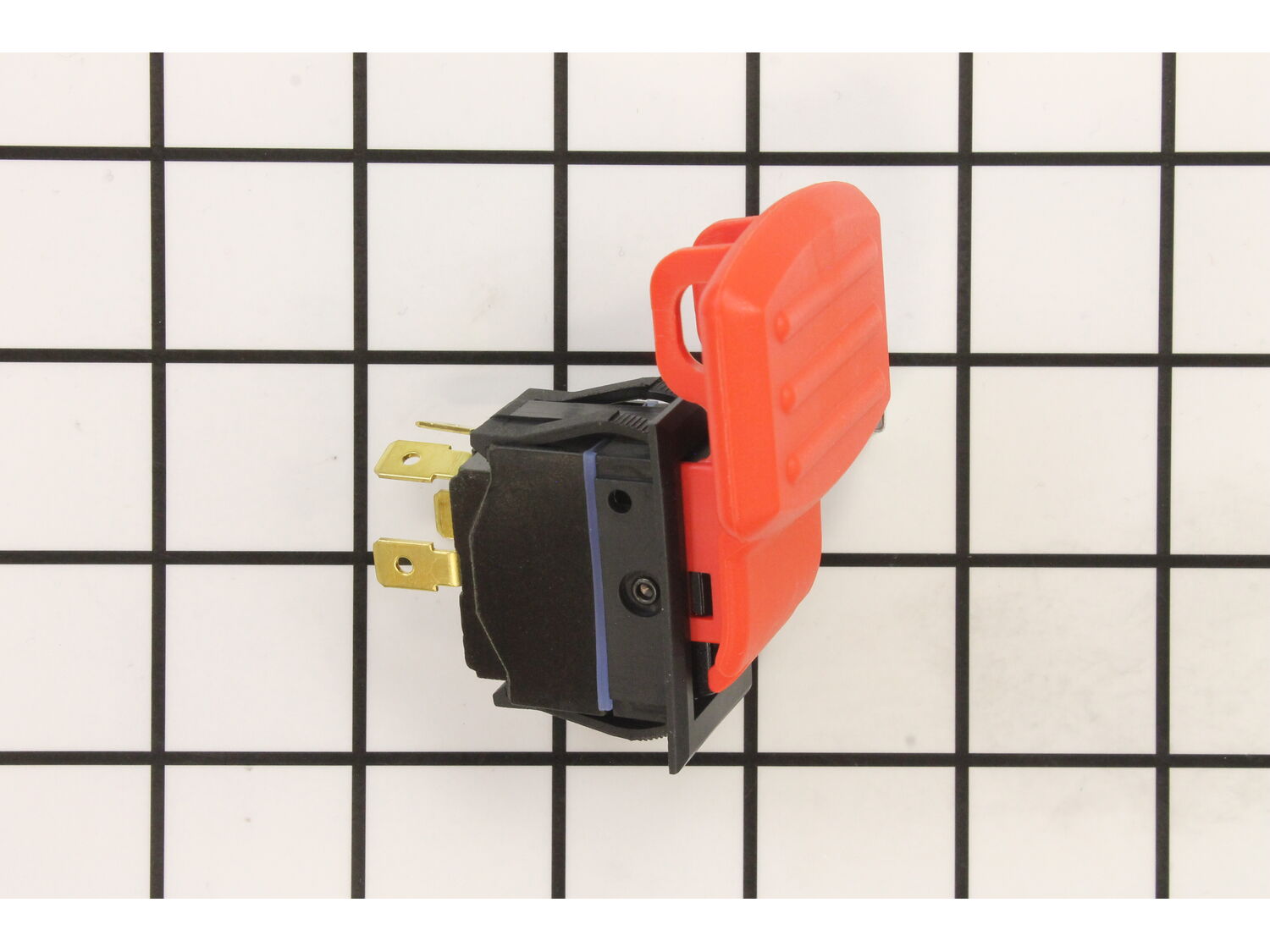
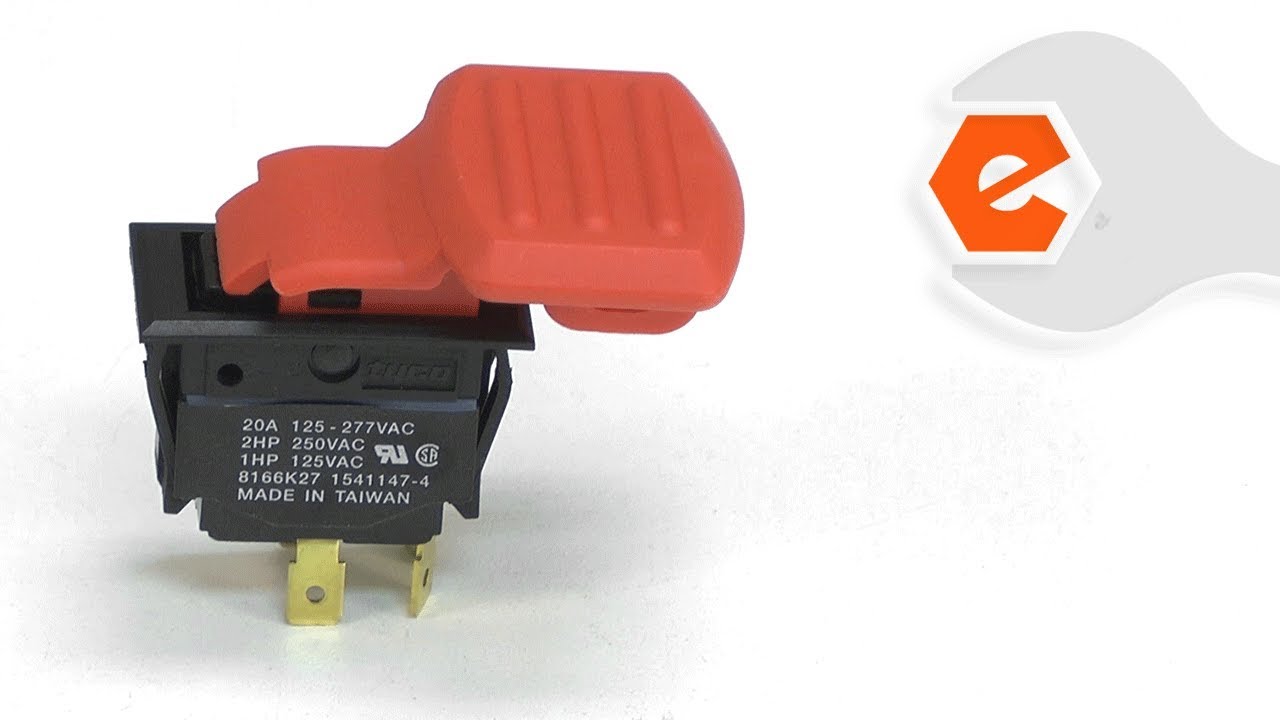
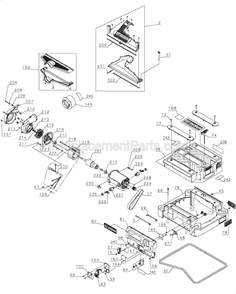
This is an original replacement part manufactured for use with DeWalt planers. This switch is used to power the planer on and off. The plastic actuator on the switch has a loop that aligns with the loop on the switch plate to insert a pad lock to lock the switch off. The switch plate is available separately, and the switch is sold individually.
Sorry, we couldn't find any existing reviews that matched. Try using some different or simpler keywords.
★★★★★
★★★★★
Exact replacement
Part was exact replacement for the old part.
Guest - February 22, 2021
Verified Purchase
★★★★★
★★★★★
Fix the problem
Easy to order part. Fast delivery.
Guest - April 20, 2021
Verified Purchase
★★★★★
★★★★★
On/off switch for Dewalt 735 planer
Arrived quickly and solved my problem.
Going through the Dewalt website is tedious, this website is fast and efficient.
Guest - June 15, 2021
Verified Purchase
★★★★★
★★★★★
Easy repair
This was the correct part due to your description and picture of the part. It makes it so much easier to choose the correct part when you can look and compare the item.
Linda - October 12, 2022
Verified Purchase
★★★★★
★★★★★
start to finish, positive experience: your website is easily navigated, parts needed were readily available and promptly shipped, and there was help describing how to install the parts after they arrived.
You will be my first stop to find any part I may need in the future!
Guest - August 26, 2023
Verified Purchase
Questions & Answers
?
Our customer Service team is at the ready daily to answer your part and product questions.
We're sorry, but our Q&A experts are temporarily unavailable.
Please check back later if you still haven't found the answer you need.
Ask our Team
We have a dedicated staff with decades of collective experience in helping customers just like you purchase parts to repair their products.
Removed the switch cover. Then with a small screwdriver pressed on the plastic tabs on the switch to remove it. Then remove the leads one at a time from the old switch to the new one. Then press it back into the housing. And replace the switch cover.
Did you find this story helpful?
Thank you for voting!
Dewalt 735 planer would not turn on after circuit breaker tripped
Was running purpleheart thru the planer. Evidently was trying to take off too much and the circuit blew. Reset the breaker but unit would not turn on. Initially I tried to replace the RESET switch- bought from Amazon- wrong size- has a shoulder on the tabs and won\'t connect. Found eReplacementparts and was sent the correct switch. Howeve
... Read morer, that did not fix the issue. Ordered the ON/OFF switch. Very easy to replace. Pay attention to the 4 wires how they are connected. That fixed the issue.
Dewalt wanted $300 to repair, plus shipping a 100 pound planer and shipping it back to me..probably $400.
For a $27 switch, I say THANK YOU eReplacementparts!!!
replaced switch butit wasn\'t the switch. ended up replacing brushes
Did you find this story helpful?
Thank you for voting!
< Prev
1
Next >
✖
Stock Status
This part is in stock in our warehouse and will ship out within 1 business day of the order being placed.
New stock is on the way! On order parts usually ship within 7 business days.
Item is not in stock and usually ships 10-15 business days from the time you place your order.
This item is no longer being made by the manufacturer, and cannot be added to your shopping cart.
✖
Mail-In Recycling Rebate
Some of the parts we sell are eligible for mail-in rebates since we can recycle them. We will display any applicable rebates in your shopping cart. To redeem your rebate, contact Customer Service after you have received your part.