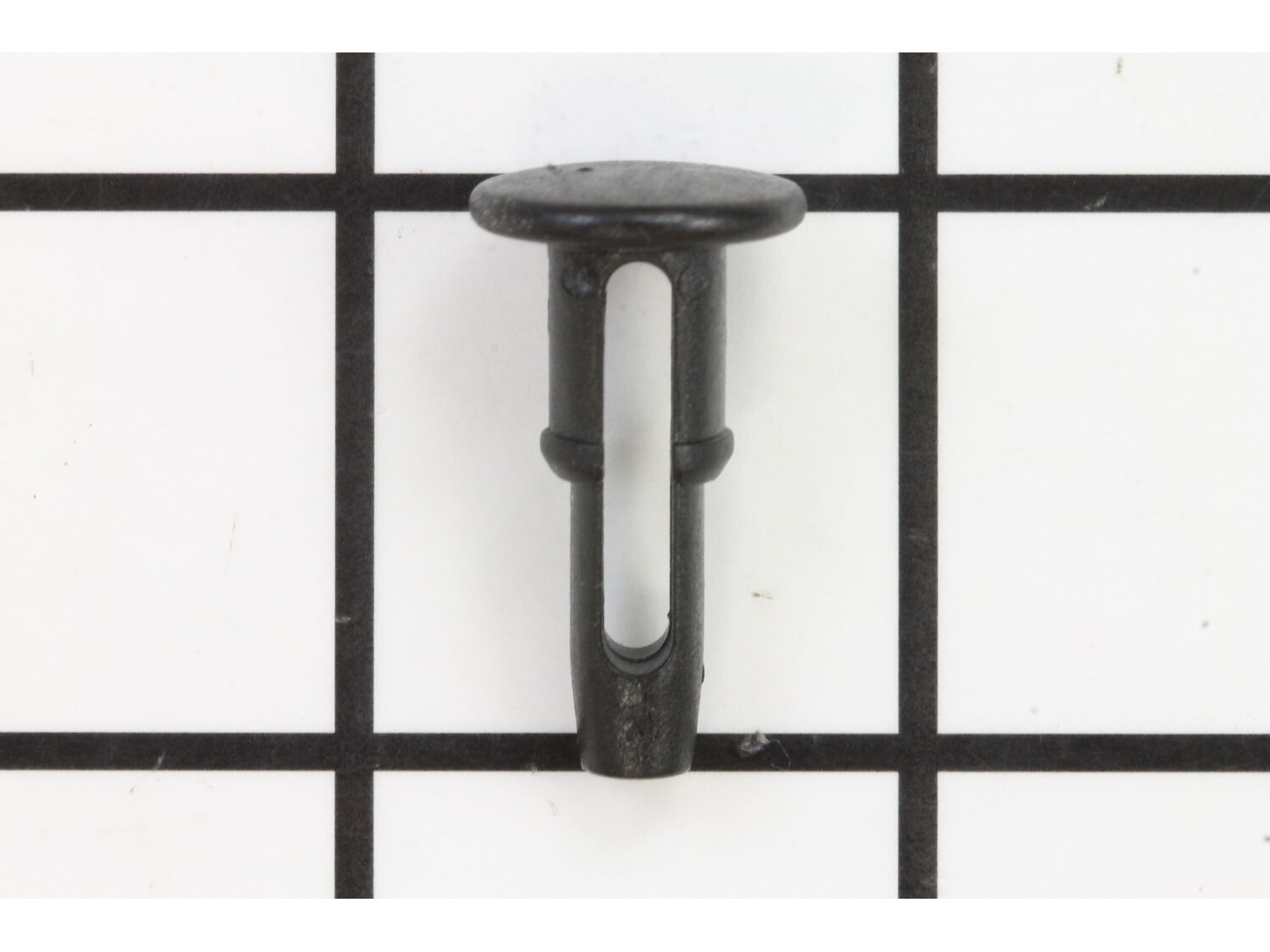
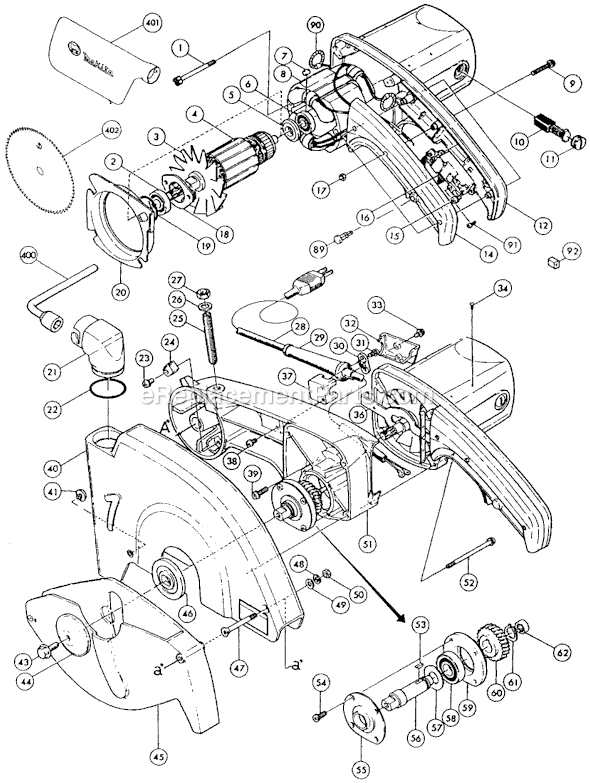
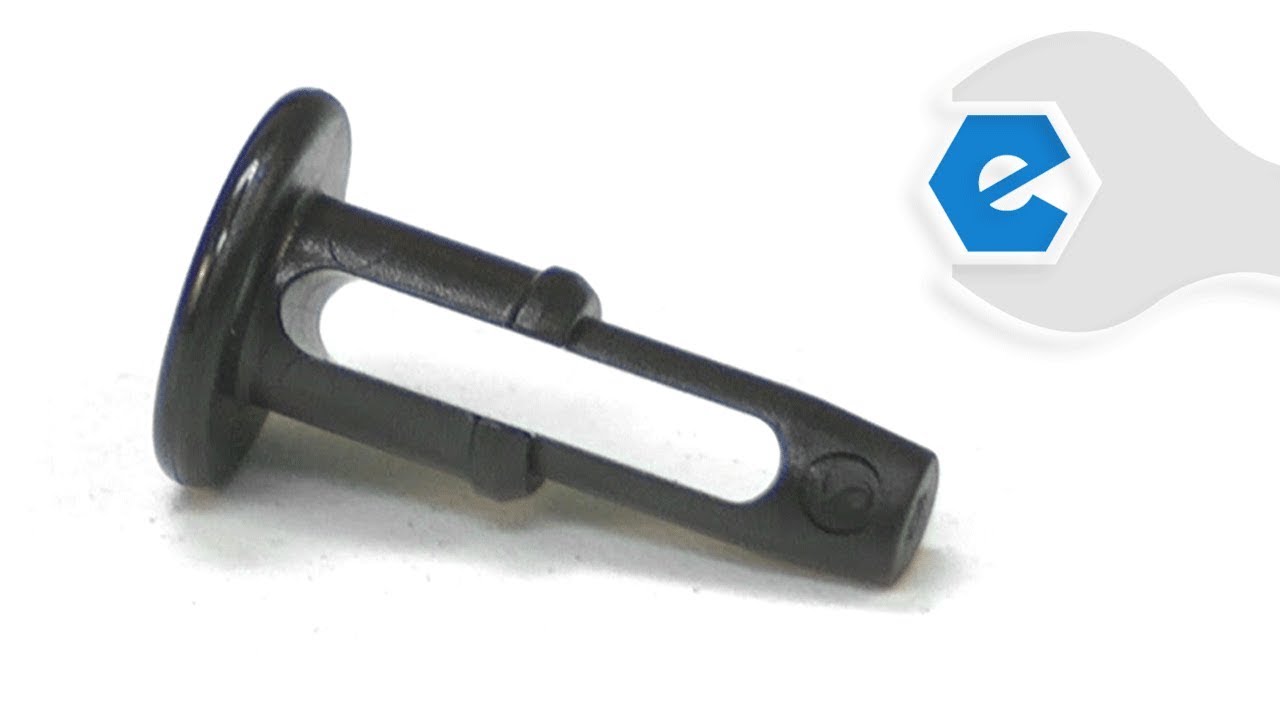
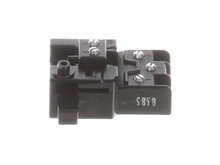
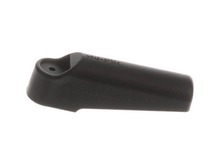
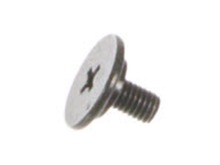
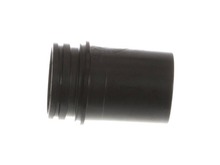
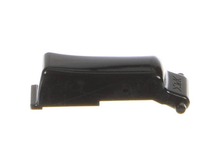
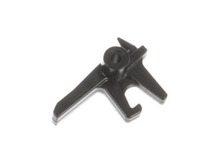
This switch activator button is a genuine Makita replacement part, It is sold individually. It has to be pressed to activate the power switch. This is a very common replacement part. It is advised to order one or two extra to keep on hand. This Makita switch button is compatible with the tools listed below, and it is not guaranteed to fit any other power tool models.
Sorry, we couldn't find any existing reviews that matched. Try using some different or simpler keywords.
★★★★★
★★★★★
Saw repair
I order this along with other parts to fix my saw. everything worked great.
Guest - May 4, 2019
Verified Purchase
★★★★★
★★★★★
The product was as advertised
Matched original equipment part
Guest - May 6, 2019
Verified Purchase
★★★★★
★★★★★
Perfect part, easy to repair
The switch button on my 7-1/2" Makita miter saw had come off and gotten lost. I ordered this as a replacement, and it arrived quickly, and popped right in with ease! Very happy with my purchase!
Guest - May 17, 2019
Verified Purchase
★★★★★
★★★★★
on off button
ordered the part off the website real easy to navigate received in a couple days
Guest - May 24, 2019
Verified Purchase
★★★★★
★★★★★
A+++++
A+++++
Guest - July 1, 2019
Verified Purchase
★★★★★
★★★★★
Easy replacement
Part is exact replacement, friendly staff. Came on time
Guest - July 6, 2019
Verified Purchase
★★★★★
★★★★★
GREAT SERVICE
Thank you for your prompt shipment. The part fit perfectly and the product arrived quickly!
Guest - September 21, 2019
Verified Purchase
★★★★★
★★★★★
easy repair
good
Guest - November 15, 2019
Verified Purchase
★★★★★
★★★★★
correct part, easy to order, fast shipping
Exactly what it was supposed to be
Guest - March 9, 2020
Verified Purchase
★★★★★
★★★★★
Quick service, flu shutdown and all....
Got the parts, they worked perfectly. Thanks for providing the service you do. Always a pleasure ordering from your company.
Guest - May 27, 2020
Verified Purchase
< Prev
1
2
3
Next >
Questions & Answers
?
Ask our Team
We have a dedicated staff with decades of collective experience in helping customers just like you purchase parts to repair their products.
Sorry, we couldn't find any existing answers that matched. Try using some different or simpler keywords, or submit your new question by using the "Ask a Question" button above!
Will not start ---I replaced brushes and switch and still it did not work. The saw does have the switch button missing 411478-6. My question is does the controller have to do anything with not working, if so, how do I test it thanks Richard
Richard
For model number LS1214 - March 3, 2023
Hello Richard, thank you for your question. Other than the parts you have already replaced, we suggest replacing the Switch Button 411478-6, Armature Assembly 516736-6, And Power Cord 664463-0. We have videos for a similar part that may help you. Also, a video on Multimeter use https://youtu.be/Lx74qIn3YB4. We hope this helps.
eReplacementParts Team
March 3, 2023
Did this question help you?
Thank you for voting!
Customer Repair Instructions
All our customer repair instructions are solicited directly from other customers just like you who have purchased and replaced this exact part.
Easy
Less than 15 mins
(45 rated repairs)?
< Prev
1
2
3
Next >
Sort by:
Sorry, we couldn't find any existing installation instruction that matched.
Push the new trigger in the hole and you are fixed. Common problem with Makita - easy fix though - I try to keep a couple extra buttons around just in case.
Easy completion.
1. Confirm there are no broken parts of the previous switch button left in the hole. (Nope.) (Confirm there are no broken parts of the dowel you were using in place of the switch button as well. Yep, there is. Crap. Needle nose, curse a bit. Extract small sliver of wood. Done.)
2. Take new switch button
... Read more and insert into the hole.
2a. Turn switch button around and insert the small end into the hole. (Got it.)
3. Push until it clicks into place. (Click!)
4. Finally find the original switch button that you had been searching for over the past two weeks. (What the...????! Has it been there the whole time???)
5. Try to sell old switch button on eBay.
Seriously, the switch button is as easy of a repair as any I have ever seen. This thing pops in. I have had tougher times getting a coffee cup lid to seat properly.
Read less
Did you find this story helpful?
Thank you for voting!
I inherited a Makita Compound Miter Saw that had a missing switch button and chewed up kerf boards
eReplacement send me the correct parts that fit perfectly. It literally took me 10 minutes to complete the repair. The button simply pushes into the hole in the saw. Each Kerf board has two phillips head screws to be removed and reused with the new boards.
After an hour or so of truing up the saw to make sure everything
... Read more was in proper alignment, I was in business. It is so great to have a dependable parts supplier.
1. Disassembled handle to access switch assembly
2. Referred to blow up diagram to see all parts and assembly sequence
3. Installed new part ( safety release button) in switch assembly
4. Reassembled saw handle.
Note..several loose parts need to stay in place while testing function of safety button and switch
... Read moretrigger release mechanism in the switch assembly..pieces tend to fall out.. better to lay the saw on its side to keep pieces in place.
Replacing motor brushes was very easy.. only required a flat blade screwdriver
Remove the brush caps with a small screwdriver, then removed the old brushes, then I installed the new brush set. I then was able to just push the new switch button in the housing. I then was able to finally use pointer again by screwing it in. Thank you.
Did you find this story helpful?
Thank you for voting!
Had to replace the power cord my Makita compound miter saw is 16 years old and is the best saw I have ever owned it quit running on me one day and I figured out that it might be the power cord.
Had to remove the handle cover, then the cord clamp. I then removed the cord wires from the switch and discarded the old cord. I removed the strain relief from the old cord and placed it on the new cord. Then connected the cord leads to the switch. And attached the cord clamp.Then replaced the handle cover. I pressed the switch button int
... Read moreo the motor housing. Then I removed the small screw from the broken lever, and install the new lever.
Checked the saw\'s parts diagram
removed the side of the handle, inserted the button (no other parts were damaged or missing) and replaced the side of the handle.
Loosened the nut holding the handle on the screw, unscrewed and replaced the screw, replaced the nut and plastic handle
The repair went very well and the saw i
... Read mores fully operational.
This part is in stock in our warehouse and will ship out within 1 business day of the order being placed.
New stock is on the way! On order parts usually ship within 7 business days.
Item is not in stock and usually ships 10-15 business days from the time you place your order.
This item is no longer being made by the manufacturer, and cannot be added to your shopping cart.
✖
Mail-In Recycling Rebate
Some of the parts we sell are eligible for mail-in rebates since we can recycle them. We will display any applicable rebates in your shopping cart. To redeem your rebate, contact Customer Service after you have received your part.