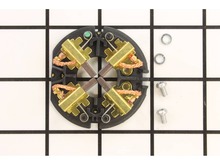
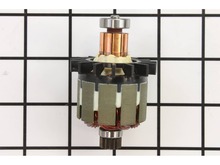
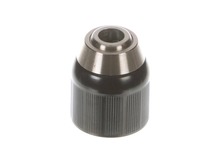
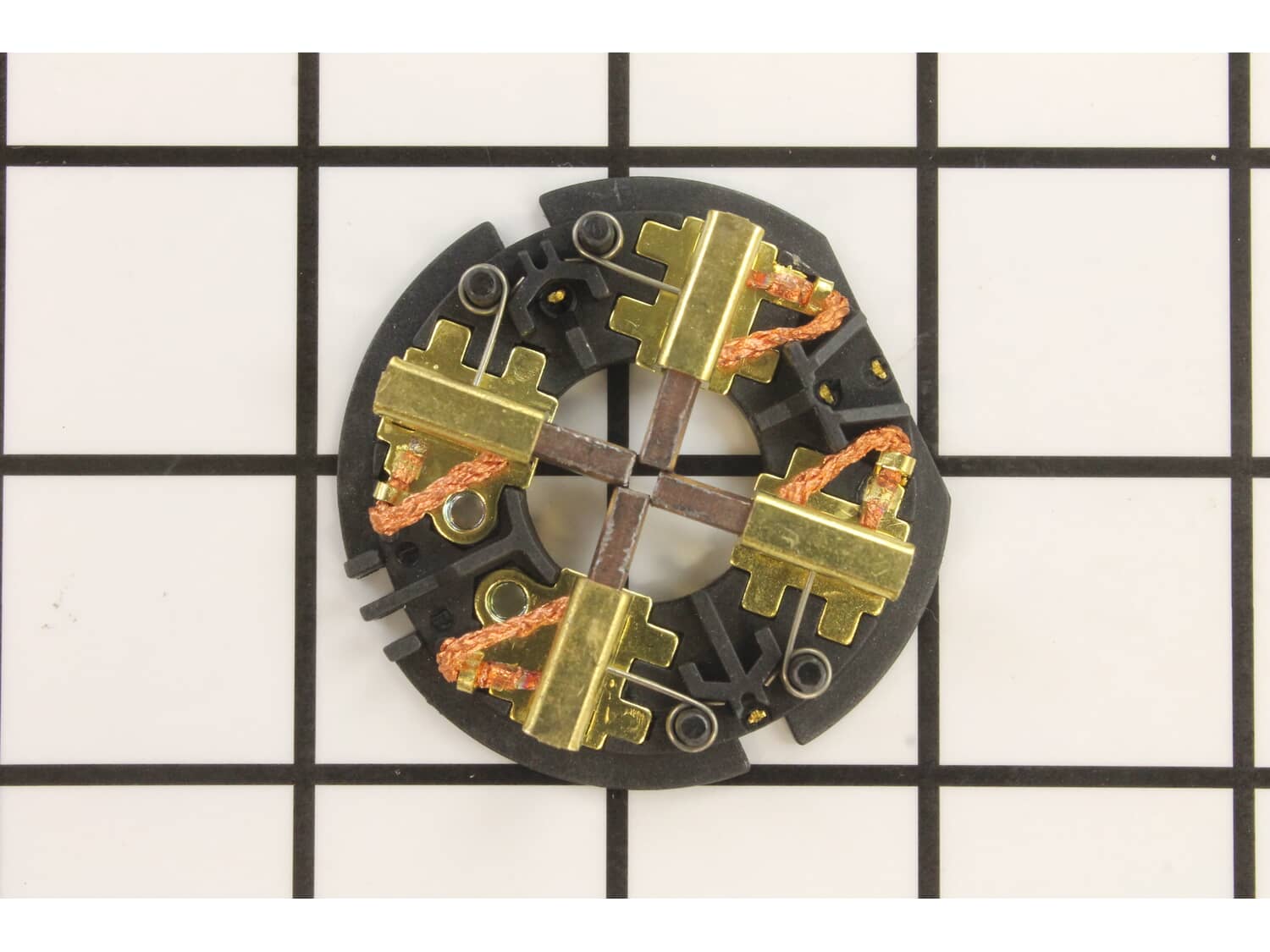
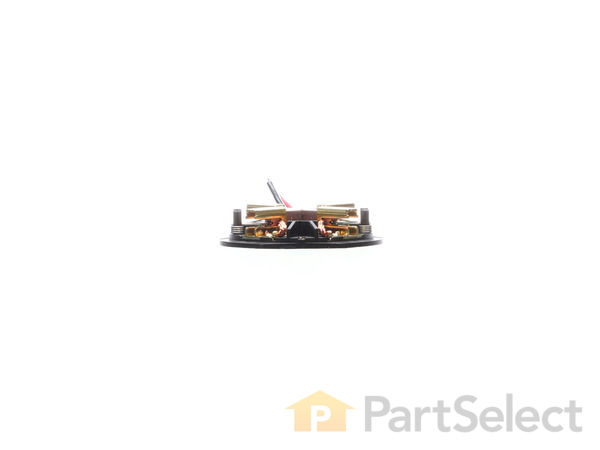
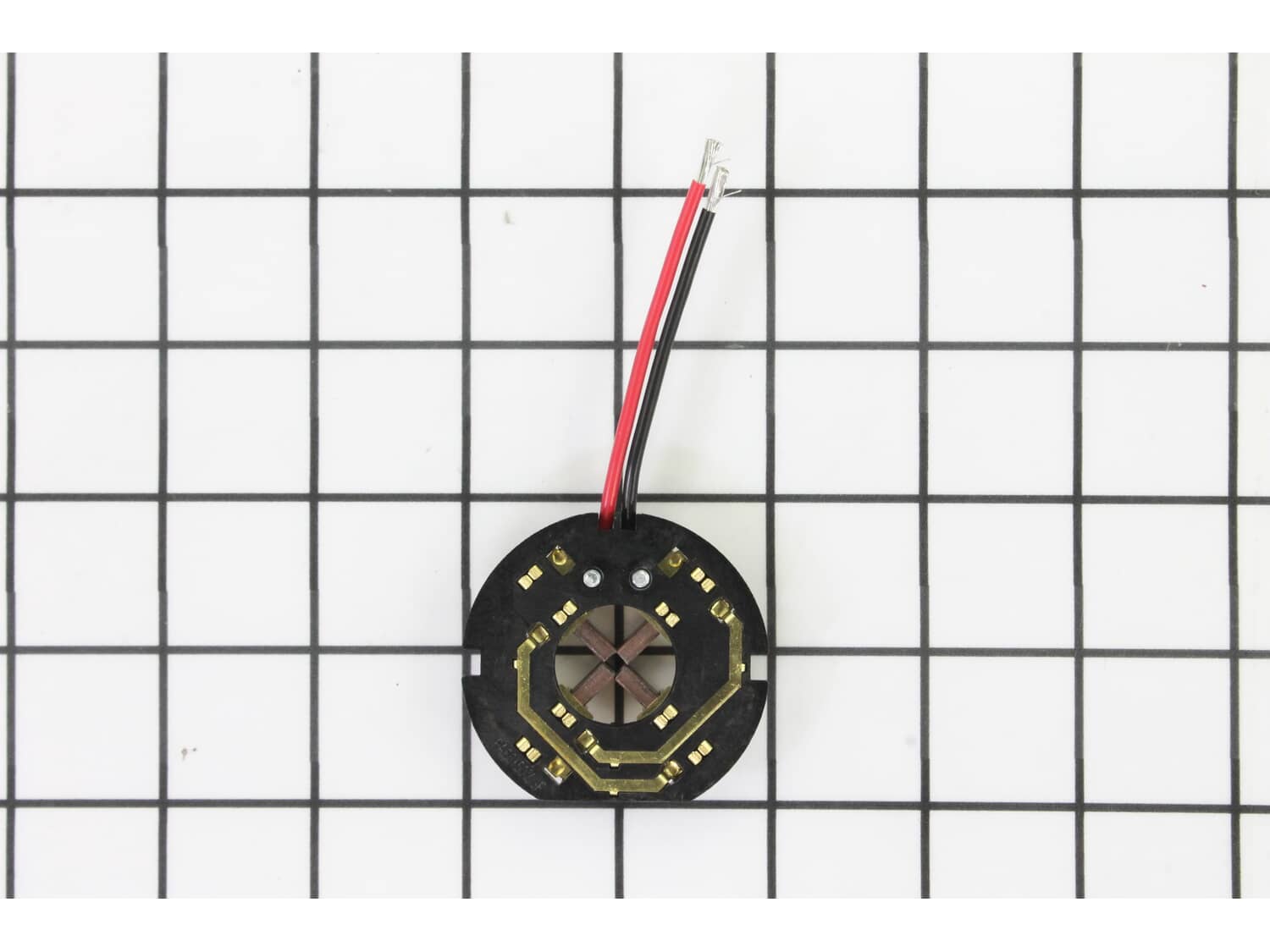
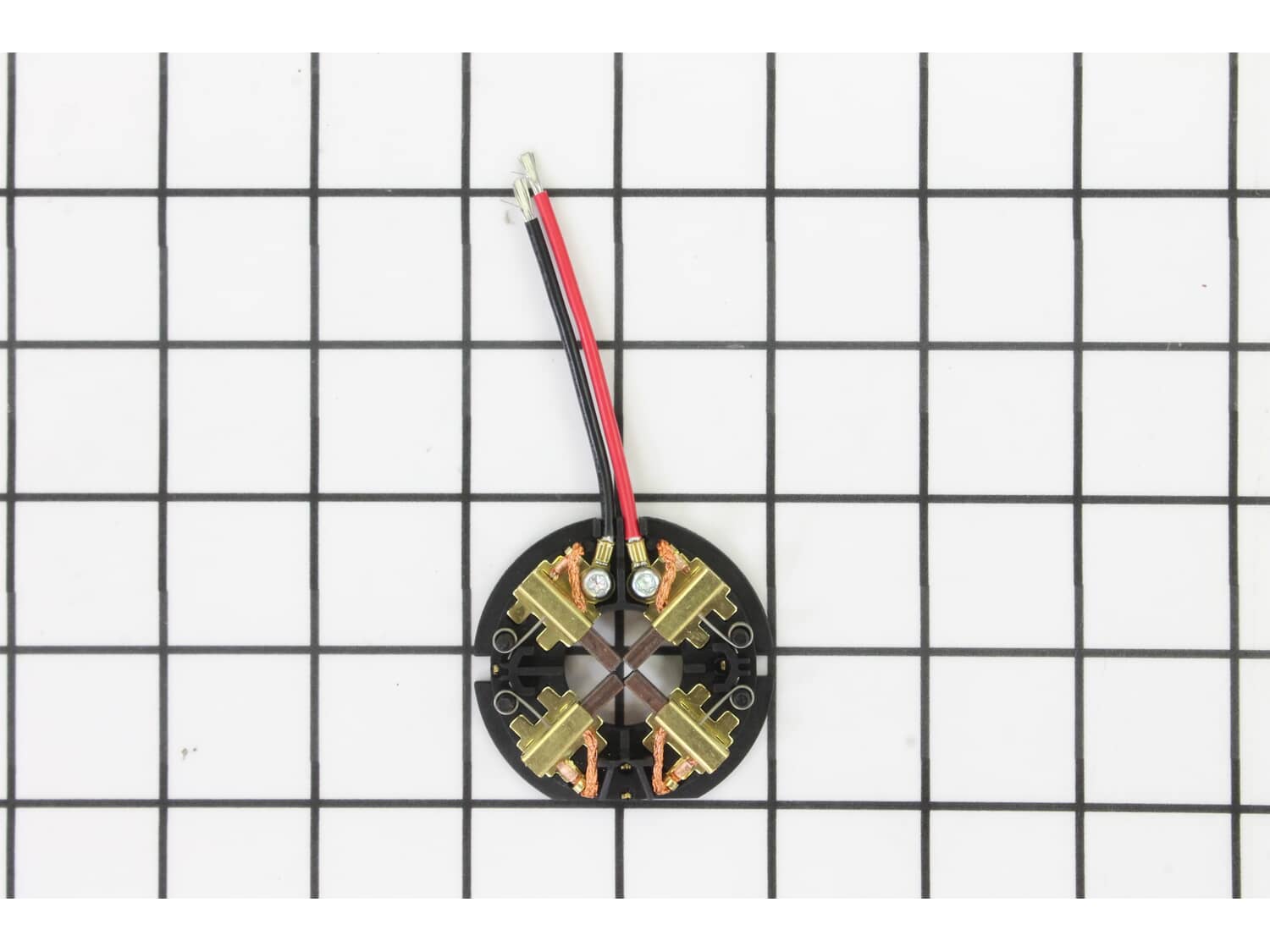
This OEM sourced replacement part is designed for Milwaukee drills/drivers. This assembly secures carbon brushes around the armature to provide stable contact. This assembly consists of: plastic holder ring, four (4) metal brush holders with springs and four (4) carbon brushes with lead wires attached. To replace this assembly you would need a screwdriver. • First remove screws holding the cover together • Carefully separate housing to gain access to armature and brush holder • Disconnect the wires • Remove the screws holding brush card assembly • Remove old brush holder and install the new assembly • Reassemble and test your tool
Sorry, we couldn't find any existing reviews that matched. Try using some different or simpler keywords.
★★★★★
★★★★★
Brush Card Assembly Replacement
Milwaukee doesn't make changing the brushes out very easy but once you have the gun completely apart its fairly easy to replace the brush card.
Thomas - July 28, 2019
Verified Purchase
★★★★★
★★★★★
Part looks identical.
The part was exactly what I ordered.
Guest - November 24, 2019
Verified Purchase
★★★★★
★★★★★
milwaukee
using the drill to much the sparks from brushes were flying, ordering the brush pack & armature , after replacing these parts the drill is running much better. thank you replacement parts
Guest - January 2, 2020
Verified Purchase
★★★★★
★★★★★
Quick and easy
Got it quick , there concern about your security and was really satisfied on how customer service treated me and now I was able to fix a impact that would of costed me 120 dollars
Guest - March 4, 2020
Verified Purchase
★★★★★
★★★★★
Easy repair
Fast and perfect
Eliazar - December 3, 2020
Verified Purchase
★★★★★
★★★★★
Exact replacement
45 minutes to replace and worked perfect.
Guest - December 24, 2020
Verified Purchase
★★★★★
★★★★★
Exactly right, perfect replacement!
Couldn’t have been more right or easy. Brush cards fit right into my impact driver and my drill. Working perfectly on job sites for $25!
Guest - February 22, 2021
Verified Purchase
★★★★★
★★★★★
Easy repair
The part arrived on time and I had the drill up and working in a very short time, the brush card was so easy to replace.
Guest - January 5, 2022
Verified Purchase
★★★★★
★★★★★
Fast repair part response.
This was a fast response to my needs. The Milwaukee drill was a quick and easy fix. working fine. Thank you.
Thomas - July 17, 2023
Verified Purchase
★★★★★
★★★★★
Exactly what was needed
Easy to find the part and order it. Shipping was fast. Installing part was simple. Awesome process!
Steven - November 4, 2023
Verified Purchase
< Prev
1
2
Next >
Customer Repair Instructions
All our customer repair instructions are solicited directly from other customers just like you who have purchased and replaced this exact part.
A Bit Difficult
30 - 60 mins
(21 rated repairs)?
< Prev
1
2
3
Next >
Sort by:
Sorry, we couldn't find any existing installation instruction that matched.
Drill was disassembled, springs on the brushes were backed off. I then un-soldered the old brush card connections, then re-soldered the new one in place. Secured the card with screws. Reapplied the tension springs on the brushes, then reassembled the Drill. It works great !
Separated the drill
Removed armature and brush assembly
Removed the two wires from the new brush assembly and reused the old ones otherwise you would have to solder the new ones on
Put the brush kit on the new armature
Set back in lining up the slots with the drill housing
Put the drill halves back togeth
... Read moreer making sure the brush and armature are lined up and screw the halves back together
1. Removed the rear cover on the drill.
2. Removed screws from the side of the drill until I could spread the rear pistol grip halves apart about 1/4\".
3. Cut the two soldered wires as close to the Brush Card as possible, then pulled them (for slack)
an inch or two out of the 1/4\" gap between the pistol grip halves.
... Read morer />4. Removed the two terminal screws from the new Brush Card, cut off the washer portions of the wire end terminals...(saved the washers).
5. Stripped a 1/4\" of insulation from the two wire ends.
6. Replaced the brush card.
7. Placed the stripped ends of the original wires onto the Brush Card placed the washers (from step 4) on the terminal screws and tightened them down onto the stripped wires.
8. Pushed the slack wires into the pistol grip, closed and reassembled.
1. Remove all of the Torx screws
2. Carefully separate the front gear assembly
3. Split the main body of the Drill
4. Remove armature w/brushes and pull the old Brush Card Assembly off remove two screws that connect the wires connect them to the new Brush Card Assembly
5. Switch out the Service Armature
6 Set
... Read more the Brushes back in a lock back position & insert Armature release brushes from lock Position
7. Reassemble!
While it is apart if you want brush out all of the carbon dirt!
Removed the screws from the housings, removed one half
Pulled back the brush springs and laid then on the brush holder
Removed the brush card
Removed the solder from the leads on the switch
Soldered the new leads on the switch
Pulled back the brush springs and brushes in the same way as above
Placed the
... Read more brush card in the drill housing
Screwed the housings together
1.open the drill in half, leaving internals in the other half
2. Remove rush plate by pulling up. The motor and clutch will come up with it.
3. Slide the brush s off the motor stud
4. I used solder wick and removed the wips from the trigger assembly.
5. Soldered the new provided wips back on
6. Reverse t
... Read morehe disambly.
Drill run s like new
1) Watched a quick You Tube Video first
2) Took battery off
3) Removed all the Torx screws
4) Carefully split the case and removed the drive assembly the silver part with the chuck.
5) Carefully lifted the rear of the armature with the brush card assembly and removed the brush card.
6) Carefully removed the B
... Read morelack and Red wires, and connected the new card assembly to the wires.
7) Re-assembled in reverse order making sure everything was properly back in place.
8) Put back all the case screws first and then the 4 drive screws last.
9) Worked perfectly and took me just over 15 minutes in all.
Remove screws holding drill housing together. Separate handle so that wires from brush card are visible. Label wire color on switch terminals and unsolder both wires. Offset brush springs to knotch on brush guide, while holding finger over pivot stem! Pull brushes back and remove brush card over armature bearing. Solder new brush c
... Read moreard wires to switch and carefully offset brush springs to replace over armature bearing. Make sure to align field coil cylinder with case pins or housing will not close tightly! Reinstall screws and your done.
Read less
Did you find this story helpful?
Thank you for voting!
< Prev
1
2
3
Next >
Model Cross Reference
This part works with the following models:
ERP Number: ERP10122416
Manufacturer Part Number: 22-22-2602
This part is in stock in our warehouse and will ship out within 1 business day of the order being placed.
New stock is on the way! On order parts usually ship within 7 business days.
Item is not in stock and usually ships 10-15 business days from the time you place your order.
This item is no longer being made by the manufacturer, and cannot be added to your shopping cart.
✖
Mail-In Recycling Rebate
Some of the parts we sell are eligible for mail-in rebates since we can recycle them. We will display any applicable rebates in your shopping cart. To redeem your rebate, contact Customer Service after you have received your part.



_WW_1.gif "Part Location Diagram of 22-22-2602 Milwaukee Brush Card Assembly")
_WW_1.gif "Part Location Diagram of 22-22-2602 Milwaukee Brush Card Assembly")