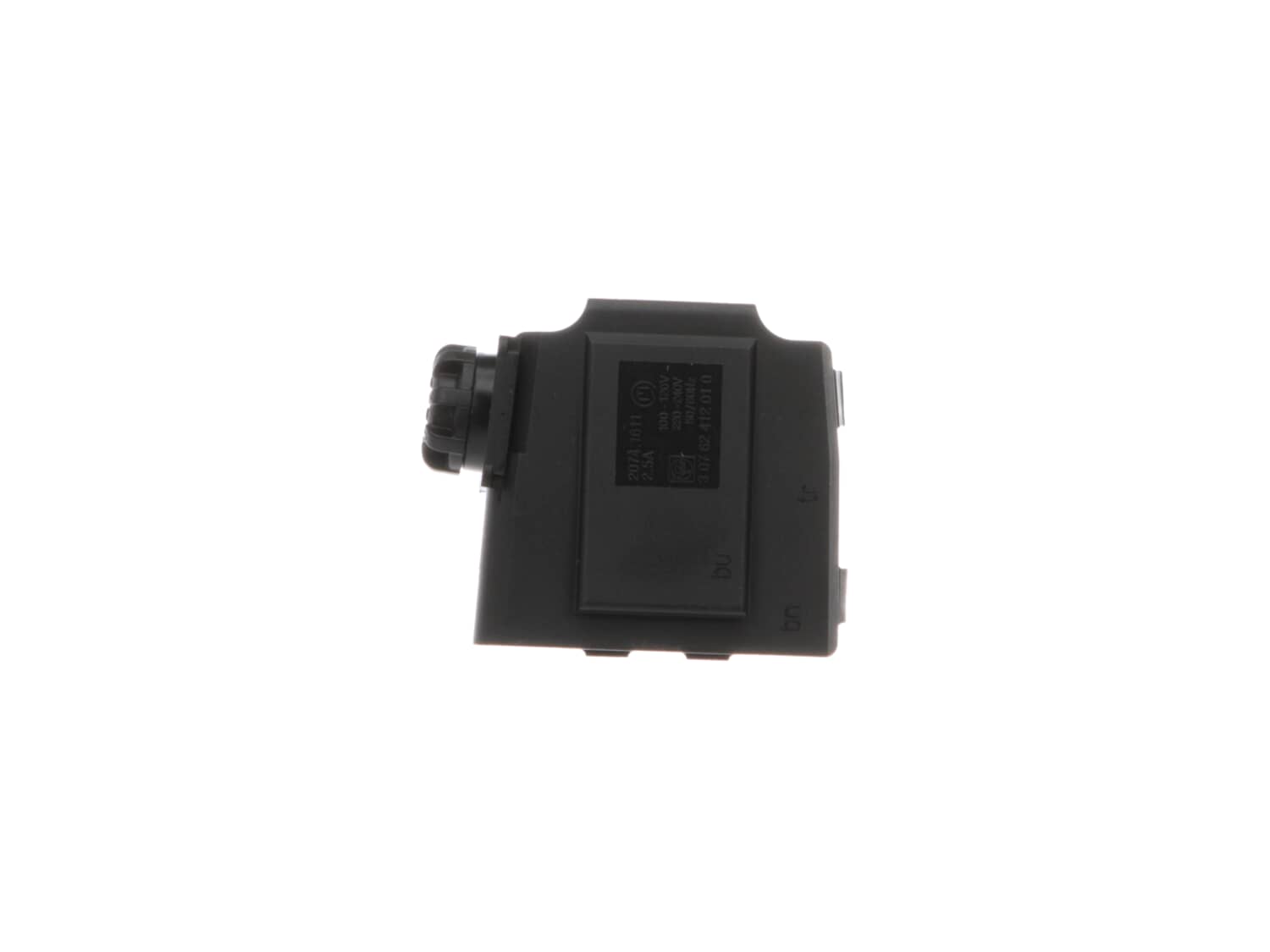
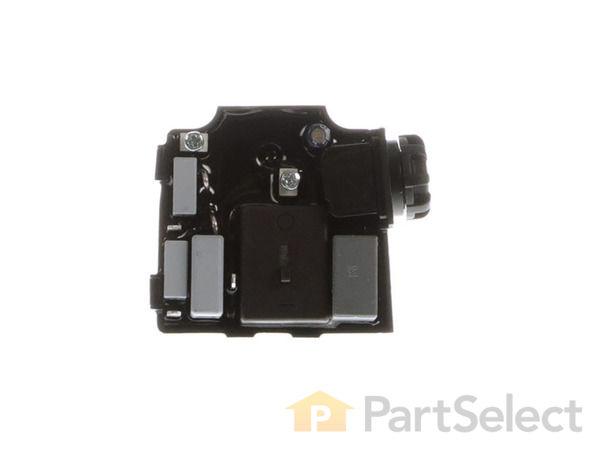
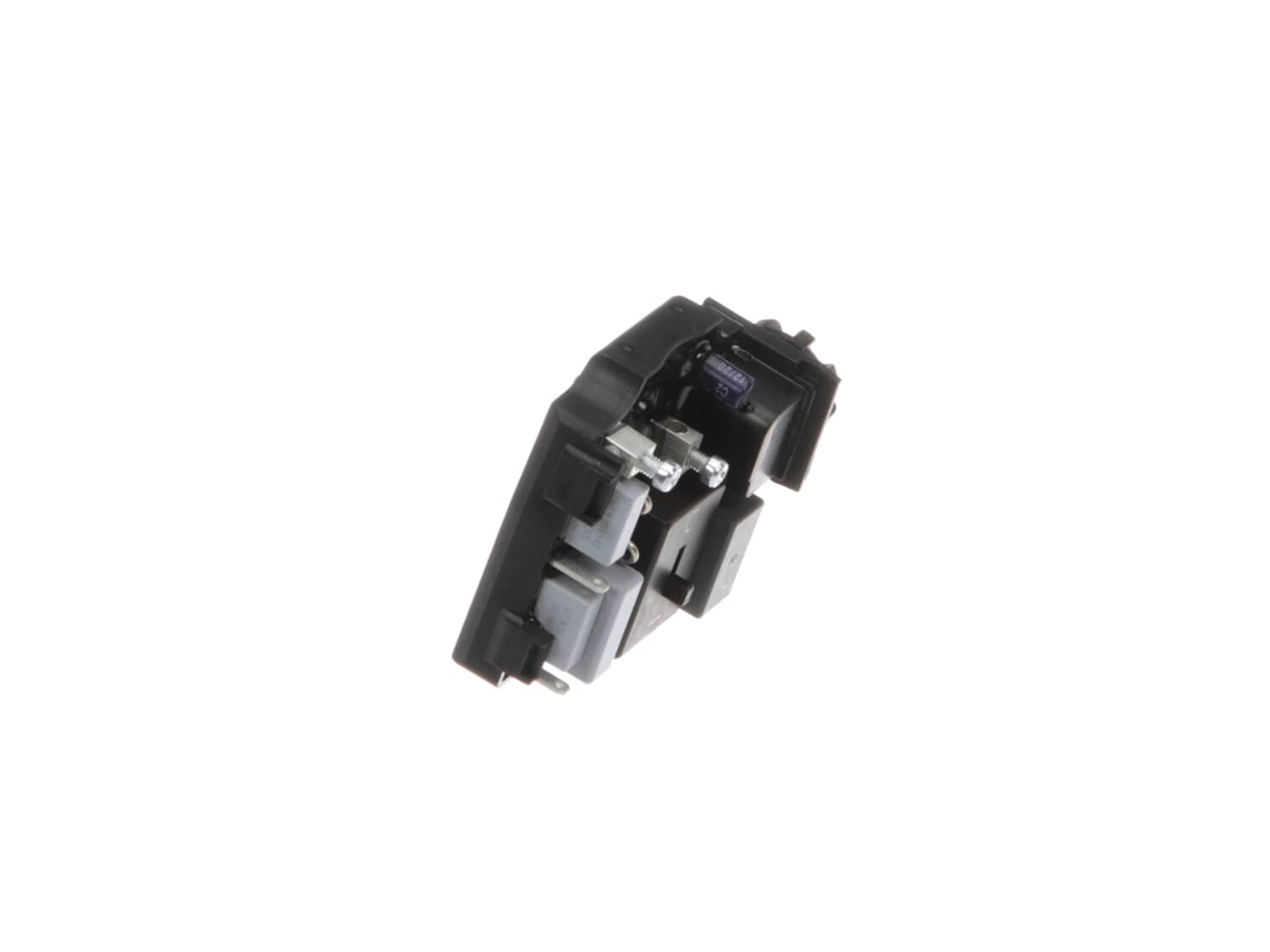
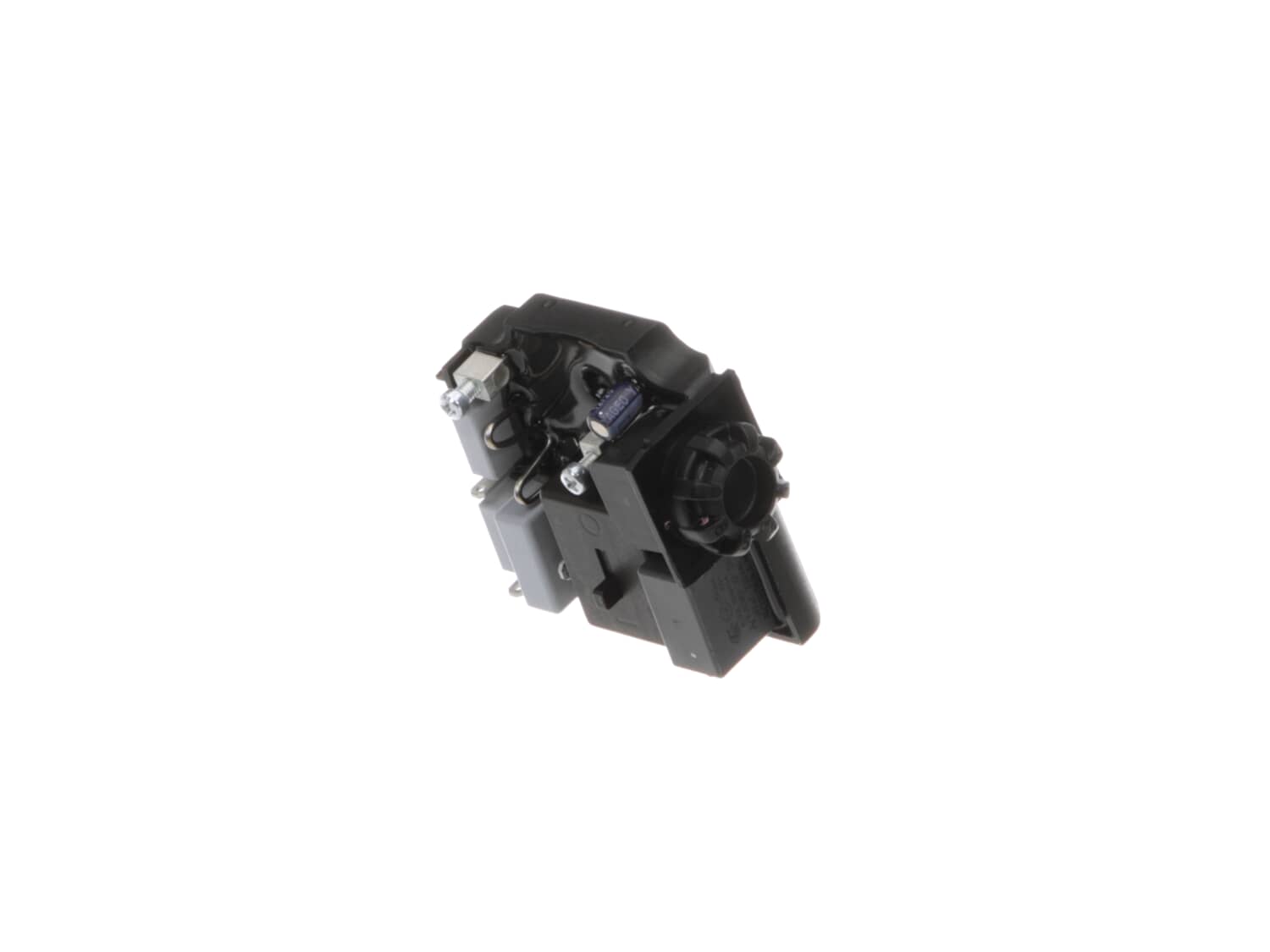
This is a Genuine Manufacturer Sourced replacement part used on some Fein Multi Master Oscillating Tools. This item is Sold Individually. Switches are commonly replaced parts in power tools, handling on/off and variable speed operations and is 100-120 volts. Because switches use mechanical internals, they will degrade and wear out over time, eventually requiring replacement.
Troubleshooting
This part works with the following brands:
Fein
This part works with the following products:
Nibbler & Shears
Multi-Tool
Part# 30762412990 replaces these:
30762383990,
★
Customer Part Reviews
?
4.9
Average Rating (out of 5):
★★★★★
★★★★★
(14 Reviews)
Click to filter by ratings:
5 stars
13
4 stars
1
3 stars
0
2 stars
0
1 star
0
< Prev
1
2
Next >
Sort by:
Sorry, we couldn't find any existing reviews that matched. Try using some different or simpler keywords.
★★★★★
★★★★★
Part was corrected and worked great easy to identify and order
This part kept one of my 3 oscillating tools working. Save a $350.00 Tool
Guest - May 1, 2019
Verified Purchase
★★★★★
★★★★★
Awesome
Perfect timeline and lookup for the part.
Guest - June 6, 2019
Verified Purchase
★★★★★
★★★★★
Great part, saved the tool
Timely arrival of the part, in perfect condition, resulting in a “new” tool. Thanks for getting me back to work!
Jeffrey - June 27, 2019
Verified Purchase
★★★★★
★★★★★
Other than the cost, a piece of cake
Easy to install. Probably took less than 15 minutes.
John - July 6, 2019
Verified Purchase
★★★★★
★★★★★
Best service ever
The part for my Fein multi tool arrived fast, was exactly as stated and my tool is back in working order. Thank you for your prompt service
Carl - August 9, 2019
Verified Purchase
★★★★★
★★★★★
Quick, Simple, Accurate, and Affordable
Recently I ordered a speed control switch for my cherished Fein Multimaster 200. In the past I was told that the part could not be sold direct to me by either the mfg or a distributor. My option was to pay $35 shipping and insurance, do without the tool for a month, and pay parts and labor ($150 in this case). That is the cost of a brand new tool, so I just replaced it with a Rigid cordless model (an excellent tool by the way. I have found all Rigid tools, both cordledd and corded, to be so). The biggest concession I had to make was the fact that only the Fein Multimaster has a speed control allowing very delicate work control, the very part that was broken. A few years had past and I thought about trying eReplacement since I have had success with them on other manufacturers replacement parts. They had the part. I am tickled pink now that the tool is back in my construction trailer completely functional. As a very busy construction professional their (eReplacement) service is invaluable to me. I cannot put a price on the ease of finding the part that I need online in my own time, placing an order, having the part arrive at my shop, and installing it myself. I don't have to loose time from work delivering to a repair shop, packaging and taking to a shipping facility, going back again to pick the tool up, or paying the high cost of shipping and insurance. I place an order and go to work. The part shows up at my door. I install it. Done! I have nothing but gratitude and praises for this company so far. Give them a shot.
Michael - October 31, 2019
Verified Purchase
★★★★★
★★★★★
your service is always prompt and correct.
This was exactly what I ordered. Unfortunately it was not the problem as I thought. I gave returned it and am waiting to hear back and get refund. However, I’ve ordered several parts from you in the past and have always been pleased. I will continue to order parts from you as your service is always prompt, correct, and on time. Appreciate your service.
Guest - April 18, 2020
Verified Purchase
★★★★★
★★★★★
THE REPLACEMENT PART WAS A PERFECT FIT.
AS USUAL YOUR PART FIT JUST LIKE NEW.THAT IS WHY I KEEP COMING BACK..THANK YOU SO MUCH...
Guest - May 20, 2020
Verified Purchase
★★★★★
★★★★★
Fein speed control motor
Arrived faster than expected and was easy to install. My Fein once again has speed control thank you.
Guest - June 1, 2021
Verified Purchase
★★★★★
★★★★★
Easy repair
It was the exact part that I needed,
Guest - August 10, 2021
Verified Purchase
< Prev
1
2
Next >
Customer Repair Instructions
All our customer repair instructions are solicited directly from other customers just like you who have purchased and replaced this exact part.
Easy
15 - 30 mins
(28 rated repairs)?
< Prev
1
2
3
Next >
Sort by:
Sorry, we couldn't find any existing installation instruction that matched.
1. Remove star head screws holding on the back cover and remove the cover.
2. Remove 1 screw holding down the power cord strain relief sleeve.
3. Lift out variable speed control unit and remove all the wires from the old switch.
4. Blow out the interior with an air gun to remove sawdust and debris.
5. Attach wires
... Read moreto the new switch and return to the tool body. Take note that the on/off switch on the controller is in sync with the black on/off slide switch on the top of the Fein tool. Reinstall plastic clamp that holdsdown strain relief with 1 screw.
6. Make sure that all wires are routed properly to avoid pinching them and reassemble back cover and tighten screws.
7. ALL DONE!
1, Remove the 3 screws holding the back cover on.
2, Loosen & remove the wire clamp on the AC cord.
3, IMPORTANT: Flip the loosened speed controller over so you can see the wires & take a picture to show the wiring diagram. It is not readily apparent what goes where on the speed controller.
4, Loosen/remove all wires fr
... Read moreom the failed speed controller & attach the wires to the new speed controller in the same way.
5, Re clamp down the AC cord.
6, Re install the cover using the 3 screws removed earlier.
Pulled housing( 9 yr old tool), pried with screwdriver. Remove screws from variable speed switch, pull two two female clamps from motor magnets. Screw in new switch attach leads. Clean dust from components with electrical spray cleaner. All this was done after I purchased a new Multimaster which failed six months after purchase, both too
... Read morels Fein made. Don\'t give up on old quality never a problem in nine yrs, new one six months warranted except 30 dollars to mail it to Ohio( only repair place in us).
Read less
Did you find this story helpful?
Thank you for voting!
Fein tool started working intermittently and then stopped altogether
I replaced both the brushes as well as the electronic module and the tool still did not work so I disasembled it again and cleaned the copper contacts on the armature by polishing off the build-up of carbon residue, (blackened looking stripe) using some BRASSO metal polish and some clean 3x3 gun cleaning patches. I followed that up by usi
... Read moreng some CRC electrical spray cleaner to clean out the spaces/slits between the contacts. Put it back together and it runs like new.
Read less
Did you find this story helpful?
Thank you for voting!
No problem - unplug the old controller and plug in the new one, wire by wire.
Isolating the reason why the oscillating multi-tool was the most difficult. The tool had less than 10 hours of total use when it failed to start. Unbelievable. Along the way, I checked the brushes and continuity of the motor. Your user survey confirmed that about 75% of the problems were the same as I encountered. The repair was easy once
... Read more the new part arrived. It amounted to a simple replacement of the switch and variable speed controller.
Took off the cover, made a wiring diagram, removed the old part. Cleaned the inside of the tool with an air gun. Wired the new part in, then put the cover on.
Removed lower housing, tested the switch, it was bad.No power going through it. Made a wiring diagram. Replaced it with the new switch made sure the wires were in the correct place per the wiring diagram. Works great.
1. Remove the bottom cover.
2. Disconnect the the wires to controller and remove.
3. Install the new controller and the wires leads
4. Replace the bottom cover and test it
Did you find this story helpful?
Thank you for voting!
< Prev
1
2
3
Next >
Model Cross Reference
This part works with the following models:
ERP Number: ERP9937755
Manufacturer Part Number: 30762412990
This part is in stock in our warehouse and will ship out within 1 business day of the order being placed.
New stock is on the way! On order parts usually ship within 7 business days.
Item is not in stock and usually ships 10-15 business days from the time you place your order.
This item is no longer being made by the manufacturer, and cannot be added to your shopping cart.
✖
Mail-In Recycling Rebate
Some of the parts we sell are eligible for mail-in rebates since we can recycle them. We will display any applicable rebates in your shopping cart. To redeem your rebate, contact Customer Service after you have received your part.



_WW_1.gif "Part Location Diagram of 30762412990 Fein Speed Control Switch")
_WW_1.gif "Part Location Diagram of 30762412990 Fein Speed Control Switch")

