Sorry, we couldn't find any existing reviews that matched. Try using some different or simpler keywords.
★★★★★
★★★★★
it worked
service in a timely manner and the brushes made my jig saw operable again
glad i chose the part prior to delivering to repair shop, 1hr to deliver, 1 hr to p/u plus 100 for fix
happy dude
Thomas - May 11, 2021
Verified Purchase
Customer Repair Instructions
All our customer repair instructions are solicited directly from other customers just like you who have purchased and replaced this exact part.
Easy
15 - 30 mins
(5 rated repairs)?
< Prev
1
Next >
Sort by:
Sorry, we couldn't find any existing installation instruction that matched.
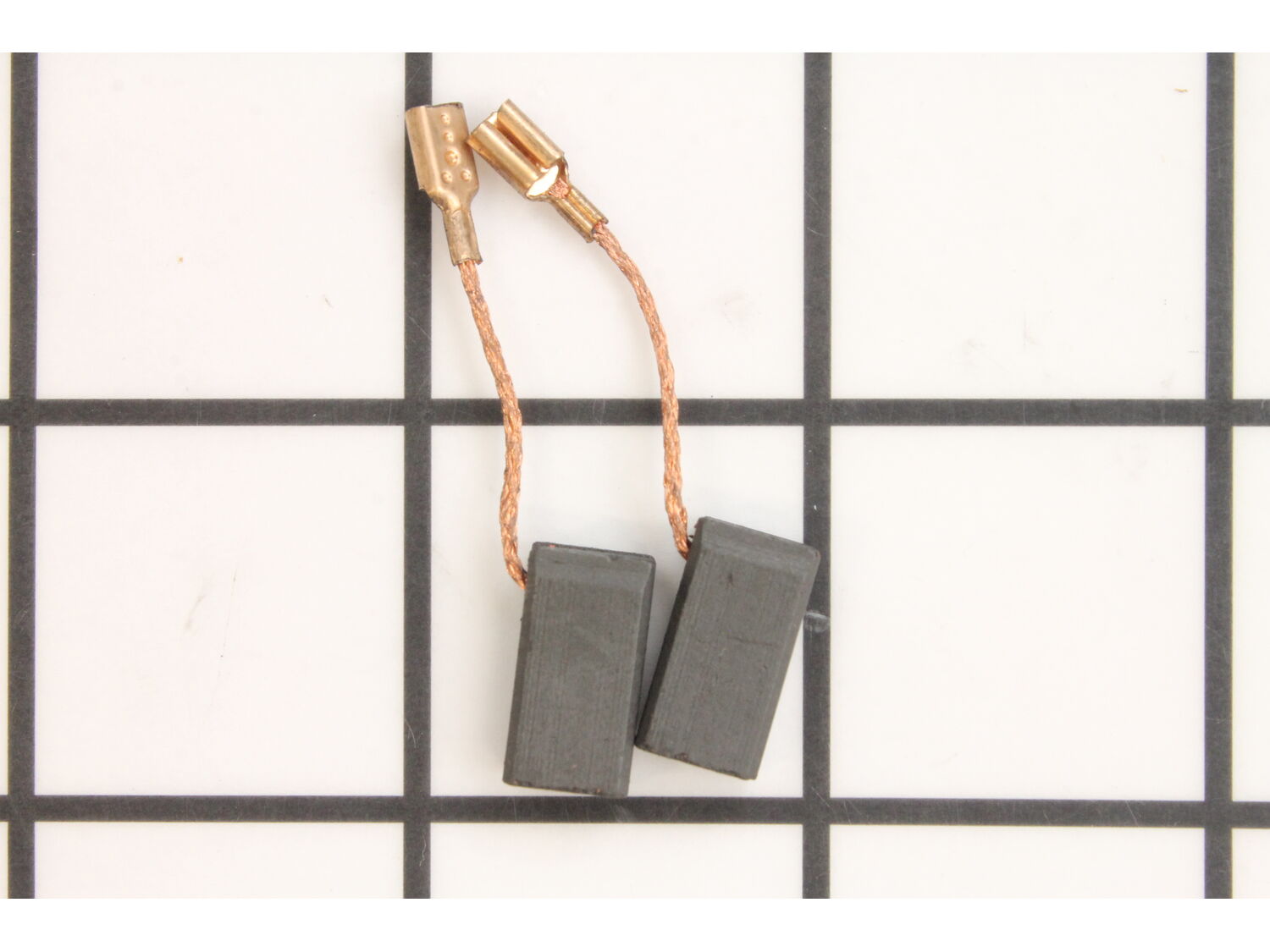
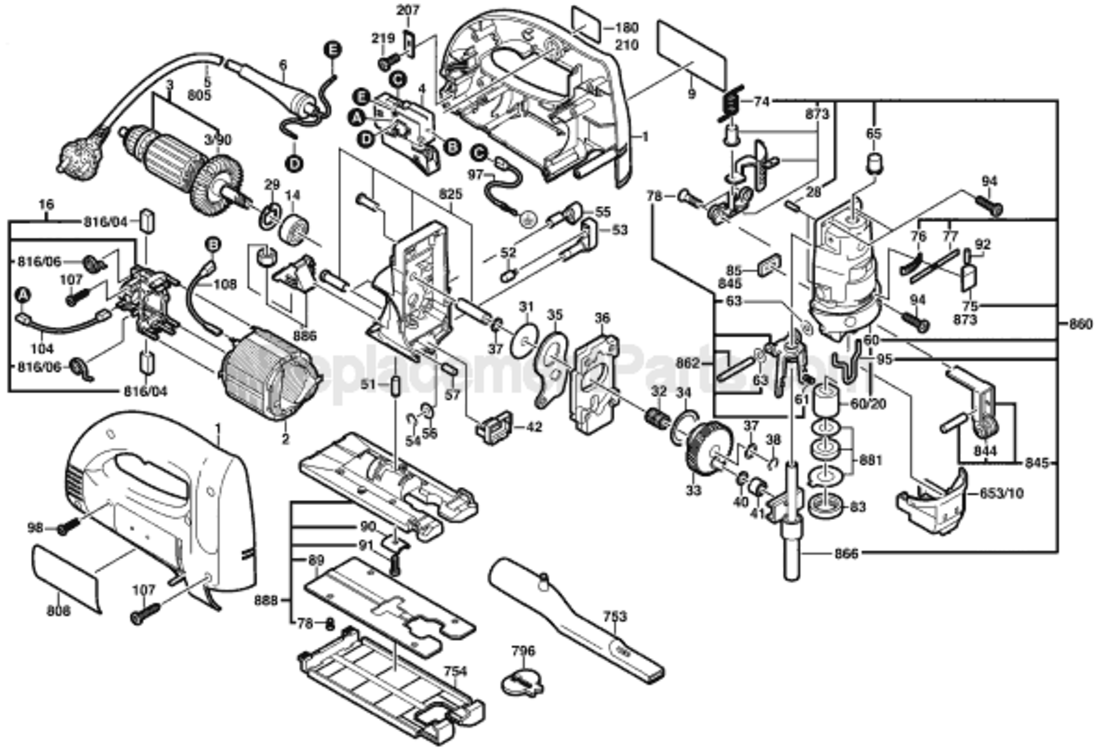
Remove the rear cover from the saw. Pull the brush springs away from the brushes. Remove the brush lead wires from the brush holders. Insert the new brushes and attach the leads. Replace the brush springs and put the rear cover back on.
Already had pulled out old switch and took pictures with my IPhone for wires. Got new switch and brushes and popped them right in and works like new again!
1.remove band saw blade from WEN 3975T Band Saw.
2.Remove motor plastic cover with screwdriver.
3.Disconect motor wires from controller board and put aside cover.
4. Remove rear motor fan with screw driver and access 2 motor mount screws.
5. Remove stator and rotor from bandsaw assembly.
6.pull stator away fr
... Read moreom magnet housing and access 2 screws for carbon brush assembly.
7. Pull carbon brush assembly and pull used carbon brushes out without losing tension springs.
8. Use sand paper to file down carbon brushes 1mm to fit into housing. Replace brushes with spring insert.
9. Reverse method of disassembly.
Removed rear casing, pulled out old brushes and carefully inserted new ones, replaced rear case. Done...old brushes did not seem very worn but replaced them anyway and jigsaw works fine.
Did you find this story helpful?
Thank you for voting!
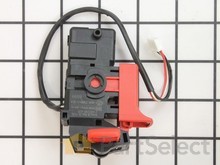
Broken switch, while I had it apart I replaced the motor brushes too.
1. Removed the screws on the back cover.
2. Tap the cover lightly with a mallet and remove it.
3. Removed the screws holding top section together, pried apart with a screwdriver.
4. Removed the switch and wired in the new switch, one wire at a time to make sure it is wired right.
5. Put the top section together.
... Read morer />6. Removed the brushes from the motor section.
7. Put the cover back on.
8. Check to make sure all screws are snug.
9. Tested the jig saw to make sure it works properly.
Read less
Did you find this story helpful?
Thank you for voting!
< Prev
1
Next >
Model Cross Reference
This part works with the following models:
ERP Number: ERP19508853
Manufacturer Part Number: 2604320913
This part is in stock in our warehouse and will ship out within 1 business day of the order being placed.
New stock is on the way! On order parts usually ship within 7 business days.
Item is not in stock and usually ships 10-15 business days from the time you place your order.
This item is no longer being made by the manufacturer, and cannot be added to your shopping cart.
✖
Mail-In Recycling Rebate
Some of the parts we sell are eligible for mail-in rebates since we can recycle them. We will display any applicable rebates in your shopping cart. To redeem your rebate, contact Customer Service after you have received your part.