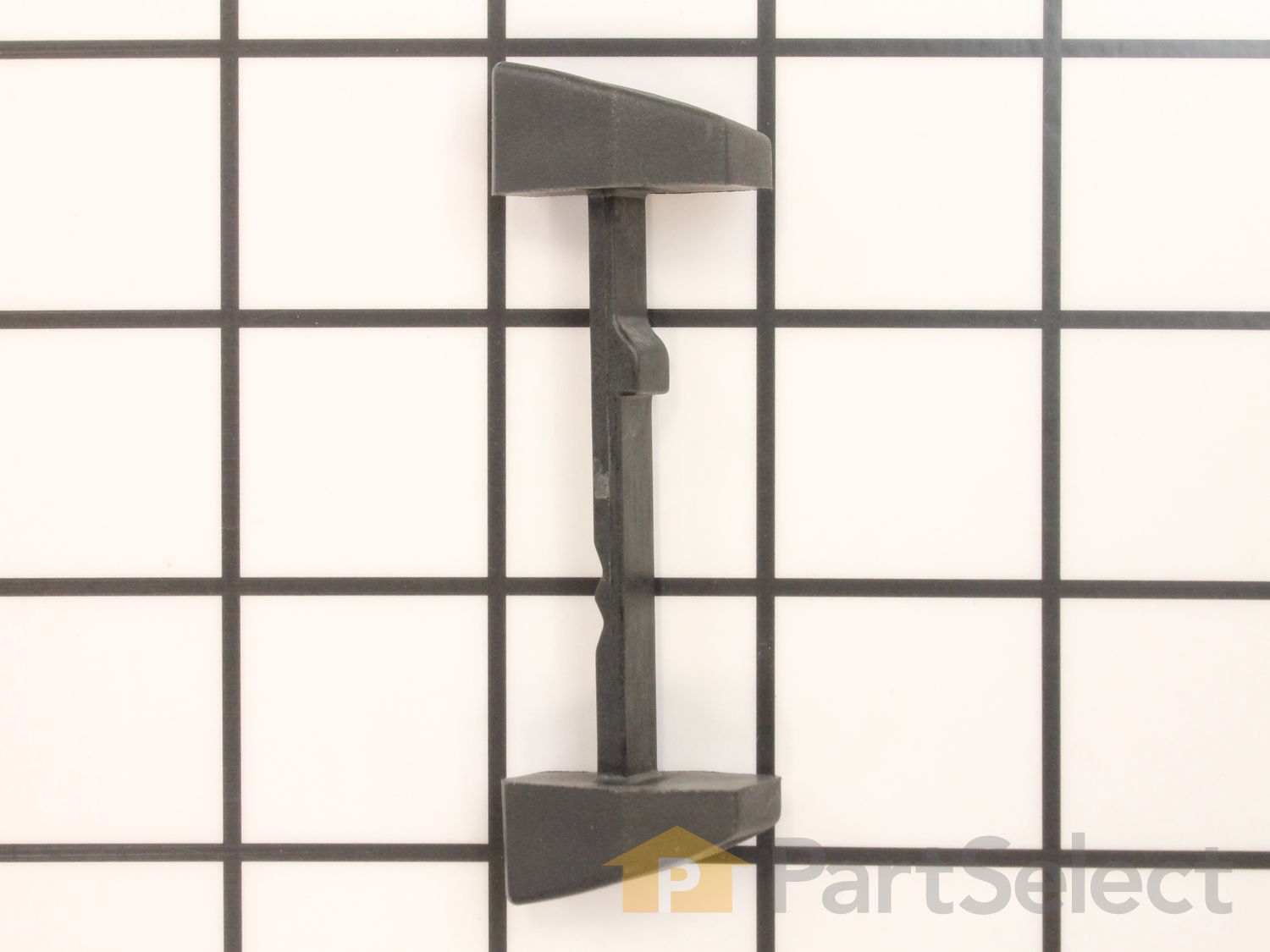
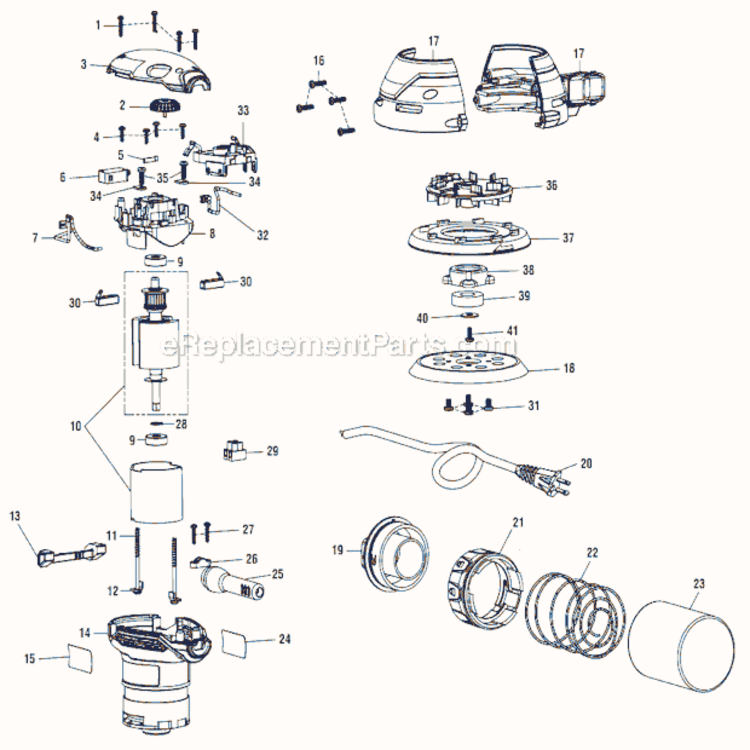
This is an authentic Ridgid replacement part, sourced from the original manufacturer for use with random orbital sanders. The plastic actuator is commonly used to engage the sander's switch. This actuator is available as an individual replacement part, please see model diagram for associative parts.
Troubleshooting
This part works with the following brands:
Ridgid
This part works with the following products:
Sander Polisher
Sander Grinder
Part# 520421001 replaces these:
520421001,
Customer Repair Instructions
All our customer repair instructions are solicited directly from other customers just like you who have purchased and replaced this exact part.
Easy
Less than 15 mins
(2 rated repairs)?
< Prev
1
Next >
Sort by:
Sorry, we couldn't find any existing installation instruction that matched.
On/Off Switch would get stuck in one position Off or On
1. Removed 4 star screws from sander\'s top cover with Star Screwdriver
2. Used needle-nosed pliers to carefully \"wiggle\" micro-switch up and off its two mounting posts
3. Slid off power-wires from micro-switch
4. Removed actuator by lifting it out of its pathway
5. Replaced actuator by carefully placing it back
... Read moreit the path and using a small screwdriver to hold tension spring back to allow actuator to drop into position.
6 Attached power-wires to new micro-switch
7 With needle-nosed pliers \"wiggled\" micro-switch back onto its two mounting posts
8 Place cover back on and re-installed 4 screws with a Star-Screwdriver
This part is in stock in our warehouse and will ship out within 1 business day of the order being placed.
New stock is on the way! On order parts usually ship within 7 business days.
Item is not in stock and usually ships 10-15 business days from the time you place your order.
This item is no longer being made by the manufacturer, and cannot be added to your shopping cart.
✖
Mail-In Recycling Rebate
Some of the parts we sell are eligible for mail-in rebates since we can recycle them. We will display any applicable rebates in your shopping cart. To redeem your rebate, contact Customer Service after you have received your part.