Sorry, we couldn't find any existing reviews that matched. Try using some different or simpler keywords.
★★★★★
★★★★★
Another decomissioned stand mixer back to work in the kitchen.
Delivery was prompt. Repair process was easy. Maybe I'll start a side business of buying, repairing and reselling KitchenAid mixers, as I know a lot of people who just junk 'em and buy new when they conk out !
Guest - September 10, 2019
Verified Purchase
★★★★★
★★★★★
Easy replacement
Perfectly fitting replacement part.
Guest - October 3, 2022
Verified Purchase
★★★★★
★★★★★
the right part
It was easy to install, unfortunately for me the mixer still does not work. I am now looking for information on how to check all the electrical circuits and test the motor. I am still happy with the part and service.
Curtis - October 10, 2023
Verified Purchase
Questions & Answers
?
Ask our Team
We have a dedicated staff with decades of collective experience in helping customers just like you purchase parts to repair their products.
Sorry, we couldn't find any existing answers that matched. Try using some different or simpler keywords, or submit your new question by using the "Ask a Question" button above!
Need a speed control board for the mixer.Orginal part is W10673460 rev B. Can you recommend equivalent replacement?Thanks
Ehud
For model number KP26M1XWH - December 4, 2023
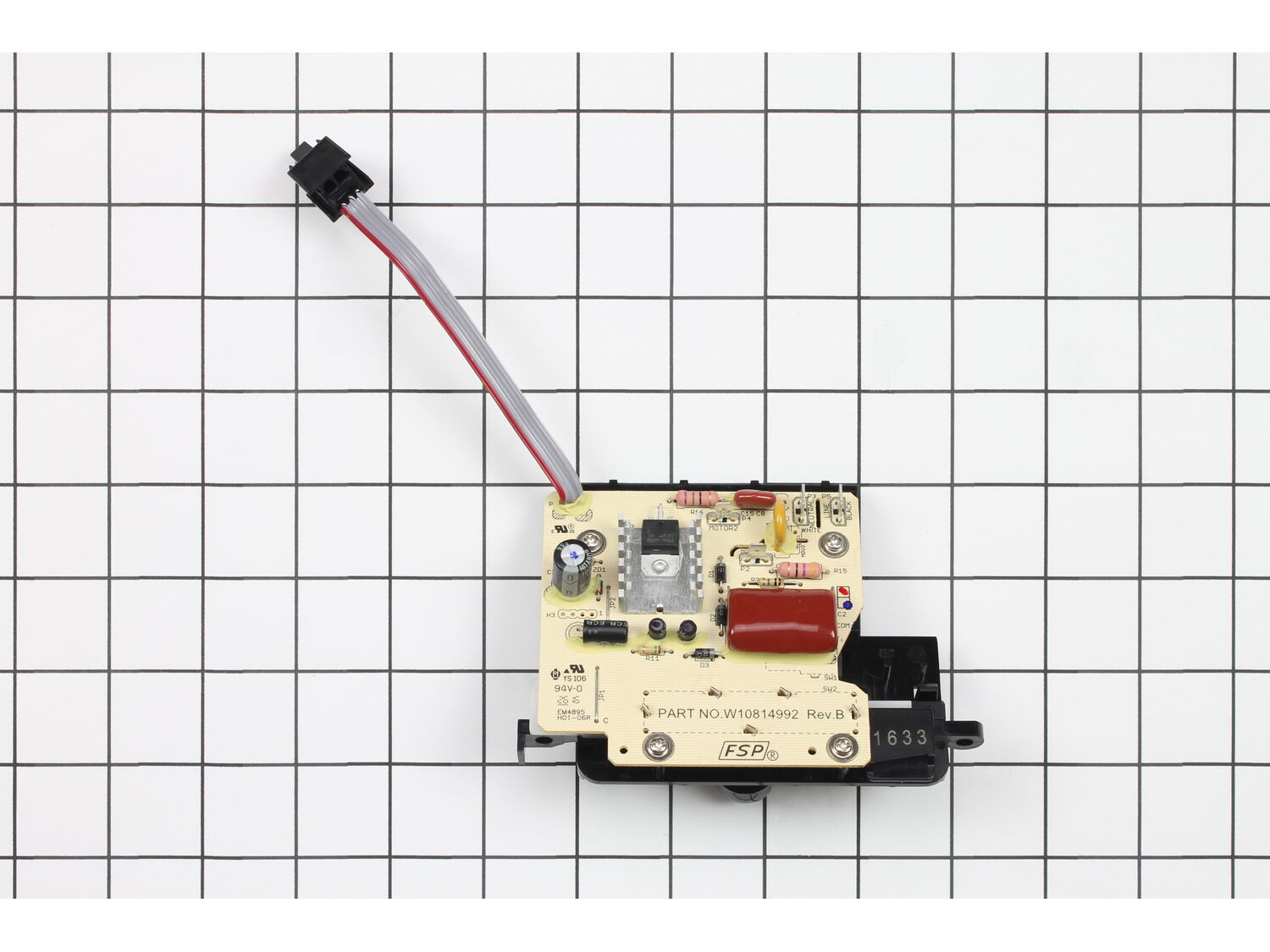
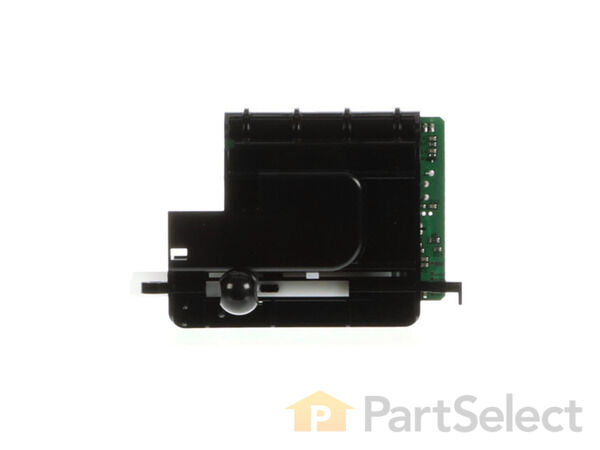
Hello Ehud, Thank you for the question. The Speed Control Board for this model is listed as Part Number:WP9706648. Good luck with the repair!
eReplacementParts Team
December 4, 2023
Did this question help you?
Thank you for voting!
The speed control. Is difficult to move and sticks for along time before advancing
K
For model number KG25HOXBU - November 1, 2023
Hi K,
Thank you for your question. If the speed control is sticking, it will need to be replaced. The part number for the speed control is WP9706648. We hope this helps!
eReplacementParts Team
November 1, 2023
Did this question help you?
Thank you for voting!
My kitchen mixer can't power on. What is the part need to replace?
Vivien
For model number 4KP26M1XMC4 - March 10, 2023
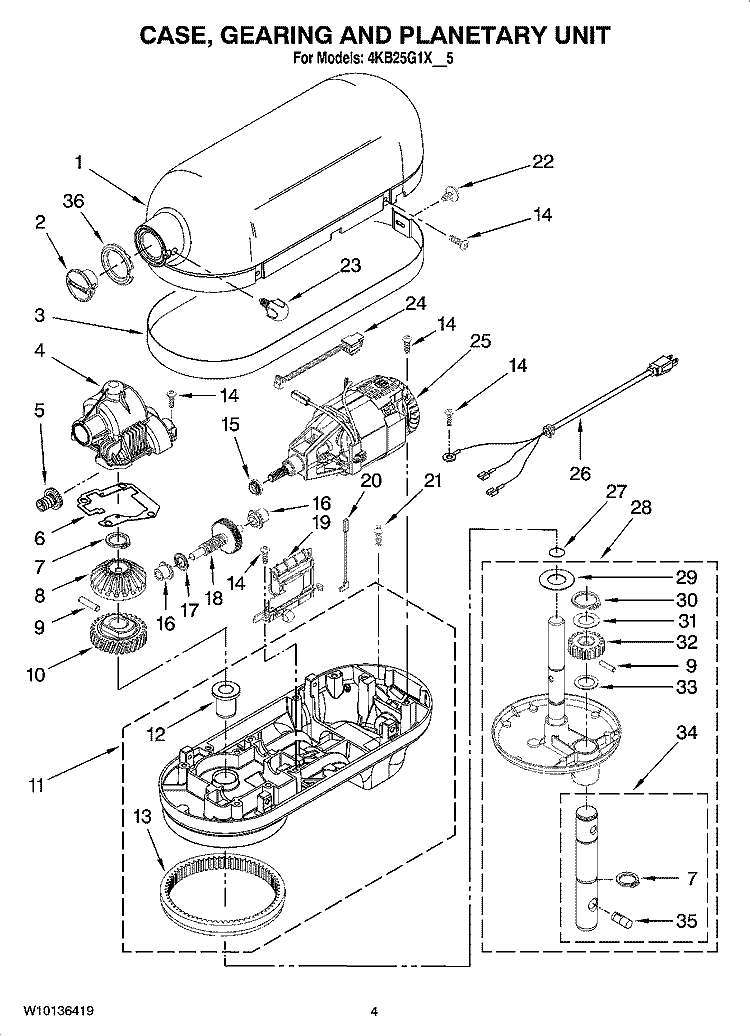
Hello Vivien, Thank you for writing. We suggest checking the Power Cord, Control Assembly and the motor and any associated wiring. Thank you for the inquiry, good luck with the repair!
eReplacementParts Team
March 10, 2023
Did this question help you?
Thank you for voting!
Customer Repair Instructions
All our customer repair instructions are solicited directly from other customers just like you who have purchased and replaced this exact part.
Easy
15 - 30 mins
(40 rated repairs)?
< Prev
1
2
3
Next >
Sort by:
Sorry, we couldn't find any existing installation instruction that matched.
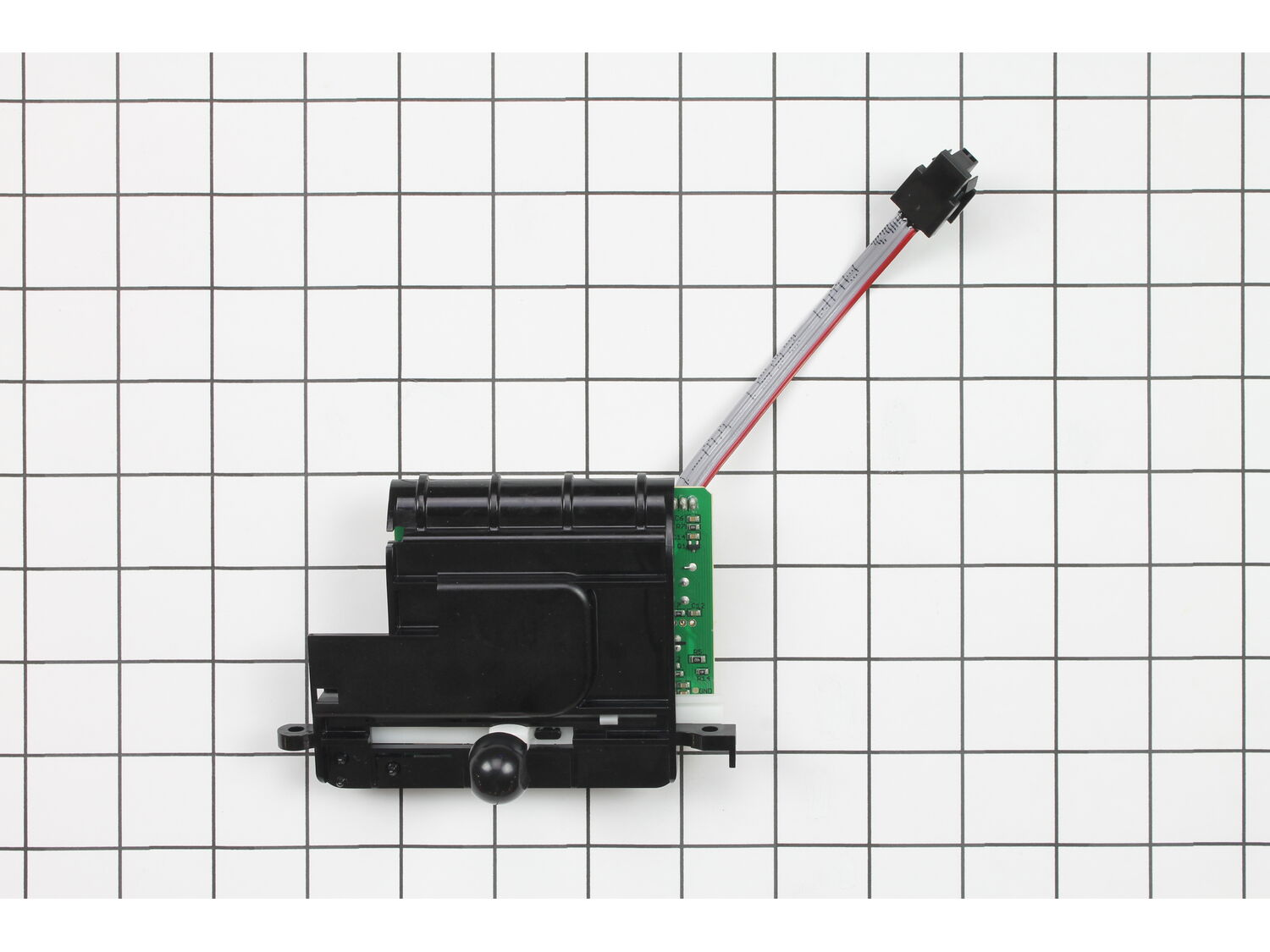
My Kitchenaid Professional 6 mixer speed control was not working. I would turn it on high and it would go slow, then faster, then slow...etc....
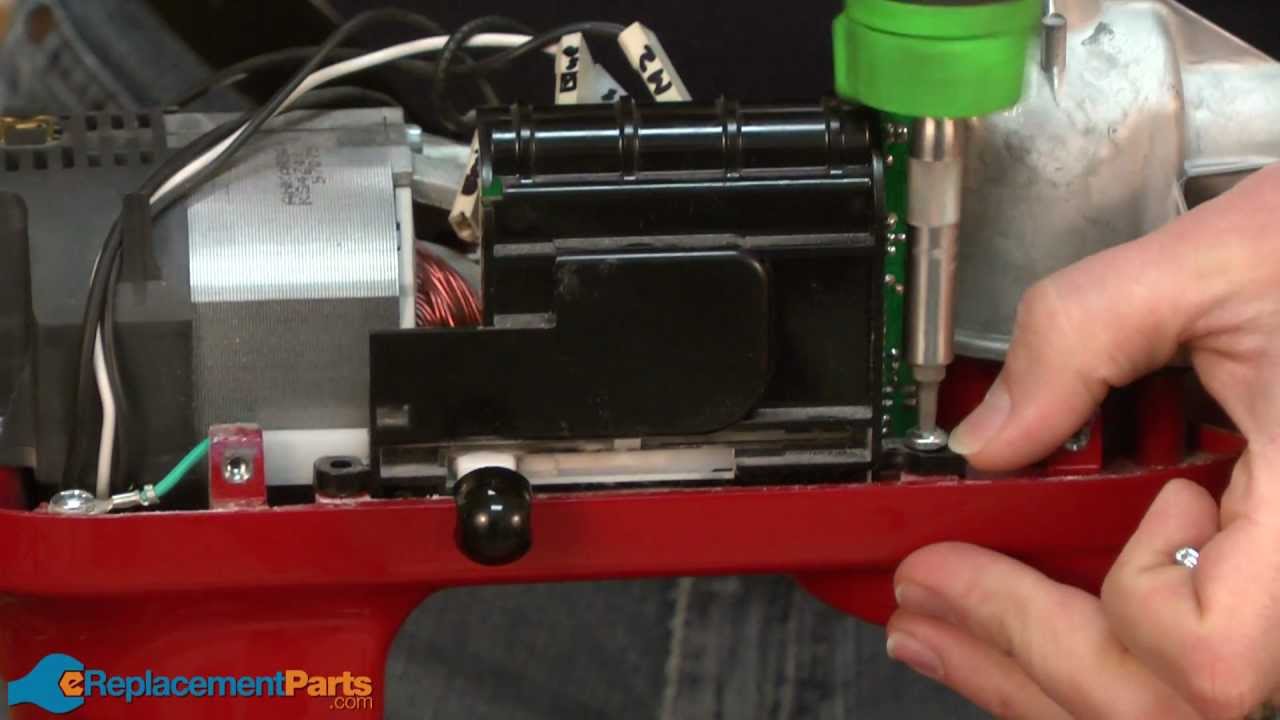
My patient told me that the repair was easy so I ordered both parts just in case. The video showed me how to take apart the case and get down to the control board and speed sensor. Also the top of the mixer was loose on the base. I removed the motor unit and tightened the bolts holding the upper motor unit to the base using lock tight.
... Read more I removed both the control assembly and the speed sensor. i marked the wires with masking tape to indicate where to put them on the new control assembly. Here is where it got a little tricky. The new control assembly had 4 attachment points where the original had 5. It turned out that there are two wires that came off the switch portion of the original control assembly. Only the wire that comes from the power cord to the original switch needed to be connected to the new control assembly. This wire came from the power cord with a connector to the original switch and another connector to the control assembly board. I taped the connector that had been attached to the switch with electrical tape and plugged in the end to the connector on the control assembly.
It worked perfectly.
Read less
Did you find this story helpful?
Thank you for voting!
Could not control speed. Would start at maximum speed regardless of setting. Then turn off after a few seconds.
This was a pretty easy repair. But, there was one trick to get the job done.
This KitchenAid mixer was an older model with a 5-wire speed control board with a ribbon and a micro switch. The new board had 4 wires, there were no boards available with 5 wires. The new board had the micro switch mounted on the board. With the
... Read more old design there was one power supply wire to the separate micro switch then two wires from the switch to the board. One was un switched power and one was switched power. Plus two wires for the motor and one neutral, for a total of 5 wires. The new design only requires the un switched power to be connected to the board. The switched power wire can be discarded. So, only one wire plus two for the motor and one neutral, for a total of 4 wires.
No changes to the ribbon wire...except the connector on the new board was mounted in a different orientation, so be careful to install the connector plug in the correction direction.
In order to update the mixer wiring, you can either cut off the un switched power, add a new connector and connect to the new board. Or, transfer the switch to the new board (there is a place for it to mount), then connect the un switched power to the switch (it won\'t do anything except allow a connector for the wire the switch is no longer needed for operation) and connect the other end to the board. Discard the switched power wire. This allows the new style board to be installed with not cutting or splicing wires.
In my case, the real problem with the hall effect switch, but I replaced that and the board since they were both pretty old.
Easy repair, mixer works great. Hope this is helpful if you have an older style mixer like mine.
I replaced the control unit, reassembled the mixer and it worked (!). I watched a youtube.com video of the same repair which was useful.
https://www.youtube.com/watch?v=41qTqTWQkMI
Did you find this story helpful?
Thank you for voting!
Mixer would run in fastest setting when turned on slowest setting. Then would shutdown.
I watched how to do the repair. First I removed the trim band then the 4 screws holding the top cover, second I labeled the wires according to where they went on the old speed control and disconnected them, then after removing the screws that held the speed control I removed and replace it with the new one and the the speed sensor, I then
... Read more reassembled the cover and trim band and my 20 year old Kitchen Aid mixer works as good as new.
The original part is now obsolete and was replaced by the one I bought. There are only 4 terminals on the new part while there were 5 on the old one. I wasn\'t sure how to hook them up until I found a how to video on YouTube from ereplacementparts.com. The link to the video is https://www.youtube.com/watch?v=OHQ5tgA7grs
Did you find this story helpful?
Thank you for voting!
When turned on at low speed it immediately went to high speed.
1. Removed the trim band with the name on it (one screw).
2. Removed the top housing of the mixer (4 screws).
3. Unplugged speed control from board then pressed the black clip at the bottom of the clip (other end of the sensor) and released it by pulling up on it.
4. Plugged in new speed sensor to board and clipped t
... Read morehe other end back into the slot.
5. Put housing back on with the 4 screws then replaced the trim band with the 1 screw.
Mixer was unplugged while repair was being done.
Works like a charm. BTW the mixer was given to me because the previous owner could not find a repairman in town. Yay for me and You Tube (I watched your repair video to determine how to repair mixer and also to determine what was wrong).
Before you attempt any repair, read the comments from others. This will almost always provide you with a tip that will make the repair go smoother. In my case, the replacement switch had only four wire connections whereas the old one had five. Several posters had provided the solution to this problem and I thank them for saving me hours o
... Read moref head scratching and research.
I also made use of a repair video that was provided on the eReplacement Parts website. You can find repair videos for just about anything you can imagine. Anytime I\'m going to do a repair I do a web search for a repair video, usually found on YouTube. Sometimes the video production is terrible, but you can almost always learn something of great value to your repair.
If you are mechanically inclined, you can repair anything using the two methods above.
This repair took longer than it should have because the previous owner had cross threaded one of the screws that mounts the switch. I had to break the old switch off and remove the screw with pliers with about an eighth of a turn at a time.
Removed decorative band around mixer (one screw), removed top cover (4 screws). Removed 4 wires on control board, removed two screws and removed control board. Reversed the process with the new control board. Wire locations are clearly marked on the board. Locations are slightly different. Take note of which pair is for the motor and
... Read more which pair is power.
Read less
Did you find this story helpful?
Thank you for voting!
< Prev
1
2
3
Next >
Model Cross Reference
This part works with the following models:
ERP Number: ERP11746947
Manufacturer Part Number: WP9706648
This part is in stock in our warehouse and will ship out within 1 business day of the order being placed.
New stock is on the way! On order parts usually ship within 7 business days.
Item is not in stock and usually ships 10-15 business days from the time you place your order.
This item is no longer being made by the manufacturer, and cannot be added to your shopping cart.
✖
Mail-In Recycling Rebate
Some of the parts we sell are eligible for mail-in rebates since we can recycle them. We will display any applicable rebates in your shopping cart. To redeem your rebate, contact Customer Service after you have received your part.
✖
[{"position":0,"name":"Home","title":"Home","url":"/"},{"position":1,"name":"Circuit Board or Touch Pad","title":"Circuit Board or Touch Pad","url":"/parts/small-appliance/mixer/circuit-boards-and-touch-pads/"},{"position":2,"name":"WP9706648","title":"WP9706648","url":""}]