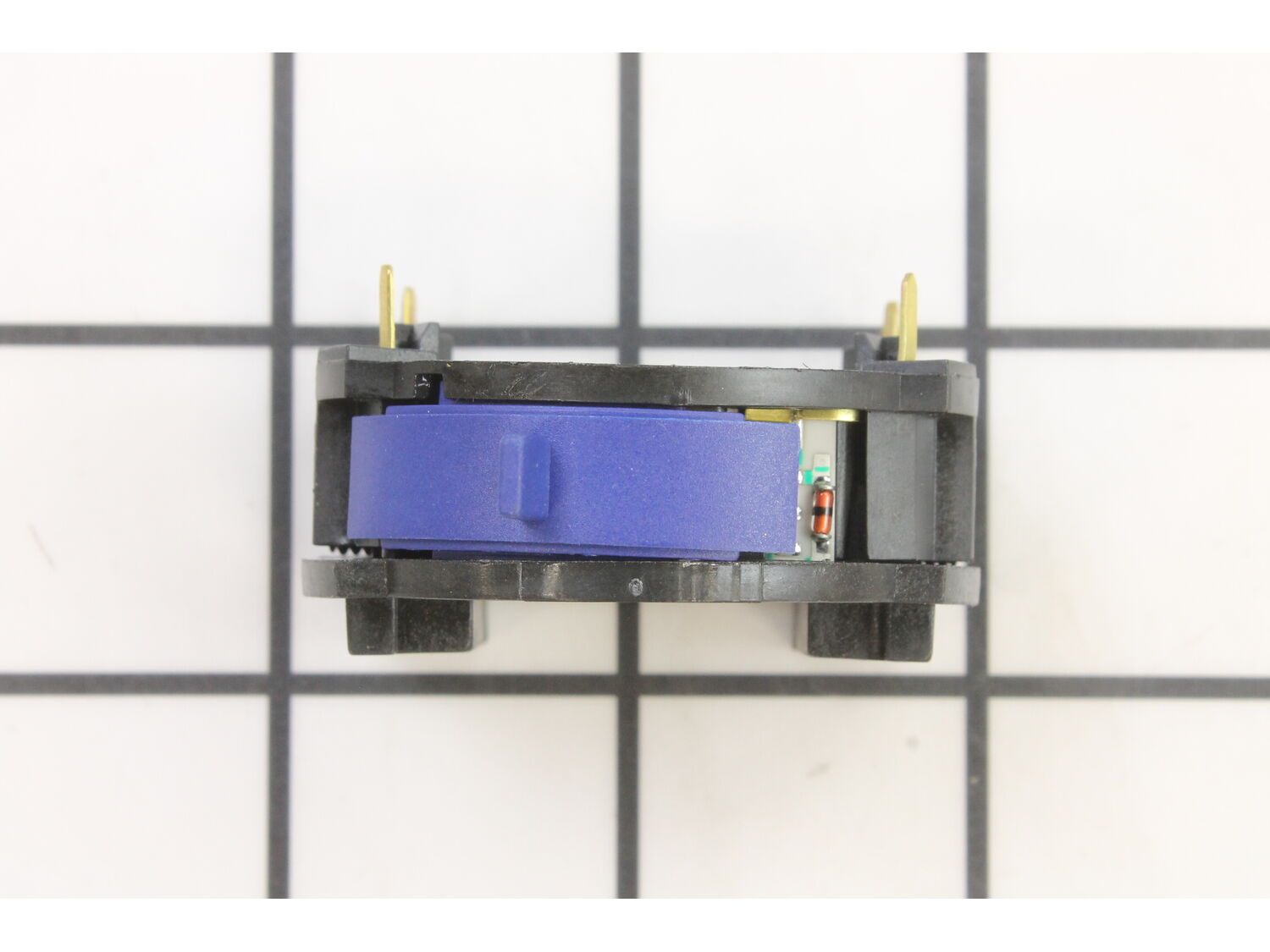
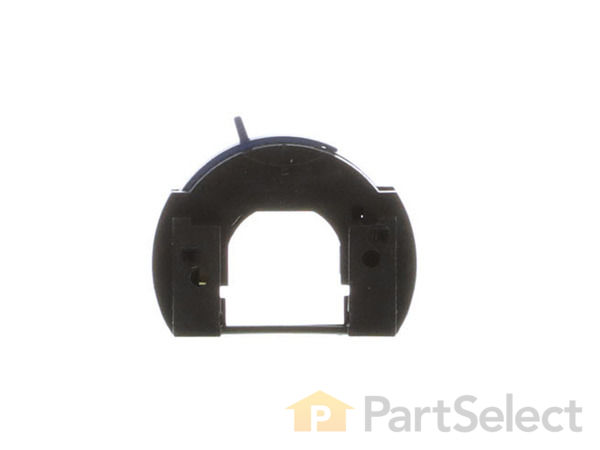
This manufacturer approved 2-speed switch is a high quality item that is specially designed for a Dremel rotary tool. It is the part of the tool that allows user to turn the tool on and off while controlling its speed. Over time mechanical plastic switches over time will wear out and fail eventually requiring replacement. Please note, this plastic item is sold individually. To replace this switch you will need a screwdriver.
Troubleshooting
This part works with the following brands:
Bosch
Dremel
This part works with the following products:
Multi-Tool
Router
Part# 2610006550 replaces these:
2610006550,
★
Customer Part Reviews
?
4.8
Average Rating (out of 5):
★★★★★
★★★★★
(9 Reviews)
Click to filter by ratings:
5 stars
8
4 stars
0
3 stars
1
2 stars
0
1 star
0
< Prev
1
Next >
Sort by:
Sorry, we couldn't find any existing reviews that matched. Try using some different or simpler keywords.
★★★★★
★★★★★
Easy Repair, Great Part - worked as expected
Easy to find, replace, and reassembly. Worked as advertised. Crisp response in the switch mechanism. Would shop here again.
Guest - April 29, 2019
Verified Purchase
★★★★★
★★★★★
Correct part quickly received
Information in the listing enabled me to identify the correct part and the vendor got it out quickly.
Guest - July 26, 2019
Verified Purchase
★★★★★
★★★★★
Easy Repair & worked as expected.
My dremel is working like new again. The switch was just like the original switch. Just two wires to push in place.
Guest - September 28, 2019
Verified Purchase
★★★★★
★★★★★
It saved my dremel
I was ready to throw my dremel out when my brother said he could fix it. And he did!
Guest - October 1, 2019
Verified Purchase
★★★★★
★★★★★
Dremel tool part-just what Ineeded!
SUPER!!
Greg - November 28, 2019
Verified Purchase
★★★★★
★★★★★
My Dremel control was broke!
I need my dremel for all types of small jobs and the speed control just gave out and the unit was fairly new. I ordered form Replacement Parts and it got here in a few days and I was back in business. They are easy to change out so it didn't take much time.
Guest - August 25, 2020
Verified Purchase
★★★★★
★★★★★
Exact Replacement Part
The part was an exact replacement and came quickly. However, the metal tabs on it were protruding through the bag. Luckily they were not bent so everything was fine. The company might want to package this part differently, other wise great service.
Guest - October 29, 2020
Verified Purchase
★★★★★
★★★★★
Very easy
The videos are very informative. Being able to preview the replacement process is reassuring. Replacement was seamless and worked perfectly. The hardest part of the process was trying to select which switch Dremel uses. You wouldn't think there were some many choices.
Guest - February 8, 2022
Verified Purchase
★★★★★
★★★★★
The switch fits on the Model 200 Dremel Tool.
Installing the two A//C leads into the switch was not easy because the contacts were not in line with the switch installation holes. I did learn a lot replacing the switch. You can't just push the wires into the switch holes. Don't take the switch apart.
Guest - September 28, 2019
Verified Purchase
Customer Repair Instructions
All our customer repair instructions are solicited directly from other customers just like you who have purchased and replaced this exact part.
Easy
15 - 30 mins
(16 rated repairs)?
< Prev
1
2
Next >
Sort by:
Sorry, we couldn't find any existing installation instruction that matched.
I had no problem disassembling the tool. I carefully laid out all the parts and noted which wires went where. I installed the new switch and re-assembled the tool, nothing. After taking it apart, checking all connections, taking it apart again and noting maybe the stationary copper wrapped coil could be in upside down (rubber bumper could
... Read more be put against the other half of the case), and putting it together again, it worked!
I separated the 2 halves of the tool, removed the old switch mechanism, and installed the new one .Very simple task. The tool is now functioning properly. Remember where the wires are located.
1. Unscrewed the 4 Allen screws of the Dremel 200 tool after unpluggging the power cord.
2. Split-opened the plastic casing housing the motor.
3. Unscrewed and removed the two spring-loaded carbon brushes of the rotor.
4. Lifted the rotor assembly out of the plastic casing.
5. Removed the two electrical wires from
... Read morethe defective multi-speed switch.
6. Removed the defective switch.
7. Carefully installed the new multi-speed switch by aligning the 4 copper blade-connectors.
8. Reconnected the 2 electrical wires.
9. Re-installed the rotor in correct position; so with the shaft lock and the carbon brushes.
10. Plugged in the power cord and tested the new switch; worked perfectly.
Remove clam shell screws, separated shell halves. cleaned all parts, installed new switch assy along with new power cord. reinstalled shell halves, tighten all screws. Tested 4.0.
1. Remove 4 phillips head screws that hold 2 halves housing together
2. Unscrew the cap in front of dremel
3. Remove one half of housing apart
4. Pull motor and switch assembly away from other half
5. Remove motor brushes
6. Pull motor rotor away from field and then pull switch away from field
7. Remove
... Read more cord wires from switch using small pick to push on connector and pull wires away
8. Install new switch pressing wires into the holes back of the switch
9. Reassemble in reverse order, pressing tabs in switch into slots in field
10. Slide motor rotor inside field and switch
11.Place motor and switch assembly back into housing, start with half with opening for switch and hole for lock pin
12. Insert pin thru hole, replace spring and motor assembly into housing
13. Reinstall other half of housing, secure it with screws
14. Finally, reinstall brushes and front cap
Read less
Did you find this story helpful?
Thank you for voting!
Motor would not run. I over heated it and damaged the speed control
This part is in stock in our warehouse and will ship out within 1 business day of the order being placed.
New stock is on the way! On order parts usually ship within 7 business days.
Item is not in stock and usually ships 10-15 business days from the time you place your order.
This item is no longer being made by the manufacturer, and cannot be added to your shopping cart.
✖
Mail-In Recycling Rebate
Some of the parts we sell are eligible for mail-in rebates since we can recycle them. We will display any applicable rebates in your shopping cart. To redeem your rebate, contact Customer Service after you have received your part.



_WW_1.gif "Part Location Diagram of 2610006550 Dremel Switch, 2-speed")
_WW_1.gif "Part Location Diagram of 2610006550 Dremel Switch, 2-speed")