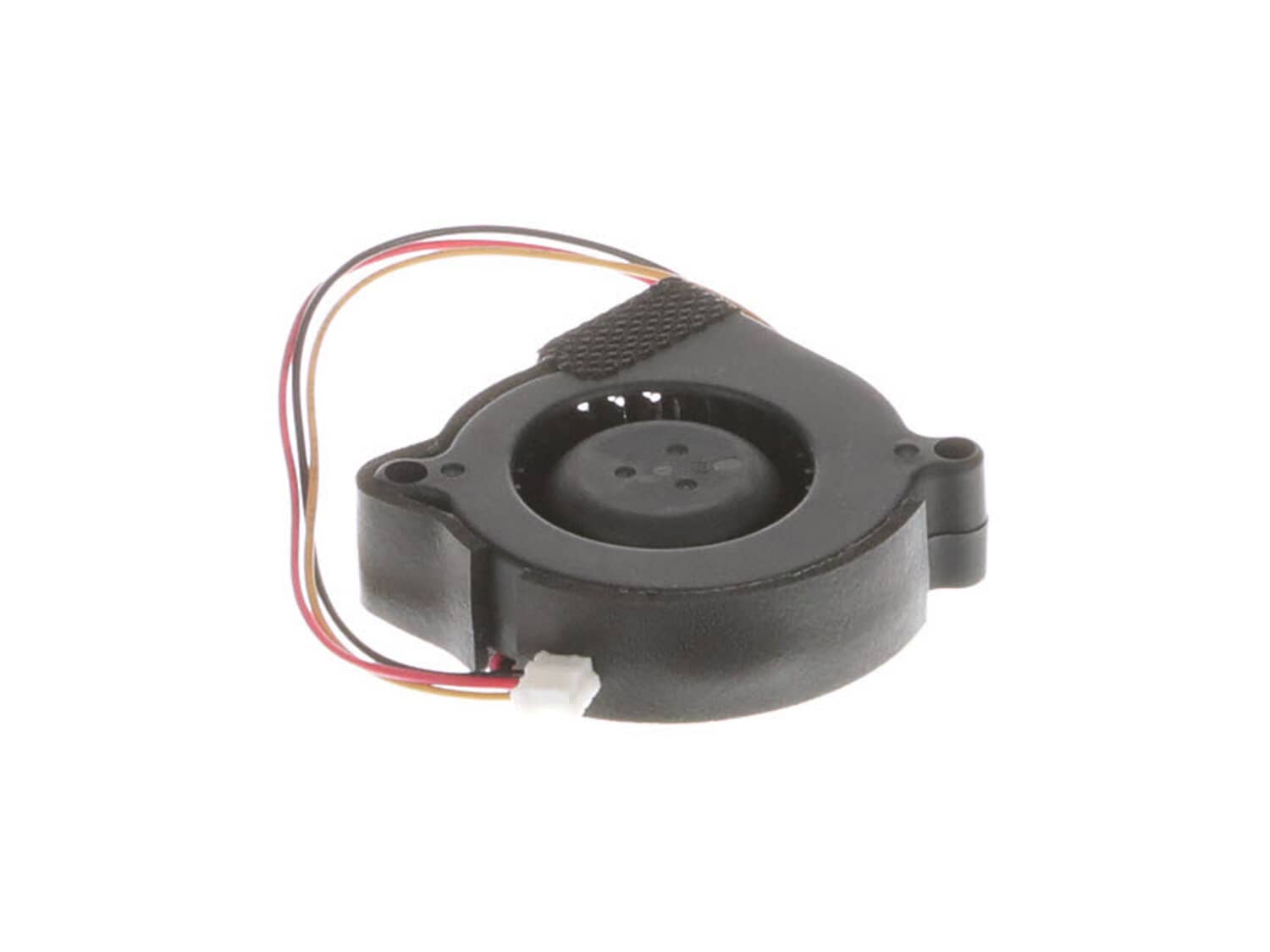
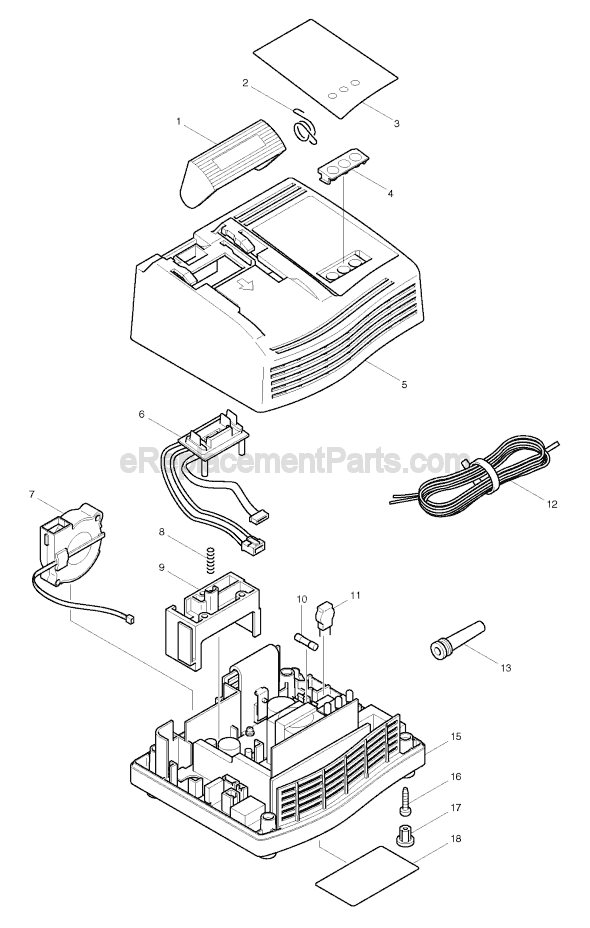
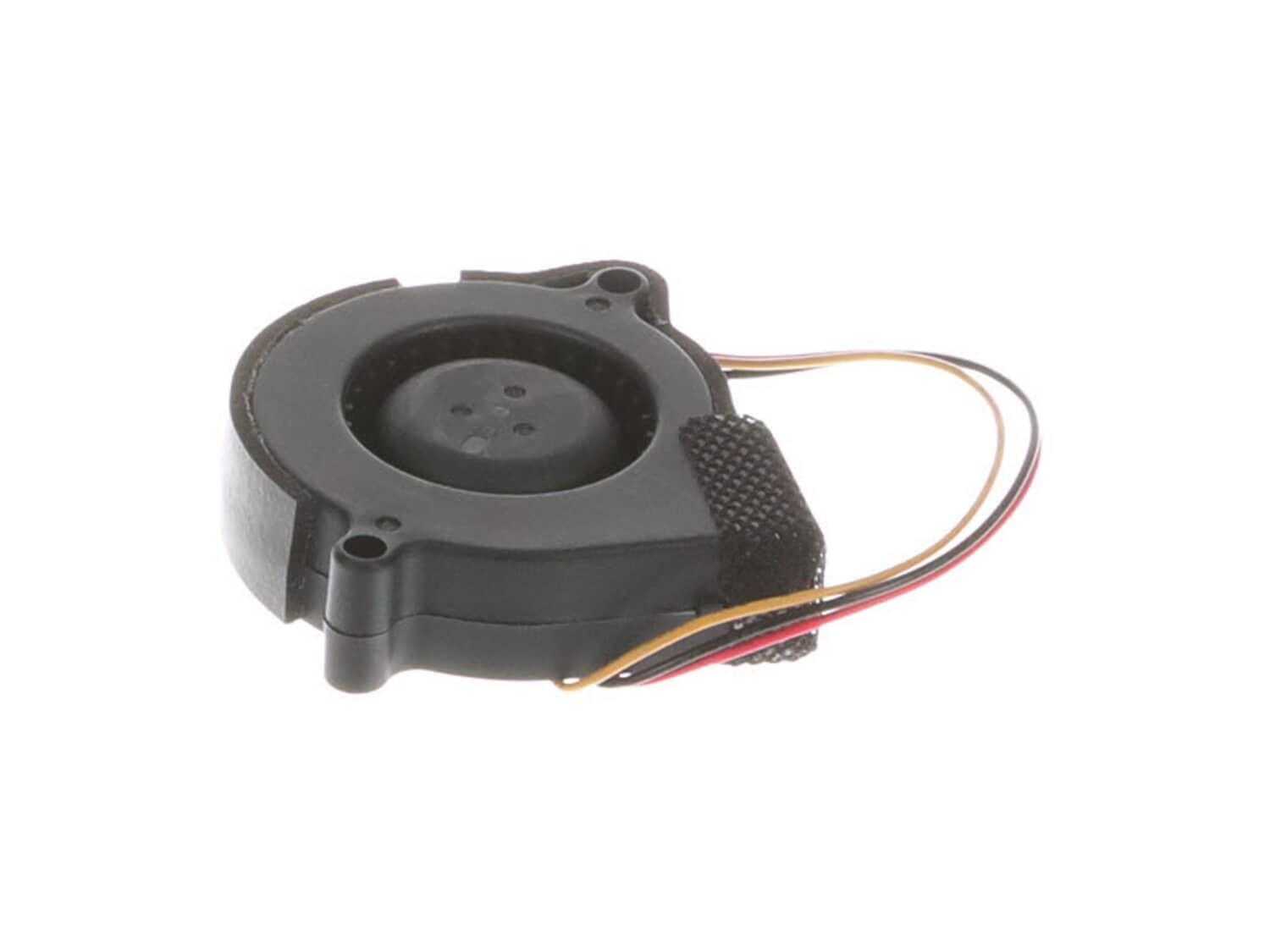
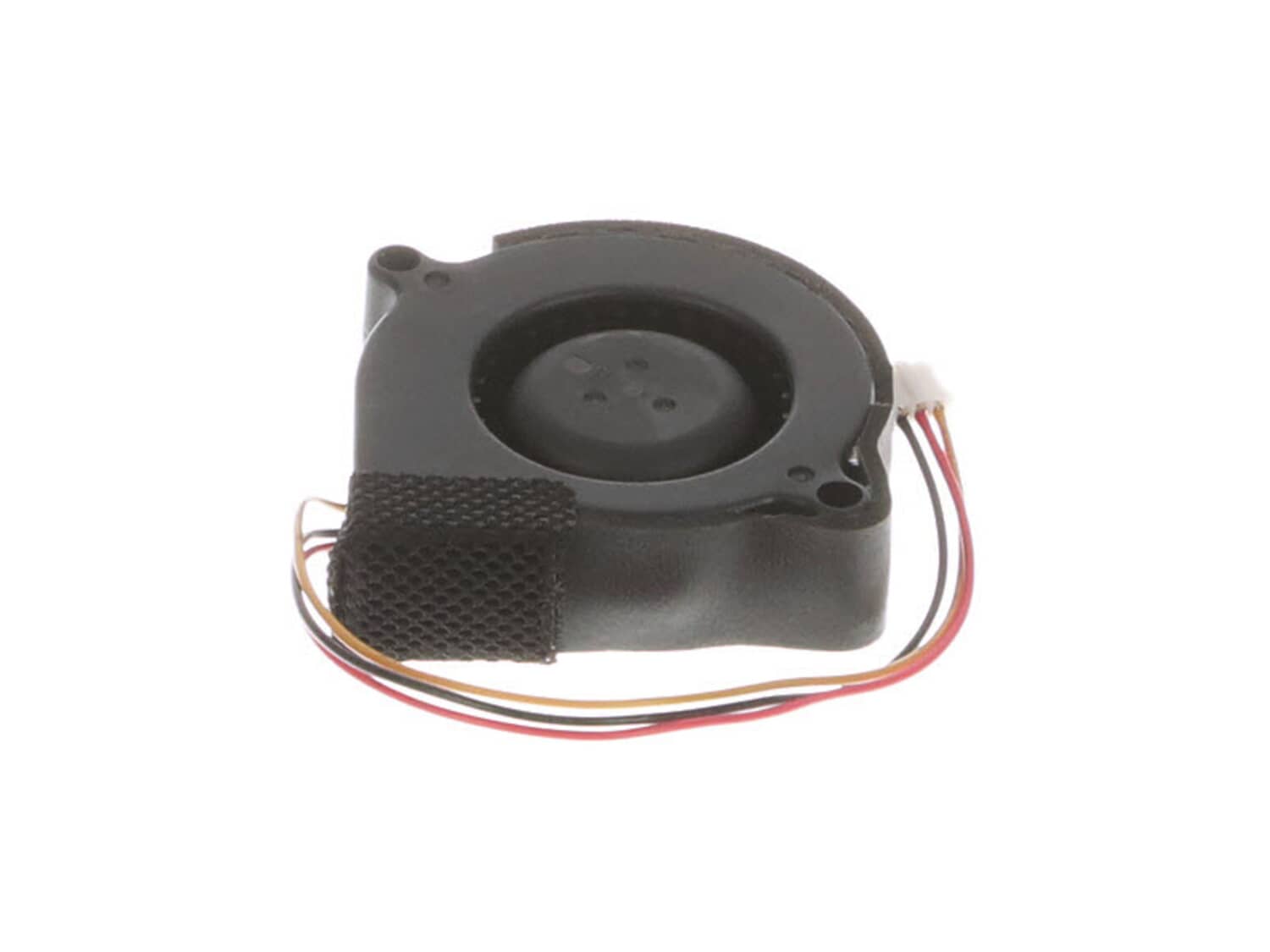
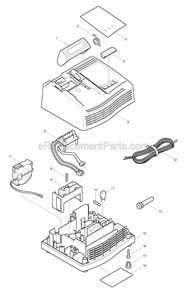
It is a high quality item that is specially produced for Makita chargers. This is an authentic OEM sourced item that helps to prevent the charger from overheating. One durable plastic scirocco fan is included per order, replacing it is a simple task that should only require a screwdriver.
Troubleshooting
This part works with the following brands:
Makita
This part works with the following products:
Charger
★
Customer Part Reviews
?
5.0
Average Rating (out of 5):
★★★★★
★★★★★
(2 Reviews)
Click to filter by ratings:
5 stars
2
4 stars
0
3 stars
0
2 stars
0
1 star
0
< Prev
1
Next >
Sort by:
Sorry, we couldn't find any existing reviews that matched. Try using some different or simpler keywords.
★★★★★
★★★★★
Fair pricing, exact replacement.
The Makita charger is now working fine.
Guest - August 5, 2019
Verified Purchase
★★★★★
★★★★★
Good part and easy to install
By replacing the part the charger work fine
Guest - July 18, 2020
Verified Purchase
Customer Repair Instructions
All our customer repair instructions are solicited directly from other customers just like you who have purchased and replaced this exact part.
Easy
Less than 15 mins
(10 rated repairs)?
< Prev
1
Next >
Sort by:
Sorry, we couldn't find any existing installation instruction that matched.
0. Unplugged unit first;
1. Removed rubber feet exposing screw heads;
2. Removed 4 phillips head screws;
3. Removed lower case carefully;
4. Pulled fan plug with needle nose;
5. Carefully removed wire from plastic wire clip;
6. Old fan pulls out;
7. Install new fan in same position as old;
... Read more8. Plug new fan in and route wires thru plastic clip;
9 Insure battery plug assembly spring and guides fit in to the posts provided;
10. Assembly is the reverse of disassembly;
11. New fan is very quiet.
1.) Open the charger. 4 screws under the rubber feet.
2.) Unplug the fan clip. ( This was very difficult and needed to be pulled with pliers.)
3.) Place the new fan into position.
4.) Weave the wire and clip gently into place.
5.) Plug in the new fan clip.
6.) Replace the 4 screws folowed by the rubber
... Read more feet.
Works good as new!
I remove the screws of the cover of the charger then
I unplug the old fan and remove it then I put the new one and plug it put the cover back with the screws and that\'s it, the charger was working perfectly.
Simply unscrew the base, remove the fan, be careful not to break the harness retainer when you are unwinding the harness on the old fan. reuse the harness clip so the new fan wires don\'t rub. Simple repair.
Did you find this story helpful?
Thank you for voting!
My Makita dc18sc charger fan would stop and the red lights would blink.
I removed the screws from the bottom, remove the green top, unplug the connector from the circuit board remove the old fan and install the new one in reversed order.
Very easy, remove the four screws at the bottom of the charger. Lift the top off. Then unplug the old fan , then plug in the new fan. And put back together. Done.
Unscrew the screws with small Philips head. Take out fan. Plug back in the new fan and screw back together. Plug in and the charge the battery. It took 3 minutes.
Did you find this story helpful?
Thank you for voting!
< Prev
1
Next >
Model Cross Reference
This part works with the following models:
ERP Number: ERP10153290
Manufacturer Part Number: 638499-5
This part is in stock in our warehouse and will ship out within 1 business day of the order being placed.
New stock is on the way! On order parts usually ship within 7 business days.
Item is not in stock and usually ships 10-15 business days from the time you place your order.
This item is no longer being made by the manufacturer, and cannot be added to your shopping cart.
✖
Mail-In Recycling Rebate
Some of the parts we sell are eligible for mail-in rebates since we can recycle them. We will display any applicable rebates in your shopping cart. To redeem your rebate, contact Customer Service after you have received your part.