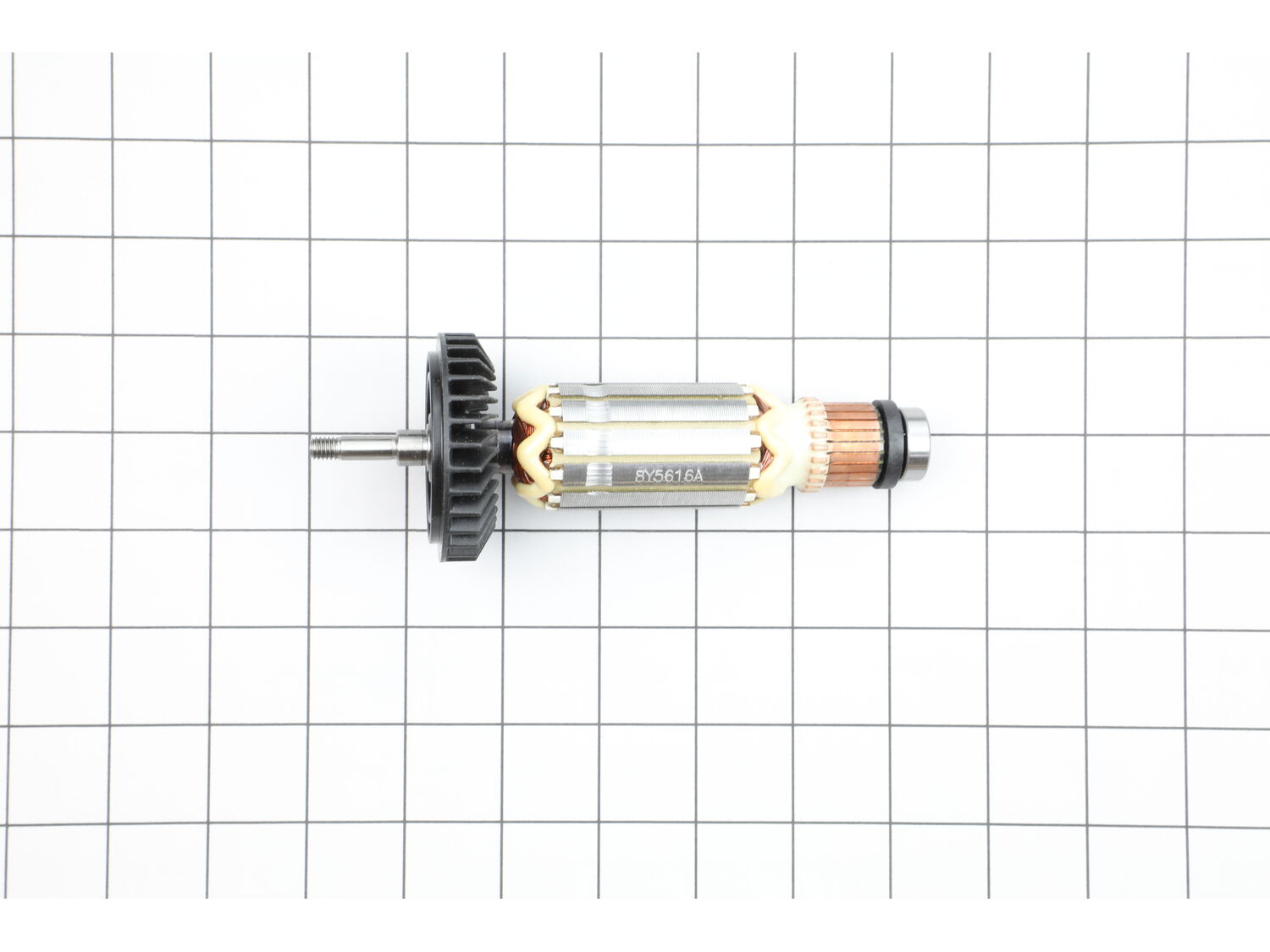
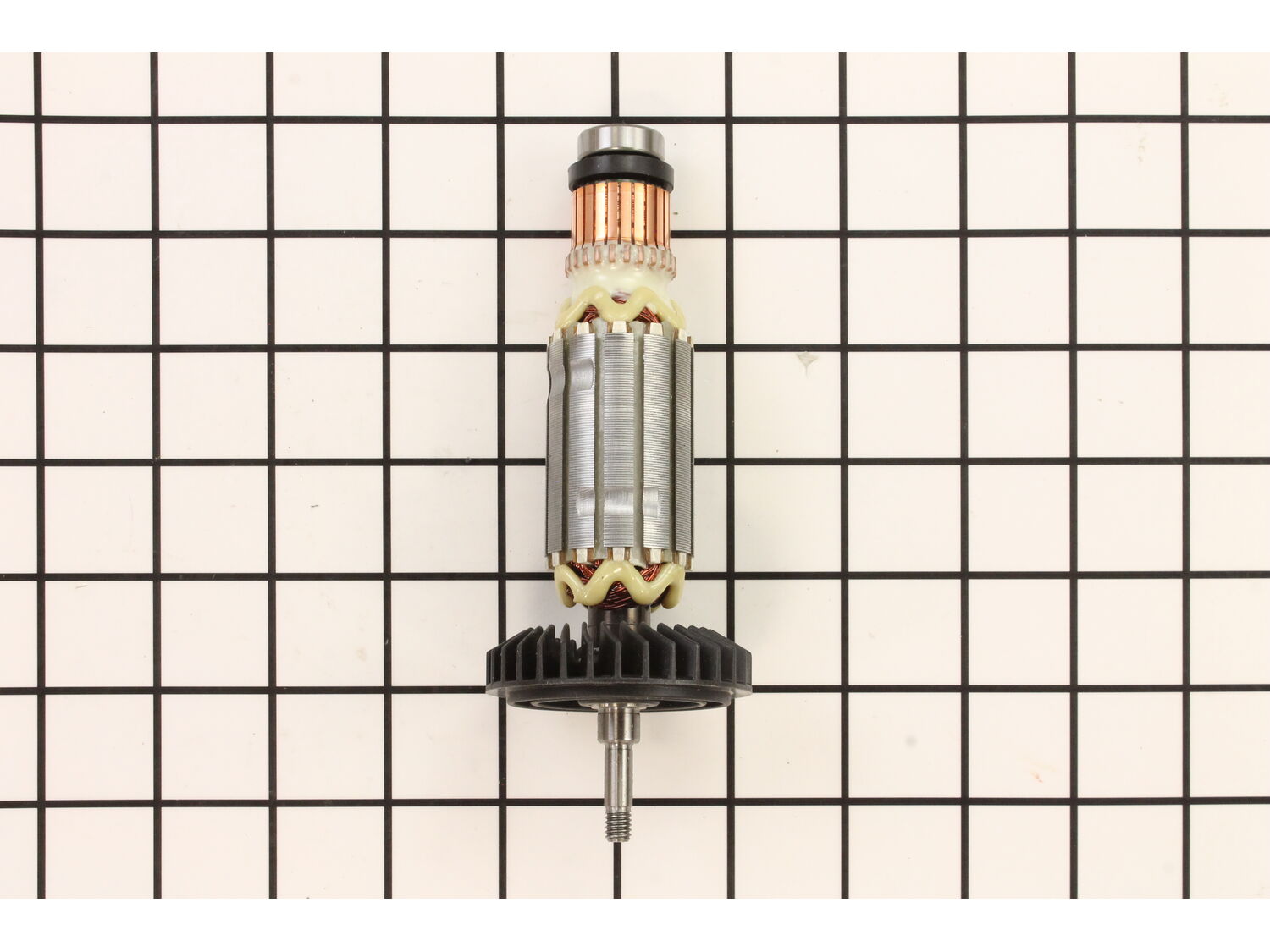
This is a genuine OEM approved replacement armature assembly which is specially designed for use with Makita angle grinders. The armature is the center component of an electric motor, over time it may wear out and begin to fail eventually requiring a replacement. This high-quality assembly is sold individually, please note it includes one durable metal armature, the plastic fan and the armature bearing.
Troubleshooting
This part works with the following brands:
Makita
This part works with the following products:
Grinder
Angle Grinder
★
Customer Part Reviews
?
5.0
Average Rating (out of 5):
★★★★★
★★★★★
(4 Reviews)
Click to filter by ratings:
5 stars
4
4 stars
0
3 stars
0
2 stars
0
1 star
0
< Prev
1
Next >
Sort by:
Sorry, we couldn't find any existing reviews that matched. Try using some different or simpler keywords.
★★★★★
★★★★★
Easy repier
Good
Guest - September 10, 2019
Verified Purchase
★★★★★
★★★★★
easy repair
in good condition arrive quicklyand working really good
Florence - December 31, 2019
Verified Purchase
★★★★★
★★★★★
Great part,good price and fast shipping.
I have a good experience shoping in your store.I find ease the parts with good prices and i like the tracking and fast shipping
Guest - July 17, 2020
Verified Purchase
★★★★★
★★★★★
Easy replacement
Installed it and works great
Guest - November 3, 2020
Verified Purchase
Customer Repair Instructions
All our customer repair instructions are solicited directly from other customers just like you who have purchased and replaced this exact part.
Easy
15 - 30 mins
(5 rated repairs)?
< Prev
1
Next >
Sort by:
Sorry, we couldn't find any existing installation instruction that matched.
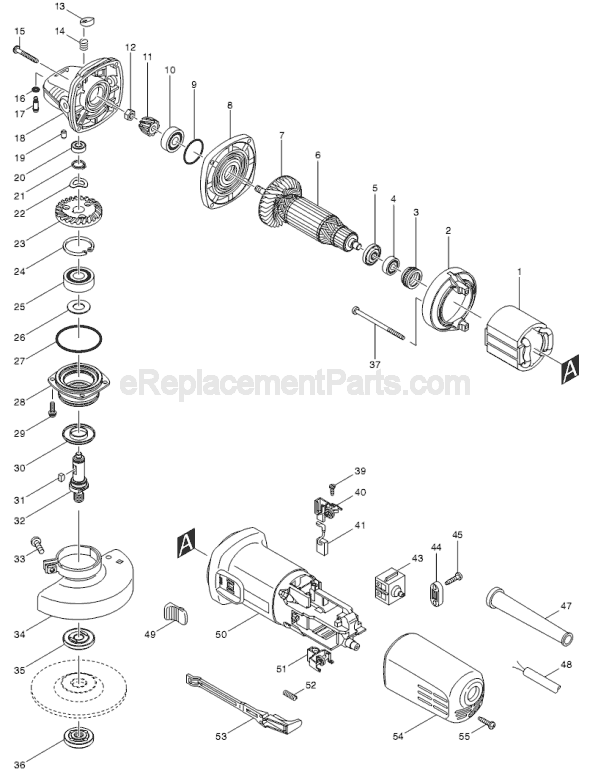
1. Noted position of all components as per the schematic provided on website.
2. Disassemble all screws to remove cover and output gear assembly.
3. With needle nose pliers carefully remove carbon brush set slip on connector. Place pressure spring to one side allowing removal of brush.
4. Pull armature out. If rubber
... Read moreretaining gasket remains in unit and doesn\'t come out with the armature and attached to the bearing, take a gasket hook removal tool and remove the grommet being careful not to damage it.
5. Place the grommet on the end bearing.
6. Insert the armature assembly with grommet into the grinder body placing the grommet into the socket inside the grinder body.
7. Attached carbon bushings into their respective positions.
8. Place pressure springs back into their correct original positions.
9. Reassemble grinder body in the reverse sequence.
10. Plug grinder in. Turn on and test.
Read less
Did you find this story helpful?
Thank you for voting!
After running the grinder too long, the motor ran slowly and noisy, heated up quickly.
1. Removed the single screw next to the cord and removed the rear cover.
2. Removed 4 screws from the gear box and remove gear box.
3. Removed or relieved the spring tension on the brushes to allow the armature to be removed.
4. Pulled the armature and the bearing plate from the front of the grinder.
5. Remove
... Read mored the nut holding the gear on the front of the armature and pulled the gear from the old armature (hand should be sufficient to pull) Support bearing and bearing plate and gently tap armature from the plate.
6. Pressed the new armature into the bearing.
7. Make sure that the fan does not hit the bearing plate.
8. Remove rubber cover from the rear bearing on the old armature and installed on the new armature. If rubber cover is not on old armature bearing, insert screw driver through brush opening and pop the rubber cover out of the housing. This will require removal of the brush carrier with two Phillips screws.
9. Push the gear onto armature shaft and reinstall and tighten the nut (10mm wrench)
10. Install the new armature into the housing (make sure brushes remain out) and reinstall the gear box with the 4 screws.
11. Reinstall the rear housing and the retaining screw.
I removed the screw from the cover along with the 4 screws up front then the 2 screws holding the field in place After i removed the cover covering the brushes i took a small needle nose plier and move the springs holding the brushes and took the field out then fitted the new parts in reverse of how i took them out
Did you find this story helpful?
Thank you for voting!
The tool was making a horrible noise and far to many sparks from the brush area/
1. Removed Grinder head assembly
2. Removed body cover.
3. Released springs on brushes and disconnected wiring from harness and brushes.
4. Removed Armature Assembly
5. Removed Field
6. reassembled in reverse order from above.
Did you find this story helpful?
Thank you for voting!
Grinder would run, but overheated, and developed no power
A new armature fixed it. Access the armature by removing the rear grinder housing ( 1 screw). It may take a little wiggling to get it off. The only \"trick\" to removing the old armature is to relieve the spring pressure on the brushes before trying to pull the armature out. The entire job took maybe 15 minutes.
Did you find this story helpful?
Thank you for voting!
< Prev
1
Next >
Model Cross Reference
This part works with the following models:
ERP Number: ERP10152227
Manufacturer Part Number: 515616-3
This part is in stock in our warehouse and will ship out within 1 business day of the order being placed.
New stock is on the way! On order parts usually ship within 7 business days.
Item is not in stock and usually ships 10-15 business days from the time you place your order.
This item is no longer being made by the manufacturer, and cannot be added to your shopping cart.
✖
Mail-In Recycling Rebate
Some of the parts we sell are eligible for mail-in rebates since we can recycle them. We will display any applicable rebates in your shopping cart. To redeem your rebate, contact Customer Service after you have received your part.