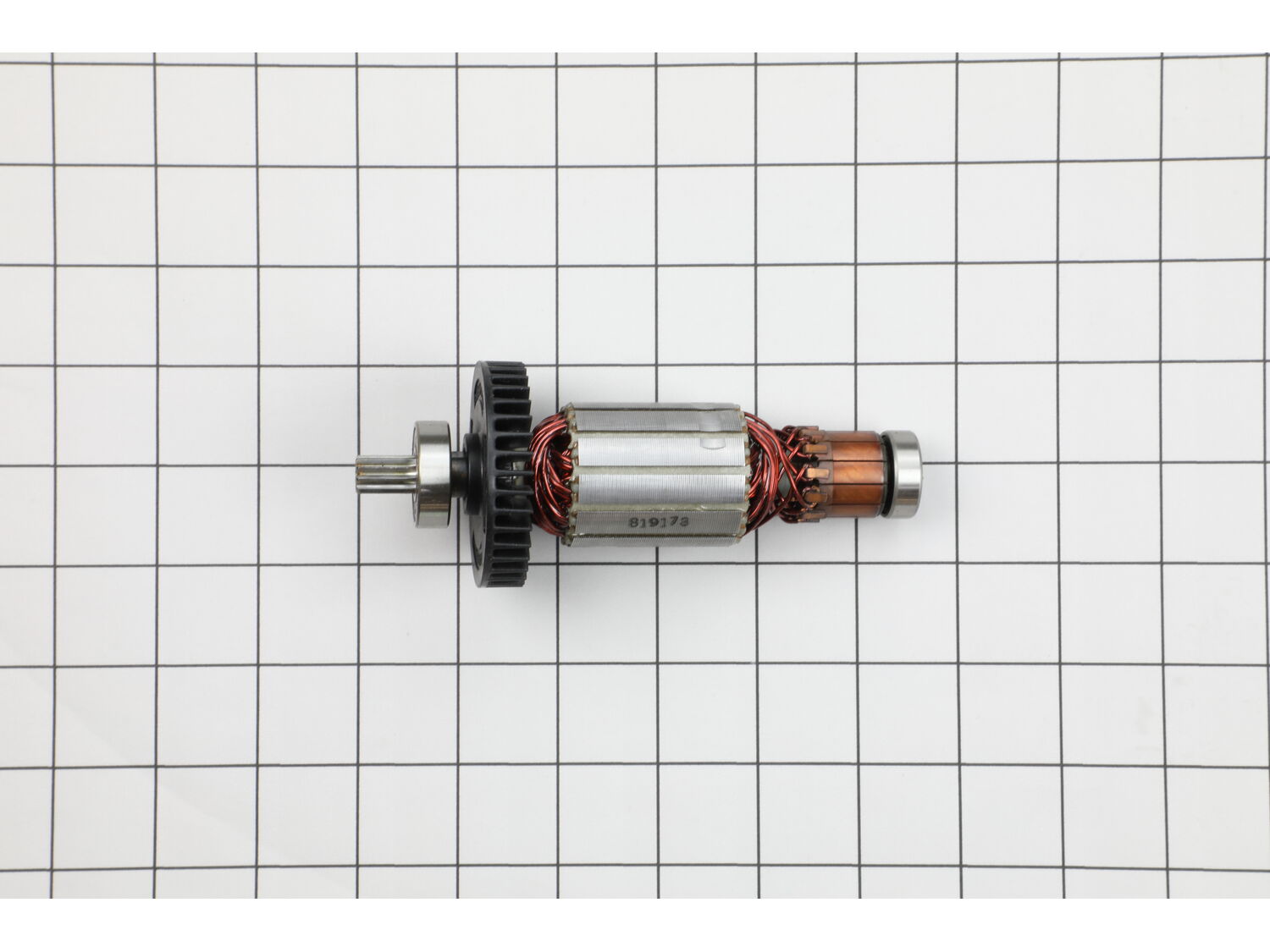
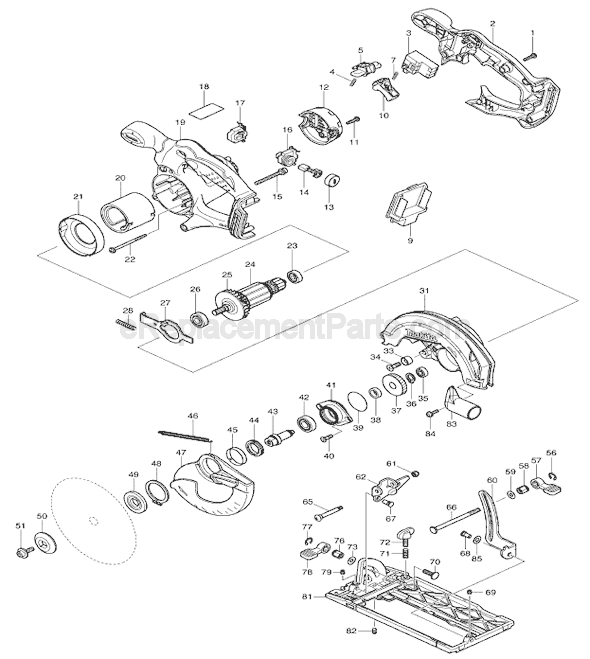
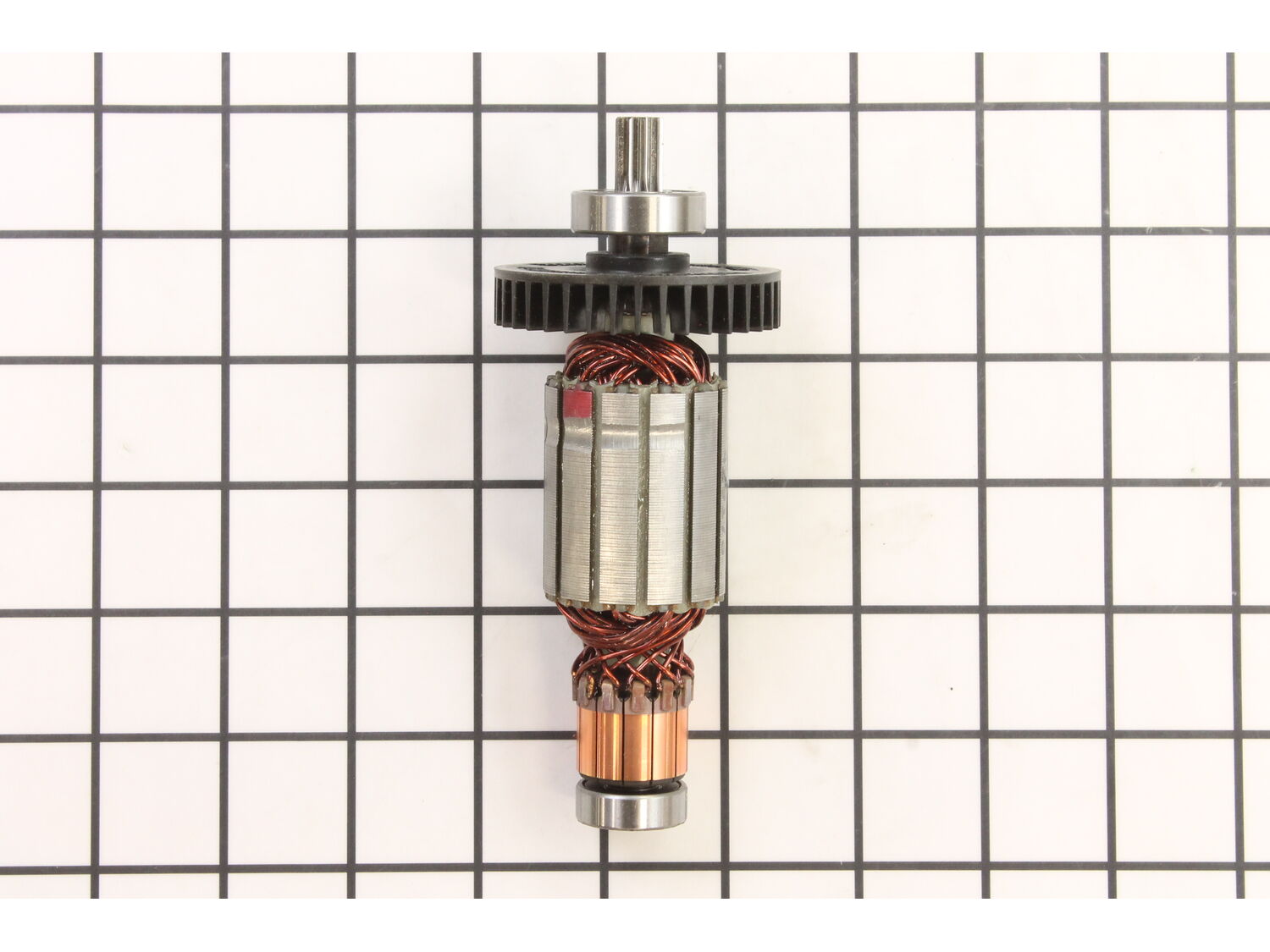
This is an original Makita replacement part. The armature is designed by the manufacturer for use in circular saws. This is a complete armature assembly, which is used in conjunction with the field to provide power to the machine. You may require a screwdriver or Allen wrench when replacing this item. This part is sold individually.
Troubleshooting
This part works with the following brands:
Makita
This part works with the following products:
Saw
Customer Repair Instructions
All our customer repair instructions are solicited directly from other customers just like you who have purchased and replaced this exact part.
A Bit Difficult
1- 2 hours
(2 rated repairs)?
< Prev
1
Next >
Sort by:
Sorry, we couldn't find any existing installation instruction that matched.
Remove the ph2 screws on the Green plastic. Also the handle to adjust blade-height. Take the Green plastic from metal housing. Loosen armature by pull it out.
1. Opened the back of the saw with brushes. Brushes were frozen and melted.
2. Using multi tool and small blade carefully cut open the brush caps and removed them. They were melted into the brush holder.
3. Realized that I would need to destroy the brush holders to get the remains of the brushes out of the unit. So I set th
... Read moree unit aside and ordered a set of brush holders.
4. Opened the saw unit as described in a video. Removed the armature. The armature maybe is ok. Replaced it anyway.
5. Carefully removed the two brush holders making sure I knew the black(negative) side and the red(positive) side. Take a picture if needed so you get the correct brush holder in the correct side of the unit.
6. Insert the new brush holders. Wire them back to where the old ones were attached.
7. Insert the new armature unit.
8. Close up the unit and put the cap back on the brush side of the unit.
9. Insert the new brushes. Pay attention to the curvature to align it with armature correctly. Should only got into holder one way(rectangular in shape).
10. Screw on the brushes cap. Rotate the blade by hand (no battery in unit) and make sure blade turns freely. If not, check your brushes to make sure they are correctly inserted.
11. Put a battery in the unit and try it out.
Read less
Did you find this story helpful?
Thank you for voting!
< Prev
1
Next >
Model Cross Reference
This part works with the following models:
ERP Number: ERP10152114
Manufacturer Part Number: 510095-0
This part is in stock in our warehouse and will ship out within 1 business day of the order being placed.
New stock is on the way! On order parts usually ship within 7 business days.
Item is not in stock and usually ships 10-15 business days from the time you place your order.
This item is no longer being made by the manufacturer, and cannot be added to your shopping cart.
✖
Mail-In Recycling Rebate
Some of the parts we sell are eligible for mail-in rebates since we can recycle them. We will display any applicable rebates in your shopping cart. To redeem your rebate, contact Customer Service after you have received your part.