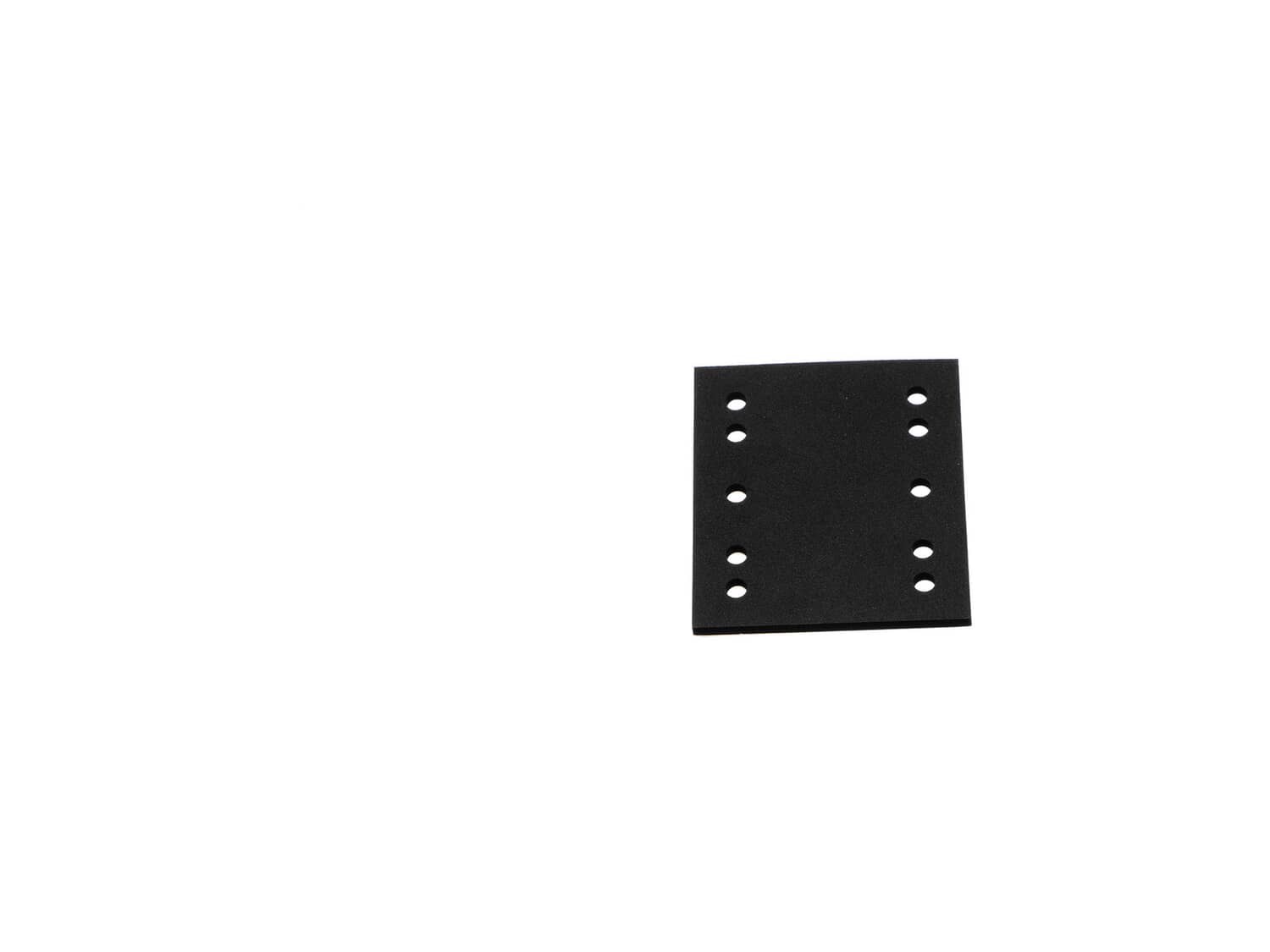
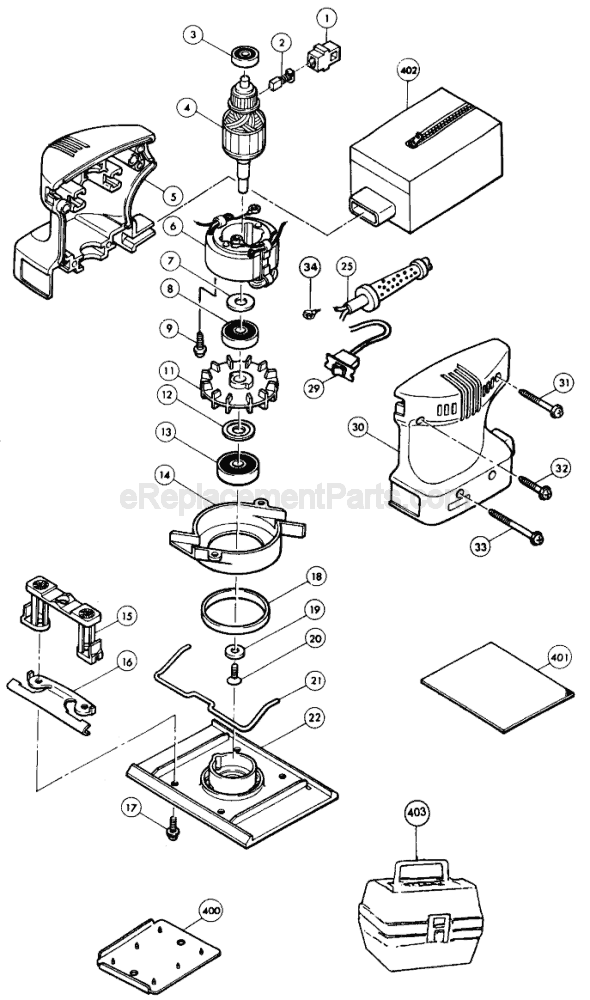
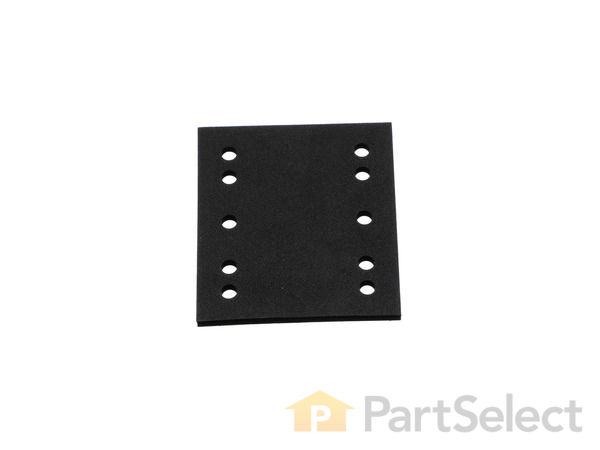
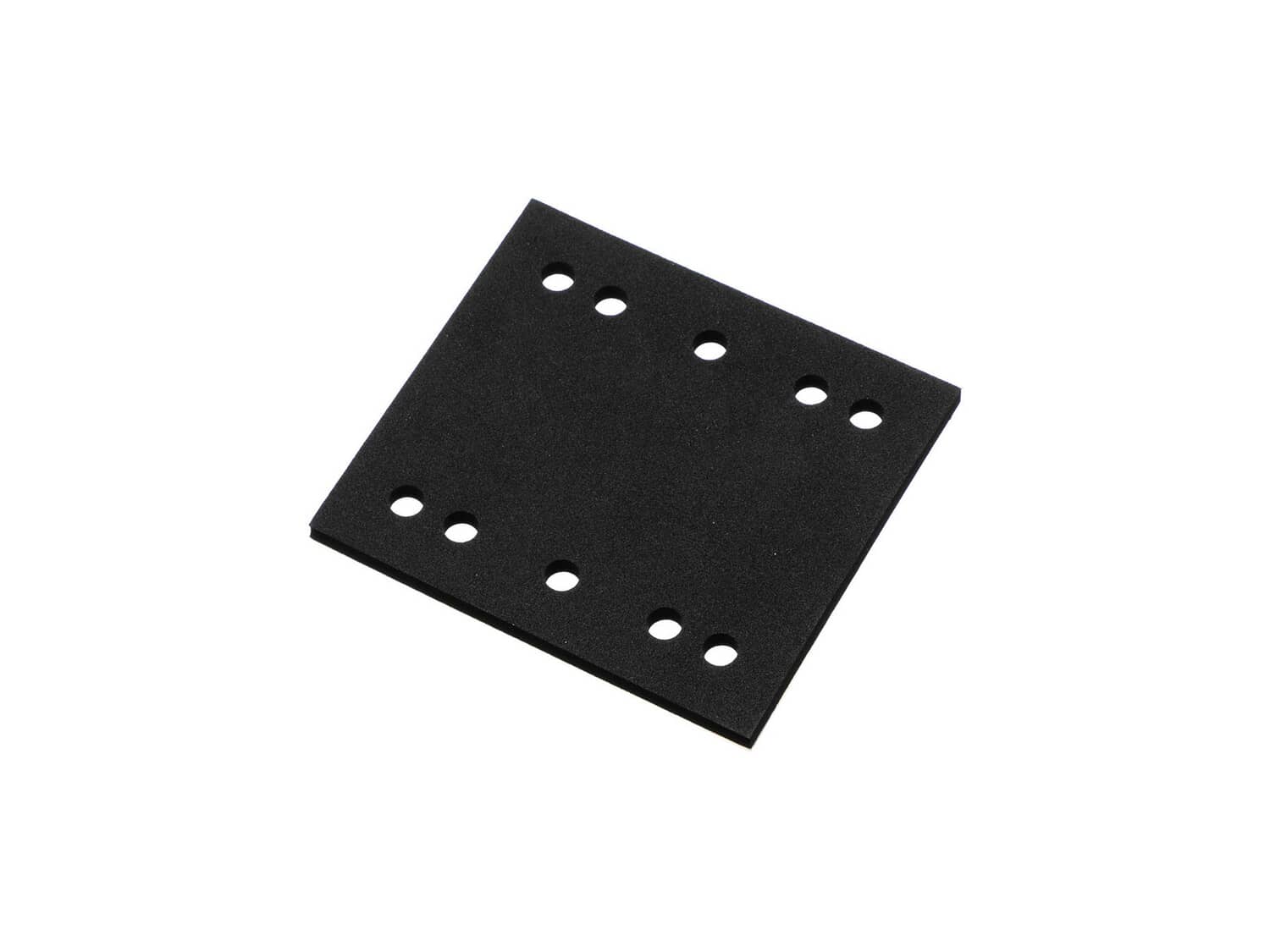
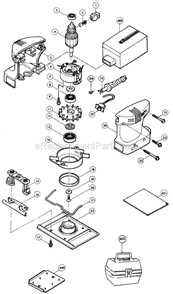
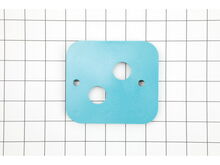
This is a genuine Makita replacement part, it is sold individually. The 423142-7 Sponge pad can be used on either of the tools below. If you would like to use this pad rather then the Hook and Loop or Felt pad, you can peel those pads off of the base and adhere the sponge pad to the base.
Sorry, we couldn't find any existing reviews that matched. Try using some different or simpler keywords.
★★★★★
★★★★★
sander pad
The part arrived quickly and it fit just fine. My sander is sanding like a new one. thanks
Guest - April 29, 2019
Verified Purchase
★★★★★
★★★★★
Perfect replacement part!
So great to find this inexpensive rubber sponge replacement to my palm sander! Otherwise would have to throw away a perfect sander. Efficient web page and arrived fast !
Guest - May 1, 2019
Verified Purchase
★★★★★
★★★★★
Fast and easy parts
Parts ordered were exactly what was needed
Guest - May 6, 2019
Verified Purchase
★★★★★
★★★★★
Sander pad.
Fast service. Part as described. No problems.
Guest - May 16, 2019
Verified Purchase
★★★★★
★★★★★
Very easy repair
The part worked perfect I feel like I have a new sander now
Ronnie - May 22, 2019
Verified Purchase
★★★★★
★★★★★
Simple Repair
Perfect replacement
Guest - May 27, 2019
Verified Purchase
★★★★★
★★★★★
worked great
arrived quickly and fit perfect
Guest - June 27, 2019
Verified Purchase
★★★★★
★★★★★
Works as expected
Replaced my old worn out felt pad. Perfect match!
Ken - August 7, 2019
Verified Purchase
★★★★★
★★★★★
Fits perfect!
Just like the one that was on there but better, (cause it's new).
Guest - August 7, 2019
Verified Purchase
★★★★★
★★★★★
Great item
It was shipped quickly and fit my sander. It was a great price compared to other retailers.
Guest - September 30, 2019
Verified Purchase
< Prev
1
2
3
Next >
Customer Repair Instructions
All our customer repair instructions are solicited directly from other customers just like you who have purchased and replaced this exact part.
Easy
Less than 15 mins
(46 rated repairs)?
< Prev
1
2
3
Next >
Sort by:
Sorry, we couldn't find any existing installation instruction that matched.
1. Removed 4 holding screws.
2. Cleaned old base and reapplied screws.
3. Installed new rubber base on old discontinued model.
(Actually, only tool needed was a scraper. The pad is self stick & not retained by the screws)
Was not even sure this part was still available (30 yr. old) sander. Wish I had known how easy and quick it was to get the part-would have done this years ago.
Did you find this story helpful?
Thank you for voting!
Rubber pad reduced to size (through usage) that allowed paper to incorrectly position during use.
Removed 4 phillips head screws from base, which turned out to be unnecessary. Replacement of rubber pad requires only removal of old pad remnants, cleaning of metal plate with chisel, sandpaper and/or steel wool, aligning new rubber pad, remove paper on new pad to expose adhesive surface, align new rubber pad, (note phillips head screw p
... Read moreositions for proper alignment, the screws must show) and place pad on steel plate. Place sander on bench and if available place weight on top of sander to apply pressure for adhesion. Done!
1. Removed the old self stick pad.
2. Unscrewed the base plate
3. Disassembled the hold down clampers.
4. Blew out the dust.
5. Installed new clampers and base plate.
6. Install new sponge rubber pad.
It\'s a square pad. Remove 4 recessed screws from bottom. Lift off worn part. Install sandpaper hold down clips on new pad. Align new pad/backing plate on sander, tighten 4 screws. Attach sandpaper and get back to work. I replaced it with the felt pad/backing plate assembly, but also ordered the self adhesive sponge rubber pad only to hav
... Read moree as a backup replacement.
1 X Sander Pad - Felt (Includes Felt and Backing Plate) (151427-8)
1 X Sponge Rubber (423142-7)
1. Removed 4 screws
2. Popped off the sanding base plate
3. Used a heavy scraper to remove old sponge rubber base, and clean it up
4. Stuck the new sponge rubber pad on
5. Popped the base back on making sure the sand paper retainer mechanisms were in alignment
6. Reinstalled 4 screws
1. Remove old pad by pulling it off... It is on with adhesive... Now hard at all to do...
2. Clean old adhesive from sander...
3. Stick new pad on and if you have it place some kind of weight on it... I let mine sit overnight...
Did you find this story helpful?
Thank you for voting!
Sponge was old and deteriorated, needed a new replacement
Slowly peel off the damage sponge
Scrape any residue with a paint scraper
Clean the metal plate
Remove the paper from the new sponge
Center the sponge into the sander bottom
Applied the sponge and squeeze it against the floor
So that it adhere properly at all sides
Did you find this story helpful?
Thank you for voting!
Inherited Makita 4550 Sander - pad \"rubber sponge\" was damaged
1. Pealed off old pad.
2. Used 90% isopropyl to clean plastic plate.
3. Align and adhere replacement pad.
---
While I had the pad off, I decided to removed the plastic plate and clean the motor & chassis with compressed air. Not required for the pad replacement, but since I was servicing the sander, spent another
... Read more30 minutes for a thorough cleaning.
Read less
Did you find this story helpful?
Thank you for voting!
< Prev
1
2
3
Next >
Model Cross Reference
This part works with the following models:
ERP Number: ERP10151306
Manufacturer Part Number: 423142-7
This part is in stock in our warehouse and will ship out within 1 business day of the order being placed.
New stock is on the way! On order parts usually ship within 7 business days.
Item is not in stock and usually ships 10-15 business days from the time you place your order.
This item is no longer being made by the manufacturer, and cannot be added to your shopping cart.
✖
Mail-In Recycling Rebate
Some of the parts we sell are eligible for mail-in rebates since we can recycle them. We will display any applicable rebates in your shopping cart. To redeem your rebate, contact Customer Service after you have received your part.