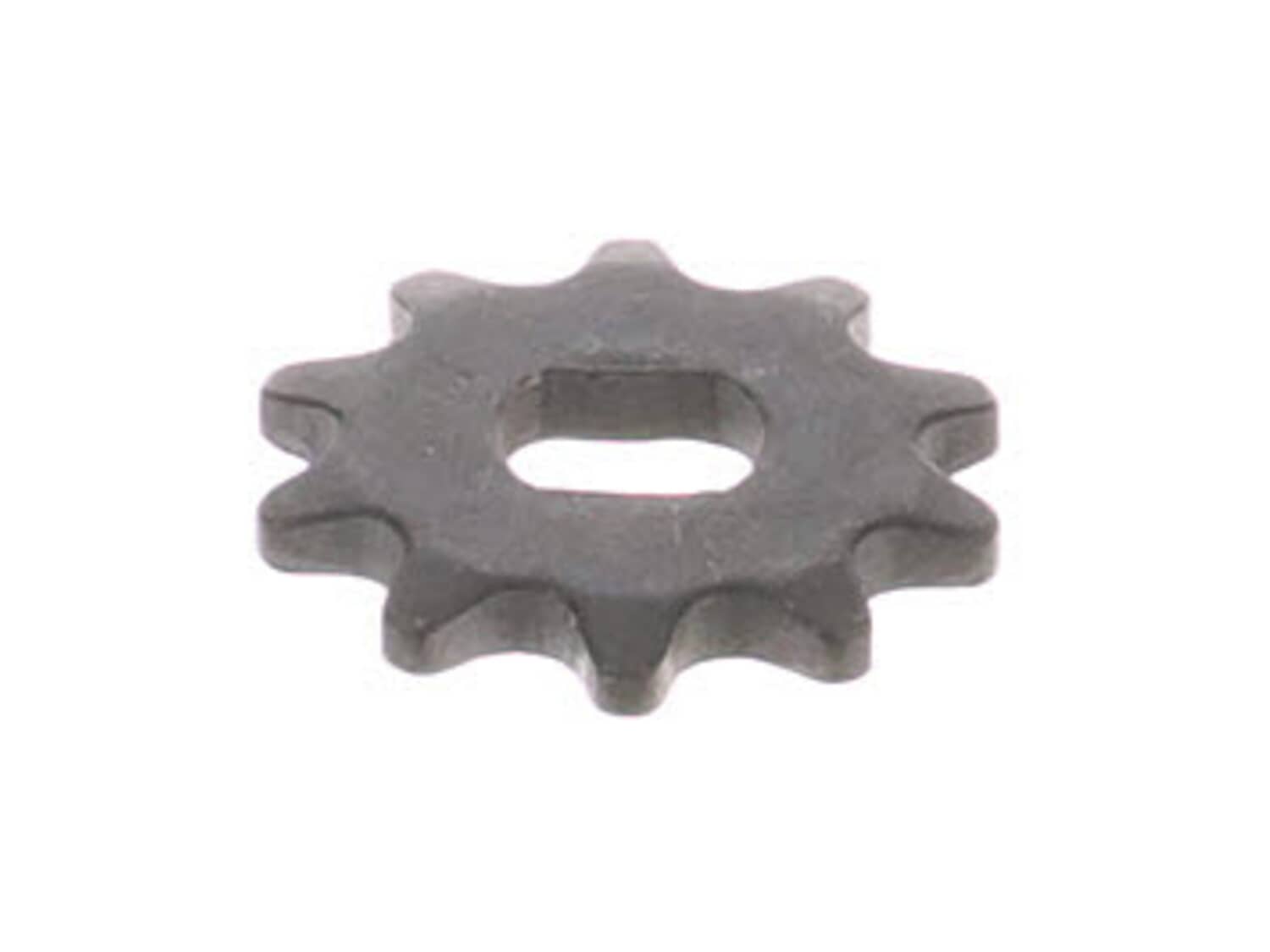
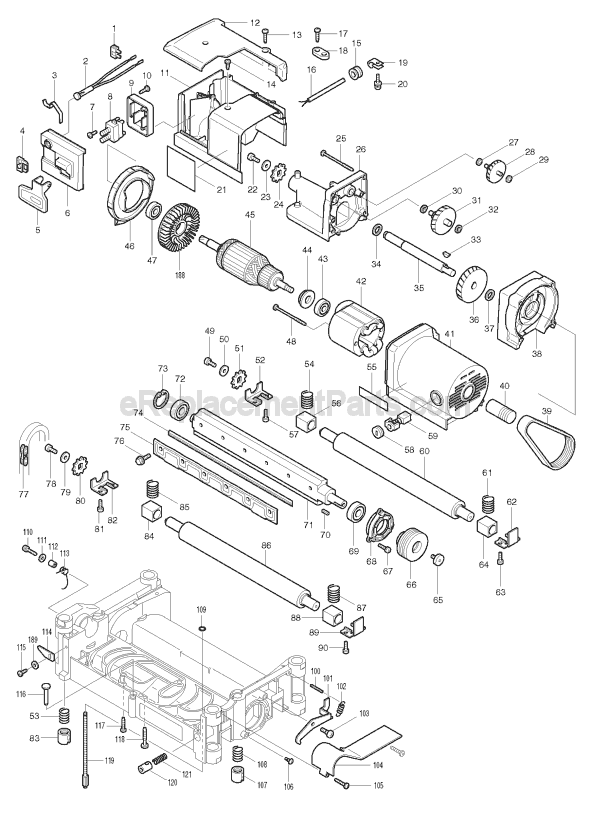
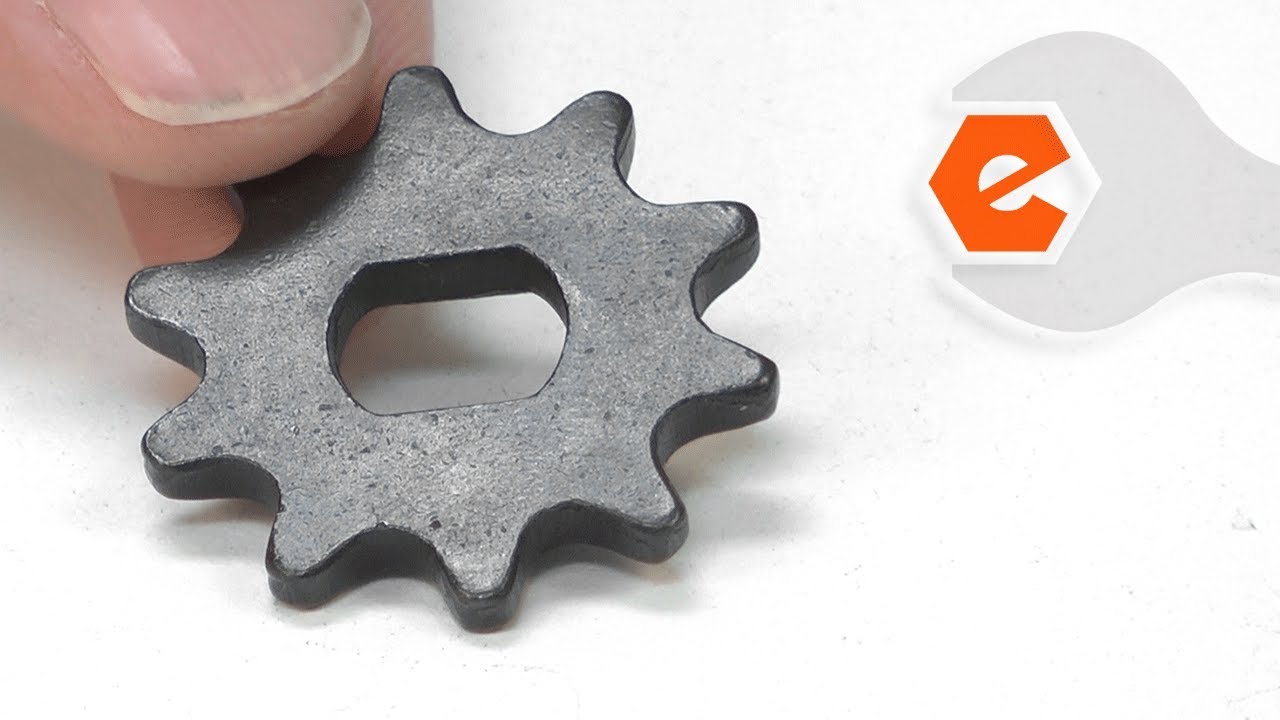
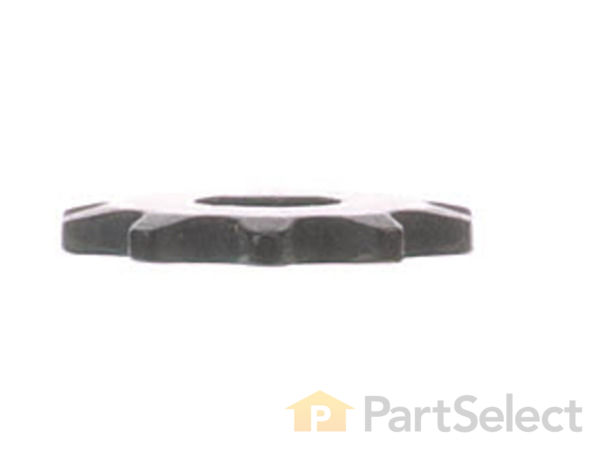
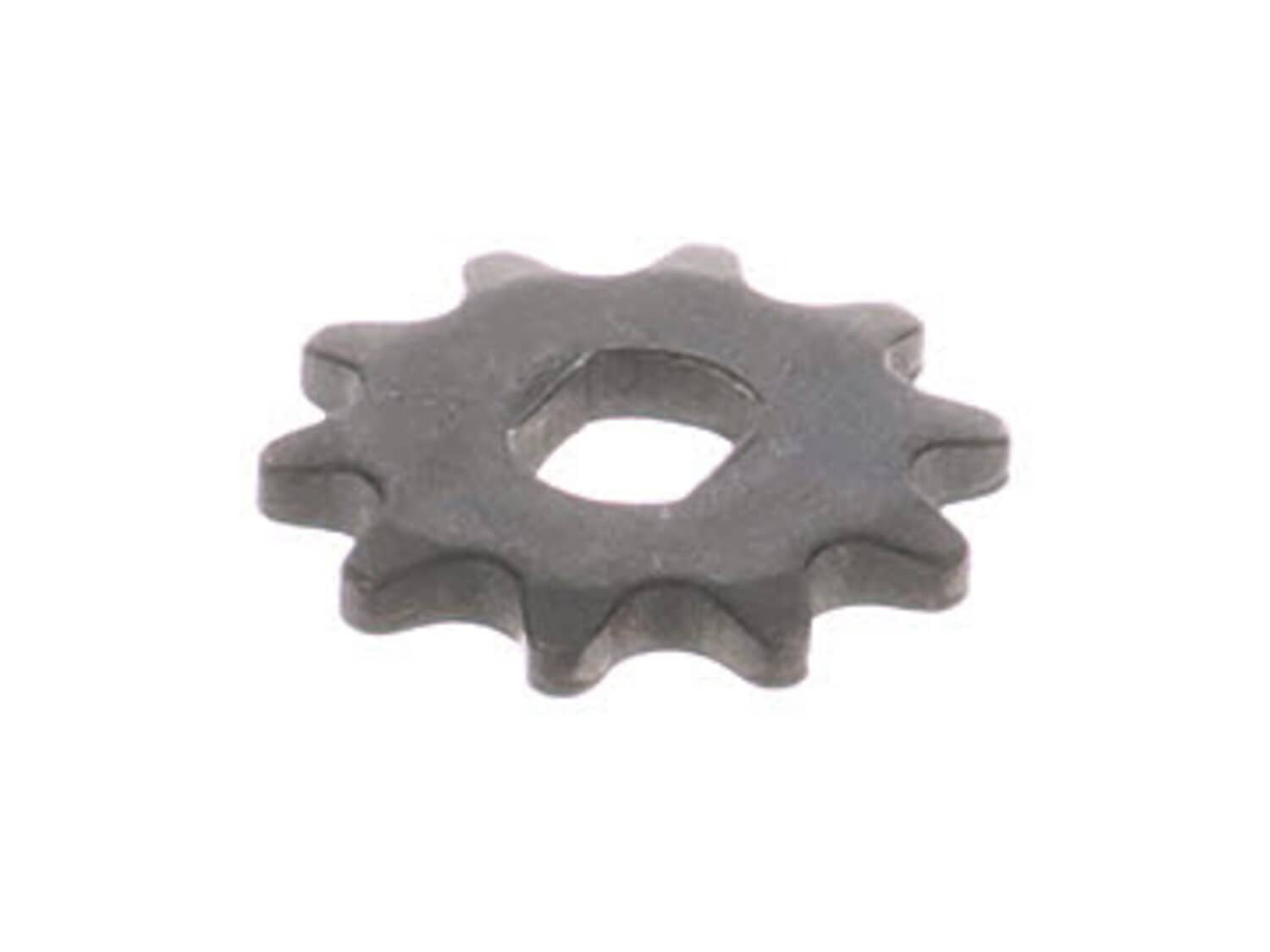
This is a ten (10) pin sprocket assembled by original manufacturer. It is used in some Makita planers. Sprockets engage gears and/or chains. These parts are designed to be replaced fairly often due to wear and tear from regular use. Sold individually.
1. Removed the side panel that covers the drive chain.
2. Removed the spring that holds the drive chain snug against the sprockets.
3. Un-did the hex nut and removed a damaged drive shaft sprocket that turns the feed
rollers.
4. Installed the replacement sprocket and re-tightened the hex nut.
5. Re
... Read more-attached the drive chain spring and the side panel.
*** When I described the problem on the eReplacement web site, the top suggested repair
was to replace a sprocket. This suggestion was exactly correct.
Removed left side cover...undid chain tightner screw....undid center screw holding gear
replace gear with Locktite Red on the screw threads...replaced chain tightner....Reattached left side cover.....
Disconnect power! And even off, the blades are very sharp, and will slice your fingers very easily. Keep your fingers away.
1. Remove the side cover
2. Notice the sprocket on the motor is stripped, and the bolt is loose. Poor assembly, or teenagers pushing the feed too much? Can\'t tell.
3. Remove the bad sprocket
... Read more with an allen wrench.
4. Remove the sprocket farthest from the motor. This turned out to be the easiest way to get the chain back on, for me.
5. Install the new sprocket on the motor spindle, and wrap with the chain, around the tensioner.
6. Re-install the feed sprocket, moving the feed roller as necessary to align the spindle key with the sprocket (which is constrained by the chain).
7. Turn on the planer and make sure everything is lined up and the feed rollers are moving nicely.
8. Replace the cover
Read less
Did you find this story helpful?
Thank you for voting!
< Prev
1
Next >
Model Cross Reference
This part works with the following models:
ERP Number: ERP10142171
Manufacturer Part Number: 221525-3
This part is in stock in our warehouse and will ship out within 1 business day of the order being placed.
New stock is on the way! On order parts usually ship within 7 business days.
Item is not in stock and usually ships 10-15 business days from the time you place your order.
This item is no longer being made by the manufacturer, and cannot be added to your shopping cart.
✖
Mail-In Recycling Rebate
Some of the parts we sell are eligible for mail-in rebates since we can recycle them. We will display any applicable rebates in your shopping cart. To redeem your rebate, contact Customer Service after you have received your part.