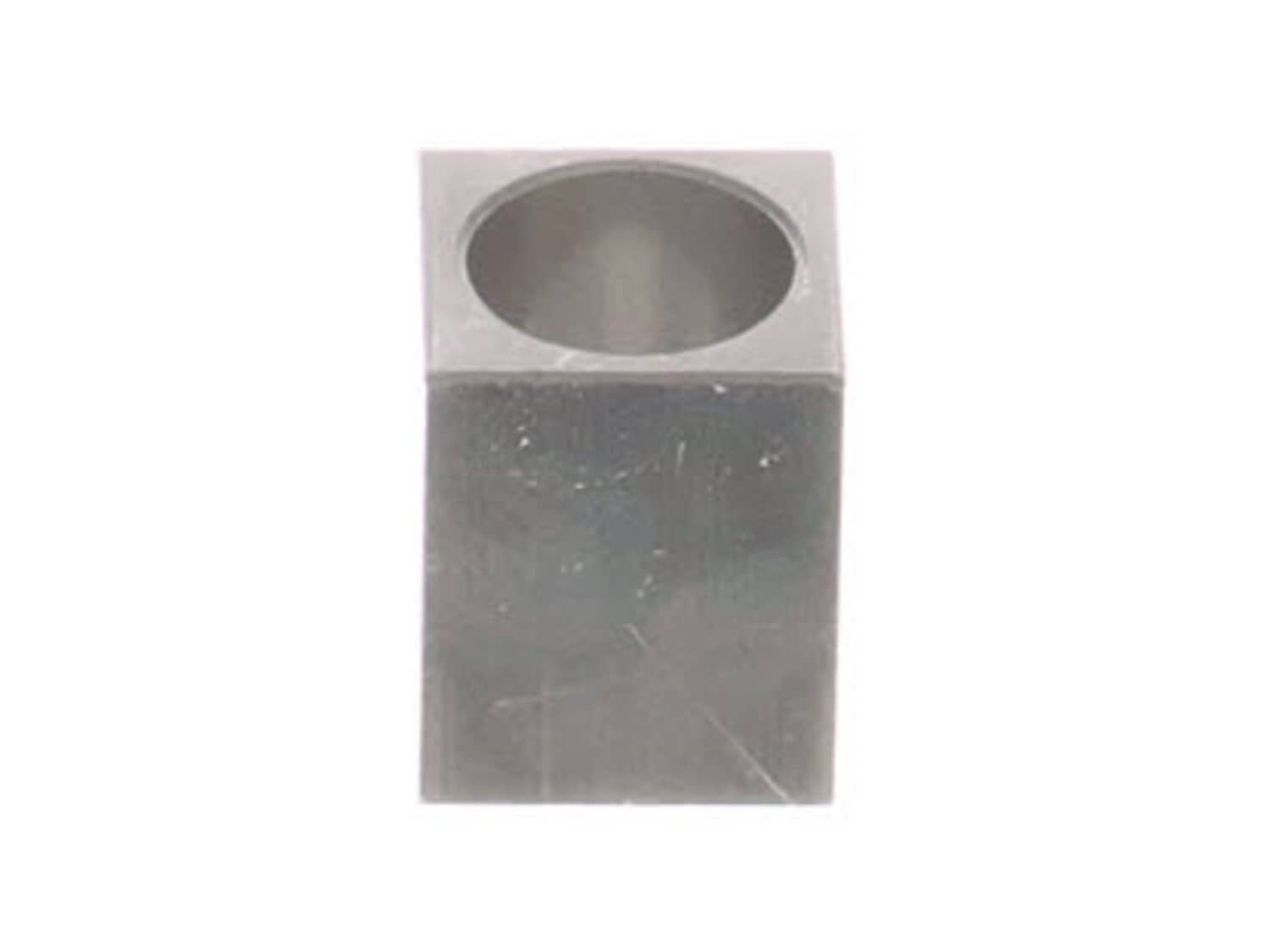
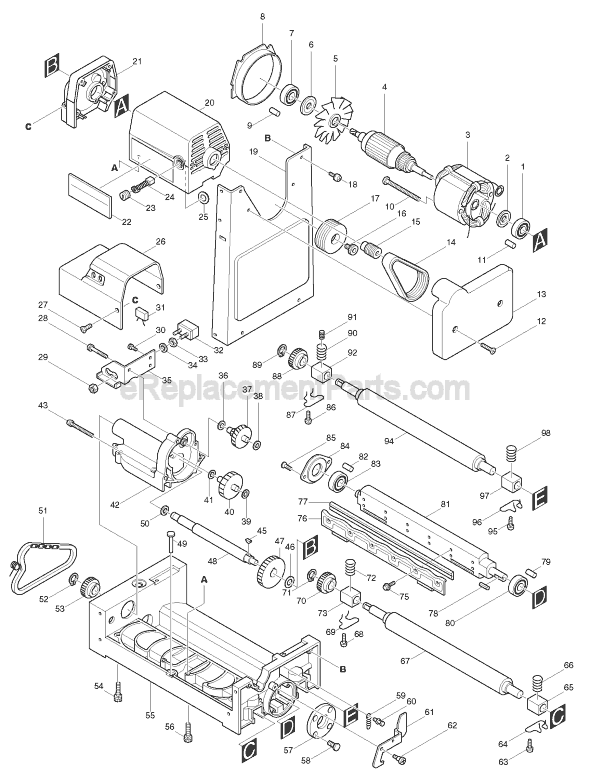
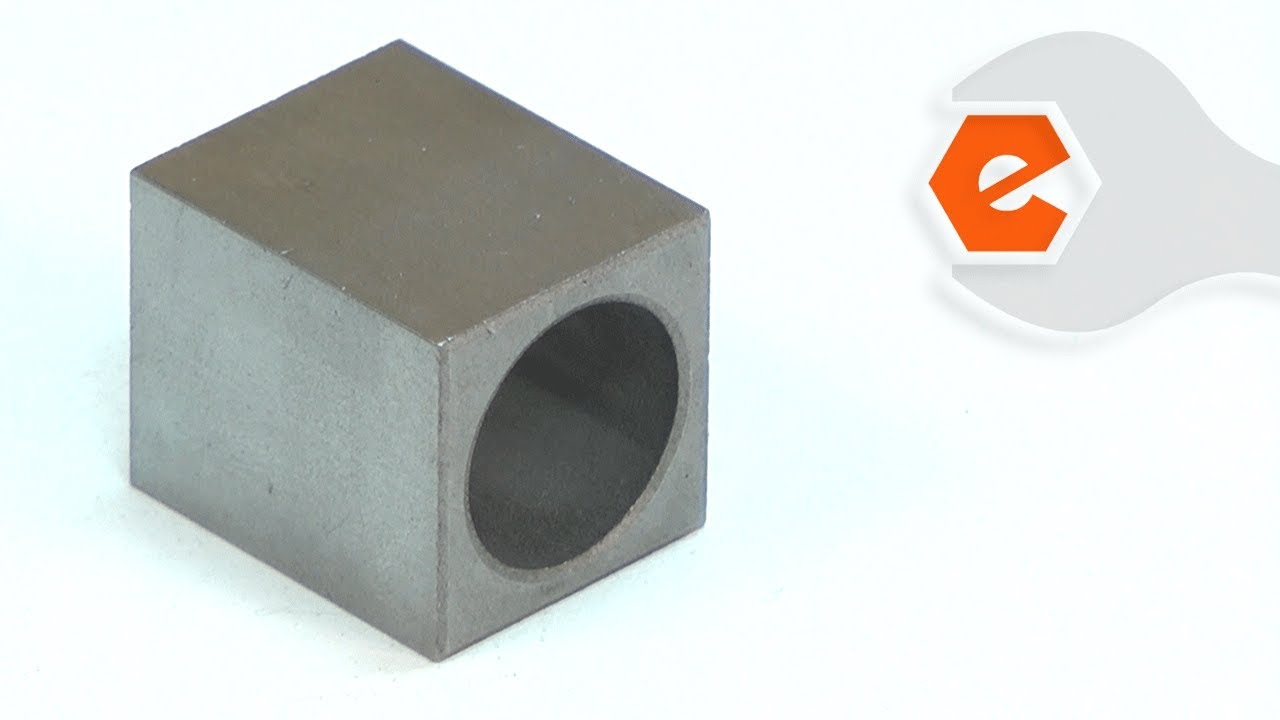
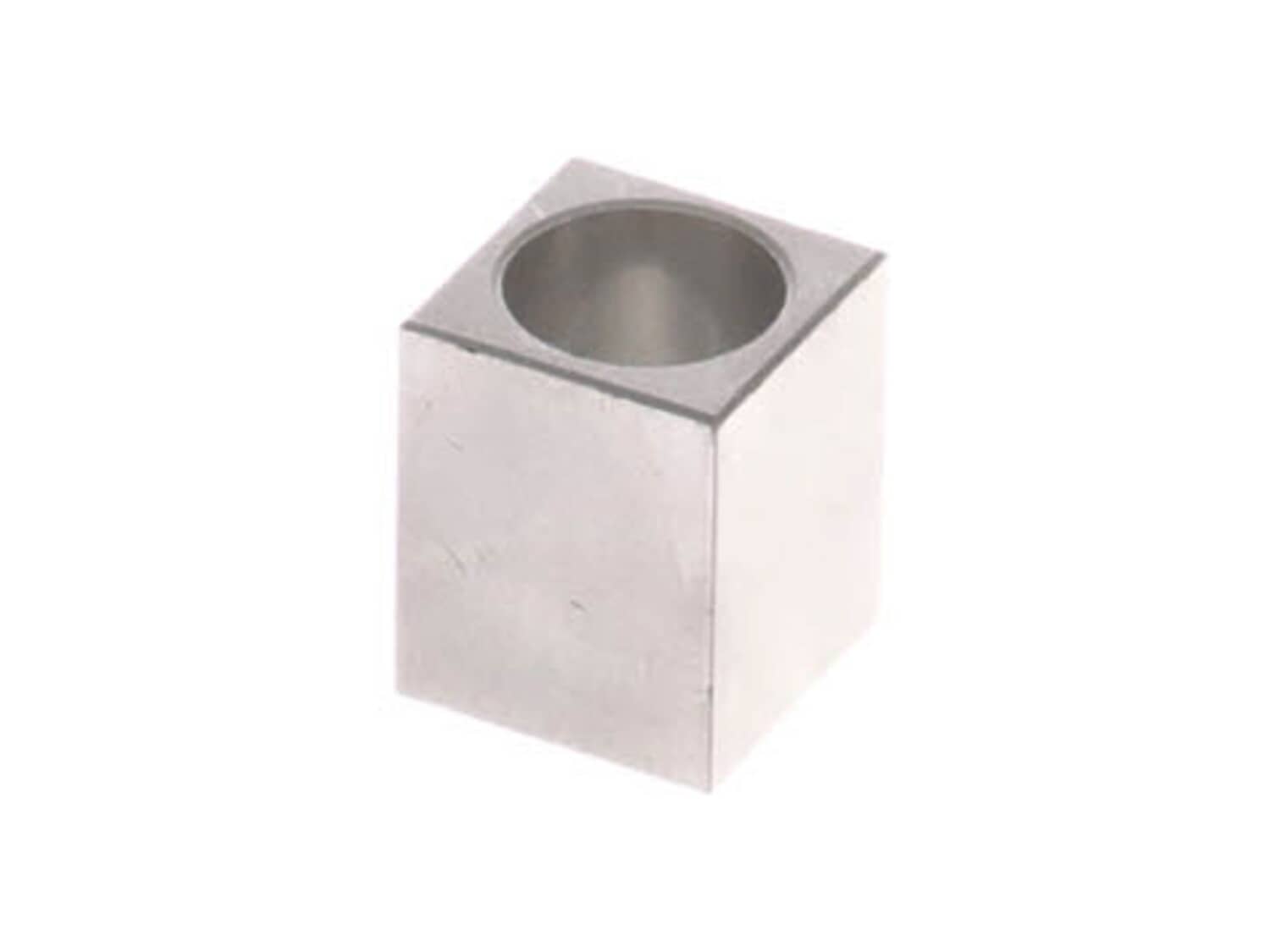
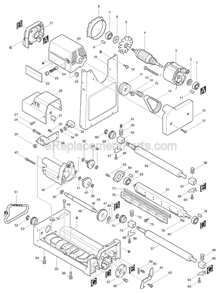
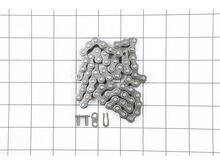
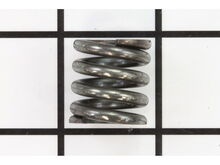
This is an Authentic OEM Approved replacement part designed for use with Makita Planers/Jointers. This part is made out of Metal and it is Sold Separately. This part helps to secure the Roller and allows it to spin smoothly. To replace this part you would need Retaining Ring Pliers, Screwdriver and a Set of Wrenches.
Sorry, we couldn't find any existing reviews that matched. Try using some different or simpler keywords.
★★★★★
★★★★★
Bearing
Works fine - good fit
Guest - November 26, 2019
Verified Purchase
★★★★★
★★★★★
What it said it was
Well seized my feed roller on my planer, of course I thought I killed it. Turned out I just needed a bearing and a roller. They had it in stock and shipped out the next day. Back in business in my hobby wood shop. Thanks
Guest - January 12, 2022
Verified Purchase
★★★★★
★★★★★
Very satisfied
The bearing was a very simple part, however, it made a huge difference on my planer. The bearing was on the outfeed side and it was causing the wood to skip and then have feeding problems.
Charles - April 12, 2022
Verified Purchase
Customer Repair Instructions
All our customer repair instructions are solicited directly from other customers just like you who have purchased and replaced this exact part.
A Bit Difficult
1- 2 hours
(12 rated repairs)?
< Prev
1
2
Next >
Sort by:
Sorry, we couldn't find any existing installation instruction that matched.
Sprocket broke, shaft on main drive roller broke, plane bearing worn through, and metal cover S broke.
Removed old roller, bearing, sprocket, and metal cover, that holds the roller in place, and replaced them with new ones. I used a car jack to hold the roller in place while I put the springs, bearings and roller back in place. Then I replace the sprocket, oiled the chain and clean everything. It is working great. This is a Makita 15 inch
... Read moremodel 2040 planer. The new sprocket was hard to get back on. I had to do some minor filing. Using the car jack and a piece of wood freed my hands to get the springs, bearings, and roller back in place. I have had this planer for about thirty years.
Read less
Did you find this story helpful?
Thank you for voting!
The bearing was wore through by the out feed roller shaft. Causing the stock to feed in a jerking motion as it went through the planer.
Remove the planer side panels
Remove the sprocket from the roller shaft
Remove the plane bearing retainer clips
Remove the roller and the plane bearing
Install new plane bearing on roller shaft
Re assemble
Remove top tray to lock the blades in place so they won\'t cut you. Lay planer on its back for easy access to the 8 phillips screws. Remove the gear cover and remove the belt tension spring. Remove snap rings from each sprocket that drive the rollers. Pull of the sprockets and remove the keys. Note: the older models used half moon keys. T
... Read morehe newer models use a square key. You may have to order new keys if you have the old style half moons. Remove 2 screws from each bearing clip. Remove the old rollers and make note of the heavy springs location. One bearing uses two springs. Reassemble in reverse order with the new bearings and rollers.
Read less
Did you find this story helpful?
Thank you for voting!
Replacing the roller bearings on a Makita 2040
mark from Glendora , California
1 personfound this instruction helpful.
Difficulty Level:
A Bit Difficult
Total Repair Time:
More than 2 hours
Tools:
Nutdriver, Pliers, Screw drivers, Socket set, Wrench (Adjustable), Wrench set
The 2 screws that hold the bearing housing in are phillips heads. Discard those and replace with allen heads, works great! There are 4 roller adjustment pieces, a height adjustment and tension adjustment. Only one height adjustment goes all the way up and down per roller. So one has a some adjustment, and the other a lot. I assume it is a
... Read more preventative measure by Makita to insure you CANT run the rollers to low. You are restricted by the travel of one side. No biggie, just spent 30 minutes trying to figure out why two of the adjustments had so little travel. I found a large old chisel, ground a bit, worked good for the adjustment.
Put the rollers up on blocks of wood and raise the bed till the bearings are in place, then have at the screws. Go slow, lube them good and don\'t cross thread them. Maybe have a small tap on hand.
There are a few points that might be helpful to others:
1. All three chain sprockets and chain can come off as one unit, no need to open master link.
2. Support bearing blocks with F clamp or your fingers to reduce load on the screws during R&R. Keep track of the springs; my outfeed roller had two springs on the drive side.
... Read morer />3. The bearing bores were slightly eccentric in the blocks, about 0.007\" meaning that near-perfect alignment of the roller shafts is possible with selective assembly. Up-and-down variation is probably not important owing to spring pressure, but it made sense to me to align the bearings front-to-back as accurately as possible. Easily done by matching up the sides that will slot into the main casting in this dimension.
4. I asked a professional repairer of woodworking machines about lubing the bearings and he suggested a small amount of teflon-containing light grease. He said do not use Lubriplate as it will eventually harden.
5. I had to clean the rollers after assembly with isopropyl alcohol to remove traces of my grease. Isopropyl is not particularly aggressive and it worked well.
Removed the feed drive mechanism. Removed the spool and blades. Pulled the spool and pressed the bearings off. Carefully pressed the new bearings onto the spool shaft, using a deep well socket to press the bearings on. Put \'er back together and fired \'er up.
1. Remove cover over roller chain drive.
2. Using snap ring pliers, remove sprocket on roller that bearings are being changed.
3. Removed 4 screws that hold the clips retaining bearing and roller.
4. Replaced bearing.
5. Installed roller with clip and 4 screws. (Make sure springs are installed on top of bearing).
<
... Read morebr />6. Install sprocket and chain.
7. Install chain drive cover.
Read less
Did you find this story helpful?
Thank you for voting!
< Prev
1
2
Next >
Model Cross Reference
This part works with the following models:
ERP Number: ERP10142070
Manufacturer Part Number: 214251-1
This part is in stock in our warehouse and will ship out within 1 business day of the order being placed.
New stock is on the way! On order parts usually ship within 7 business days.
Item is not in stock and usually ships 10-15 business days from the time you place your order.
This item is no longer being made by the manufacturer, and cannot be added to your shopping cart.
✖
Mail-In Recycling Rebate
Some of the parts we sell are eligible for mail-in rebates since we can recycle them. We will display any applicable rebates in your shopping cart. To redeem your rebate, contact Customer Service after you have received your part.