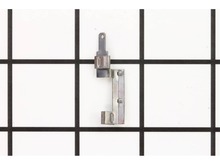
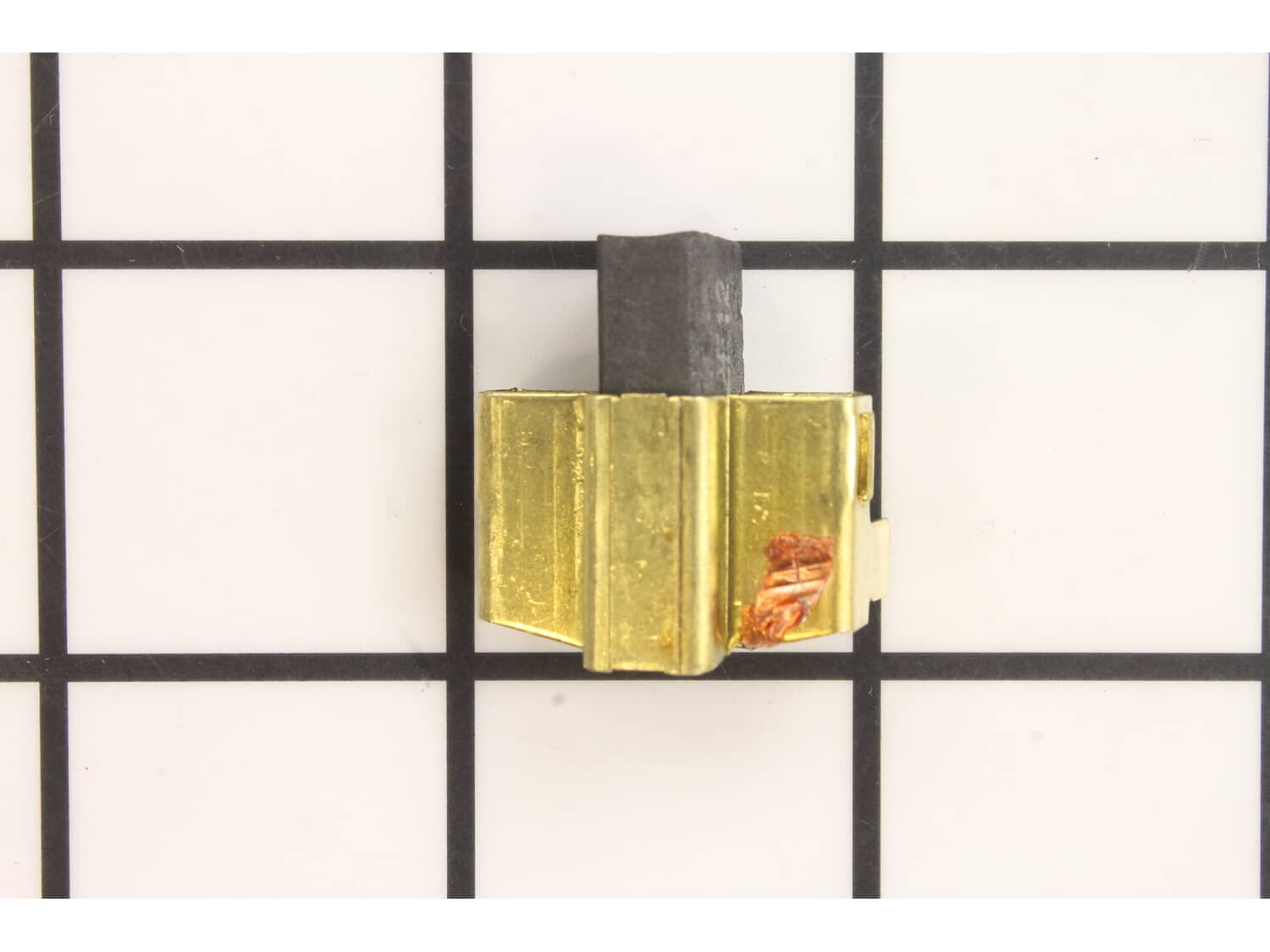
Genuine Milwaukee replacement part Contains 1 Carbon Brush in metal housing for easy installation, sold individually. • Worn brushes are often the cause of a poorly running motor • Replacing brushes can fix an intermittent motor • New brushes can restore a motor's electric braking Carbon motor brushes are one of the most commonly replaced power tool components. Because carbon brushes are wear items, meaning that through friction and use they will gradually wear away, they will eventually require replacement. Worn brushes are common causes of intermittent motor function, reduced electric braking, and reduced motor power. A worn out brush will often be worn down near the wire lead and may be cracked, pitted, or burned. When replacing carbon brushes, be sure to also inspect your armature for burns, cracks, or other damage which indicates a larger motor problem.
Sorry, we couldn't find any existing reviews that matched. Try using some different or simpler keywords.
★★★★★
★★★★★
Great part
Great seller
Guest - August 30, 2019
Verified Purchase
★★★★★
★★★★★
Easy fix
Fit as it should
Paul - December 9, 2019
Verified Purchase
★★★★★
★★★★★
My new source!
Not only quality parts at a reasonable price, but quality Customer service without a hassle!
Guest - February 20, 2020
Verified Purchase
★★★★★
★★★★★
easy repair works great
e.g. this was perfect for my grinder works like new again.
Guest - October 27, 2021
Verified Purchase
★★★★★
★★★★★
New brushes
The brushes fit perfectly in my Milwaukee angle grinder and installation was easy. It took about 10 minutes.
Guest - November 9, 2021
Verified Purchase
★★★★★
★★★★★
Easy repair
The carbon brushes arrived on time by USPS and undamaged. Easy install, 4 screws to remove, unclip the old brushes and install new. Milwaukee 4 1/2" grinder running like new.
Guest - August 1, 2022
Verified Purchase
★★★★★
★★★★★
worked as expected
great to work with each time
Guest - April 14, 2024
Verified Purchase
★★★★★
★★★★★
Buy a single
When I ordered brushes for my millwakey side grinder I was expecting a pair of brushes. I did not expect a brush,so I had to order a second one. No one will take any tool apart and then just replace one brush. I was disappointed with my order.
Guest - May 7, 2019
Verified Purchase
Customer Repair Instructions
All our customer repair instructions are solicited directly from other customers just like you who have purchased and replaced this exact part.
Easy
15 - 30 mins
(22 rated repairs)?
< Prev
1
2
3
Next >
Sort by:
Sorry, we couldn't find any existing installation instruction that matched.
Remove the left and right rear handle halves. Disconnect brush and holders at terminal, Remove worn brush and holders. Install the new brush and holders and reconnect to terminals. Reattach the handle halves.
Did you find this story helpful?
Thank you for voting!
lock off trigger was missing so I had to replace it as well as brushes
Everything was \\\"as usual\\\". Pull it apart and put it back together accept there was a \\\"pin\\\" holding the trigger spring/lock-off button in place and you could not tell if it was screwed into place or how it was installed, well it was just a pin that need to be pushed through. After that all was good. You guys are the best! Accur
... Read moreate every time on the parts and delivery!! Thanks!
Read less
Did you find this story helpful?
Thank you for voting!
Grinder would run intermittently and there was some arcing of the brushes.
I spent more time than indicated above because I thoroughly cleaned the parts while I had it apart. I removed the screws from the rear housing. Made a wiring diagram of the switch. Disconnected the wires from the switch and connected them to the new switch. Disconnected the wires from the worn brush and holders, and pulled them out. and t
... Read morehen installed the new brushes and connected the wires. Then put the housing back together.
1. Removed cover housings from Milwaukee angle grinder. They come off as a split pair revealing the electrical components including the switch, power cord connections, brush assemblies, commutator, etc. Be advised that there is a small lever and spring assembly that is easy to drop and loose right at the bottom where the power cord come i
... Read morento the case. This is the lever that locks the switch into the on position.
2. The switch has electrical connections that must be detached before removal. These are knife connections that must be separated carefully. The switch also has a peg that aligns and secures the switch to the mounting bay. This must be removed by prying the switch directly back towards the bottom of the unit where the power cord comes in. Once the switch is out, simply reverse your steps to install the new one.
3. The brush assembly is quite straight forward. Although the brushes are mounted in steel slides the removal and installation is no different than simple brush changes. You must unload the tension spring to one side to free the assembly. You must disconnect the it from the electrical contacts while you remove it. Install the new brush assemblies on both sides and insure they are properly seated otherwise the case will not fit back together.
4. Put the clamshell case back together being careful to keep the switch locking lever in position. This can be a little tricky. Tighten all the screws and check the grinder for operation.
1. Remove the screws that hold the two halves together.
2. Separate the two halves.
3. With a needle nose pliers, pull the contacts out of the holder.
4. Slide the old brush out and insert the new one.
5. Push the contact in place.
6. Repeat 3 thru 5 for the other side.
7. Replace both halves and insert
... Read more screws.
This part is in stock in our warehouse and will ship out within 1 business day of the order being placed.
New stock is on the way! On order parts usually ship within 7 business days.
Item is not in stock and usually ships 10-15 business days from the time you place your order.
This item is no longer being made by the manufacturer, and cannot be added to your shopping cart.
✖
Mail-In Recycling Rebate
Some of the parts we sell are eligible for mail-in rebates since we can recycle them. We will display any applicable rebates in your shopping cart. To redeem your rebate, contact Customer Service after you have received your part.



_WW.gif "Part Location Diagram of 22-20-1010 Milwaukee Carbon Brush")
_WW.gif "Part Location Diagram of 22-20-1010 Milwaukee Carbon Brush")