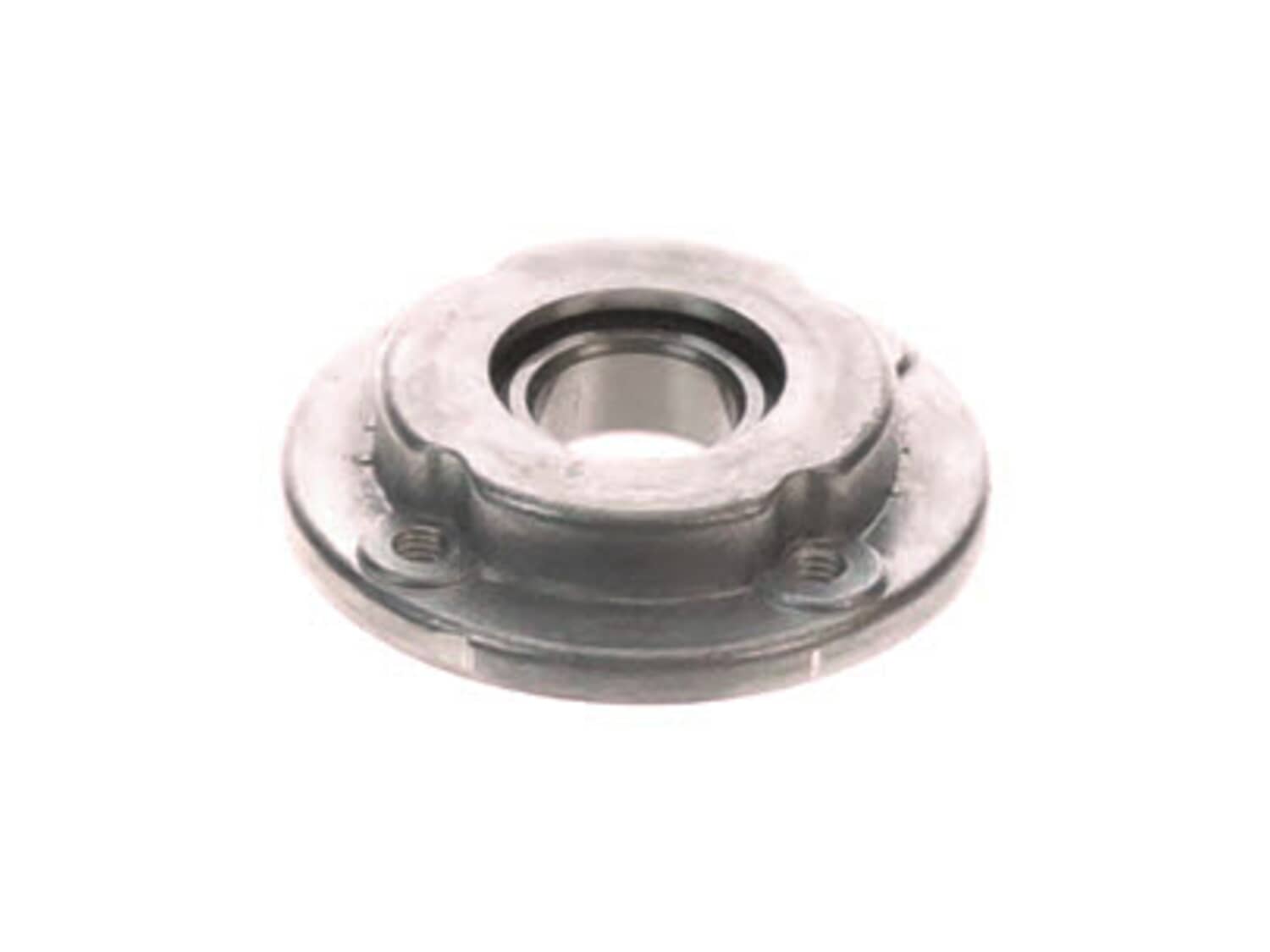
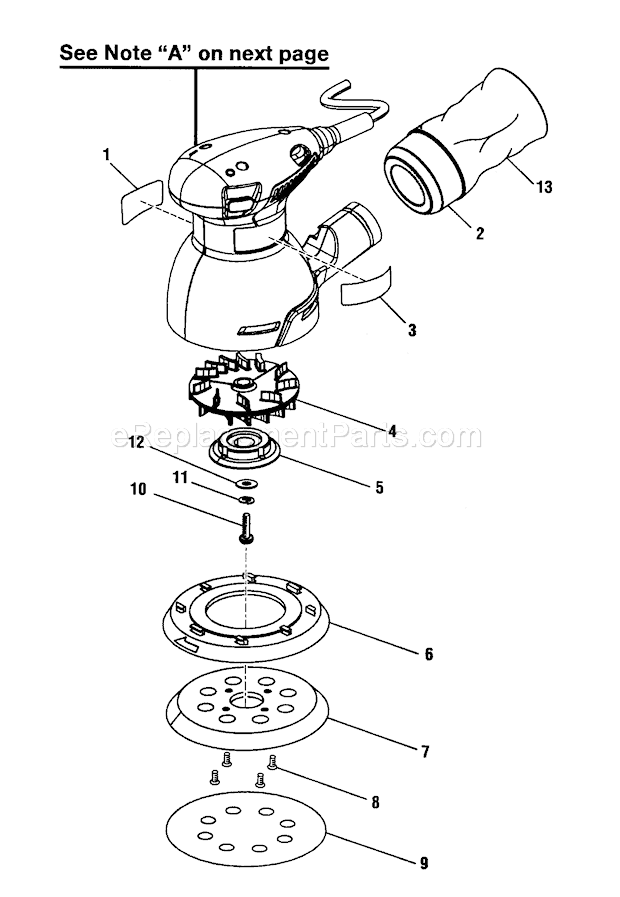
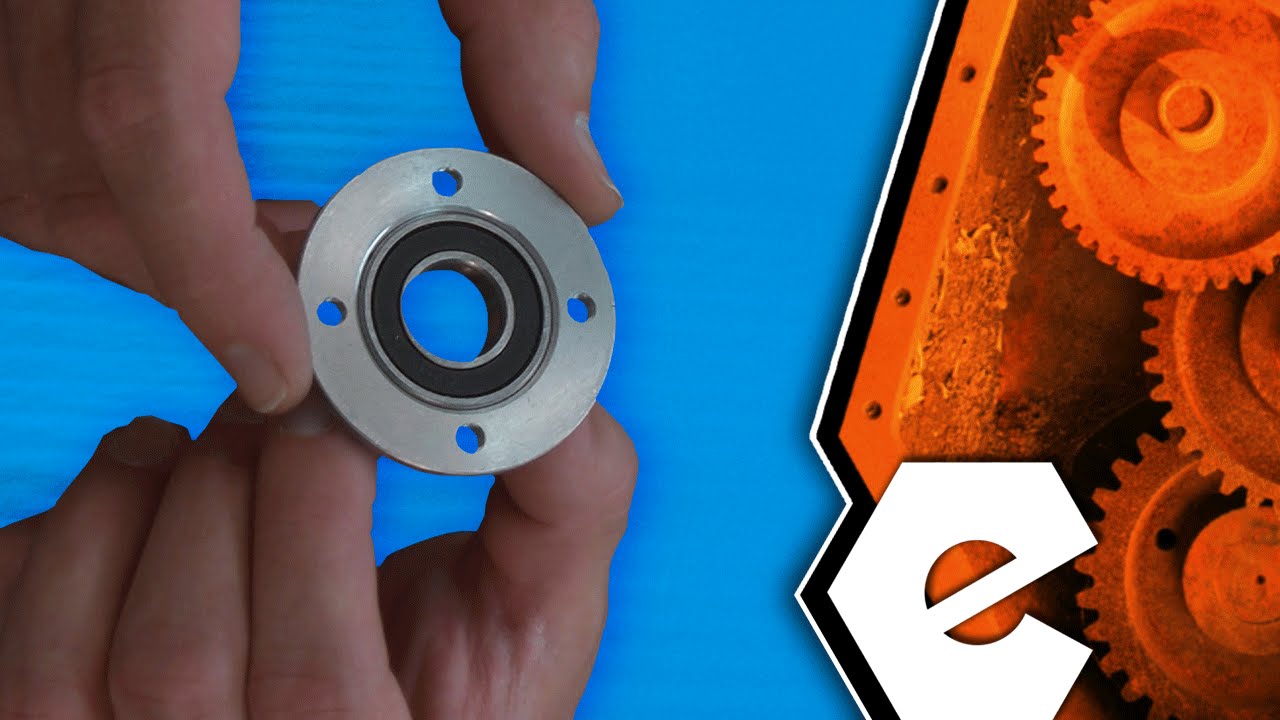
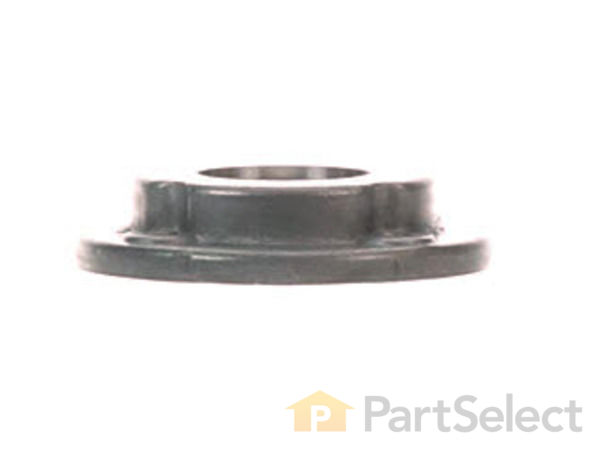
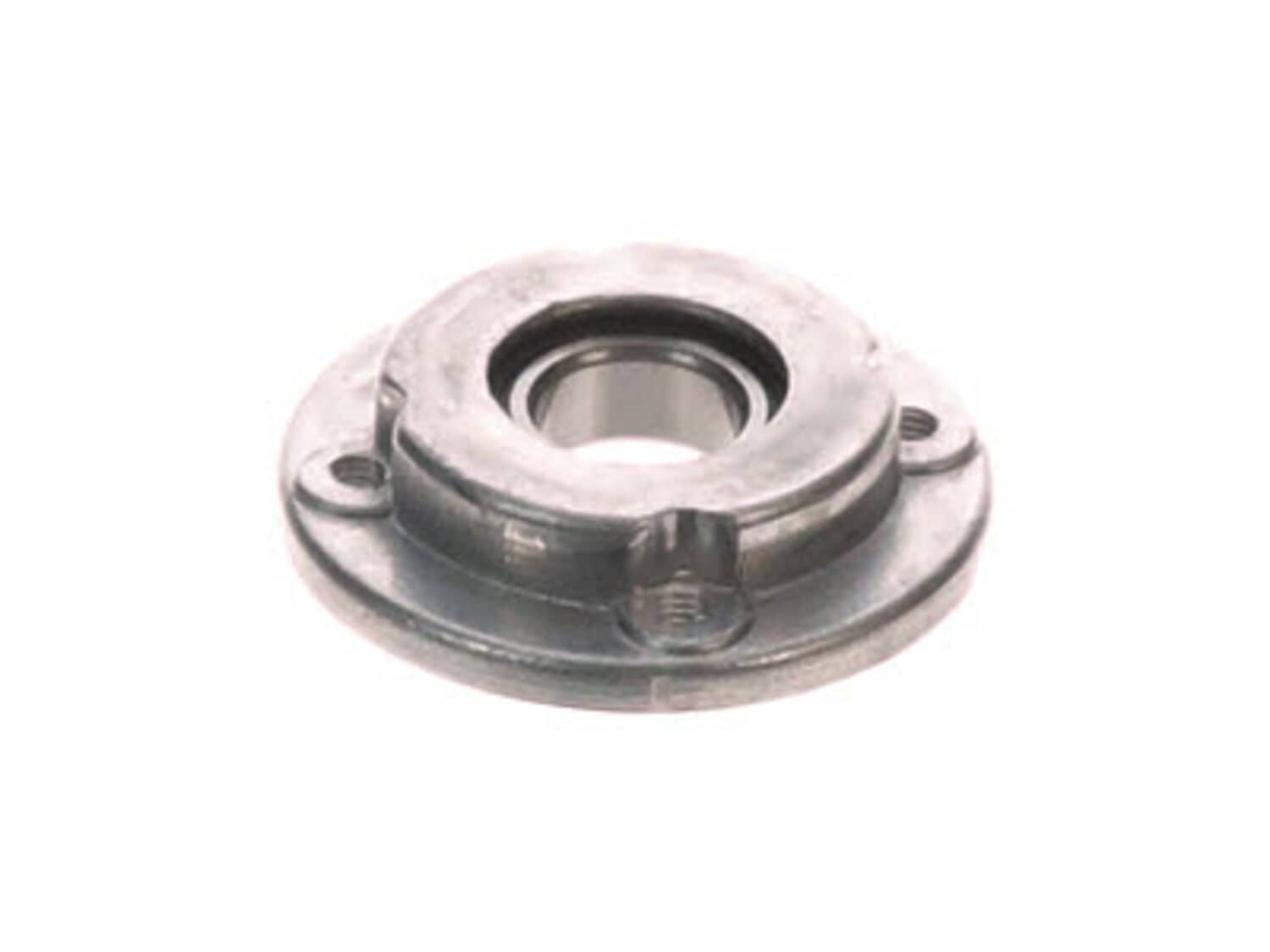
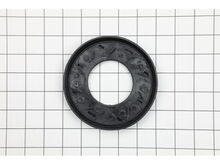
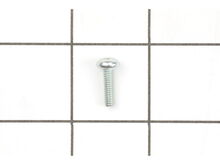
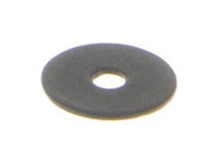
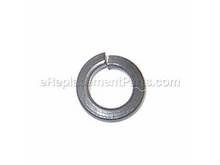
This is an authentic OEM part. The Ryobi bearing cap assembly is composed of metal and plastic, and has been designed for use with RS290 Random Orbit Sander and the RS290G Random Orbit Sander. This sealed bearing component helps to secure the fan and the brake. The bearing cap assembly helps devices to run smooth and cut down on internal friction. A screwdriver is needed in the removal and replacement. This part is sold individually.
Sorry, we couldn't find any existing reviews that matched. Try using some different or simpler keywords.
★★★★★
★★★★★
Parts were just what I needed.
The parts saved me the cost of buying a new sander. In just a few minutes I was back in business.
Guest - June 2, 2024
Verified Purchase
★★★★★
★★★★★
Easy repair
The part was better than the original! The sander is back together and working perfectly.
Guest - August 9, 2019
Verified Purchase
★★★★★
★★★★★
great value and service.
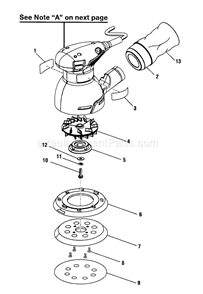
They were the exact parts I was looking for and fit like the original. Ordering was made easier with the detailed schematic. I will look here first if the need arises in the future.
Guest - August 20, 2019
Verified Purchase
★★★★★
★★★★★
Easy fix,works perfect
Ordered the part, fit perfectly. Didn't have to throw the sander away ! Glad to have such a great parts place !
Guest - February 28, 2020
Verified Purchase
★★★★★
★★★★★
Bearing cap assembly
Arrived earlier than targeted, fit well. Would have preferred just the bearing as the aluminum race was still usable. Happy to have my sander back up and running.
Guest - April 4, 2020
Verified Purchase
★★★★★
★★★★★
I wish everything were this easy
After going to your website, finding the part, and viewing the instructional video I was seamlessly able to order the part and repair my orbital sander (which had temporarily turned into a disc sander). Thank you.
Guest - March 31, 2021
Verified Purchase
★★★★★
★★★★★
High quality part!
Very affordable part that fixed my orbital sander - much cheaper than buying a new tool and with the videos available, replacement was easy!
Guest - June 4, 2021
Verified Purchase
★★★★★
★★★★★
Always use these guy!
Excellent service and fast delivery!
Guest - December 6, 2022
Verified Purchase
★★★★★
★★★★★
Ryobi bearing cap replacement
Thanks to you folks, my Ryobi sander is back up and running smoothly. I am a lady in my late 60's and this was an easy repair. Thank you for your service.
Donna J - May 24, 2023
Verified Purchase
★★★★★
★★★★★
2 weeks to arrive. Not worth it.
Not recommended.
Guest - March 17, 2020
Verified Purchase
Customer Repair Instructions
All our customer repair instructions are solicited directly from other customers just like you who have purchased and replaced this exact part.
Easy
Less than 15 mins
(10 rated repairs)?
< Prev
1
Next >
Sort by:
Sorry, we couldn't find any existing installation instruction that matched.
Good sander, but disc suddenly started running double-speed, and would bog down when I tried to sand something.
Four screws fasten the hook & loop sanding disk to the bearing cap assembly, then a single screw (with wide washer) holds that assembly to the central shaft.
(I have two of these Ryobi sanders -- the older one has cross-head \"Phillips\" screws, while the newer one has Torx screws.)
The original bearing cap assembly was noti
... Read moreceably seized.
Replace with new bearing, then screw on the single central screw with washer, followed by the sanding disk and its four screws.
Really, a very simple repair. (I bought an extra bearing cap assembly, as my sander\'s motor looks to be still going strong and may last another five years.)
remove 4 screws on bottom pad, one screw that held bearing. pull plate by unsnapping, this is the plastic guard that goes around pad. replace guard by snapping in, screw in bearing install pad.
Removed the 4 Philips screws holding the hook-and-loop pad to the sander. Then removed the single screw holding the old bearing cap assembly in place. Threw that old thing away (of course kept the screw and washer). Cleaned the sander with a bristle brush while it was partially disassembled, put this new piece on, an wah-lah! Sands like n
... Read moreew again.
Read less
Did you find this story helpful?
Thank you for voting!
Orbital Sander started spinning too fast and not orbiting
1. Remove sanding paper
2. Remove 4 screws holding sanding pad.
3. Remove center screw holding orbital bearing cap assembly
4. Replace bearing cap assembly and replace screws in reverse order.
Did you find this story helpful?
Thank you for voting!
< Prev
1
Next >
Model Cross Reference
This part works with the following models:
ERP Number: ERP10075786
Manufacturer Part Number: 030157001013
This part is in stock in our warehouse and will ship out within 1 business day of the order being placed.
New stock is on the way! On order parts usually ship within 7 business days.
Item is not in stock and usually ships 10-15 business days from the time you place your order.
This item is no longer being made by the manufacturer, and cannot be added to your shopping cart.
✖
Mail-In Recycling Rebate
Some of the parts we sell are eligible for mail-in rebates since we can recycle them. We will display any applicable rebates in your shopping cart. To redeem your rebate, contact Customer Service after you have received your part.