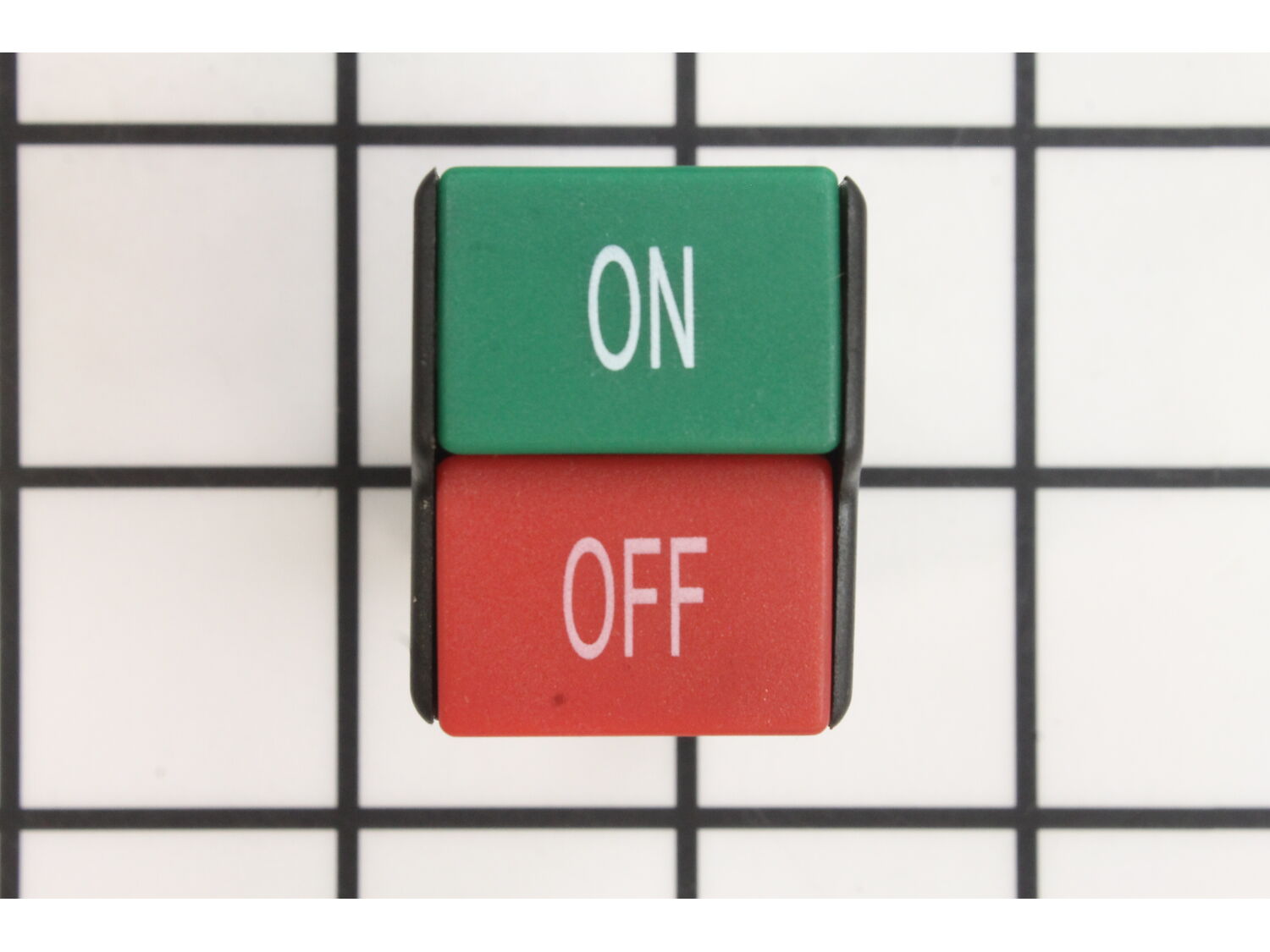
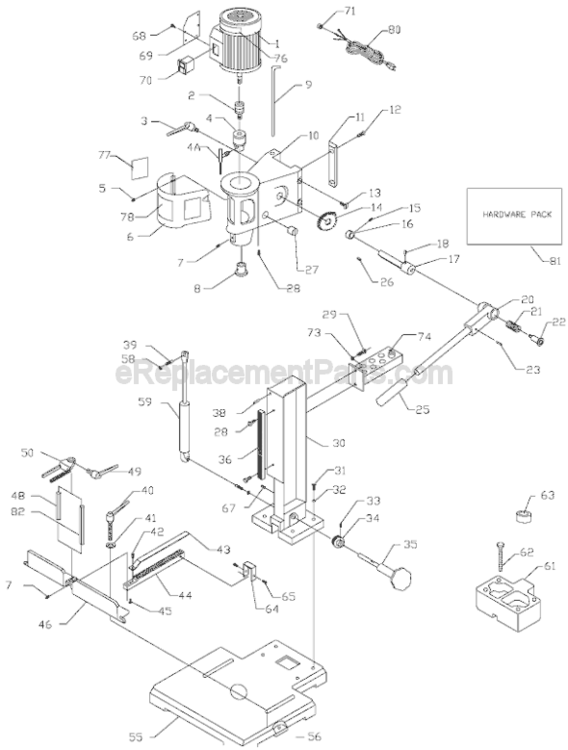
This is a Genuine OEM Sourced replacement part used on Delta Power Equipment. This switch has a Plastic Body. Switches are a commonly replaced part in power tools, handling on/off operations. Because switches use mechanical internals, they will degrade and wear out over time, eventually requiring replacement. Please note the Switch Box and the Cover are Sold Separately. To replace this switch you would need a Screwdriver. • First make sure the tools is not plugged in • Then you want to remove Screws used to hold two pieces of Housing Set together • Disconnect Wires from the old Switch and remove it from the Housing • Place the new Switch in the Housing and connect Wires to it • Reassembly the Housing
Troubleshooting
This part works with the following brands:
Delta
This part works with the following products:
Drill Press
★
Customer Part Reviews
?
4.9
Average Rating (out of 5):
★★★★★
★★★★★
(7 Reviews)
Click to filter by ratings:
5 stars
6
4 stars
1
3 stars
0
2 stars
0
1 star
0
< Prev
1
Next >
Sort by:
Sorry, we couldn't find any existing reviews that matched. Try using some different or simpler keywords.
★★★★★
★★★★★
FAST
No problems, fast service and the correct thing!!
Guest - November 12, 2022
Verified Purchase
★★★★★
★★★★★
Easy repair
It was easy to change out and works great.
Guest - November 23, 2022
Verified Purchase
★★★★★
★★★★★
Start Your Engins
The switch arrived in time, it's exactly what I ordered. A simple instalation an I'm drilling holes.
Guest - February 22, 2023
Verified Purchase
★★★★★
★★★★★
Excellent service
My replacement part was shipped out the same day I ordered.
Guest - August 18, 2023
Verified Purchase
★★★★★
★★★★★
Easy repair
The part came within a few days. Fit perfectly.
Guest - March 20, 2024
Verified Purchase
★★★★★
★★★★★
the switch was an exact replica
perfect fit and function
Guest - April 21, 2021
Verified Purchase
★★★★★
★★★★★
switch
NO problem ordering and getting this switch
Guest - June 8, 2022
Verified Purchase
Customer Repair Instructions
All our customer repair instructions are solicited directly from other customers just like you who have purchased and replaced this exact part.
Easy
Less than 15 mins
(15 rated repairs)?
< Prev
1
2
Next >
Sort by:
Sorry, we couldn't find any existing installation instruction that matched.
Remove the switch plate
Remove the switch from the switch plate
Exchange the terminal leads from the old switch to the new switch one at a time
Press the new switch into the switch plate
Screw on the switch plate
Removed switch, pulled the wires from the broken switch, pulled broken switch from housing, put new switch into housing, connected wires to new switch, placed switch and housing on the drill press.
Removed 3 screws on switch plate.
Slid switch out of plate.
Removed and replaced each wire one at a time to new switch.
Snapped switch into plate.
Replaced screws and plate on drill press.
Removed 3 screws holding switch in place, pulled switch out so the wires were exposed. Pulled the wires off and transferred them onto the new switch. Pushed wires back inside and replaced the 3 screws to hold switch in place.
1. Took phone photo of how wires were connected. Just in case memory failed or confused.
2. Removed wire connectors and crimped rolled edges for solid contact.
3. Threaded wires thru mounting bracket before mounting cover plate.
4. Screwed assembly to front of drill press.
5. Tested proper function....okay.
Did you find this story helpful?
Thank you for voting!
Switch stopped working, collar broke tightening it.
Unplug drill press. Remove switch screws. Remove wires from old switch. Press switch out of face plate and replace with new switch. Replace wires exactly as they were removed and screw switch plate back on to machine.
For the collar, tighten the shaft retaining screw on the right side so you are unable to lower chuck, then remo
... Read moreve two bolts from chrome spring housing. Gently remove housing from bolt. Remove the two screws holding the depth gauge and the gauge itself from the collar. Remove spindle arm assembly from case. Holding the chuck, loosen the shaft retaining screw and lower the entire shaft from the case. Loosen the collar retaining allen and the collar tightening bolt in front. Slide collar off of the shaft and replace with new collar. Reverse order to reassemble.
Read less
Did you find this story helpful?
Thank you for voting!
< Prev
1
2
Next >
Model Cross Reference
This part works with the following models:
ERP Number: ERP10328372
Manufacturer Part Number: 904121
This part is in stock in our warehouse and will ship out within 1 business day of the order being placed.
New stock is on the way! On order parts usually ship within 7 business days.
Item is not in stock and usually ships 10-15 business days from the time you place your order.
This item is no longer being made by the manufacturer, and cannot be added to your shopping cart.
✖
Mail-In Recycling Rebate
Some of the parts we sell are eligible for mail-in rebates since we can recycle them. We will display any applicable rebates in your shopping cart. To redeem your rebate, contact Customer Service after you have received your part.