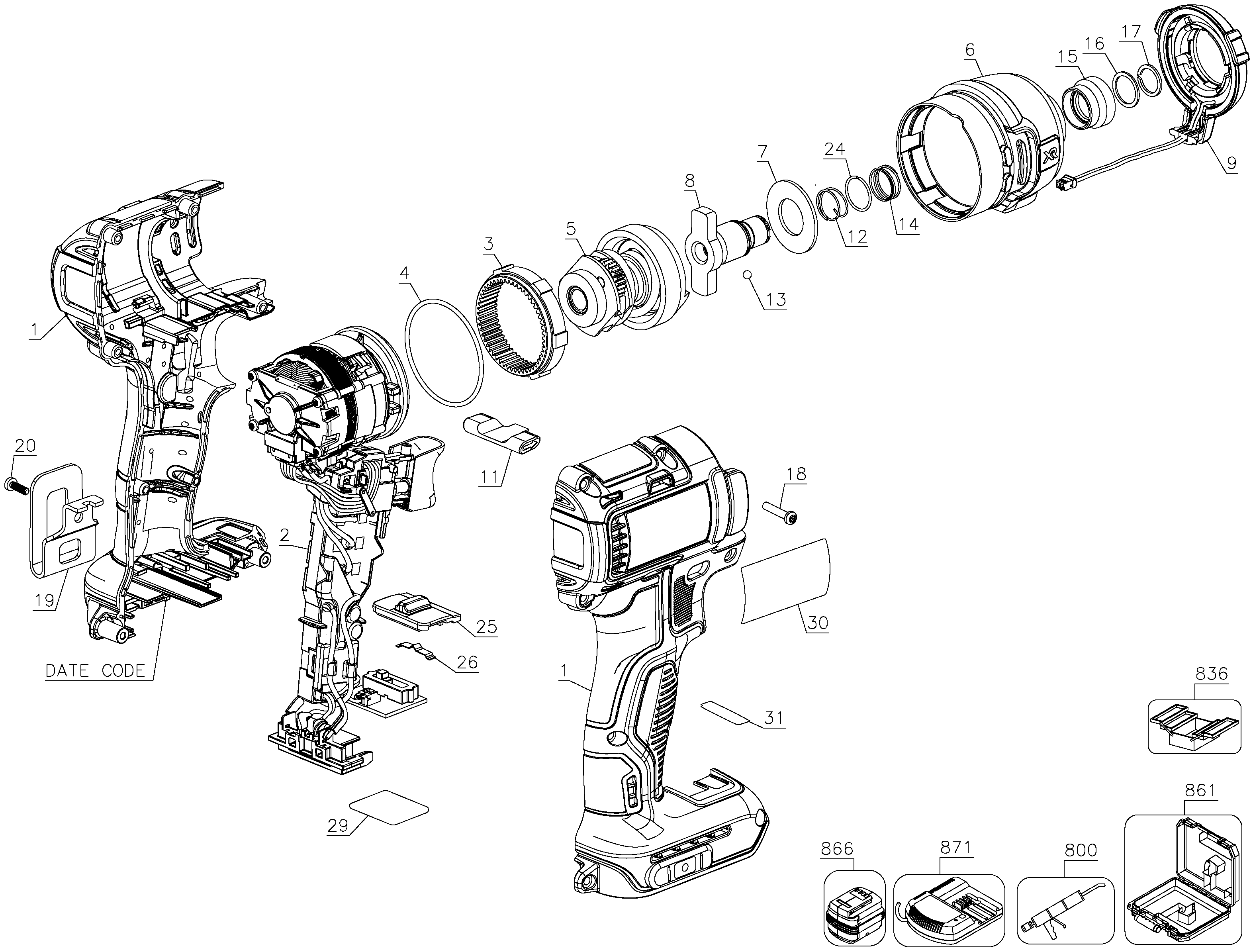
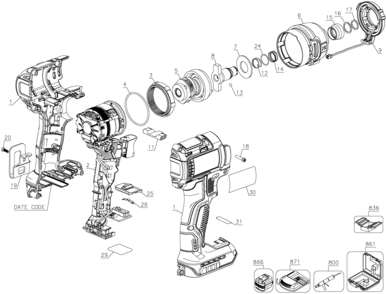
Separated the two plastic housing halves, pulled the reduction gear/impact housing free of the motor, removed the captive rings from the bit-holder and output shaft and pulled the planetary gear set and impact shaft free of the old nosecone. Reassembly reversed the process but added new grease to the gearset and impact shaft.
Removed the screws in the case. Removed the screw side of the case. Checked how the wires were ran inside the case. Remove all parts and placed them in the new case. Ran the wires in the correct place so I wouldnGÇÖt crush them. Placed the other half of case over the parts. Checked for fitment and screwed the two half\'s together. Install
... Read moreed battery and checked for functionality.
Read less
Did you find this story helpful?
Thank you for voting!
< Prev
1
Next >
Model Cross Reference
This part works with the following models:
ERP Number: ERP12529408
Manufacturer Part Number: N439105
This part is in stock in our warehouse and will ship out within 1 business day of the order being placed.
New stock is on the way! On order parts usually ship within 7 business days.
Item is not in stock and usually ships 10-15 business days from the time you place your order.
This item is no longer being made by the manufacturer, and cannot be added to your shopping cart.
✖
Mail-In Recycling Rebate
Some of the parts we sell are eligible for mail-in rebates since we can recycle them. We will display any applicable rebates in your shopping cart. To redeem your rebate, contact Customer Service after you have received your part.