
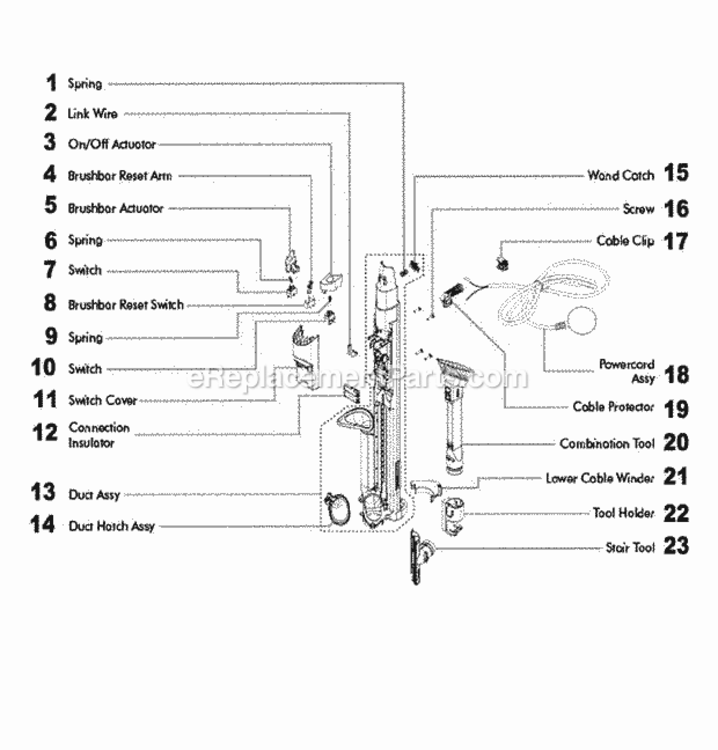
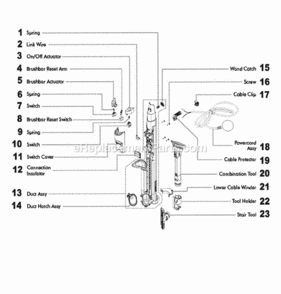



Part Location Diagram of DY-91898902 Dyson Switch
See part B-7 in the diagram
( Grid squares measure 1x1 inch )

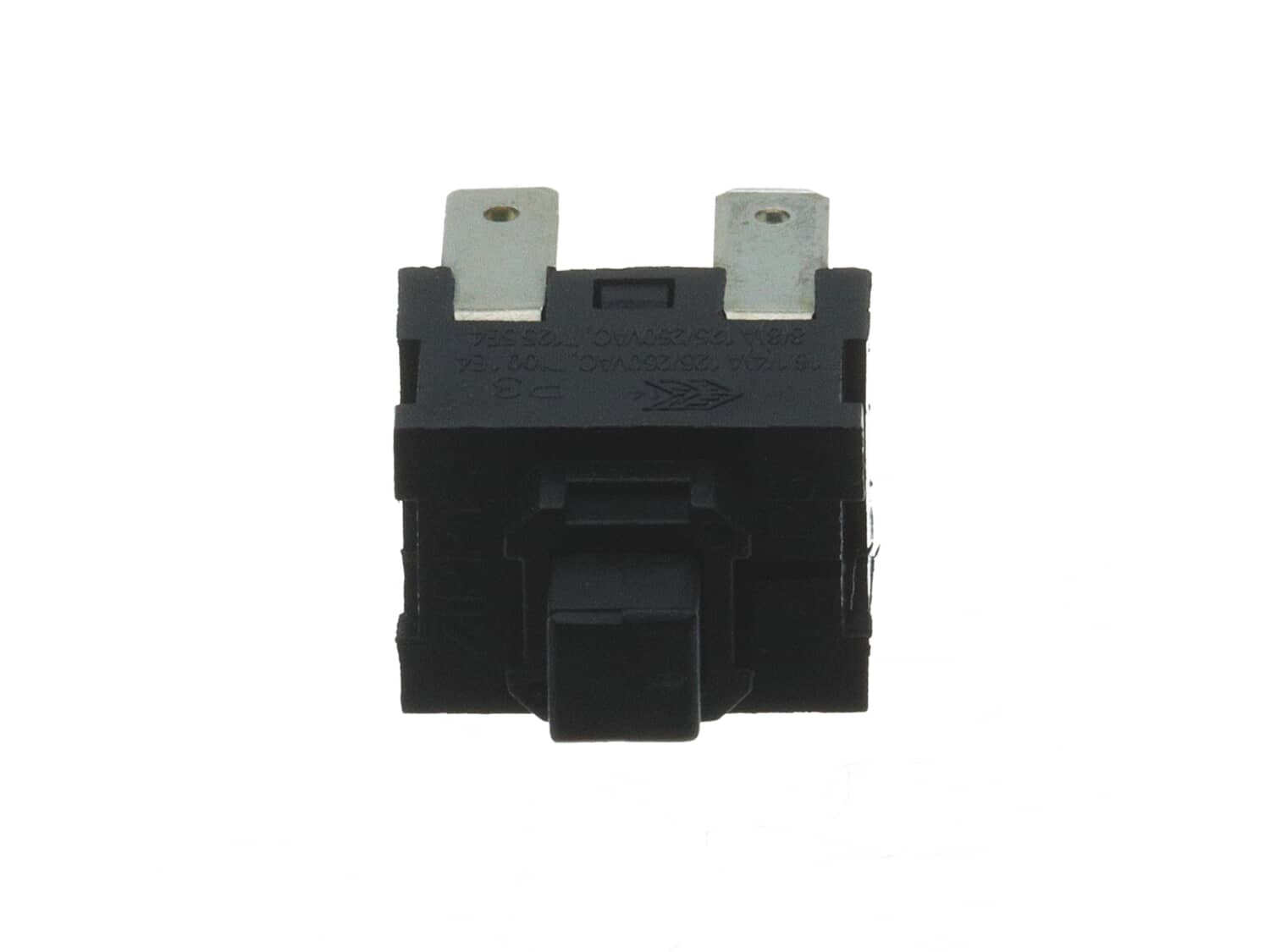
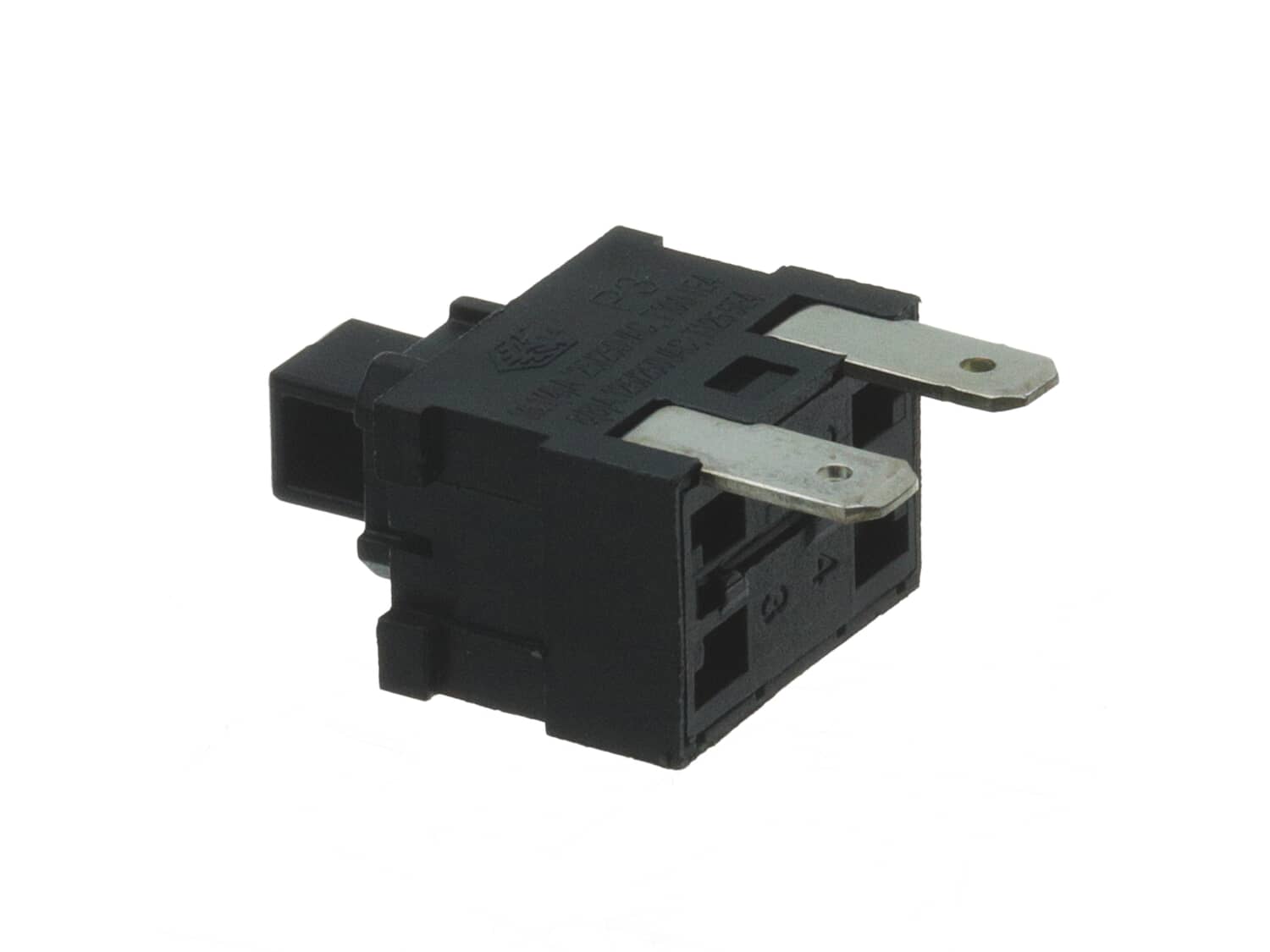
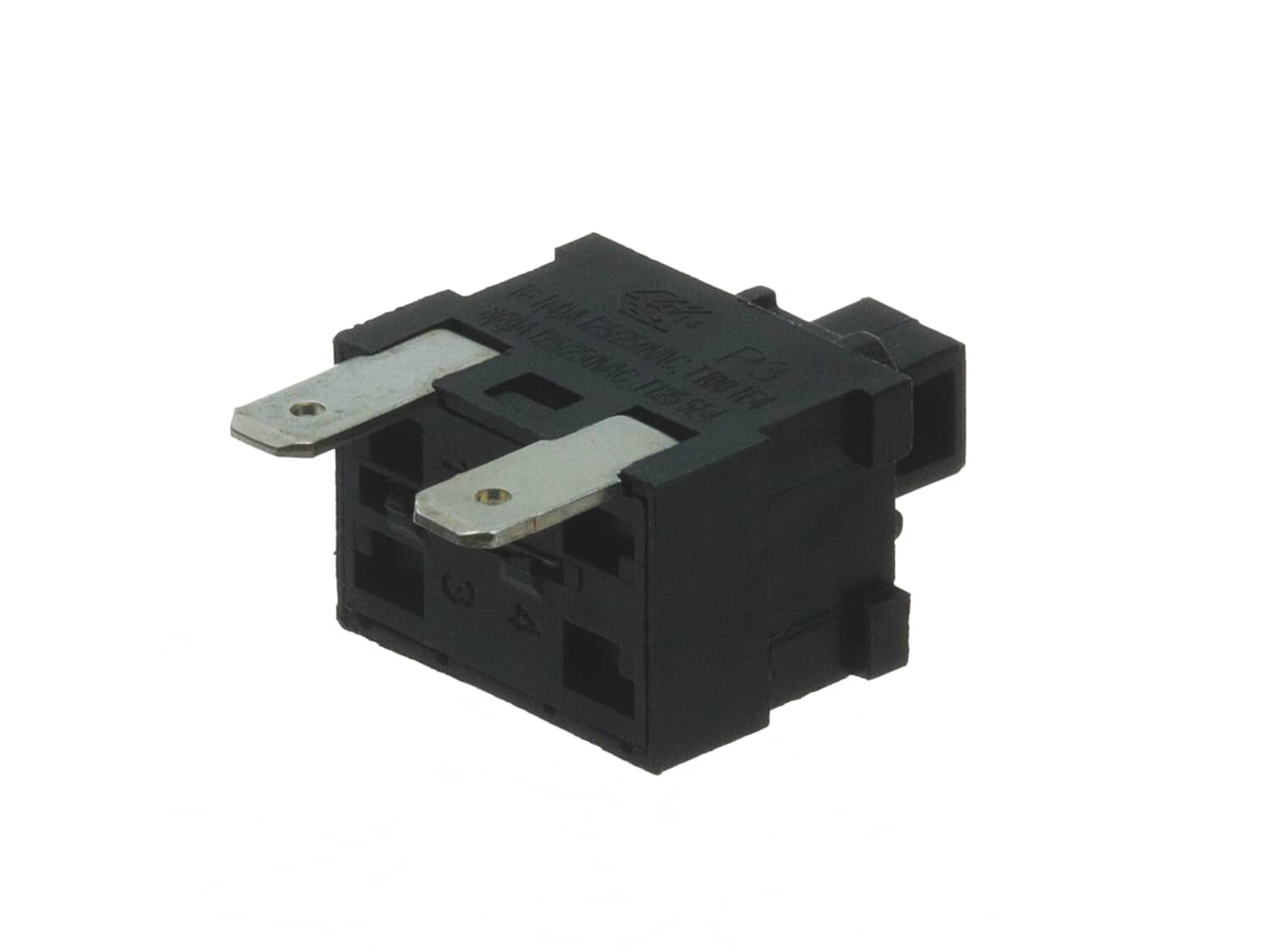
Switch DY-91898902

Manufactured by:
Dyson
ERP Number:
ERP12026510
Part Number:
DY-91898902
Original Equipment Manufacturer ?
  Works with your model  DC41!
In Stock
Delivers in 3-5 Business Days!

Easy 

15 - 30 mins 

(7 rated repairs) ?
  Works with your model   DC41!

Product Description

?

This part is an OEM from the Dyson manufacturer. The metal and plastic switch is made for use with several upright vacuums. This item is fastened inside the switch cover assembly, allowing the operator to (de)activate the engine. The switch is sold individually, and a screwdriver is needed for the installation.

Troubleshooting

This part works with the following brands:
  • Dyson
This part works with the following products:
  • Upright Vacuum

Customer Part Reviews

?
4.8
Average Rating (out of 5):
★★★★★
★★★★★
(4 Reviews)
Click to filter by ratings:
  • 5 stars
    3
  • 4 stars
    1
  • 3 stars
    0
  • 2 stars
    0
  • 1 star
    0
  • 1
Sort by:  
Sorry, we couldn't find any existing reviews that matched. Try using some different or simpler keywords.

Questions & Answers

?

Our customer Service team is at the ready daily to answer your part and product questions.

Be the first to ask our experts a question about this part!

Ask our Team

We have a dedicated staff with decades of collective experience in helping customers just like you purchase parts to repair their products.

Does this fit my product?

Customer Repair Instructions

All our customer repair instructions are solicited directly from other customers just like you who have purchased and replaced this exact part.

Easy 

15 - 30 mins 

(7 rated repairs) ?
  • 1
Sort by:  
Sorry, we couldn't find any existing installation instruction that matched.

Power switch broke; vacuum wouldn\'t run.

Ward from Catonsville, Maryland

3 of 3 people found this instruction helpful.
Difficulty Level:
Easy
Total Repair Time:
15 - 30 mins
Tools:
Screw drivers
Parts Used:
DY-91898902
Dyson DC41 Animal 1. Followed video, https://www.youtube.com/watch?v=4R0gs3vC-cU, but replaced power switch Part Number: DY-91898902, not the brush switch as in the video. The switch is the same. This switch can\'t be bought from the Dyson company as it\'s not a user replacement according to an agent I talked to. On investigation, I found screwdriver bit DeWalt Torq T15 bit was necessary to remove 2 screws.
Did you find this story helpful?
Thank you for voting!

clutch was slipping for beater bar and switch was intermittant

Leo from GARRISON, New York

1 person found this instruction helpful.
Difficulty Level:
A Bit Difficult
Total Repair Time:
1- 2 hours
Tools:
Pliers, Screw drivers
there was prying involved to fit the new belts
Did you find this story helpful?
Thank you for voting!

Power switch went bad

charles from MOUNTAIN VIEW, Arkansas

1 person found this instruction helpful.
Difficulty Level:
Easy
Total Repair Time:
Less than 15 mins
Tools:
Screw drivers
Parts Used:
DY-91898902
Googled how to replace switch followed the instructions EASY REPAIR I
also replaced brush switch at the same time,
Did you find this story helpful?
Thank you for voting!

beater bar did not work

Dennis from Port Huron, Michigan

0 of 1 people found this instruction helpful.
Difficulty Level:
A Bit Difficult
Total Repair Time:
15 - 30 mins
Tools:
Screw drivers
Parts Used:
DY-91898902
removed the switch cover. unplugged the switch and plugged the replacement switch and reinstalled the switch cover.
Did you find this story helpful?
Thank you for voting!

Thought the switch was bad. But it wasnGÇÖt the switch. I now believe the motor might be going out

gary from Chico, California

0 of 1 people found this instruction helpful.
Difficulty Level:
Easy
Total Repair Time:
15 - 30 mins
Parts Used:
DY-91898902
Replaced the switch, which was really easy. It was located in the handle. Just a couple Tourte screws and unplug the wires
Did you find this story helpful?
Thank you for voting!

Defective switch

Peter from READING, Pennsylvania

0 of 1 people found this instruction helpful.
Difficulty Level:
Easy
Total Repair Time:
Less than 15 mins
Tools:
Screw drivers
Parts Used:
DY-91898902
Removed 4 screws to remove cover to expose switches.
Pulled 2 wires from defective switch
Put wires onto new switch
Replaced cover and screws
Very easy
Did you find this story helpful?
Thank you for voting!

The switch to shut the rotating brush no longer worked.

Harold from Brandon, Minnesota

0 of 1 people found this instruction helpful.
Difficulty Level:
Easy
Total Repair Time:
15 - 30 mins
Tools:
Screw drivers
Parts Used:
DY-91898902
Removed the four screws holding the switch housing in place. Pulled the connections off the old switch, put the connections on the new switch and reassembled the switch housing.
Did you find this story helpful?
Thank you for voting!
  • 1