
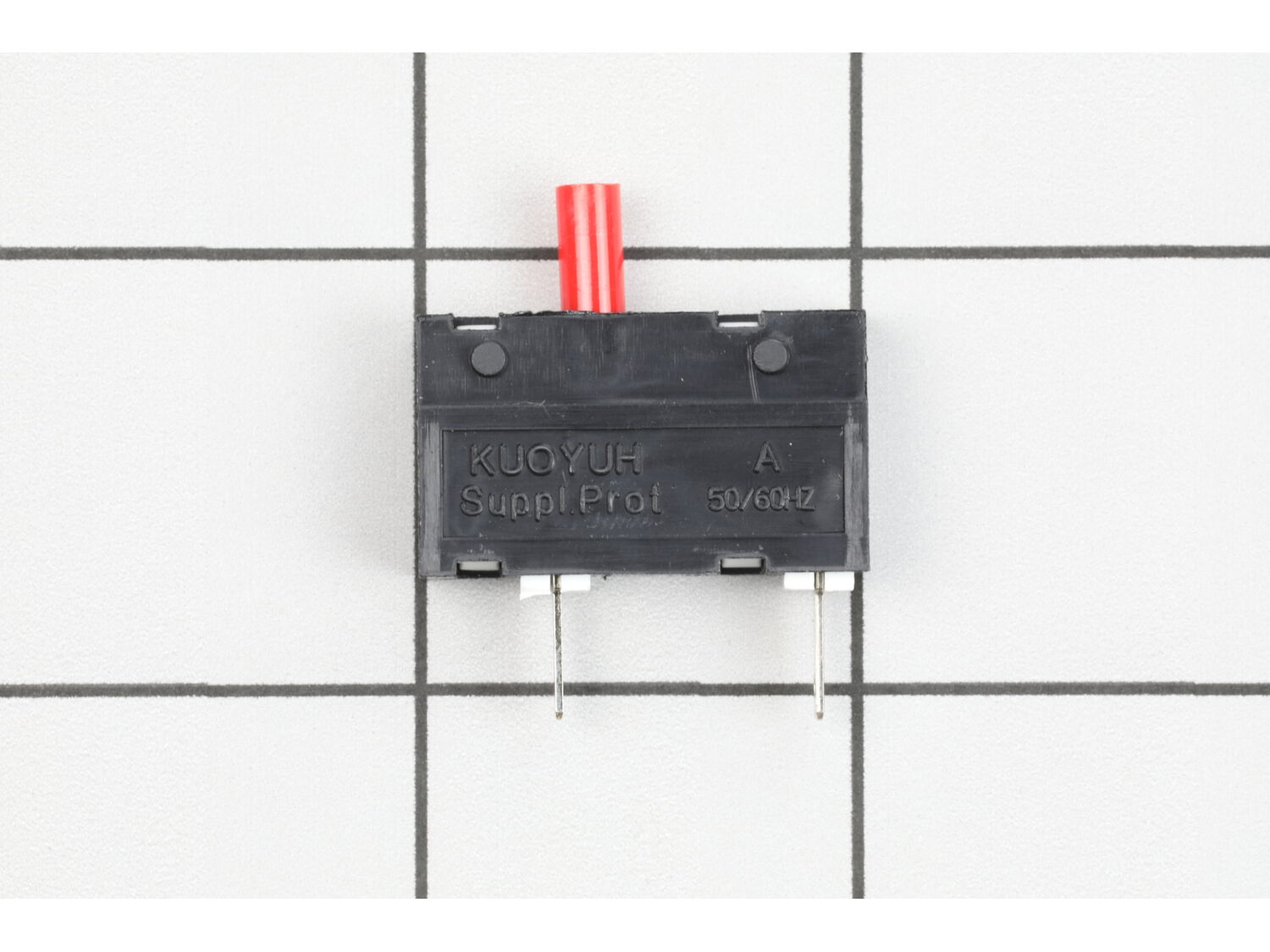
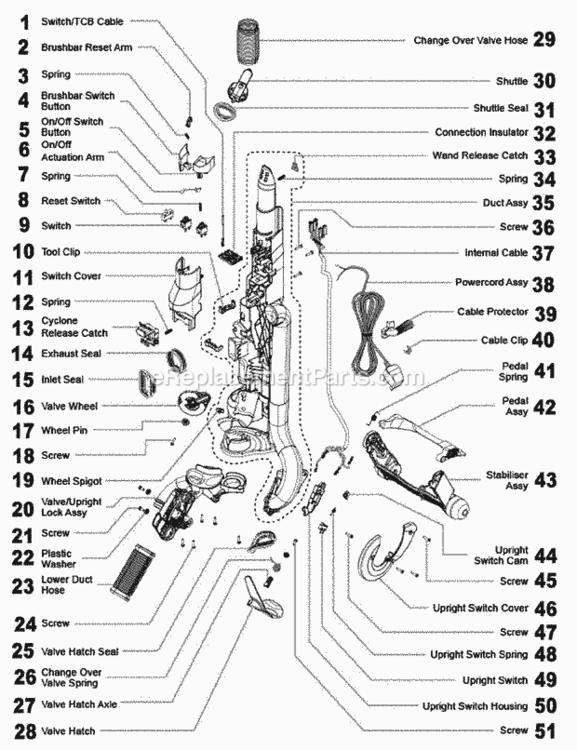
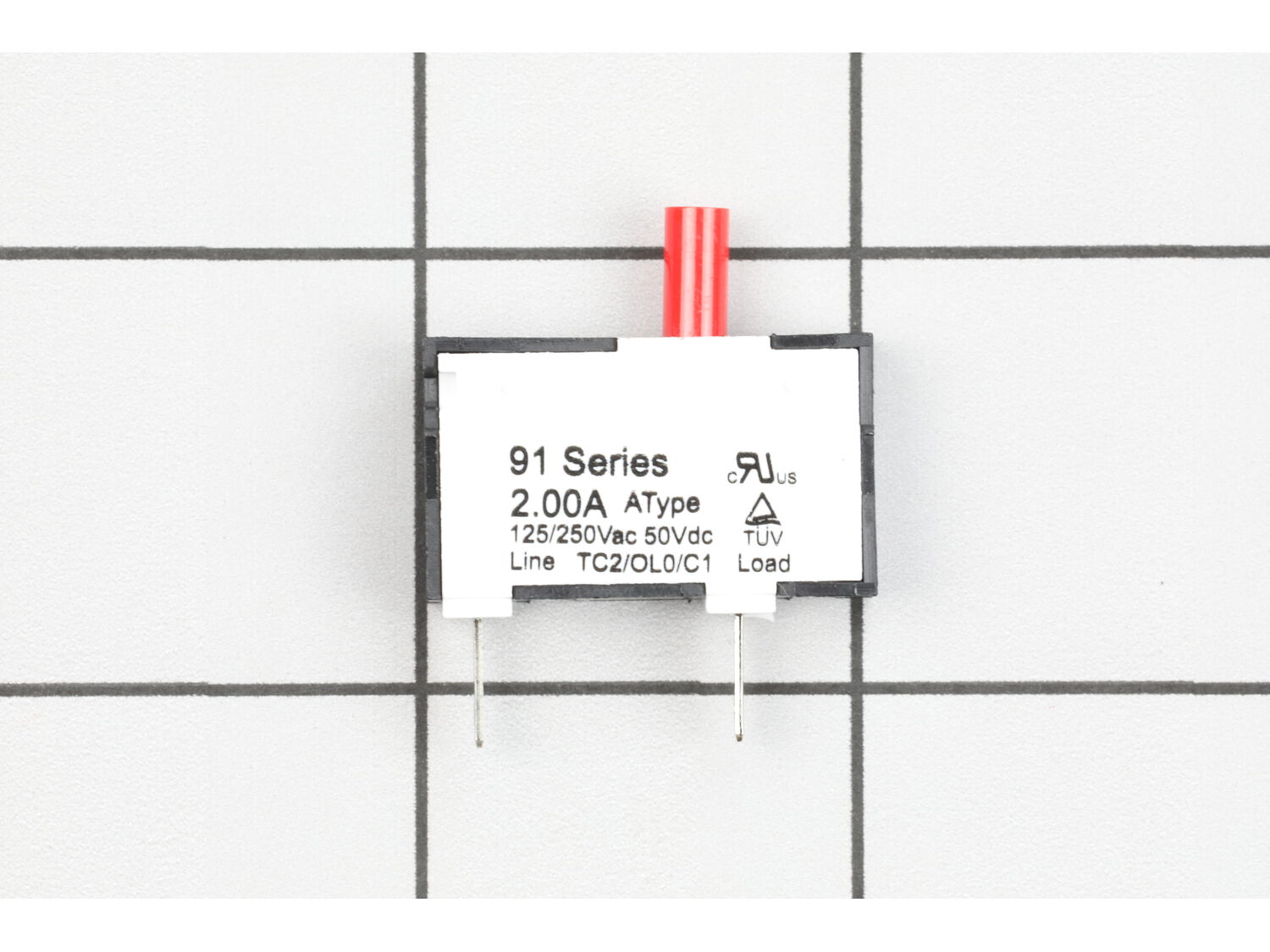



Part Location Diagram of DY-91459201 Dyson Reset Switch
See part D-8 in the diagram
( Grid squares measure 1x1 inch )

Reset Switch DY-91459201

Manufactured by:
Dyson
ERP Number:
ERP12026407
Part Number:
DY-91459201
Original Equipment Manufacturer ?
  Works with your model  DC25!
In Stock
Delivers in 3-5 Business Days!

Easy 

Less than 15 mins 

(2 rated repairs) ?
  Works with your model   DC25!

Product Description

?

This reset switch is an original part from Dyson. Compatible with the DC25 Upright Vacuum, the metal, wiring and plastic switch is fastened into the cover plate. This important item is sold individually. You will need an Allen wrench and a screwdriver to make the installation. It is recommended to refer to manual for further repair instructions.

Troubleshooting

This part works with the following brands:
  • Dyson
This part works with the following products:
  • Upright Vacuum

Customer Part Reviews

?
5.0
Average Rating (out of 5):
★★★★★
★★★★★
(2 Reviews)
Click to filter by ratings:
  • 5 stars
    2
  • 4 stars
    0
  • 3 stars
    0
  • 2 stars
    0
  • 1 star
    0
  • 1
Sort by:  
Sorry, we couldn't find any existing reviews that matched. Try using some different or simpler keywords.

Questions & Answers

?

Our customer Service team is at the ready daily to answer your part and product questions.

We're sorry, but our Q&A experts are temporarily unavailable.
Please check back later if you still haven't found the answer you need.

Ask our Team

We have a dedicated staff with decades of collective experience in helping customers just like you purchase parts to repair their products.

Does this fit my product?

Customer Repair Instructions

All our customer repair instructions are solicited directly from other customers just like you who have purchased and replaced this exact part.

Easy 

Less than 15 mins 

(2 rated repairs) ?
  • 1
Sort by:  
Sorry, we couldn't find any existing installation instruction that matched.

The roller bar/brush would intermittently spin.

Robert from Papillion, Nebraska

2 of 2 people found this instruction helpful.
Difficulty Level:
Easy
Total Repair Time:
Less than 15 mins
Tools:
Screw drivers
Parts Used:
DY-91459201
Unscrew the cover
Remove the switch changed the wires from then old one to the new one
Installed the cover
Did you find this story helpful?
Thank you for voting!

Beater brush not working

James from Highland , New York

2 of 2 people found this instruction helpful.
Difficulty Level:
Easy
Total Repair Time:
Less than 15 mins
Parts Used:
DY-91459201
Unscrewed the cover plate from the rear side of the vacuum. Switch just slides out, pulled off blade wire attachments, pushed them on the tabs of the identical replacement switch, then reattached the cover plate. Simple after you figure to get to the screws out, you have to remove the hose attachment.
Did you find this story helpful?
Thank you for voting!
  • 1